AWS Cloud9 is a cloud-based integrated development environment (IDE) used to write, run, and debug code with just a browser. It includes a code editor, debugger, and terminal. Cloud9 comes prepackaged with essential tools for popular programming languages, including JavaScript, Python, and PHP, with no need to install files or configure a development machine to start new projects.
N/A
dbForge Studio (Edge)
Score 8.0 out of 10
N/A
dbForge Studio is provided by
Devart and is a universal front-end client for database
management, administration and development. Devart's GUI tool provides
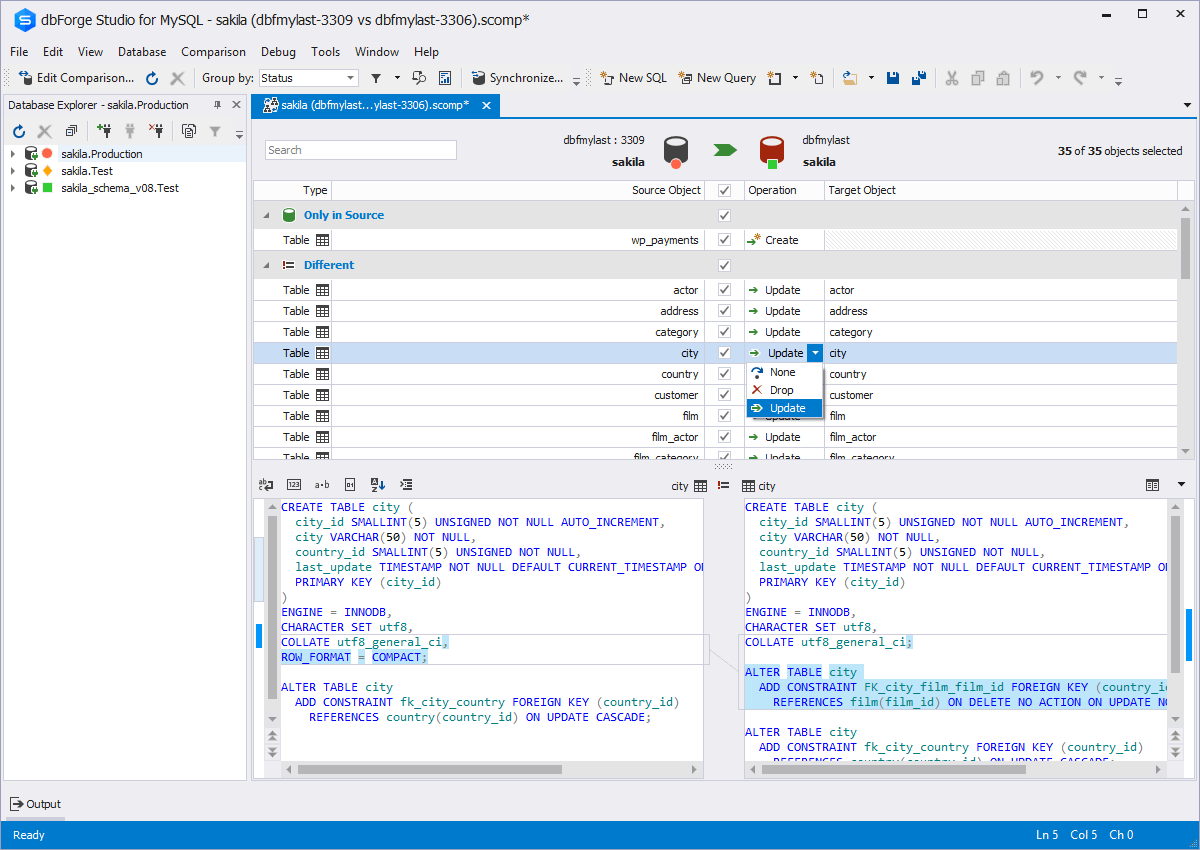
utilities to compare, synchronize, and back up databases (e.g. MySQL, Oracle, SQL Server, PostgreSQL, etc.) with scheduling,
and includes the possibility to analyze and report MySQL tables data. For example, dbForge
Studio for MySQL works with any MariaDB database servers, and supports all
MariaDB objects types. This solution enables users…
$9.95
per month
Oracle SQL Developer
Score 8.0 out of 10
N/A
Oracle SQL Developer is an integrated development environment (IDE) which provides editors for working with SQL, PL/SQL, Stored Java Procedures, and XML in Oracle databases.
N/A
Pricing
AWS Cloud9
dbForge Studio (Edge)
Oracle SQL Developer
Editions & Modules
No answers on this topic
Standard (subcription)
$9.95
per month
Professional (subscription)
$19.95
per month
Enterprise (subscription)
$29.95
per month
Standard (subcription)
$99.95
per year
Professional (subscription)
$179.95
per year
Standard
$199.95
Enterprise (subscription)
$229.95
per year
Professional
$349.95
Enterprise
$449.95
No answers on this topic
Offerings
Pricing Offerings
AWS Cloud9
dbForge Studio (Edge)
Oracle SQL Developer
Free Trial
No
Yes
No
Free/Freemium Version
No
Yes
Yes
Premium Consulting/Integration Services
No
Yes
No
Entry-level Setup Fee
No setup fee
No setup fee
No setup fee
Additional Details
—
—
—
More Pricing Information
Community Pulse
AWS Cloud9
dbForge Studio (Edge)
Oracle SQL Developer
Features
AWS Cloud9
dbForge Studio (Edge)
Oracle SQL Developer
Database Development
Comparison of Database Development features of Product A and Product B
AWS Cloud9
-
Ratings
dbForge Studio (Edge)
8.4
2 Ratings
1% below category average
Oracle SQL Developer
-
Ratings
Version control tools
00 Ratings
8.01 Ratings
00 Ratings
Test data generation
00 Ratings
7.01 Ratings
00 Ratings
Performance optimization tools
00 Ratings
9.01 Ratings
00 Ratings
Schema maintenance
00 Ratings
9.01 Ratings
00 Ratings
Database change management
00 Ratings
9.02 Ratings
00 Ratings
Database Administration
Comparison of Database Administration features of Product A and Product B
When I am working with a large team of developers. Also, when a security policy, you are not allowed to install any app on your laptop. Cloud 9 is well integrated with Cloud commit. So we don't have to spend time in configurations.
This tool is useful for small and large IT departments and associated data analysts that perform direct database functions such as DBA tasks or extracting/importing data. Non-technical staff members would not benefit from this tool as much as the functions are detailed and technical. However, automation engineers will find this tool very open for automation, and can generate the scripting code for any of its functions.
Almost all development activities (the tool is called "SQL Developer", not "DBA Toolset") can be done easily and quick with [Oracle] SQL Developer. From data model creation (tables, views) to development (creation of procedures, functions, packages) and then testing (SQL Developer includes an easy to use debugger), all tasks can be performed in a single tool.
It may not be as complete as other solutions for DBA tasks like instance monitoring, but it is usually OK for development and testing environments if you want to do some basic troubleshooting.
Object Browser in SQL Developer allows you to explore the contents of your database using the connection tree.
The SQL Worksheet is an editor that allows for execution of SQL statements, scripts, and PL/SQL anonymous blocks. SELECT statements can be executed to return results in a spreadsheet-like 'grid' or can be executed as a script such to emulate SQL*Plus behavior and output
DBA Console allows users with administrative privileges to access DBA features such as database init file configuration, RMAN backup, storage, etc.
Confusing documentation - AWS's documentation remains quite confusing, and the layout of other services/settings that you have to use with Cloud9 can be a bit of a handful.
Sometimes slow - As the size of a project increases, the editor gets increasingly slower, and starts slowing down the browser overall.
Long setup process - The setup for Cloud9 can be hard and tough, especially since the documentation is quite hard to understand.
The ability to parameterize searches more would be advantageous. For example, being able to specify to only look for certain columns, certain data type changes, etc.
The output reports from dbForge are very plain and could contain more detail, and perhaps be structured more like a pivot table form Excel
Inability to run multiple queries on the same database. You can only run one query on a given database.
Analytical models created from complex tables isn't accurate, and needs work.
Inability to view multiple tables of a database side-by-side. When trying to find correlations between tables, it would help to be able to see them at once on the same page.
The interface for Cloud9 needs some improvement. It is simply not as powerful and intelligent as a local text editor would be and thus it lacks the capabilities of fast filling when coding. Otherwise, I think it has a fair interface that they have tried mimicking an IDE.
dbForge Studio (Edge) has a great UI and it's versatile, but it still has some glitches. Its multiple database support makes it possible to stick with only one UI to handle different RDBM systems, even though you have to redefine user credentials for each new connection (no copying/cloning feature for database connections). The Edit View and diagramming features also could be improved.
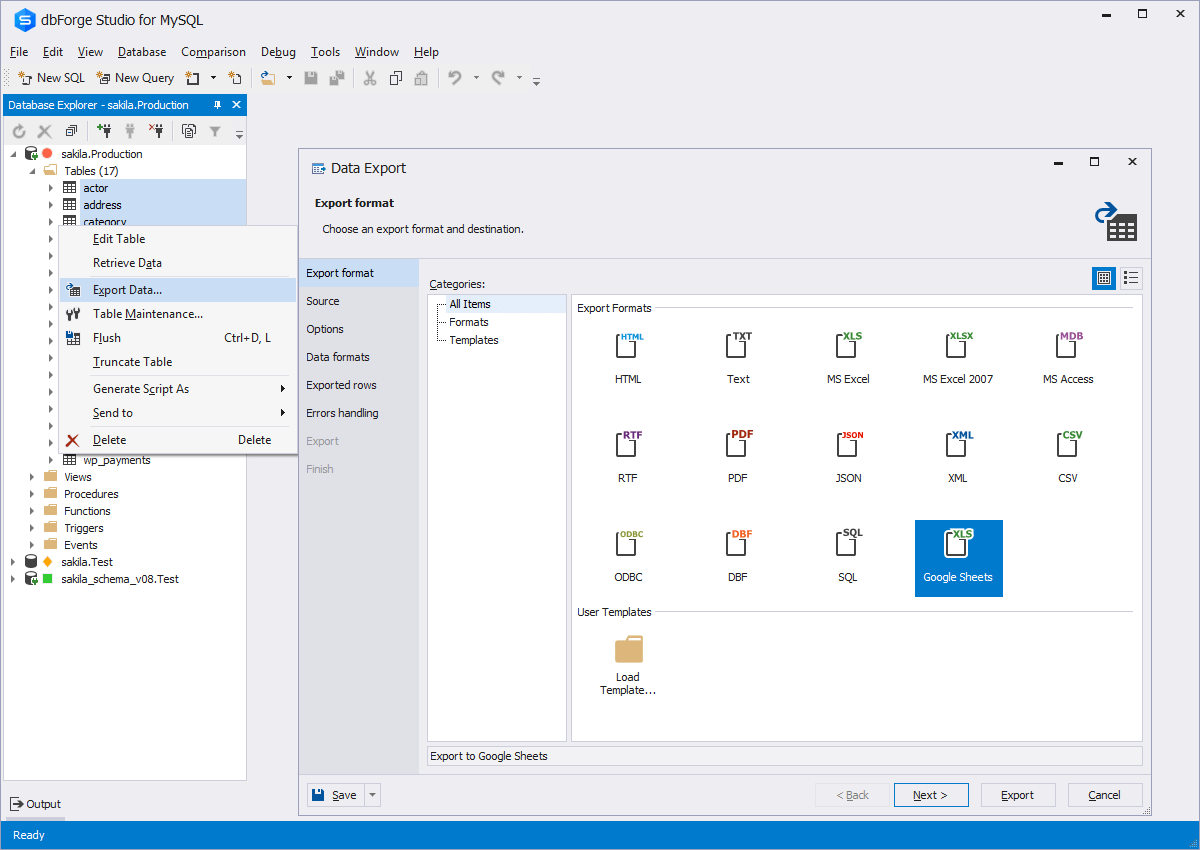
Oracle SQL Developer is very easy to use and there are a wide range of courses available which can help you get started just within a day. Data can be exported in multiple formats based on user requirements. Organizational data can be stored and management effectively using Oracle SQL Developer. All the data, tables, sequences, indexes can be easily created and updated in Oracle SQL Developer.
Although experience here is limited, as only one question has been asked and answered promptly, the registration and licensing process was very smooth and professional. There are forums online that discuss dbForge issues, as well as a Facts and Questions section on dbForge's website, so product support does seem to exist if needed.
[AWS] Cloud9 offers specific features not available in the competition: Code collaboration using the chat features is the highlight which sets it apart. [The] code completion feature makes [it] very similar to the offline IDE like eclipse. It's much easier to use compared to Codeanywhere. It provides terminal access to EC2 instances and hence other amazon services.
Before choosing dbForge Studio I evaluated at least a dozen tools, especially on the Visual Query Builder function. For now, I have identified only one product that has a better Visual Query Builder than dbForge Studio. This other product also manages UNIONs, while dbStudio still doesn't do it visually. However, the better alternative product is enormously slower in operations and less feature-rich than DbForge Studio
I have started to use Toad for Oracle recently because it is easier to sort and filter results, due to their memory sort feature that puts the results from your query in memory so that you don't have to rerun your query. I have used SQL Developer to easily update records in tables that I need to fix. I haven't found an easy way to do this in Toad other than writing SQL insert statements.