The successor to AWS Single Sign On, AWS IAM Identity Center is used to centrally manage workforce access to multiple AWS accounts and applications. It helps users to securely create or connect workforce identities and manage their access centrally across AWS accounts and applications. AWS states that IAM Identity Center is the recommended approach for workforce authentication and authorization on AWS for organizations of any size and type.
N/A
Dashlane Password Manager
Score 9.0 out of 10
N/A
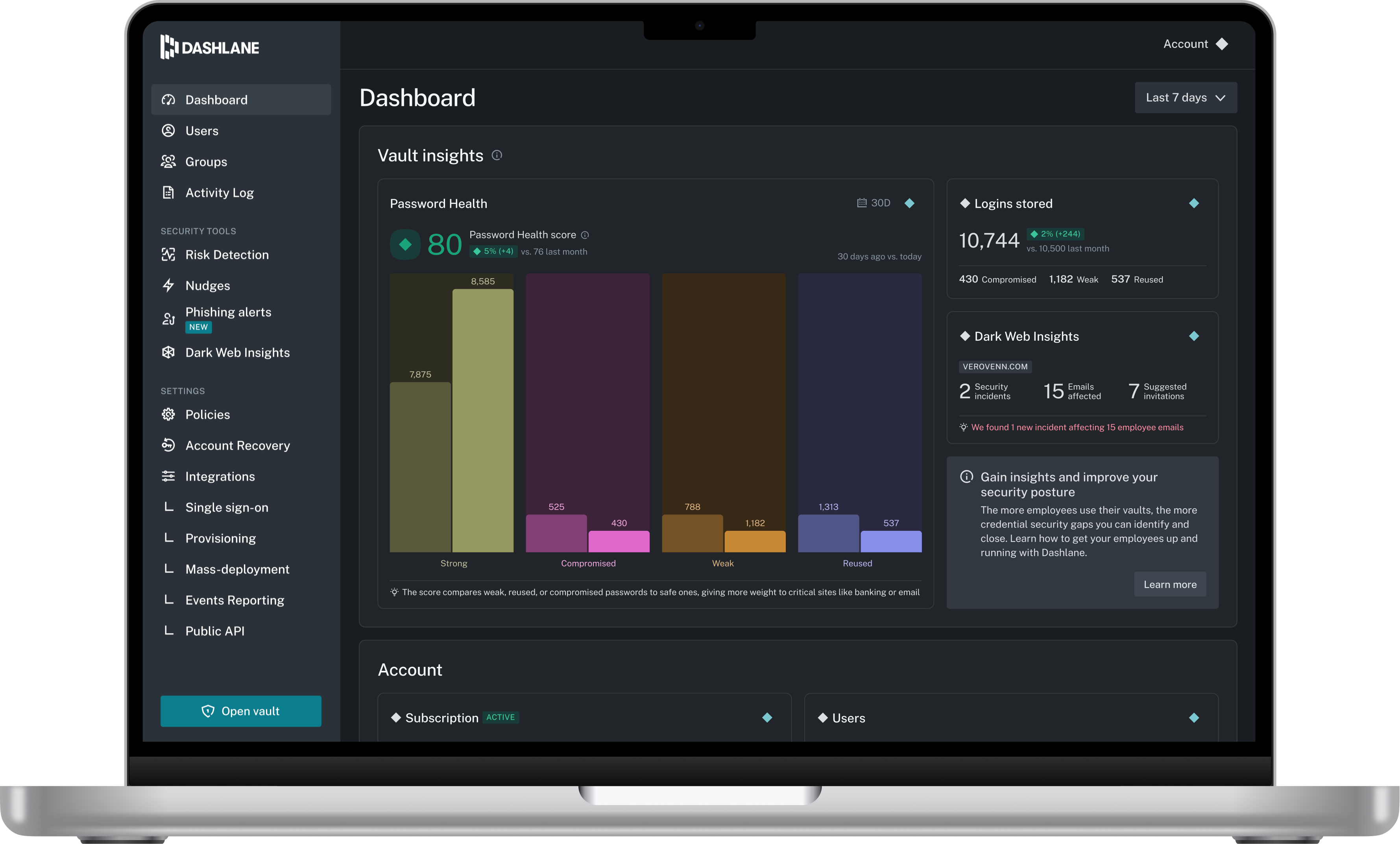
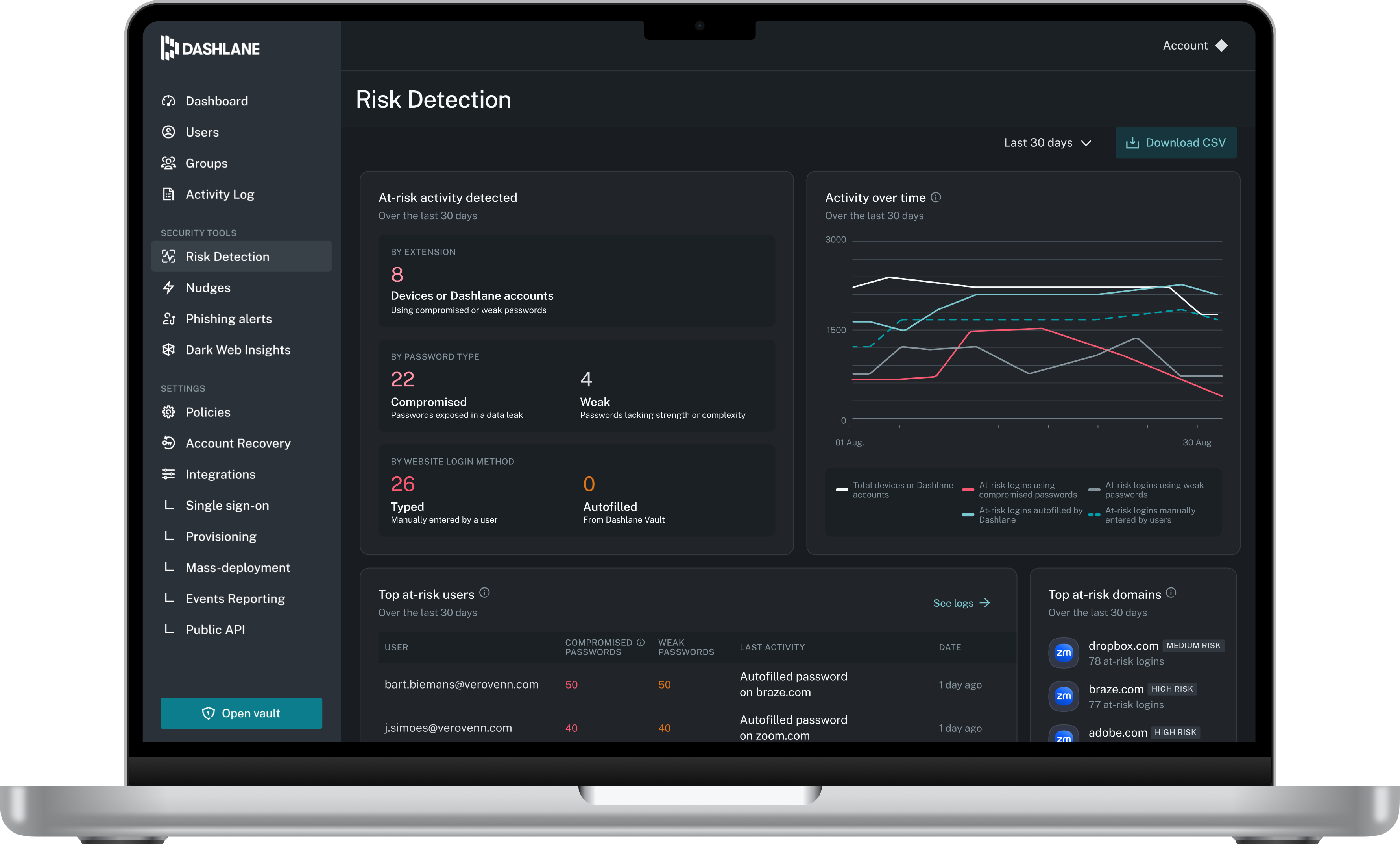
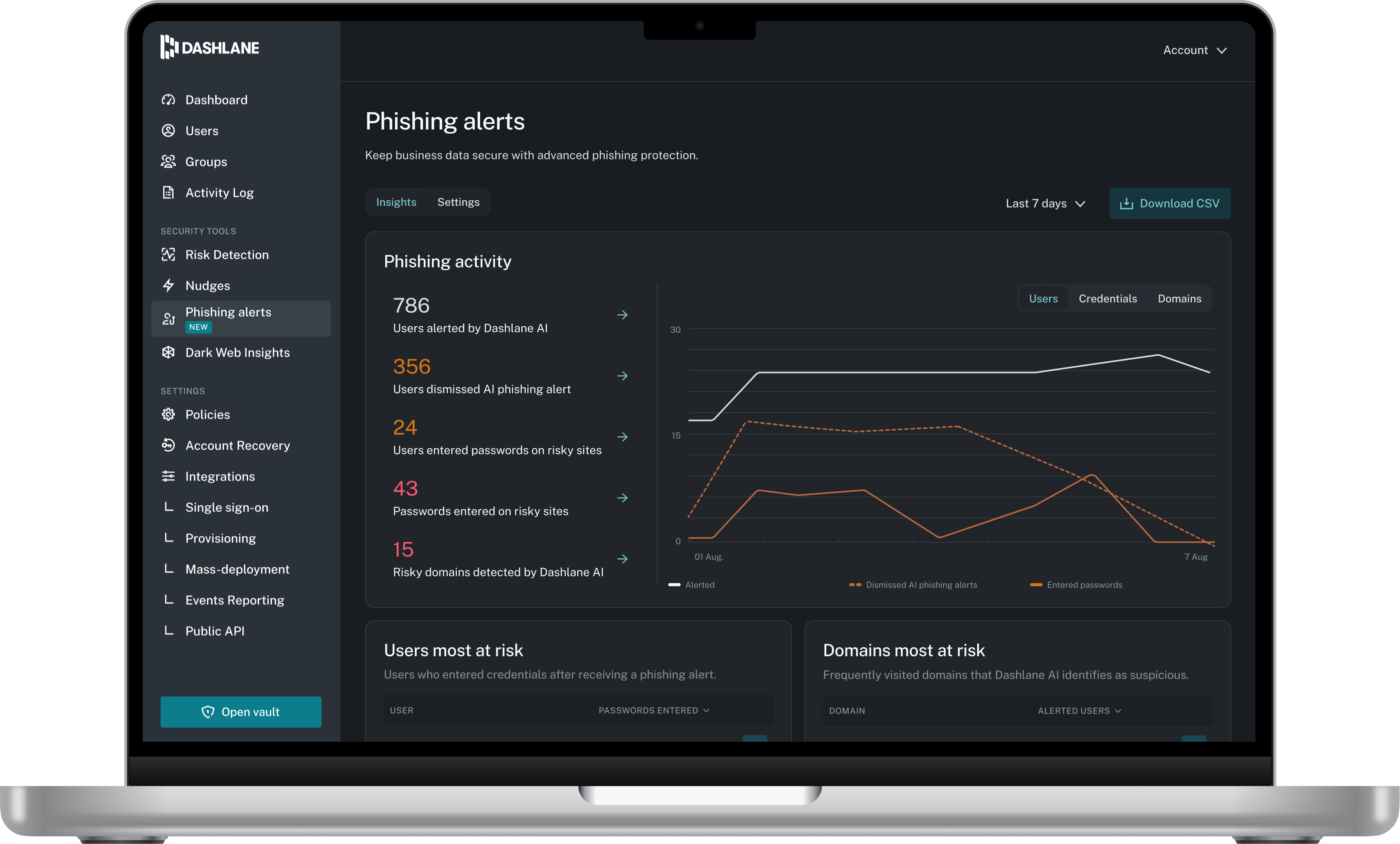
Dashlane is a credential manager that secures every credential, every user, and every employee device to proactively protect against breaches. Brands worldwide can use Dashlane to stay ahead of evolving threats.
IAM plays a pivotal role in our organization, addressing the unique needs of our diverse workforce, which includes full-time employees, part-timers, contractors, and client engineers who access our workloads. This multifaceted solution offers us unparalleled control over access, ensuring that each individual has precisely the permissions they need and nothing more. IAM's robust security features guarantee the protection of our valuable resources and sensitive data. As our organization expands, IAM effortlessly scales with us, adapting to changing requirements, and helping us maintain our commitment to top-tier security and efficient access management.
Dashlane Password Manager works really well for situations where we need to share access to client portals or government filing sites, since multiple people can log in without ever seeing the actual password and we can cut off access right away when it’s no longer needed. It is also great for onboarding and offboarding since new hires or interns can get the logins they need quickly and we don’t have to pass around spreadsheets. Another strong use case is meeting compliance expectations because it shows clients we are serious about security and password hygiene. Where it’s less useful is in environments that already use single sign-on since that already centralizes access and makes Dashlane Password Manager feel redundant. It can also be a little frustrating if you rely heavily on mobile since the autofill doesn’t always work smoothly across different apps.
Make it easier for users to assume roles securely, especially in cross-account settings. This might involve simplifying the process of switching roles in the management console or creating a command for AWS CLI that supports smoother role assumption.
Policy testing tools will be invaluable for administrators when they are creating policies. If this tool is able to assess the impact of enforcing a policy it will help greatly in preventing policy misconfigurations that lead to unintended consequences.
Better user interface, AWS should simplify the IAM interface to encourage new users.
Search is lacking. The desktop app had better features
I can no longer find needed features. Such as the option to only use a password on a specific subdomain. this is important because I have hundreds of subdomains for testing client software builds before releasing to their domain.
The Mobile app and Browser Extension are not synced. I have several Secure Notes and Passwords that I cannot find anywhere in my mobile app, but can find without issues in the extension.
It gets easier with time, initially, it can be overwhelming for a fresher. Once you're used to working with roles and policies and know when and where it is required eventually it becomes easy
Dashlane Password Manager is great for the price. Some feature sets of competitors are lacking, but I'm happy with what we get for the spend. We are a small enough company that I can walk people through the steps, and it isn't something that comes up enough to complain about. Password generation, storage and use are all great.
We've had no issues with Dashlane. I can't speak to their customer service because I have not personally needed to contact them. I guess that speaks about their product if we've not had any issues to reach out about. Great for supporting data/information on multiple platforms that are shared among team members.
AWS Identity and Access Management (IAM) excels over Google Cloud IAM with its granular control, extensive service integration, and robust security features. AWS IAM provides fine-tuned access policies, versatile role delegation, and a wide array of services. Its adaptability and extensive toolset make it the preferred choice for businesses of all sizes.
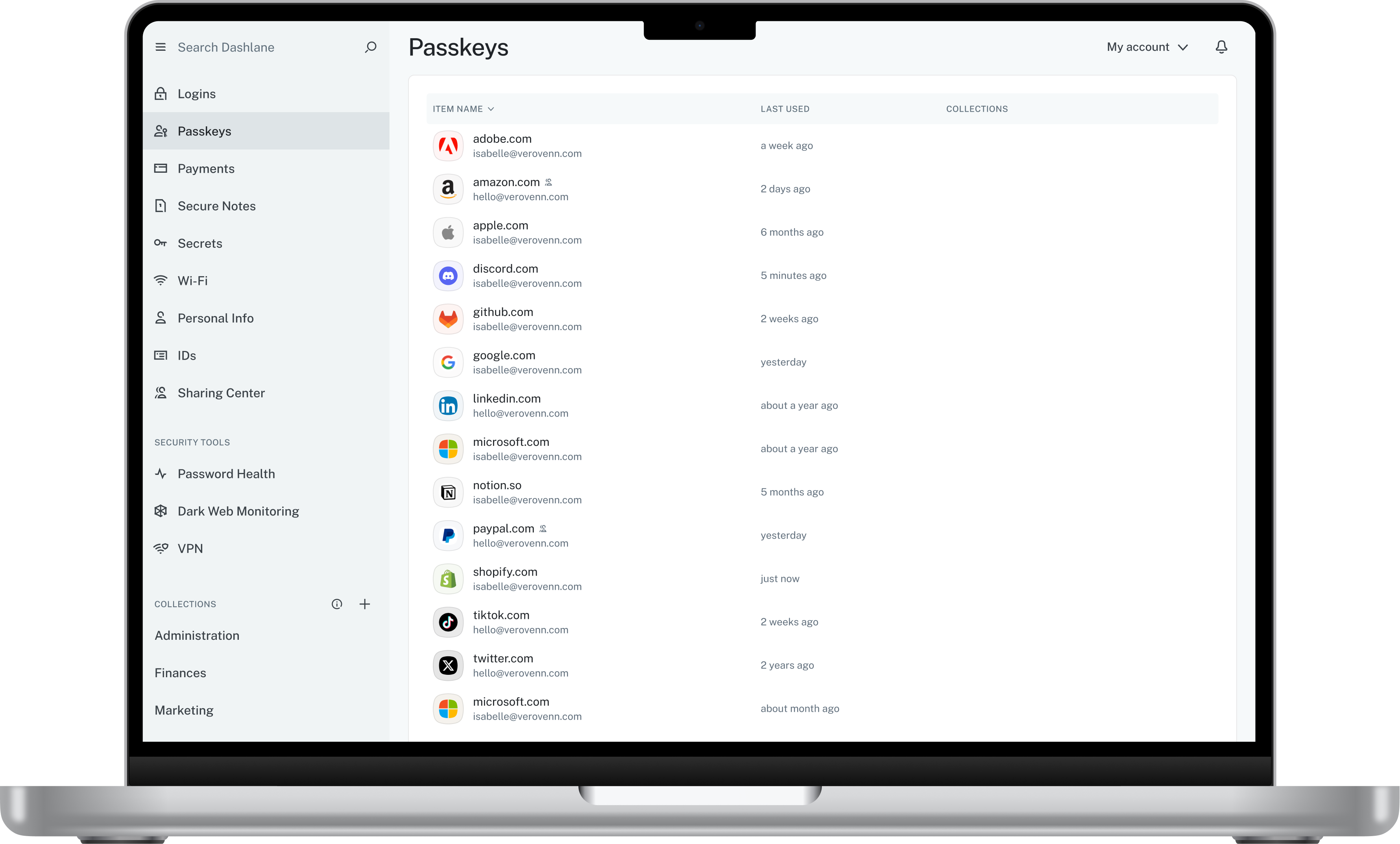
Dashlane’s customer support is often rated higher, providing more responsive and helpful assistance. LastPass has a slightly steeper learning curve than Dashlane, but it offers more flexibility with user permissions, which can benefit teams. Dashlane includes unlimited passkey support and a clean breach history, while LastPass is more accommodating for smaller teams.
AWS IAM Identity Center has significantly bolstered our security posture by ensuring that only authorized personnel access our resources. This enhanced security has protected us from potential data breaches or unauthorized use of resources, mitigating risks and potential costs associated with security incidents.
While IAM brings long-term cost savings, there might be initial implementation and training costs. It's important to factor these costs into the ROI equation.
If your organization isn't used to such fine-grained access control, there might be resistance to adopting IAM. Overcoming this resistance might require additional training costs.