Microsoft's Azure API Management supports creation of API.
$0.04
per 10,000 calls
IFTTT
Score 6.7 out of 10
N/A
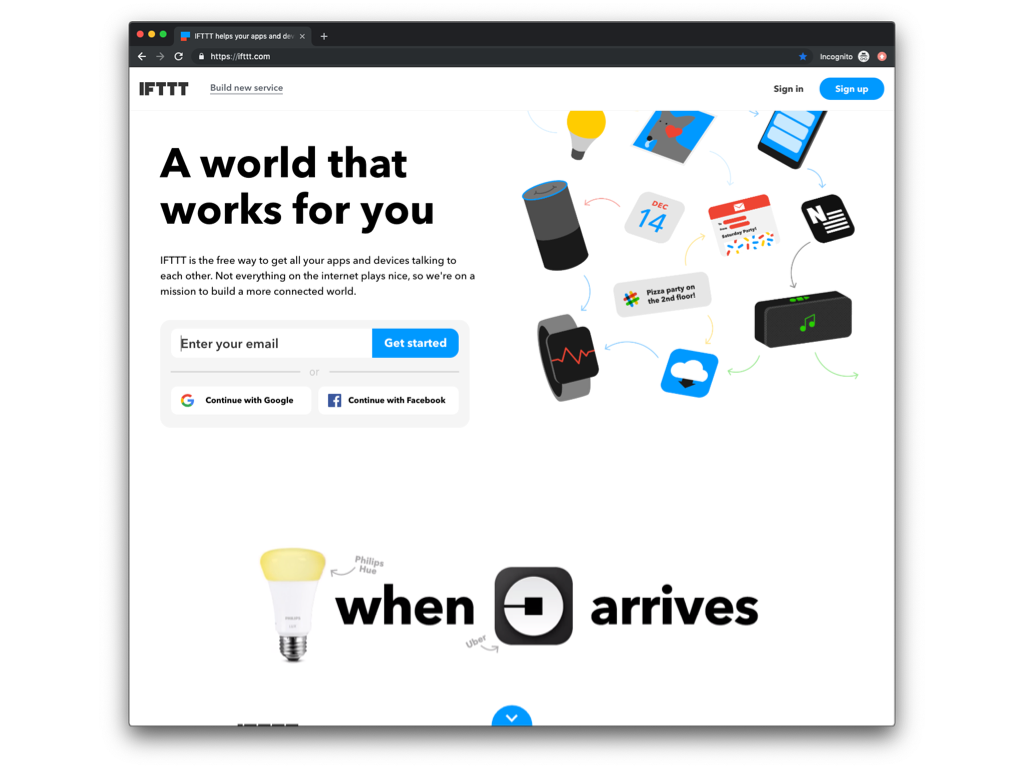
IFTTT is a marketing automation software solution offered by IFTTT. It is scaled for non-technical
users and less complex, generally two-step connectors and API’s.
N/A
Pricing
Azure API Management
IFTTT
Editions & Modules
Consumption
0.042 per 10,000 calls
Lightweight and serverless version of API Management service, billed per execution
Developer
$48.04
per month Non-production use cases and evaluations
Basic
$147.17
per month Entry-level production use cases
Standard
$686.72
per month Medium-volume production use cases
Premium
$2,795.17
per month High-volume or enterprise production use cases
Isolated
TBA
per month Enterprise production use cases requiring high degree of isolation
No answers on this topic
Offerings
Pricing Offerings
Azure API Management
IFTTT
Free Trial
No
Yes
Free/Freemium Version
No
Yes
Premium Consulting/Integration Services
No
Yes
Entry-level Setup Fee
No setup fee
No setup fee
Additional Details
—
—
More Pricing Information
Community Pulse
Azure API Management
IFTTT
Considered Both Products
Azure API Management
No answer on this topic
IFTTT
Verified User
Manager
Chose IFTTT
I initially was using Zapier for some of my simple integrations but started using IFTTT for some of our project work as it allowed me to do logical connections between applications. While it's great in some areas, it can be improved upon to allow for more deep configurations.
Features
Azure API Management
IFTTT
API Management
Comparison of API Management features of Product A and Product B
Azure API Management
8.0
4 Ratings
5% below category average
IFTTT
-
Ratings
API access control
8.94 Ratings
00 Ratings
Rate limits and usage policies
5.44 Ratings
00 Ratings
API usage data
8.94 Ratings
00 Ratings
API user onboarding
9.03 Ratings
00 Ratings
API versioning
8.94 Ratings
00 Ratings
Usage billing and payments
5.23 Ratings
00 Ratings
API monitoring and logging
9.84 Ratings
00 Ratings
Cloud Data Integration
Comparison of Cloud Data Integration features of Product A and Product B
1) Securing your back-end APIs - If you have a legacy back-end web service that has a basic authentication scheme, you can add some additional security by placing APIM in front, and requiring subscription keys. Leverage your existing firewall to ensure only your APIM instance can communicate with your back-end API, and you've basically added a layer of protection.
2) Lift and shift - there are always going to be clients that don't want to update their clients to use a newer API; in some cases you can make a newer API look like an older one by implementing some complex policies in APIM. You can also do the opposite, making older APIs look new, such as making an XML back-end accept both JSON and XML.
3) Centralizing your APIs - if you've acquired another company and want to make their API set look as if it's a part of the larger whole, APIM is an easy way to provide a consistent front-end interface for developers.
Because of the multitude of options with IFTTT, it is hard to describe the best use scenarios, but I will share how I use the platform at this time. I use IFTTT to check Craigslist for certain IT equipment postings and email me if that occurs, turning items on and off with geo-fencing and WiFi network presence, and linking my calendar to my to-do list
IFTTT manages a number of social media accounts quite well. Being able to login to one platform with access to all your accounts is great.
IFTTT is easy to set up. IFTTT has a number of crowd sourced and created formulas that you can use, or if you're looking for something specific you can create your own. This allows for an endless number of combinations and ways to engage with the program.
IFTTT doesn't require constant upkeep. Once you have things setup you can forget about it and it just works.
Lack of robustness is a bit of an issue. Several other providers offer more options and capabilities, but then, they are lacking in interface ease.
As with anything Azure, pricing is really hard to stay on top of. I always find that you really don’t know what you’re paying for until you get the bill. Having an excellent Azure Administrator can help resolve that.
Integrating with app services outside of Azure can be a challenge, or at least much more challenging than just using Azure App Services.
The website section "Activity" tends to get very crowded over time. It would benefit from some search and filter functionalities.
Some services lack ingredients. "Ingredients" are attributes passed from one service to another to enhance IFTTT's power. However, some services (like Evernote's notes, for example) currently have too few ingredients available.
It is not possible to link more than two services. It would be great, for example, to have an option to take a mail message and post in multiple social networks and blogs with the same applet.
There is no better alternative and although Integromat is new and the GUI is slick, they make you pay per push and IFTTT does not. The rest of the competition make you pay per integration or are just not as seamless in usage or have the depth of catalogue. If you use Zapier for instance, it is because they have an integration you have to use, not because Zapier does a better job.
For the most part, IFTTT is great but it does have its limitations. You may only do one thing at a time. If you want branching logic it can be cumbersome and clunky. This it where something like Microsoft Flow does better. For simplicity, nothing can beat IFTTT for how easy it is to set up and use right out of the box
I have had a few issues with apps over the years. Compared to other services, ITFFF is the best choice but no service is perfect unless you build it yourself for yourself. ITFFF needs more tutorials on how to create a custom platform, but overall I will recommend it as an easy to use, time-saving service.
I haven't used Zapier extensively, but it seems that IFTTT is much simpler to set up. However, Zapier appears to be a much deeper integration where you can sync a variety of fields of data and customize the sync more than you can with IFTTT. Zapier may be more valuable for someone with a complex need and IFTTT is built for simple solutions for more basic apps.