Microsoft's Azure API Management supports creation of API.
$0.04
per 10,000 calls
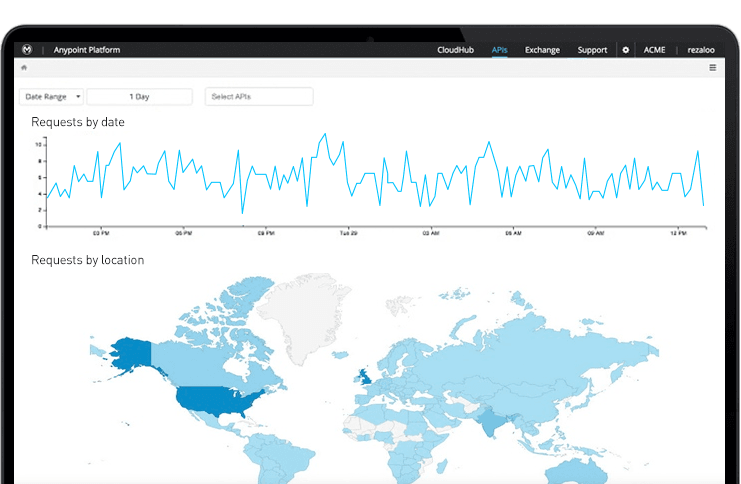
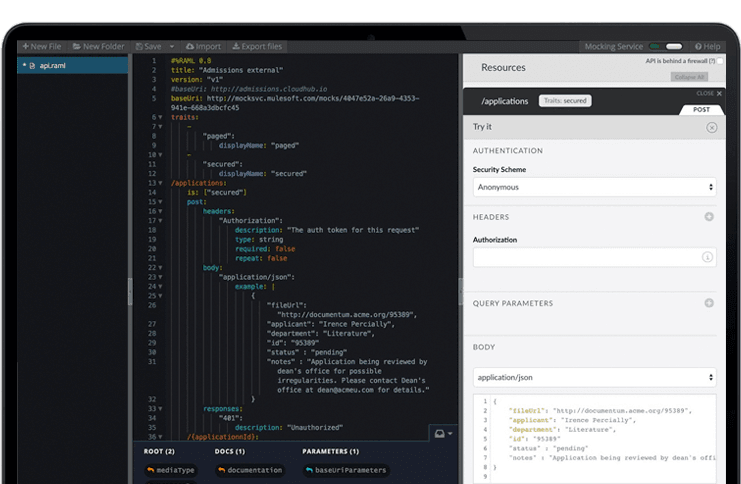
Anypoint Platform
Score 7.9 out of 10
N/A
The Anypoint Platform developed by MuleSoft and acquired by Salesforce in early 2018 is designed to
connect apps, data, and devices anywhere, on-premises or in the cloud. This platform was built to
offer out-of-the-box connectors as well as tools that architects and developers can adopt quickly to
design, build and manage the entire lifecycle of their APIs, applications, and products.
N/A
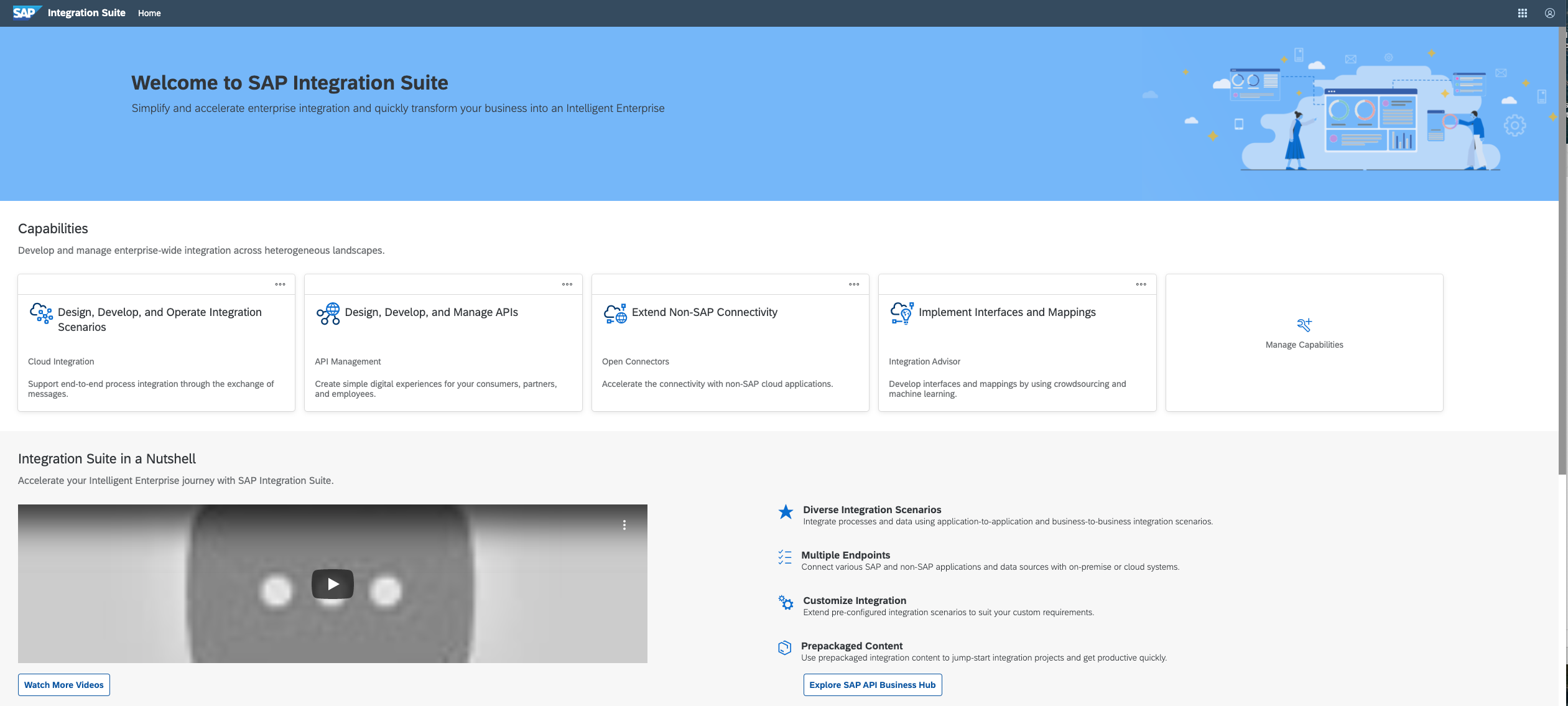
SAP Integration Suite
Score 8.5 out of 10
N/A
SAP Integration Suite is a modern, secure integration platform as a service (iPaaS) that connects applications, data, processes, and AI agents across SAP and non‑SAP environments.
$11,199
per year
Pricing
Azure API Management
MuleSoft Anypoint Platform
SAP Integration Suite
Editions & Modules
Consumption
0.042 per 10,000 calls
Lightweight and serverless version of API Management service, billed per execution
Developer
$48.04
per month Non-production use cases and evaluations
Basic
$147.17
per month Entry-level production use cases
Standard
$686.72
per month Medium-volume production use cases
Premium
$2,795.17
per month High-volume or enterprise production use cases
Isolated
TBA
per month Enterprise production use cases requiring high degree of isolation
No answers on this topic
No answers on this topic
Offerings
Pricing Offerings
Azure API Management
Anypoint Platform
SAP Integration Suite
Free Trial
No
Yes
Yes
Free/Freemium Version
No
Yes
No
Premium Consulting/Integration Services
No
No
No
Entry-level Setup Fee
No setup fee
No setup fee
No setup fee
Additional Details
—
—
Access to free tier services does not expire while there is an active Pay-As-You-Go or CPEA account with SAP. Once a free tier service limit has been reached users have the option to update from a free to a paid service plan in the same account.
Once we have moved all of our system integration APIs to the MuleSoft Anypoint Platform, we will need to communicate with a wide variety of external systems. All of our business and service logic is stored in the aforementioned core systems. Anypoint Platform (and all of our …
Overall a better experience in pricing negotiation with the Sales team. The breadth of services offered by Mulesoft was really important and the expertise offered by our consulting partner influenced the decision. The overall deployment was completed well within the timelines. …
SAP Integration Suite:Strengths: Deep integration with SAP systems, strong support for SAP applications, robust security features.Considerations: May have a steeper learning curve for non-SAP users.MuleSoft Anypoint Platform:Strengths: Wide range of connectors, API-led …
We evaluated several integration platforms, including MuleSoft and Dell Boomi, but ultimately chose SAP Integration Suite for its deep alignment with the SAP ecosystem and robust cloud integration capabilities. Its native connectivity with SAP S/4HANA Cloud, SuccessFactors, and …
As compared to MuleSoft Anytime platform, Sap Integration Suite is a better option for us keeping in mind the ease of use, ease of access, ease of setup, quality of the support. SAP provides support for real time connectors which are reusable as well and has API construction …
1) Securing your back-end APIs - If you have a legacy back-end web service that has a basic authentication scheme, you can add some additional security by placing APIM in front, and requiring subscription keys. Leverage your existing firewall to ensure only your APIM instance can communicate with your back-end API, and you've basically added a layer of protection.
2) Lift and shift - there are always going to be clients that don't want to update their clients to use a newer API; in some cases you can make a newer API look like an older one by implementing some complex policies in APIM. You can also do the opposite, making older APIs look new, such as making an XML back-end accept both JSON and XML.
3) Centralizing your APIs - if you've acquired another company and want to make their API set look as if it's a part of the larger whole, APIM is an easy way to provide a consistent front-end interface for developers.
MuleSoft Anypoint Platform is best tool in the market for developing APIs with complex structures communicating with various different types of applications including web applications as well as legacy applications. Also applications including database connectivity for fetching and updating data in the DB tables. I cant think of any scenario which MuleSoft Anypoint Platform could not be used for developing the integrations.
Good at: 1. Integrations with in SAP applications, especially with event based triggers 2. Can be integrated very well with other BTP services to attain Batch processing and store credentials 3. Supports many authentication models Improvements: 1. No version history available compared to as it is available in S4HANA 2. Need a lot of improvement in git hub connections
Lack of robustness is a bit of an issue. Several other providers offer more options and capabilities, but then, they are lacking in interface ease.
As with anything Azure, pricing is really hard to stay on top of. I always find that you really don’t know what you’re paying for until you get the bill. Having an excellent Azure Administrator can help resolve that.
Integrating with app services outside of Azure can be a challenge, or at least much more challenging than just using Azure App Services.
Has more features than what we really need so we're paying for more than we use. Sort of like paying for an Abrams tank when all we really need is a Toyota Corolla.
Not a value product, tends to be expensive.
Takes a while for developers to learn to use Mulesoft Anypoint.
Provide more pre-built integrations to use within SuccessFactors or other modules instead of everything having to be custom built
Support is unable to provide advice on custom builds so you often have to engage a 3rd party partner
Works best when you have the functional and technical teams working together. Otherwise, the system is too technical for a functional user to create integration and a technical user not always understand the functional perspective
It is in place, our system integrators are familiar with it, and it fits into the ecosystem. A better user interface, flow build and debugging experience would see it grow, many technical staff do not enjoy using it for this reason, however it is quite capable and powerful behind this one shortcoming.
There’s a lot of learning curve at the beginning when it comes to building the code and everything. In terms of usability, I’d say once you get used to it, it’s fine — but it’s not very easy during the initial stages.
The user interface is messy and not intuitive. It has a steep learning curve, and flows developed around are easy to make a mess with layout and can be difficult to follow. The debugging is also quite difficult, it takes some time to figure out how to follow the flow and examine data. Error handling is also difficult and not intuitive, it is better to let some errors leak and monitor through ALM.
Anypoint Platform support is very responsive. There is also a huge knowledge base and an active online forum where answers to most questions can be found. When needed support engages the engineering group so adequate solutions or workarounds are always provided.
The support for SAP Integration Suite is satisfactory. We leverage SAP support through our manage services partner. So far, we have not had many major issues. One concern, to make our rating a ten, would be turnaround time on high priority incidents. SAP Integration Suite drives our key business functions forward. Without a reasonable service level agreement on turnaround, we sometimes find us running into issues running pay, etc.
Once we have moved all of our system integration APIs to the MuleSoft Anypoint Platform, we will need to communicate with a wide variety of external systems. All of our business and service logic is stored in the aforementioned core systems. Anypoint Platform (and all of our APIs) makes it easy to connect to various other platforms. In order to link to these many other systems, connectors and/or components are utilized, and they are simple to configure and integrate.
Before deploying SAP Integration Suite, we assessed Oracle Financial Services Analytics and IBM Risk Analytics. While Oracle had proved its mettle in the exceptional database support and IBM in presenting risk model tools, SAP Integration Suite overwhelmed others by being effortlessly integrated with our existing banking framework.