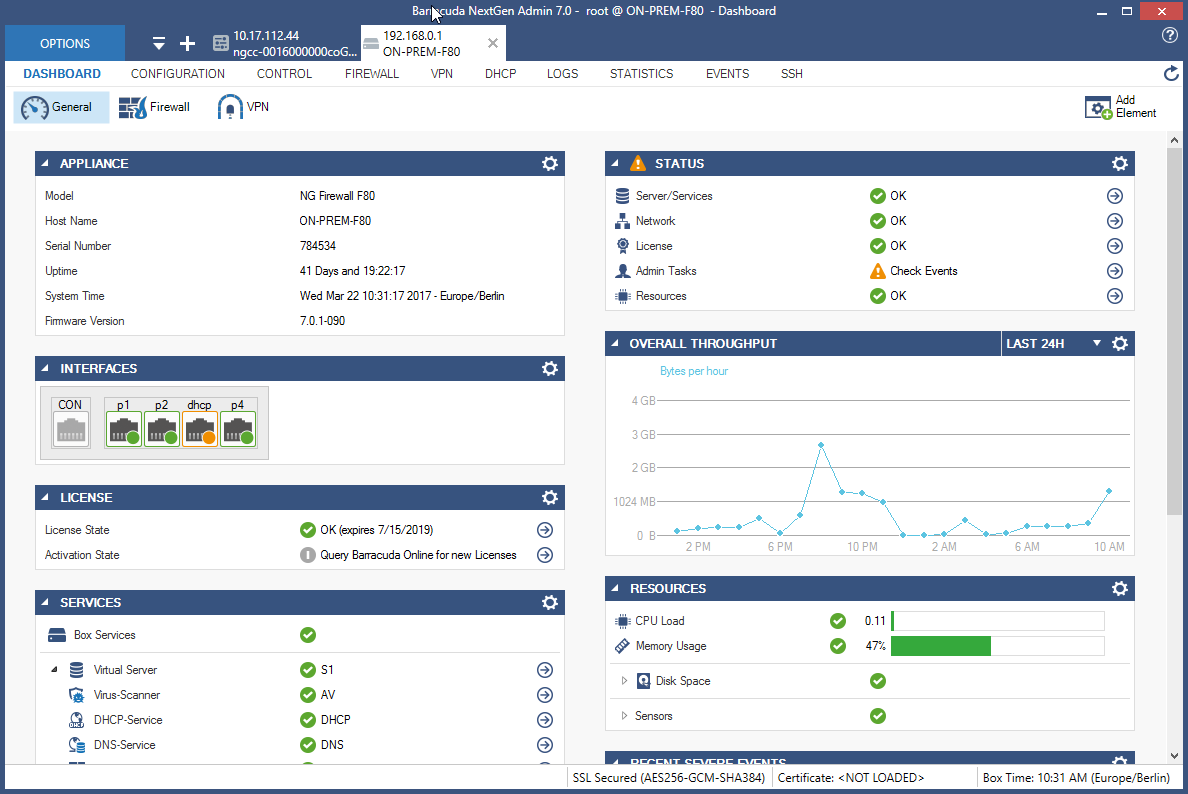
Microsoft's Azure Application Gateway is a platform-managed, scalable, and highly available application delivery controller as a service with integrated web application firewall.
N/A
Barracuda Web Application Firewall
Score 8.6 out of 10
N/A
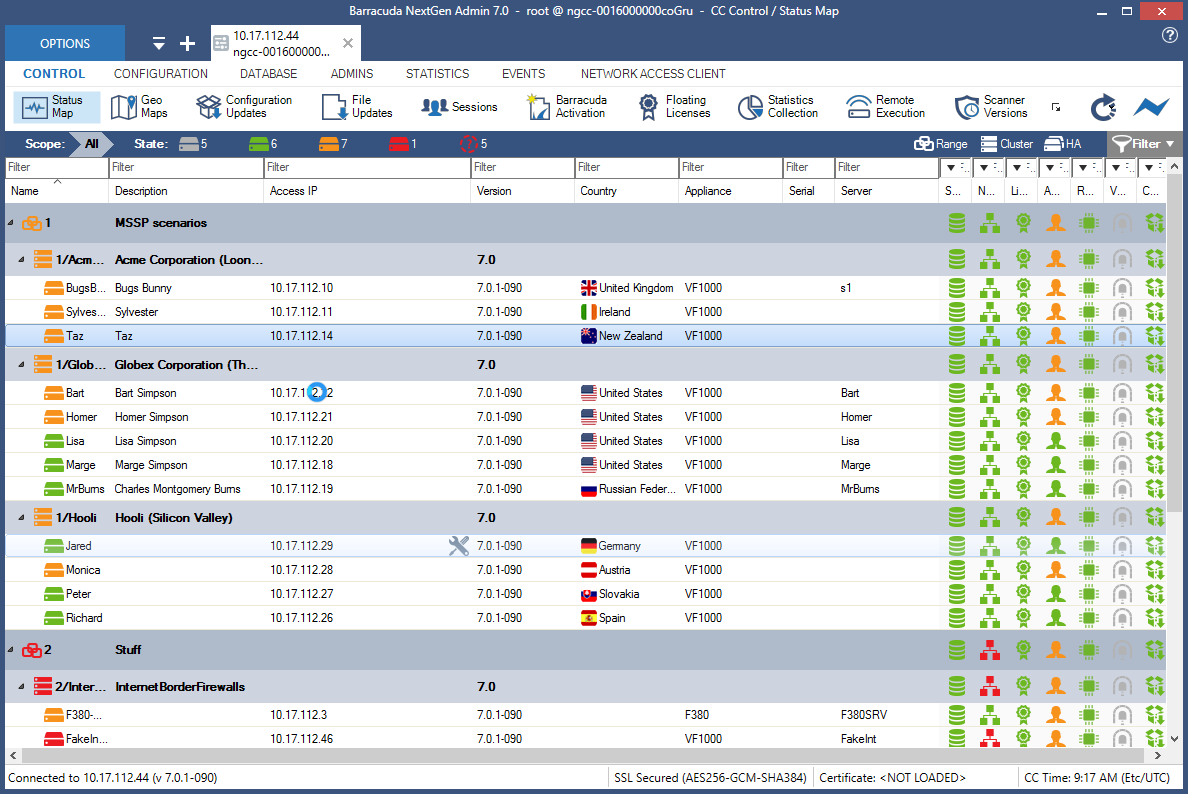
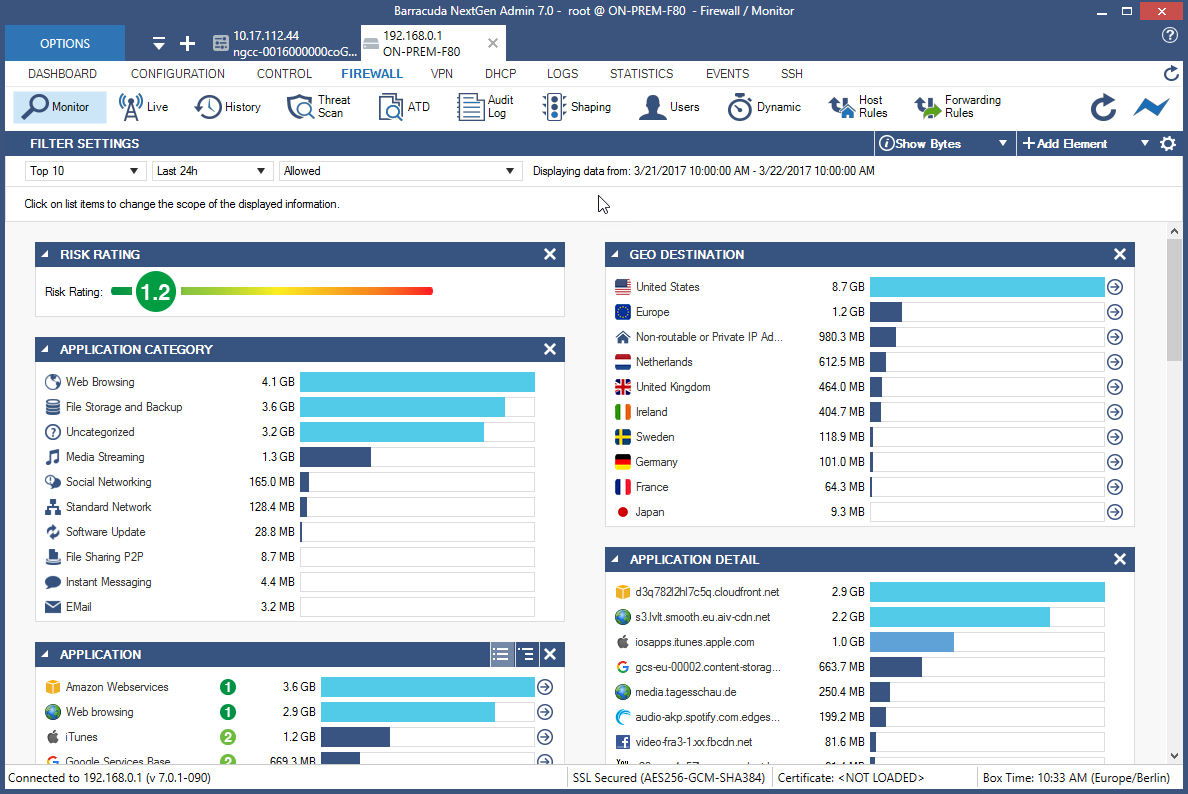
Barracuda Web Application Firewall, from Barracuda Networks in Campbell, California, protects web applications from bots, DDoS attacks, and other advanced threats to enterprise apps.
N/A
NetScaler
Score 7.9 out of 10
N/A
NetScaler ADC is an application delivery controller.
N/A
Pricing
Azure Application Gateway
Barracuda Web Application Firewall
NetScaler
Editions & Modules
No answers on this topic
No answers on this topic
No answers on this topic
Offerings
Pricing Offerings
Azure Application Gateway
Barracuda Web Application Firewall
NetScaler
Free Trial
No
Yes
No
Free/Freemium Version
No
No
No
Premium Consulting/Integration Services
No
No
No
Entry-level Setup Fee
No setup fee
Optional
No setup fee
Additional Details
—
—
—
More Pricing Information
Community Pulse
Azure Application Gateway
Barracuda Web Application Firewall
NetScaler
Considered Multiple Products
Azure Application Gateway
Verified User
Engineer
Chose Azure Application Gateway
Azure Application Gateway provides seamless integration with azure services and platforms like azure load balancer, azure monitor, also it offer advanced load balancing capabilities and build in WAF Functionality.
For building scalable and highly available applications, Azure Application Gateway does most of the job on behalf of you; automatically load-balancing traffic from a number of users to a number of back-end servers. This ensure scalability and availability. The in-built security is great as can be expected from Microsoft, and user has a variety of tools for monitoring the health of the load-balancing function as well as the health of back end servers behind it.
Easy to use and reliable, with very little maintenance required and zero downtime to date. For the education sector, ease of use is hugely important as IT Managers/Technicians are often "Jack of all trades" with a good, broad general knowledge but perhaps lacking specific expertise in certain aspects. Being provided with easy-to-follow tutorials and instructions has been very useful in setting up and configuring the firewall, especially as my background is more in desktop support.
Citrix Netscaler can be a powerful network appliance for environments that are fully committed and open to utilizing a network appliance that isn't made by a traditional network vendor. Administrator user experience has improved over the years and will continue to improve with the flexibility of virtual and physical appliances available for medium and large enterprises.
Flexibility. NetScaler assumes its admins know a bit about networking and in-depth details surrounding the applications they are configuring access for/to. This being so, the range of configuration options is very broad allowing various versions' combinations of protocol patterns, expressions, rules etc., all to the benefit of the admin.
Granularity. Having such a broad range of configuration options available, while still allowing simple options to be configured simply. The GUI is well-stylized and navigation has a good flow.
Ease of control. For load-balancing of simple services right out of the box, NetScaler makes it pretty easy, compared to the range of options available in the surrounding GUI and under the hood.
STM crashes sometimes happen due to unusual traffic pattern
Obfuscation on the client side user credentials which appears in the developer tools of browser
URL Profiles redundancy during the learning of traffic needs to be fixed
Dos Protection should be more granular like escalation period to throw JS challenge, Captcha and rate limit when escalation period hits until the WAF stops the attack
Client Fingerprinting should work as expected when verifying the clients as in rare some scenarios, it creates issues
The documentation could use an overhaul with specific examples related to the command line as well as GUI. Explanations in the documentation would also be helpful.
Being able to have more than just one routing table would allow the ability to leverage security.
Most of the Application Gateway's features and services can be managed and re-configured via either the Azure Portal GUI or via the Azure Cloud Shell, thus allowing both CLI modes, i.e. Azure CLI (Bash) and Azure Powershell. The v2 version of Application Gateway has significantly improved performance during initial configuration or during re-configuration changes, thus making it much more usable for IT admins, as compared to v1.
-User friendly interface for quick learning -Quick deployment for deploying applications -Easy to manage for naive -System components and upgradation of the WAF is very easy go with -Back restoration is very to make it up and ready anytime -Seperate JSON and XmL profiles for each URLs of the application is plus -Amazing and world class support engineer in comparison other vendors and always available to support -Quick resolution on bugs with their patch applying process
I gave the NetScaler a 7 here because the system once configured and deployed is very easy to use. However, if you did not deploy the system and do not have the fundamental background knowledge then you will have trouble using the product in general. Overall it is a great product and service but does typically require professional services to be deployed.
The Barracuda Web Application Firewall is easy to use. Support from Barracuda is great also. Load Balancing of the Web Application Firewall is also nice. This allows you to do maintenance or have large loads for the end-user. Threat monitoring of our network and traffic coming into our services within our cloud solution.
Overall, our organization's experience with Citrix support is that support can be hit or miss. Oftentimes it takes multiple attempts and much longer than desirable to obtain a viable solution for issues experienced with their products. It would be great to see Citrix invest time, effort, and almighty dollars into improving their support and bug fix process across the board.
Other load balancing tools in Azure (Azure LB and Azure Traffic Manager) are limited in their functionality in comparison with the Azure Application Gateway, and also, they don't provide security features. Azure Firewall, although it has security features, is more expensive, and most importantly, it's not a load balancer at all.
We have been using their Backup products especially Backup Appliances and legacy products like Intronis. We are also using their Cloud Backup Solutions for O365. This is the reason we opted for this product.
easy to use and setup and reliable. Once the configuration was setup and running this has been really useful and easy to maintain. The other solutions seemed overly complicated and difficult to configure and get up and running with the security that we required
We had this set up before COVID and it saved us. We just added user licenses and scaled out our citrix farm and IT sat back and just monitored users from home.
Scales up and out with ease
Challenging to find NetScaler experts for advanced features you want to enable and use