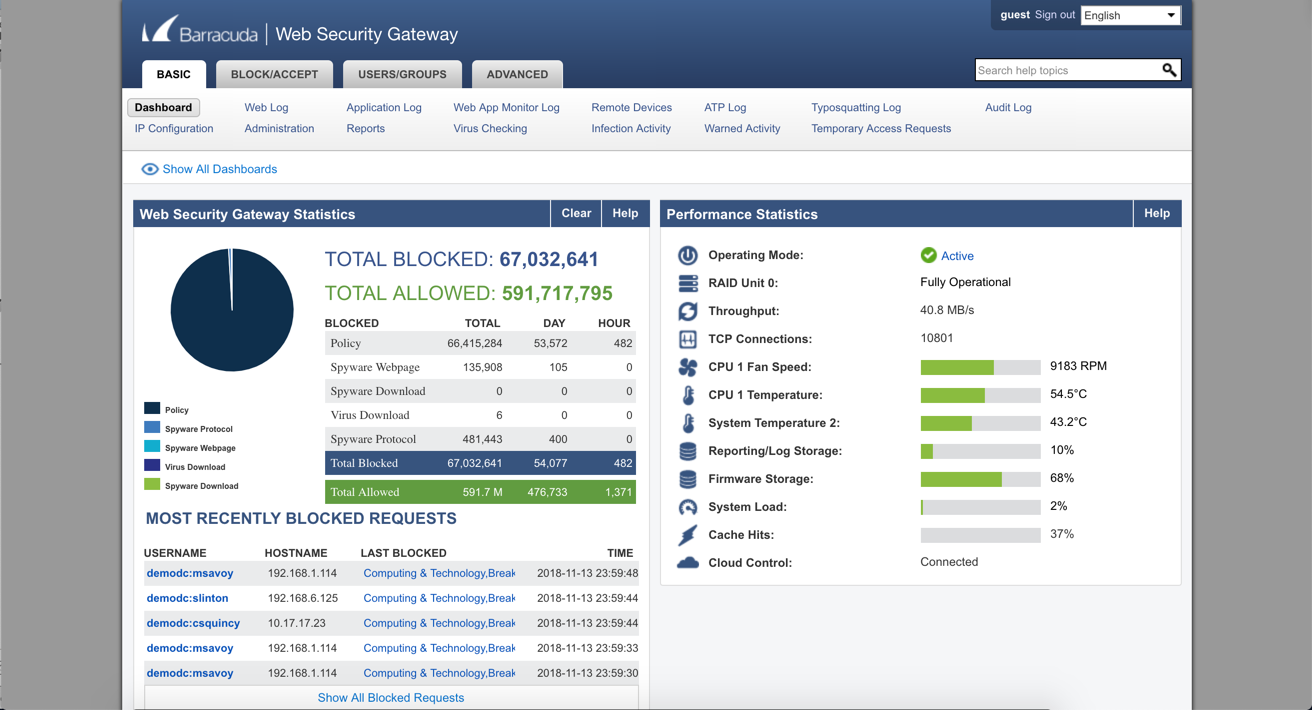
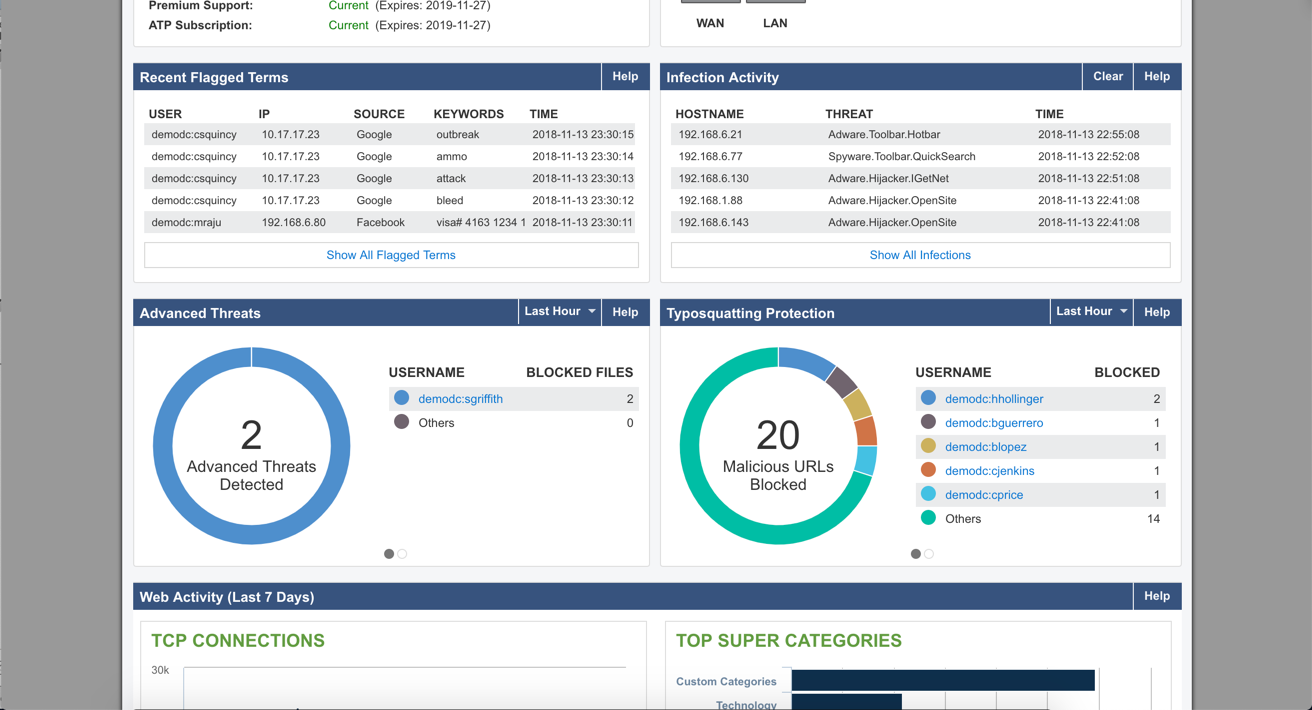
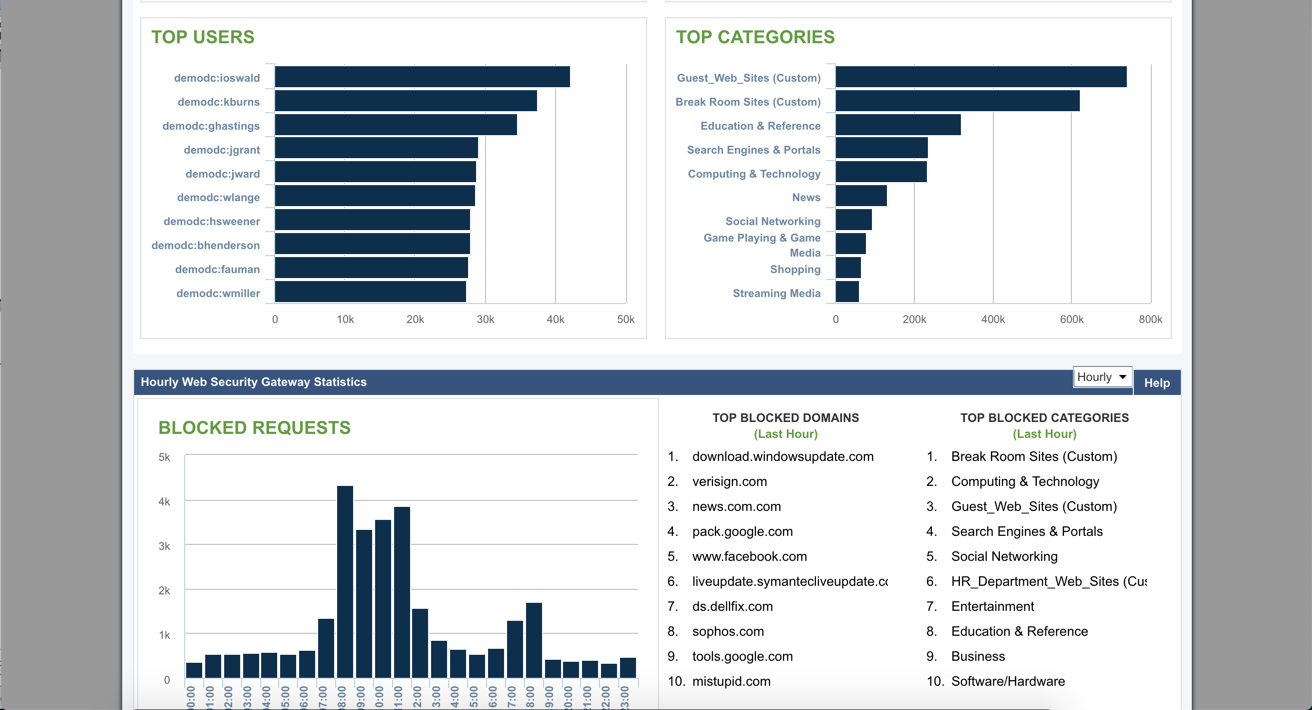
Barracuda Web Security Gateways now available in the 200 through 1000 series provide web content filtering as well as access and advanced threat protection, and are available as physical appliances, virtual appliances, or as a SaaS.
N/A
Forcepoint SWG
Score 8.3 out of 10
N/A
The Forcepoint ONE Secure Web Gateway (SWG) is one of the three foundational gateways of the Forcepoint ONE all-in-one cloud platform. Forcepoint ONE SWG monitors and controlsany interaction with any website, including blocking access to websites based on category and risk score, blocking download of malware, blocking upload of sensitive data to personal filesharing accounts, detecting shadow IT, and optionally providingRemote Browser Isolation (RBI) with Content Disarm andReconstruction (CDR).
N/A
WatchGuard DNSWatchGO
Score 9.4 out of 10
N/A
WatchGuard DNSWatchGO provides DNS-level protection and content filtering that keeps the user's business safe from phishing, ransomware, and other attacks even when a user is outside of the network, without requiring a VPN.
When we had Barracuda it was not capable of SSL inspection. IronPort has some more granular aspects that I liked. What really sold me on Forcepoint was the single pane of glass for web, email and DLP.
For a larger organization, this is a must. It provides insight into what the users are doing online and most malicious sites will no longer be accessible if access is denied. This can also give access to non-work related sites, but in a limited capacity, based on user or time of day. Though a smaller company would benefit from the features, it may be cost prohibitive.
Over the years, [in our experience], the maintenance of the Forcepoint Web Security solution proved to be more cumbersome and troublesome with each version upgrade. In addition, it did not transition well to support the large increase of remote workers. We also experienced weird incompatibilities with the client. We have since replaced this solution with Zscaler Internet Access, a cloud-based secure web gateway solution with a client that behaves as expected, is more flexible, and requires significantly less administration.
While DNSWatchgo offers the same categories as Application Control offers on the Watchguard firewalls, the WebBlocker categories are not offered. This is really a disappointment and Watchgurad should really consider adding the extra WebBlocker categories to DMSWatchGo. In my opinion, reporting in DNSWatchGo is minimal to say the least and could use drastic additions. as it is today it does offer very little info to the admins. The identification of registered clients is flawed. It seems that the same clients are registered multiple times on the management platform, thus unnecessarily consuming licenses. In my experience, it is really annoying to have to remove the duplicate clients every time again and again. On the positive side, when one already has Watchguard firewalls seting up DNSWatchGo is really easy, as it shares the same categories with Watchguard firewall Application Control. So easily one can almost the firewall functionality on laptops. And we say almost, because DNSWatchGo is missing the WebBlocker categories / blocking capabilities to be considered a full firewall replacement.
The user access logs contain a lot of useless information. I understand this is very hard to tackle as I've seen this across any product that logs web activity.
I would like to see more customization options of website block pages.
While DNSWatchgo offers the same categories as Application Control offers on the Watchguard firewalls, the WebBlocker categories are not offered.
Reporting is minimal and could use massive upgrades.
The identification of registered clients is flawed. It seems that the same clients are registered multiple times on the management platform, thus unnecessarily consuming licenses.
It is very stable, the organisation has "locked in" the product and has no plans to change or try another product. We have already renewed our 2019-2020 licenses. It is user friendly and people catch on easily when they first use it. The only downtime is when we install Microsoft updates! It has excellent reporting which help in determining how the organisation's Internet is used and also during both internal and external IT audits.
We really need an extra layer of protection for our laptops. Choosing the DNSWatchGo makes sense as we have Watchguard firewall. If we had another brand of firewalls we would probably use anther product instead!
There are a lot of settings you can adjust. The web log is easy to use. If a user is having issues accessing a website, you can go in and see what's being blocked and why. After that, you can make adjustments fairly easy. The GUI is easy to navigate and updating the software is a simple click of a button.
Despite the intimidating Linux CLI when you use the appliance for troubleshooting, the web security usability compensates as most of the Administration of the system is done there. It is GUI based and has an easy to use UI where one can navigate around rather easily like getting reports, checking alerts, looking the whole setup under deployment to check if all services are running in one place though there are other parts to the system.
Barracuda support have also been excellent when we have had to contact them. The only time we had a hardware issue on a device (and that device was about 8 years old) it was replaced within about 24 hours of reporting it. Generally there has not been much need to contact their support, as once the device is in and set up, it just works.
The is a quick first response to acknowledge your issue and the Engineers never take more than two hours to fix an issue and we hardly get issues looking at the fact that the system is pretty stable. There is also a robust Knowledge Base in the site for known problems.
Research known issues with upgrading from the Support Knowledge base, this will enable you avoid road blocks along the way and reduce your dependence on Forcepoint Support
SonicWall, Barracuda NG Firewall, and WatchGuard provides Content Filtering, but are primarily firewalls with Content Filtering features. The Web Filter is a dedicated appliance with more storage space and better reporting of users.
To be honest, once using Forcepoint for our Web Security, I have not wanted to look anywhere else. The dashboard gives me quick insight of threats, productivity, and bandwidth usage. Again, this is a layer in my security and it fills many holes. I feel safe and I do like I can just let it do its thing
At the time we were looking for a DNS based protection solution we had also tried "Blue Shield Umbrella". Both programs had similar behavior, but the main reason we eventually decided to go with DNSWatchGo was the fact the we have WatchGurd firewalls. So deploying DNSWatchGo was easy as we just copied the Application Control settings from our firewalls to the DNSWatchGo setup. Also Watchguard firewalls already have the DNSWatch service for the PCs that are connected to them while inside the company network, so it makes sense to equip them with the same shield while outside the company network.
Being a non-profit the cost is a bit higher than some competitors so our ROI takes a bit longer to recoup. I would really like to see better non-profit pricing.
The ease of doing a report on someone cuts down on the IT man-hours to do website tracking for managers as we can do it from a central point whereas in the past (prior to Forcepoint/Websense) we would have to ghost their machine to look for activity as well as their local servers.