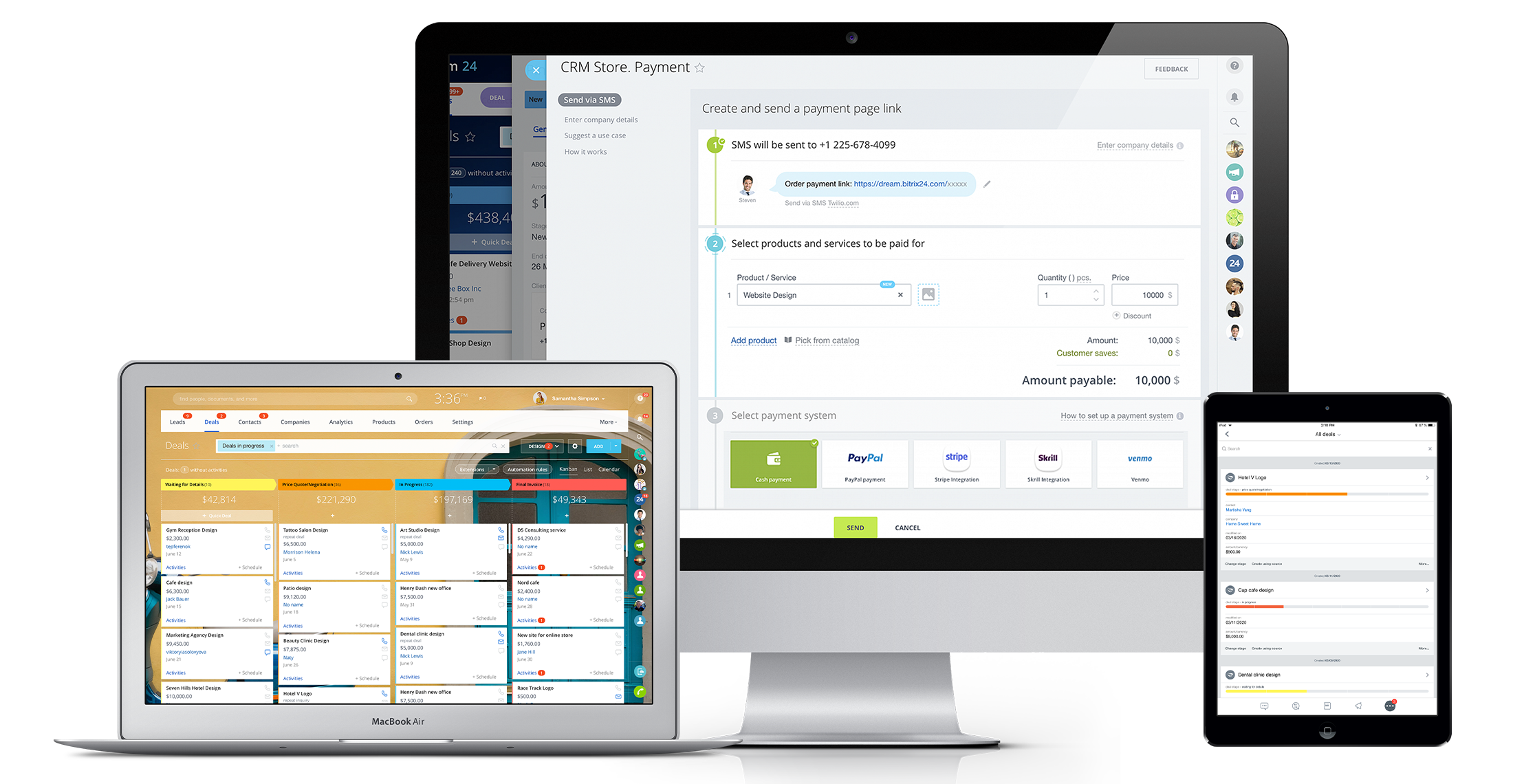
Bitrix24 is a local-hosted or cloud-based social intranet and project management platform that also contains core HR (HRMS) and CRM features. Bitrix24 also provides time management services and employee self-service.
$61
per month up to 5 users
Certinia PS Cloud
Score 8.8 out of 10
N/A
Certinia PS Cloud software is a cloud-based services solution that is built on the Force.com platform. It allows companies to manage professional resources, customers, projects and financials in one integrated services management application. Because the solution works natively with Force.com, it utilizes the same data for sales, services and finance on one system.
N/A
Pricing
Bitrix24
Certinia PS Cloud
Editions & Modules
Basic
$61
per month up to 5 users
Standard
$124
per month up to 50 users
Professional
$249
per month up to 100 users
Enterprise 250
$399.00
per month 250 Users
Enterprise
$499
per month up to 250 Users
Enterprise 500
$639.00
per month 500 Users
Enterprise 1000
$799.00
per month 1000 Users
No answers on this topic
Offerings
Pricing Offerings
Bitrix24
Certinia PS Cloud
Free Trial
Yes
No
Free/Freemium Version
No
No
Premium Consulting/Integration Services
Yes
Yes
Entry-level Setup Fee
No setup fee
Required
Additional Details
Price per month when paying for 1 year.
Certinia Professional Services Cloud software follows a subscription-based pricing model that is typically structured according to the number of users and the level of features required. The software’s pricing may vary depending on the organization’s size and needs, with options to select modules or add-ons for additional functionality. Specific pricing details may require a consultation or quote from Certinia for tailored solutions.
More Pricing Information
Community Pulse
Bitrix24
Certinia PS Cloud
Features
Bitrix24
Certinia PS Cloud
Project Management
Comparison of Project Management features of Product A and Product B
Bitrix24
8.8
24 Ratings
13% above category average
Certinia PS Cloud
-
Ratings
Task Management
8.024 Ratings
00 Ratings
Gantt Charts
8.118 Ratings
00 Ratings
Scheduling
9.921 Ratings
00 Ratings
Workflow Automation
8.921 Ratings
00 Ratings
Mobile Access
9.823 Ratings
00 Ratings
Search
8.121 Ratings
00 Ratings
Visual planning tools
9.022 Ratings
00 Ratings
Communication
Comparison of Communication features of Product A and Product B
Bitrix24
8.5
24 Ratings
6% above category average
Certinia PS Cloud
-
Ratings
Chat
9.023 Ratings
00 Ratings
Notifications
9.924 Ratings
00 Ratings
Discussions
8.023 Ratings
00 Ratings
Surveys
8.117 Ratings
00 Ratings
Internal knowledgebase
8.021 Ratings
00 Ratings
Integrates with GoToMeeting
8.38 Ratings
00 Ratings
Integrates with Gmail and Google Hangouts
9.012 Ratings
00 Ratings
Integrates with Outlook
8.011 Ratings
00 Ratings
File Sharing & Management
Comparison of File Sharing & Management features of Product A and Product B
Bitrix24 is a unified platform with all features in one place. It has a smooth deployment and implementation process. The software boosts teams' productivity and ensures flawless collaboration. Pricing of the software is incredibly affordable. It is highly customizable and a scalable CRM solution.
PSA is great at capturing all the data you would need to accurately track and report on consulting projects. It captures project financials, calculates projected GM%, and (among others) allows for hourly tracking of employees, which breaks it up between billable and non-billable for utilization tracking to accurately understand costs. However, the user interface is tough to learn, and the stability of the data reporting functions is questionable. This tool would be great for smaller consulting shops that fit the standard contracting mold. If your business is fairly straightforward without a lot of shades of gray, you shouldn't have much trouble with the tool. However, if your business practices have a lot of exceptions based on clients, then you'll have a tall administrative task on your hands.
Real-Time Collaboration: Bitrix24 facilitates instant communication through features like instant messaging, group chats, and video conferencing. This enables teams to connect and share information in real time, promoting effective collaboration and timely decision-making.
Task Management: Bitrix24 offers comprehensive task management capabilities, allowing teams to assign tasks, establish deadlines, and monitor progress. This ensures that team members are aligned, promoting organization and focus on project objectives.
Social Intranet: Bitrix24 provides a social intranet platform that serves as a centralized space for employees to interact, exchange updates, and collaborate on projects. This fosters a collaborative environment, promotes knowledge sharing, and enhances teamwork across the organization.
The biggest strength of FinancialForce PSA is that it's built upon the force.com platform, which means it is very easily customizable to our business needs.
Projects are easily created, as well as milestones and assignments.
"Actuals" (dollars and hours) are calculated automatically, and are easily reported on.
Resources are easily managed by using the Resource Planner
It's user interface can use some work. Although it doesn't take as long as some other software to learn, there is still a bit of a learning curve when it comes to day to day usage.
Bitrix offers a lot of features. It would be nice to have those features laid out in an easier-to-read layout, versus the long list at the side of the page.
It's mobile app functionality is quite limited. It can be difficult to work with other team members, solely off of their mobile app.
It has become the central nervous system of the business and has constantly proven to be of value. We are not just renewing but might even upgrade to advanced Bitrix24 plans and will be adding more user licenses in the next 3 months. Bitrix24 has a sharper learning curve initially. However once it is surpassed, it opens doors to a range of creative deployment strategies
There is another PSA software program that we have been looking into (DreamFactory) that could potentially replace FinancialForce PSA in our organization. Like FinancialForce PSA, it is cloud based on the force.com platform. Licensing is slightly less than FinancialForce PSA, and the Resource Management tool is far superior to FinancialForce PSA. With that said, our renewal falls in Q4 2014 and I don't foresee us implementing a new system this fiscal year.
It is a time-saving CRM that will help save time by using one application for all your business needs. Our brain sees colors, images, drawings, it is very visual, and so is Bitrix24. You can plan visually and easily see how everything is progressing. It has tasks, projects management, chat and video, CRM (as you know), visual staff structure, calendar, shared drive, mobile app. You can't ask for anything better out on the market for what you get with their free version and also their step-up plan is $20/month, all the way up to $200, they have a plan for your business. Get your free account and try it out for a few weeks.
It is maturing and does what it does well although it is not fully complete.
Integration to SF is great.
Gives great visibility to incoming services projects and allows the staffing process to start on pipeline deals.
There are certain processes that take more click-throughs then needed so there are refinement opportunities around the UI.
The resource management screen and project status views have really matured since our original purchase, and while not perfect, allow business leaders to do their jobs.
Configurations vs. customizations. We seem to have to bring in an Apex developer to do a customization for changes I would think could be configuration settings
I can't recall any instance of unplanned outages over the past 1 year of use. Likewise for application errors. However note that, advanced users will have a learning curve
Most of the time it is fine. There are peak periods of usage where performance noticably slows down (i.e., Monday mornings when time is due and many reports are being run)
The absolute worst! Your only contact method is via the paid version and via a chat window. They will take days to answer and when they finally do answer, they will provide nothing but a half baked canned help file.
Every time I submit a new help request, whether it's an actual help request or just a question about FinancialForce PSA, I always feel that I'm receiving world class support. The support we receive from FinancialForce PSA is always very detailed and professional. There are some requests that take longer than other for the initial response, which is why I did not give a full 10.
Overall the training was very comprehensive. The trainer did provider necessary additional reading materials as well. However the general approach at Bitrix24 is to divert users to self-help documentation and videos. It is recommended that atleast 1-2 personnel in the organization be "Bitrix24 experts" so that lower phases of training requirements are covered internally itself. Also the best part about Bitrix24 is that not all users need to go very deep while using it. We have multiple counsellors who started using it on day 2 without any major hiccups
Appirio did a good job, however, the user team didn’t know enough to make all the right configuration/customization choices. The team focused too much on replicating existing processes vs. reengineering them. In hindsight we should have had deep dive reviews at key milestones and enforced more focus on how the software would operate. We didn’t have access to true best practices expertise. In hindsight, a consultant from the outside would have been helpful to drive this.
The choice of the B24 was prompted by the fact that in 2012 the company had a box version, but without the CMR. The license was expired, the version was no longer supported by B24. In the stages, the company's directorate drove the employees into tasks for B24, but with different success. However, most of the B24 was still familiar.
FF PSA is a robust Project Management solution that can be configured to fits any size business. We have tried several other applications and PSA so far has met and exceeded our needs. We run our day to day operations on Salesforce so having a solution that is native was a must have. PSA met that requirement and much more.
The scalability and reliability is almost 9.5/10 to be honest. We istarted with Bitrix24 for just 2 functions and now have expanded its usage to 2 more. In terms of users, every full-time employee (FTE) now uses Bitrix24 without fail. We are also working on giving limited/partial access to external service providers
FinancialForce PSA has helped us improve our data tracking and allows us to get more granular about our financial information and performance.
PSA has given more tools and reports to individual contributors to take greater ownership over their own data, and has increased accountability across the organization.
PSA has added a fairly hefty administrative burden to individuals, project managers, and our financial team.