
BM4A VRM vs. Workday Workforce Management
| Product | Rating | Most Used By | Product Summary | Starting Price |
|---|---|---|---|---|
 BM4A VRM | N/A | Mid-Size Companies (51-1,000 employees) | BM4A VRM is an online leave management system that streamlines the leave request and approval process. The software enhances efficiency by integrating with payroll, ERP systems, and timesheet tools. The BM4A team can customize BM4A VRM to meet the specific needs of any business. Its functionality can be extended, the UI design tailored, and integrations made with internal systems and popular platforms. This ensures that BM4A VRM operates seamlessly within the existing setup and supports… | N/A |
 Workday Workforce Management | Score8.1 out of 10 | N/A | Workday Workforce Management is a workforce operations software that integrates HR, time, and scheduling data, to eliminate disjointed processes that halt day-to-day operations. Consistent with a worker-first approach, Workday provides mobile-first access to personalized pay, time, and schedules, giving workers frictionless on-the-go access. This helps overcome difficulties in retaining workers and keeps them engaged in a competitive labor… | N/A |
| BM4A VRM | Workday Workforce Management | |||||||||||||||
|---|---|---|---|---|---|---|---|---|---|---|---|---|---|---|---|---|
| Editions & Modules | No answers on this topic | No answers on this topic | ||||||||||||||
| Offerings |
| |||||||||||||||
| Entry-level Setup Fee | Optional | No setup fee | ||||||||||||||
| Additional Details | We offer a free demo version that showcases the fundamental features of the application. Further development of the web application, customization, functionality expansion, integration, and more are calculated individually for each client and depend on the scope of work: Types of Installation: On-Premise, Private Cloud; Customization: Individual customization according to your business requirements; Integration: VRM can connect with your current HR, payroll, ERP systems, and other platforms, making your labor data easy to understand and use. Additionally, VRM can integrate with popular external systems; You pay only once and receive a product with exactly the features necessary for your business. | — | ||||||||||||||
| More Pricing Information | ||||||||||||||||
| BM4A VRM | Workday Workforce Management | |
|---|---|---|
| Considered Both Products | No answer on this topic | No answer on this topic |
| Key User Insights | ||
| Would buy again | ||
No answers on this topic | 86% Would buy again 12 Answers | |
| Delivers good value for the price | ||
No answers on this topic | 100% Delivers good value for the price 10 Answers | |
| Happy with the feature set | ||
No answers on this topic | 100% Happy with the feature set 14 Answers | |
| Lived up to sales and marketing promises | ||
No answers on this topic | 100% Lived up to sales and marketing promises 5 Answers | |
| Implementation went as expected | ||
No answers on this topic | 83% Implementation went as expected 5 Answers | |
| BM4A VRM | Workday Workforce Management | |||||||||||||||||||||||||
|---|---|---|---|---|---|---|---|---|---|---|---|---|---|---|---|---|---|---|---|---|---|---|---|---|---|---|
| Payroll Management |
| |||||||||||||||||||||||||
| BM4A VRM | Workday Workforce Management | |
|---|---|---|
| Small Businesses | No answers on this topic |  Patriot Payroll Score8.6 out of 10 |
| Medium-sized Companies | No answers on this topic |  APS Score5.7 out of 10 |
| Enterprises | No answers on this topic |  ADP Streamline Payroll Score6.1 out of 10 |
| All Alternatives | View all alternatives | View all alternatives |
| BM4A VRM | Workday Workforce Management | |
|---|---|---|
| Likelihood to Recommend | - | 8.4 |
| Usability | - | 7.7 |
| BM4A VRM | Workday Workforce Management | |
|---|---|---|
| Likelihood to Recommend | No answers on this topic |
|
| Pros | No answers on this topic |
|
| Cons | No answers on this topic |
|
| Usability | No answers on this topic |
|
| Alternatives Considered | No answers on this topic |
|
| Return on Investment | No answers on this topic |
|
| ScreenShots | BM4A VRM Screenshots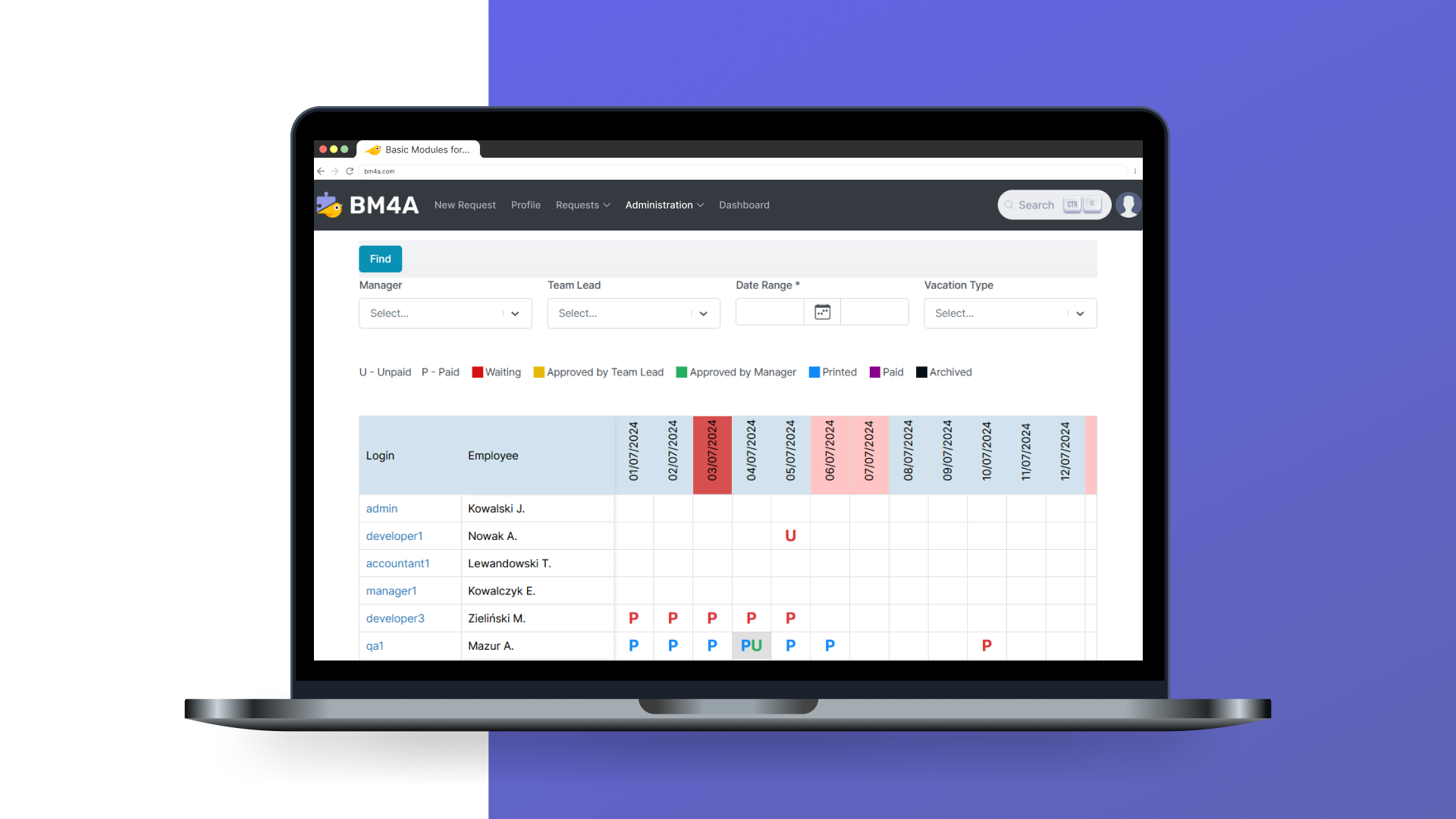 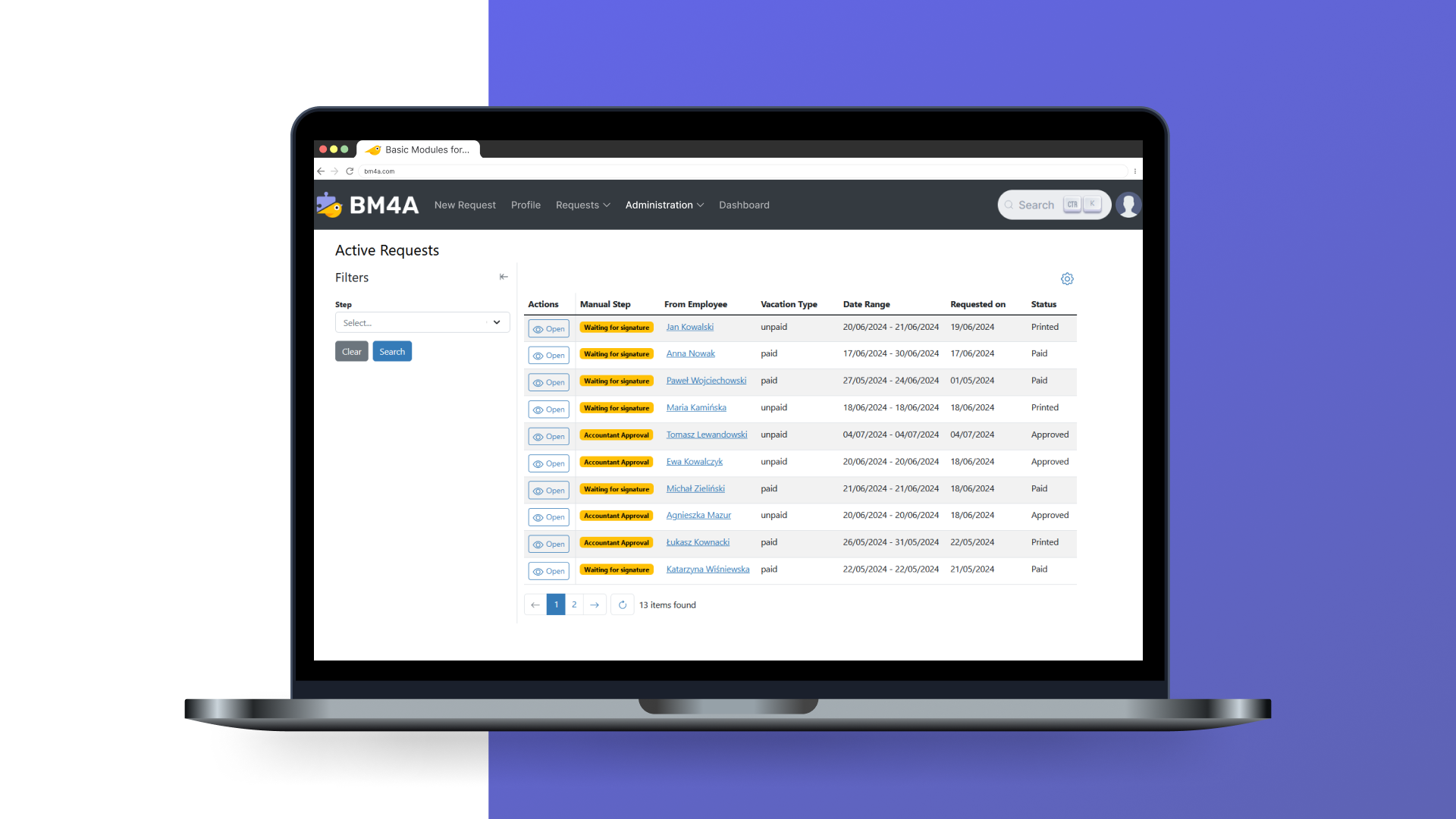 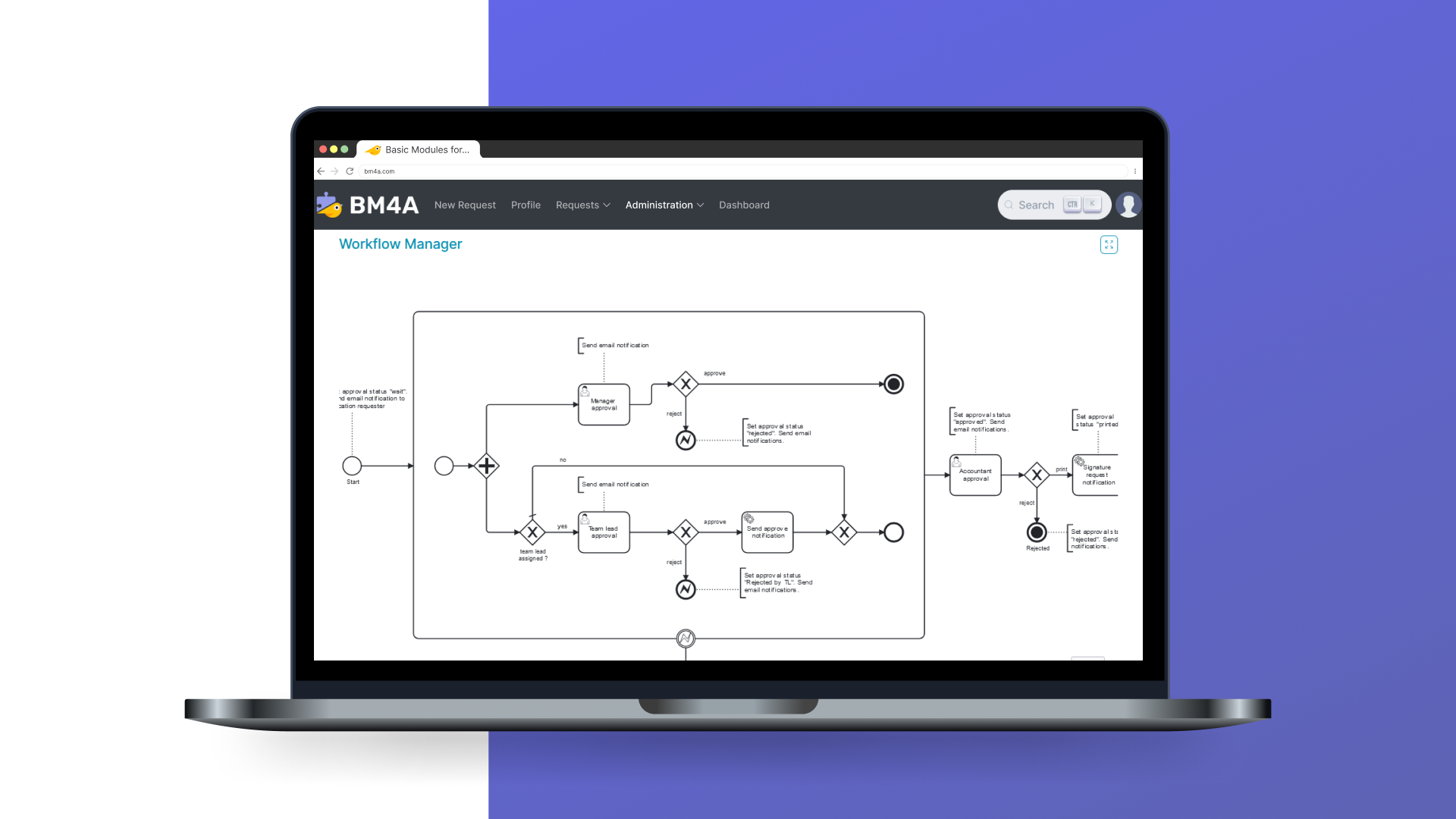 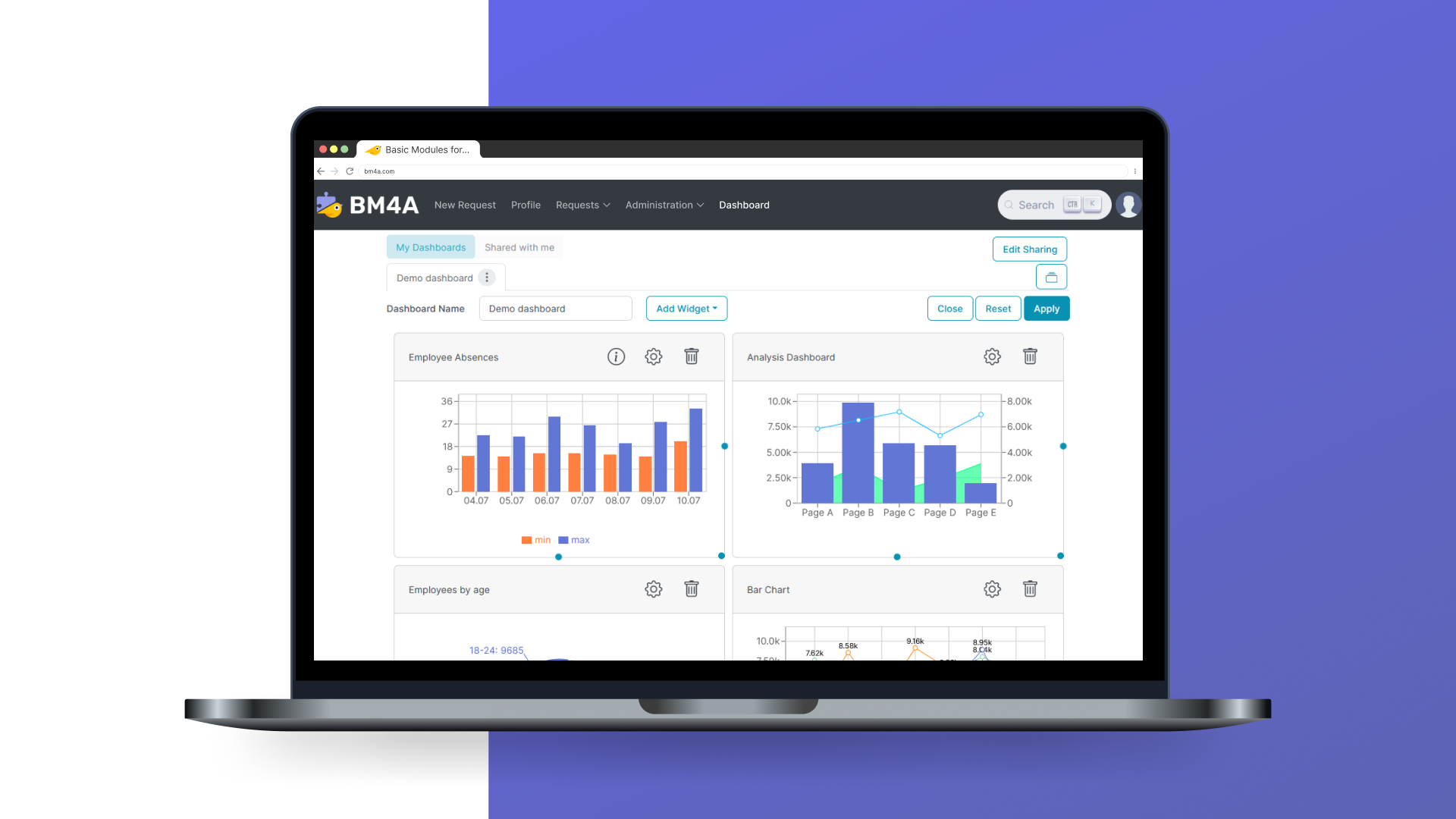 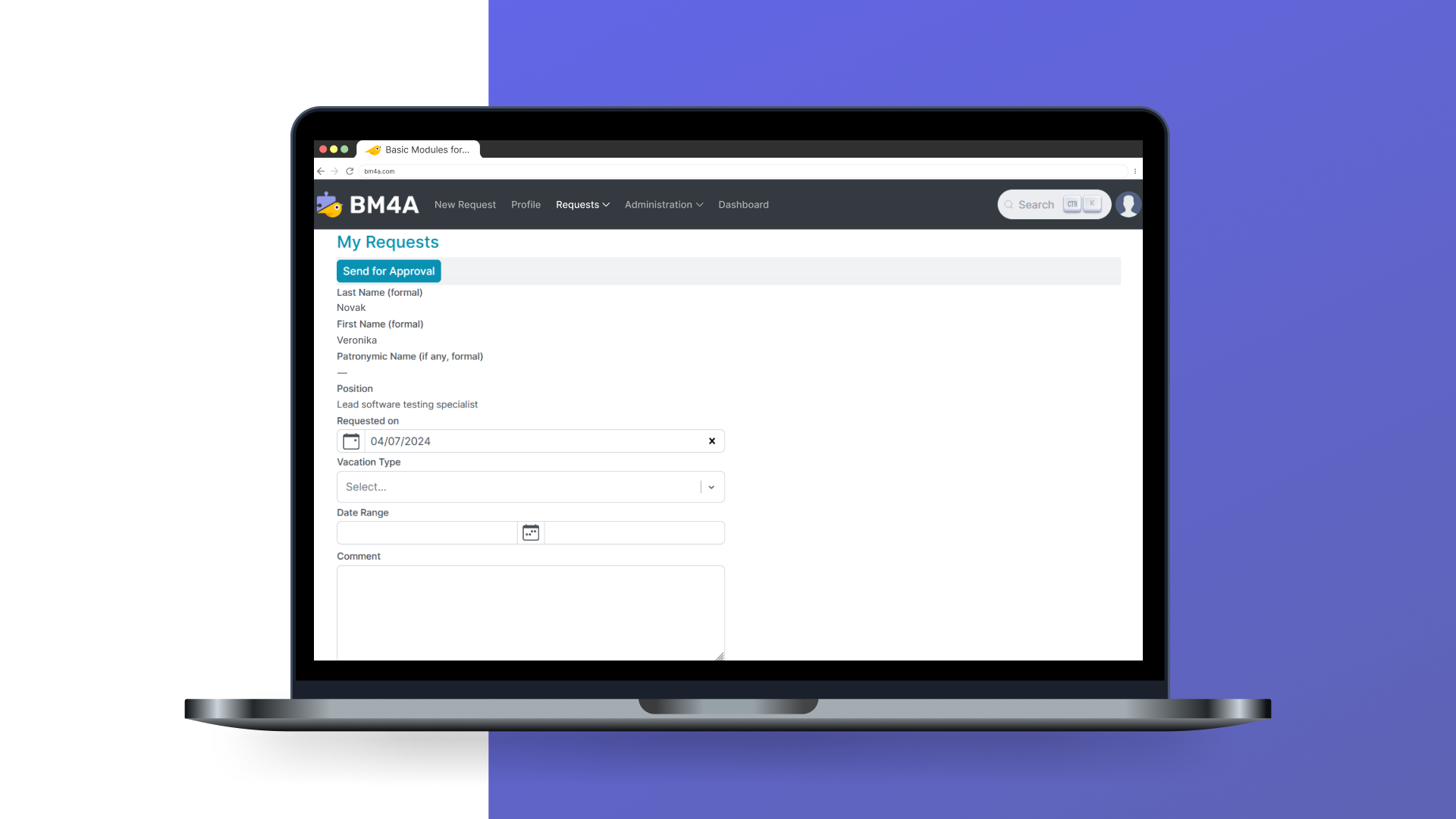 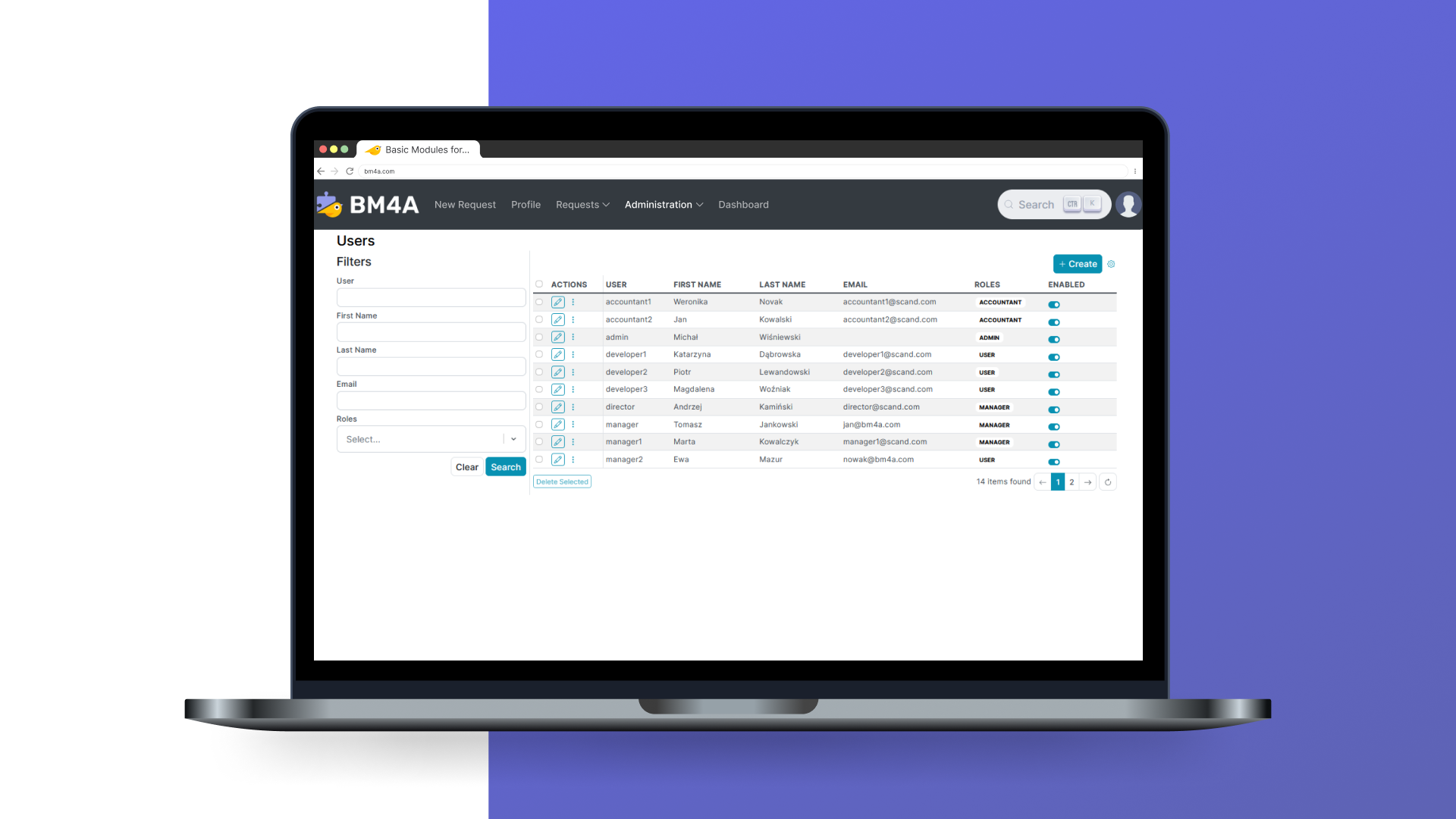 | Workday Workforce Management Screenshots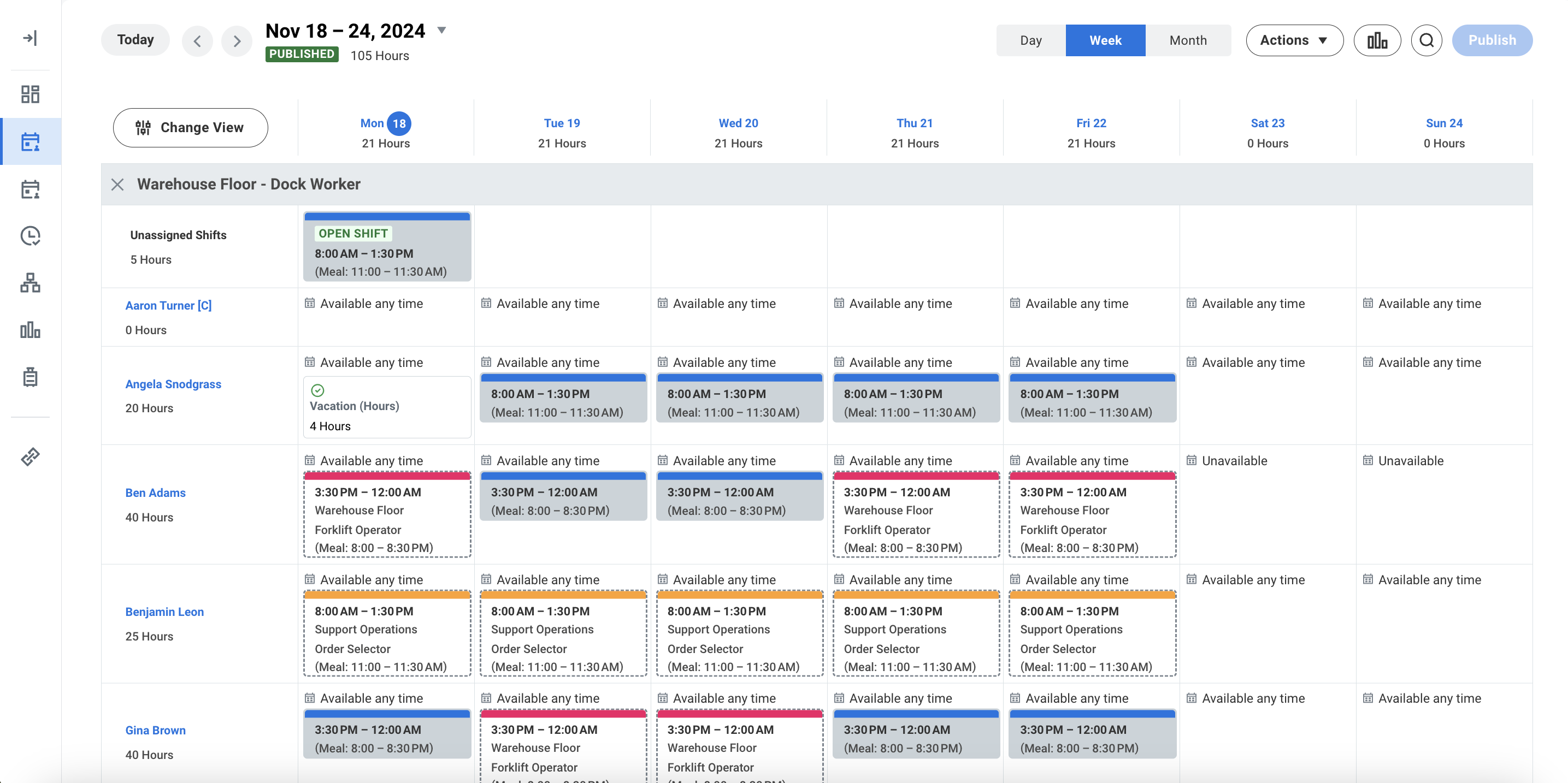 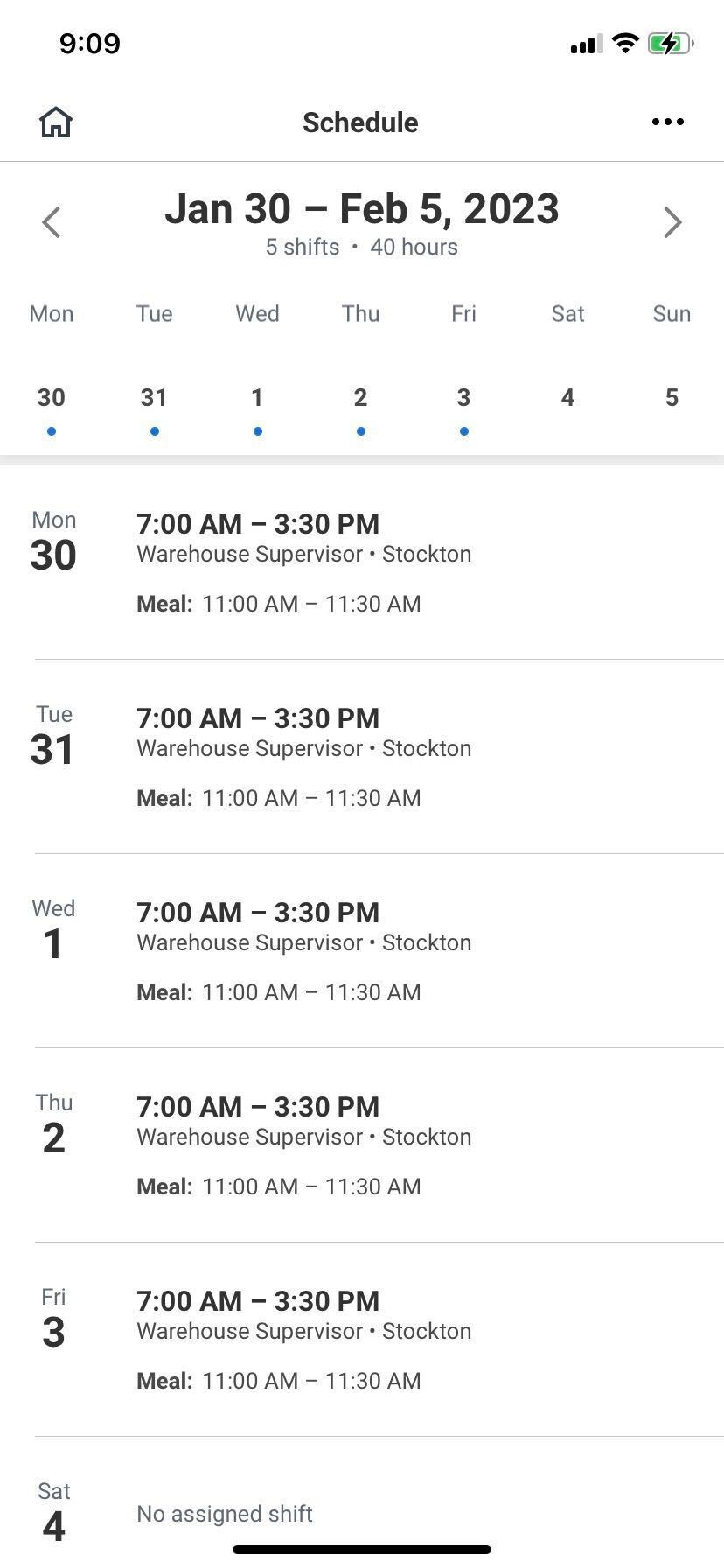 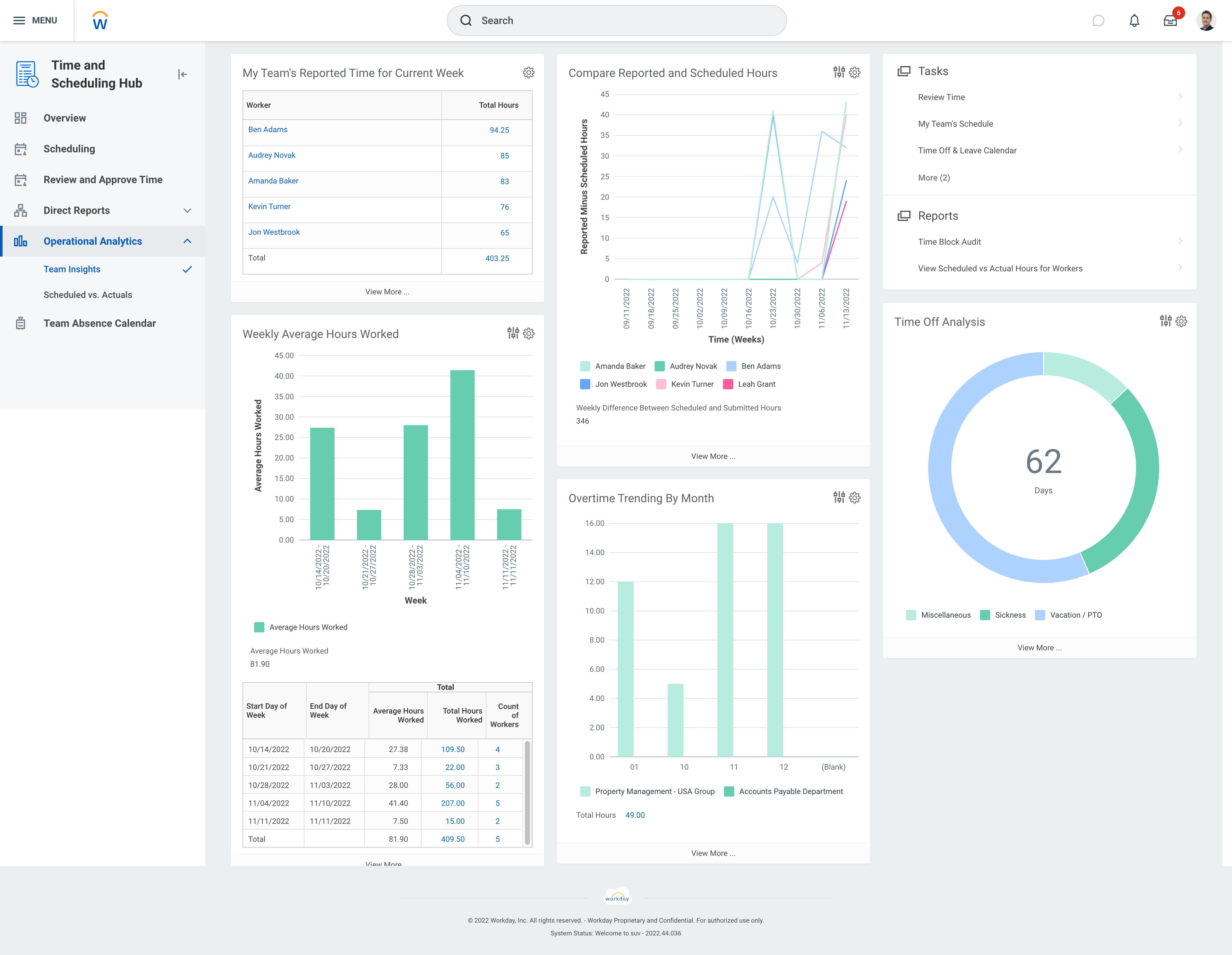 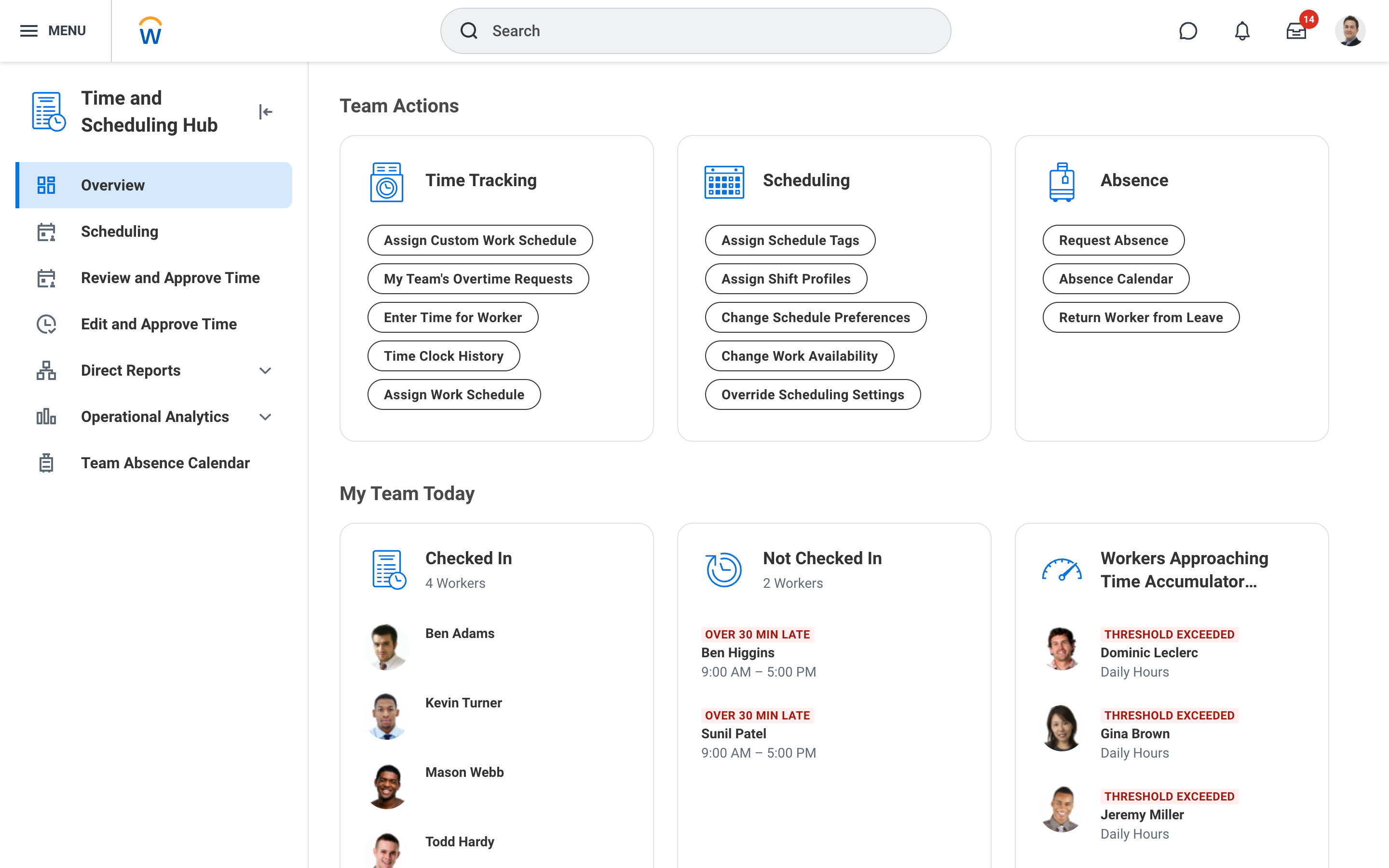 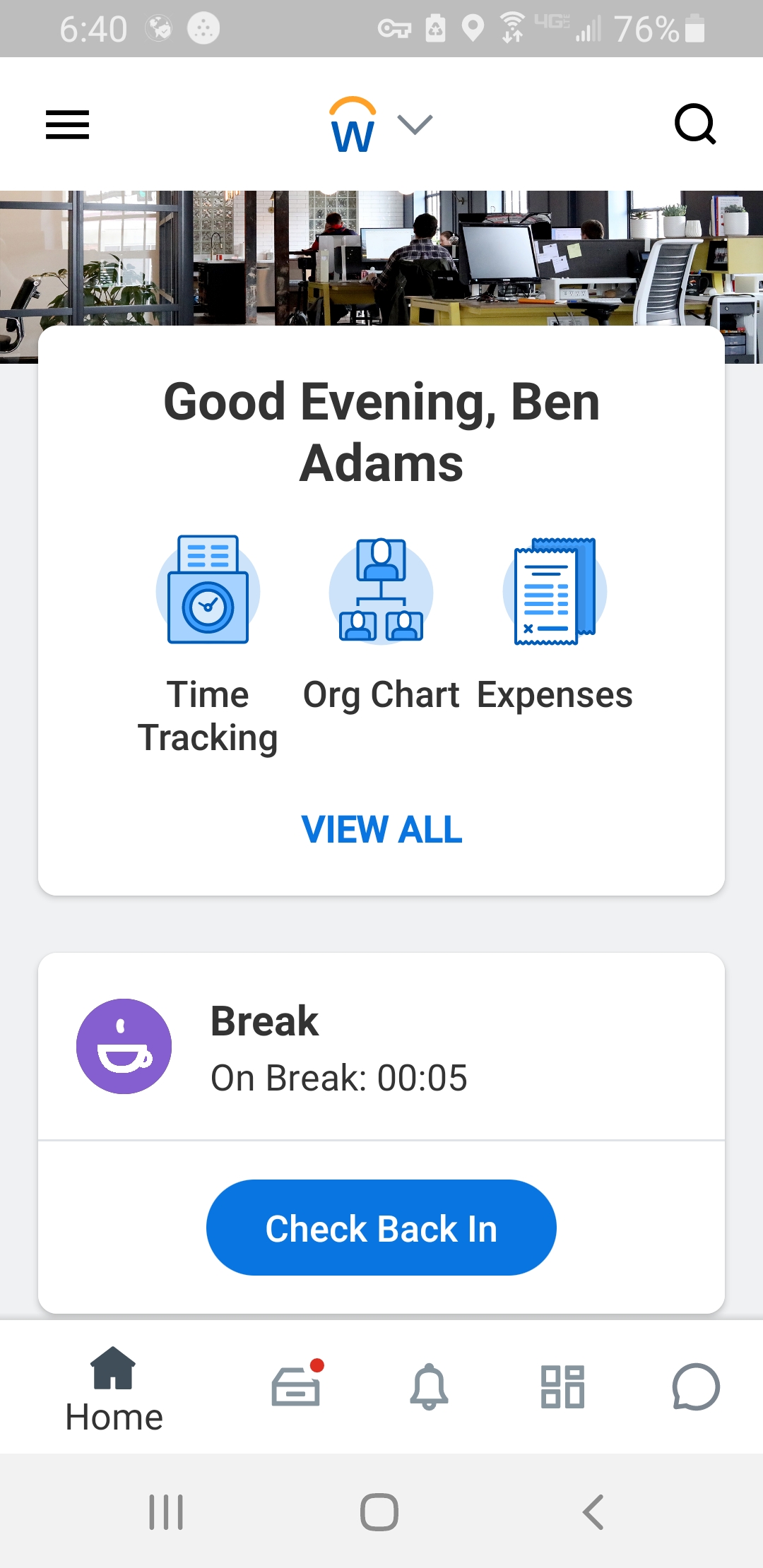 |
