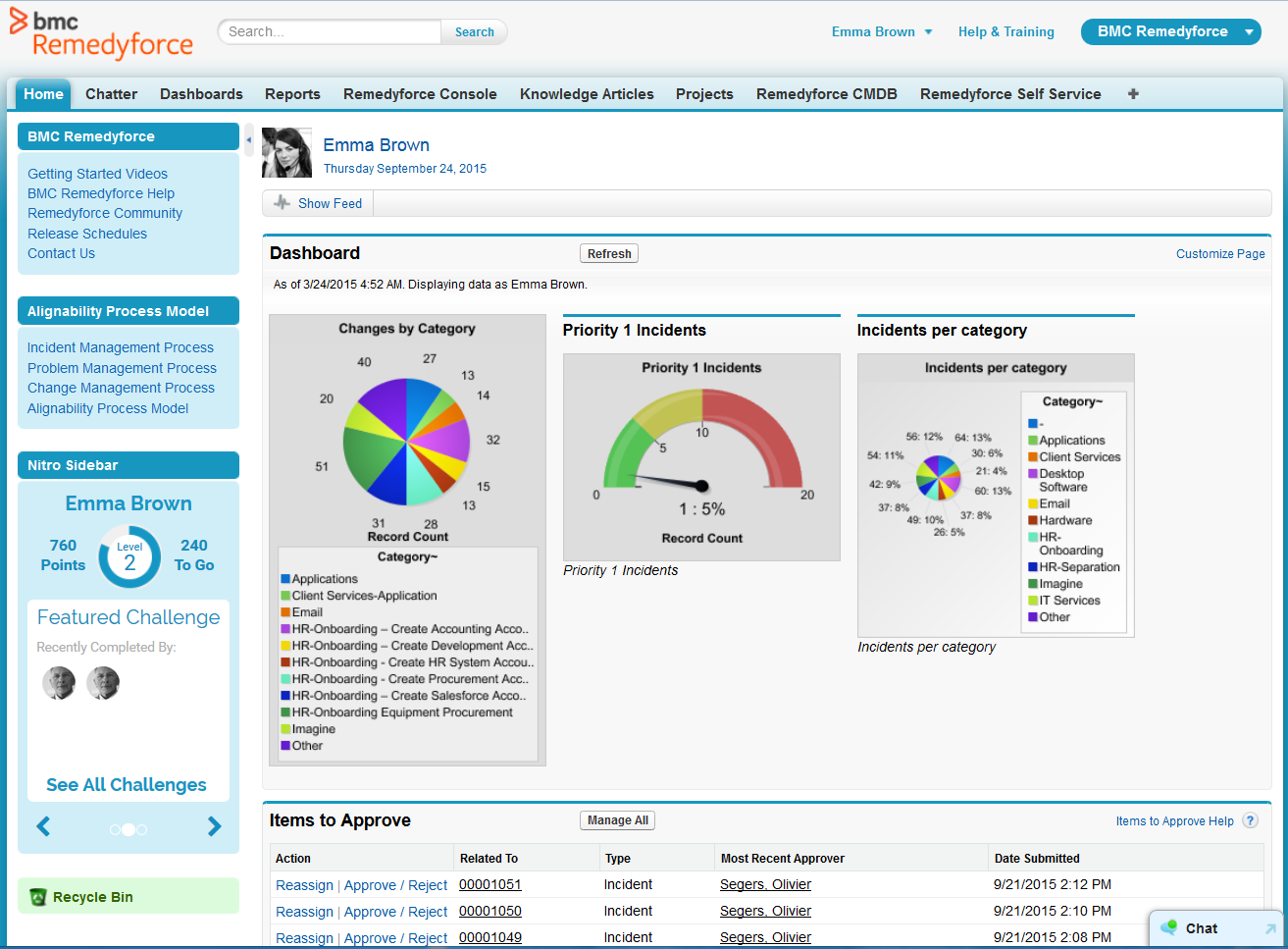
[BMC Helix Remedyforce] is probably best suited for an MSP who needs to keep multiple clients separated. If you were an internal IT department I think the additional features it has would be lost. When dealing with an MSP who needs to know what software and what issues have effected specific clients it is very well suited to do that.
Track-It! is great for a small-to-medium sized enterprise that has a fairly small IT department but needs far more control of tickets than just email and spreadsheets. It scales well enough as IT departments grow, adding techs is simple enough, as is changing the workflow. A large company would probably be better off with a different solution. The lack of easy customization, and the shortcomings it has in workflow templates (which would be a nightmare for project management) means it won't scale up that far.
An admin user is able to quickly create a request definition with all of its components from one screen. We use to have to go to the 7 or 8 different screens to create each piece of the request definition.
Ability to update multiple Incidents/Service Requests at once with the update button. This allows essentially an inline edit functionality within Remedyforce.
Change management schedule is a great feature as well to be able to see how changes align and what there expected start dates/times are.
The ability to monitor/regulate the volume of tickets when you integrate with your monitoring software. We have so many items that trigger alerts, creating a ticket for each is somewhat overwhelming. Would like to be able to better control when an incident should be created.
Being able to report on Service requests and tasks together would be nice. Right now I have to do it separately as they are in different buckets, so to speak.
Remedy console is an improvement from where it started but can still be a cleaner interface for a tech to be able to work out of for their day to day work.
The total amount of time spent from installation to configuration for a minimal ticketing system was 2 hours. Maintenance and customization for the application can be completed with a great amount of ease. In addition having a customer portal is an added benefit that pays for itself
We have rarely needed to use Support for BMC Track-It!, but in the times that we did need to use it, they were excellent. The biggest issue is that after not paying for support for about three years, now that we NEED support, it is too expensive for us to receive. This is due to the way their support is billed. So long as you never drop support, then you should be fine.
Learning industry best practices or gaining insight on them from either BMC or an implementation partner would have saved some headaches we faced after roll-out.
I previously worked with tools like Service Manager which were difficult to configure, administer and maintain. The support options were very limited. Remedyforce has local US support, dedicated reps, and a more developed infrastructure to work from to support an organization. This runs on the Salesforce platform so worrying about server failures and unscheduled outages was no longer going to be an issue for us. Self service, knowledge base, and change control were just a few highly utilized features that helped employees support themselves and automate very manual processes.
BMC Track-It! is much more bare bones compared to ServiceNow products, and if your department has the money, ServiceNow is a much better option. Not only is the Knowledge Base much easier to create and publish articles, but the asset management in BMC Track-It! is practically useless. BMC Track-It! is more cost effective, and with a small amount of technicians there's likely no reason to need a bigger solution, but it leaves a lot wanting.
Remedyforce has allowed us to eliminate other solutions that provided similar features. By now using one true ITSM we have been able to save money which in higher education is always a concern.
The reports and dashboards allow for a birds-eye view of our daily operations and provide managers and executives the information they need to make important cost saving decisions.
The biggest positive impact it had on ROI was that the software itself didn't require any expensive ongoing maintenance contracts since it was installed and managed by our organization.
The negative aspect of this is if there was a major problem with the software, then it would require contacting the vendor, at which point it could become expensive for a service call.