Canva is a popular, simple online graphic design tool. Users can import images, use templates to design banners and logos, or pay to use Canva's premium stock images/paid templates (elements starting at $1).
$12.95
per month
Magnolia
Score9.9 out of 10
Mid-Size Companies (51-1,000 employees)
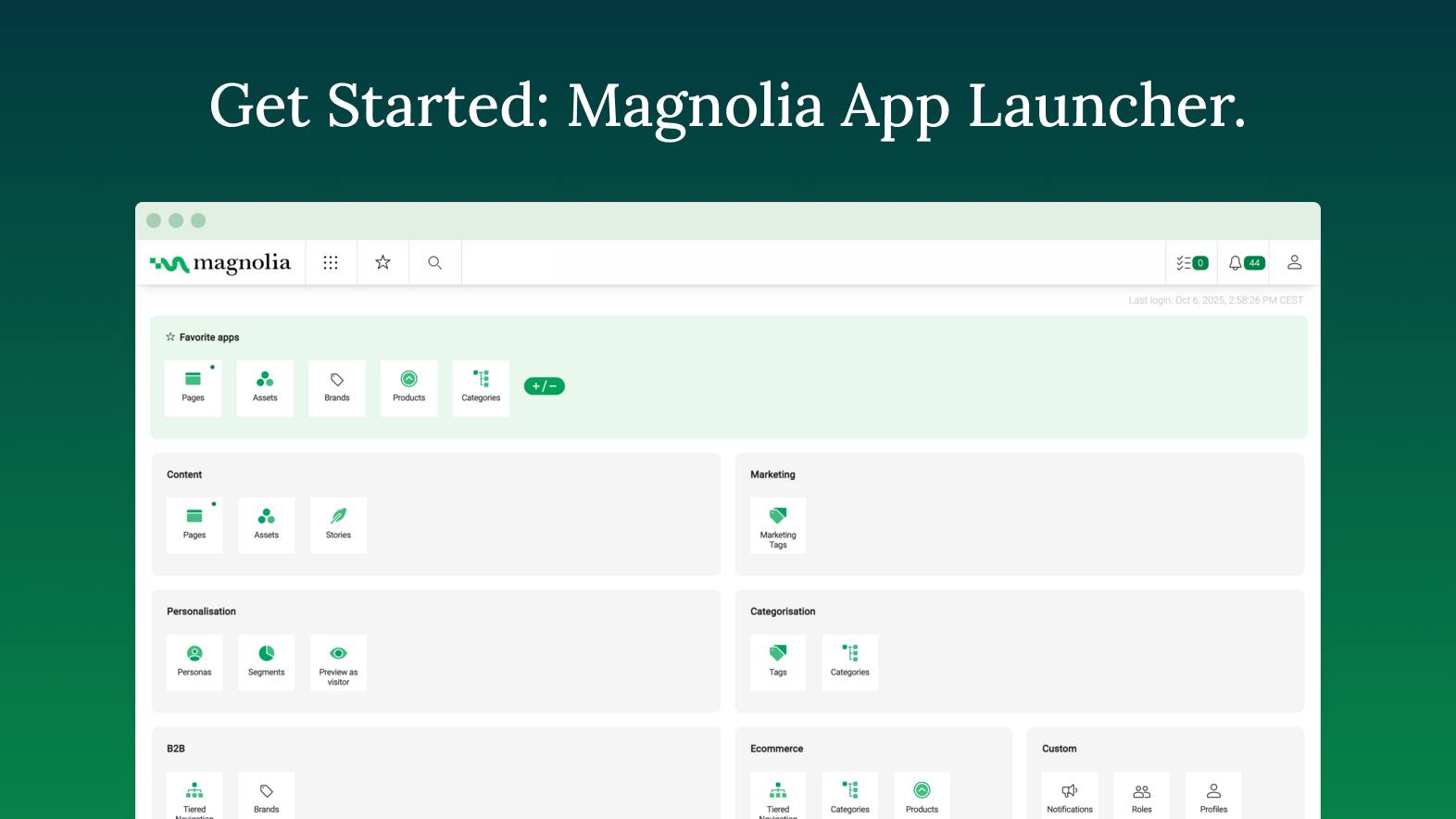
Founded in Switzerland in 1997, Magnolia is a CMS used to build composable digital experiences. Magnolia helps create fully integrated customer experiences and speeds up digital delivery of content. Magnolia boasts 480 enterprise customers, thousands of Community Edition deployments, and more than 200 certified Magnolia Partners around the world. They further state that their enterprise customers include Sanofi, Generali, the Atlassian, The New York Times, Harley Davidson, and Union…
They are suited to serve the non-profit space, offering premium features at no charge for up to 50 users. They provide tools for non-graphic designers that help to create appealing and attractive pieces. For those who are unsure about where to start with a project, Canva offers templates that can be edited to suit the current need.
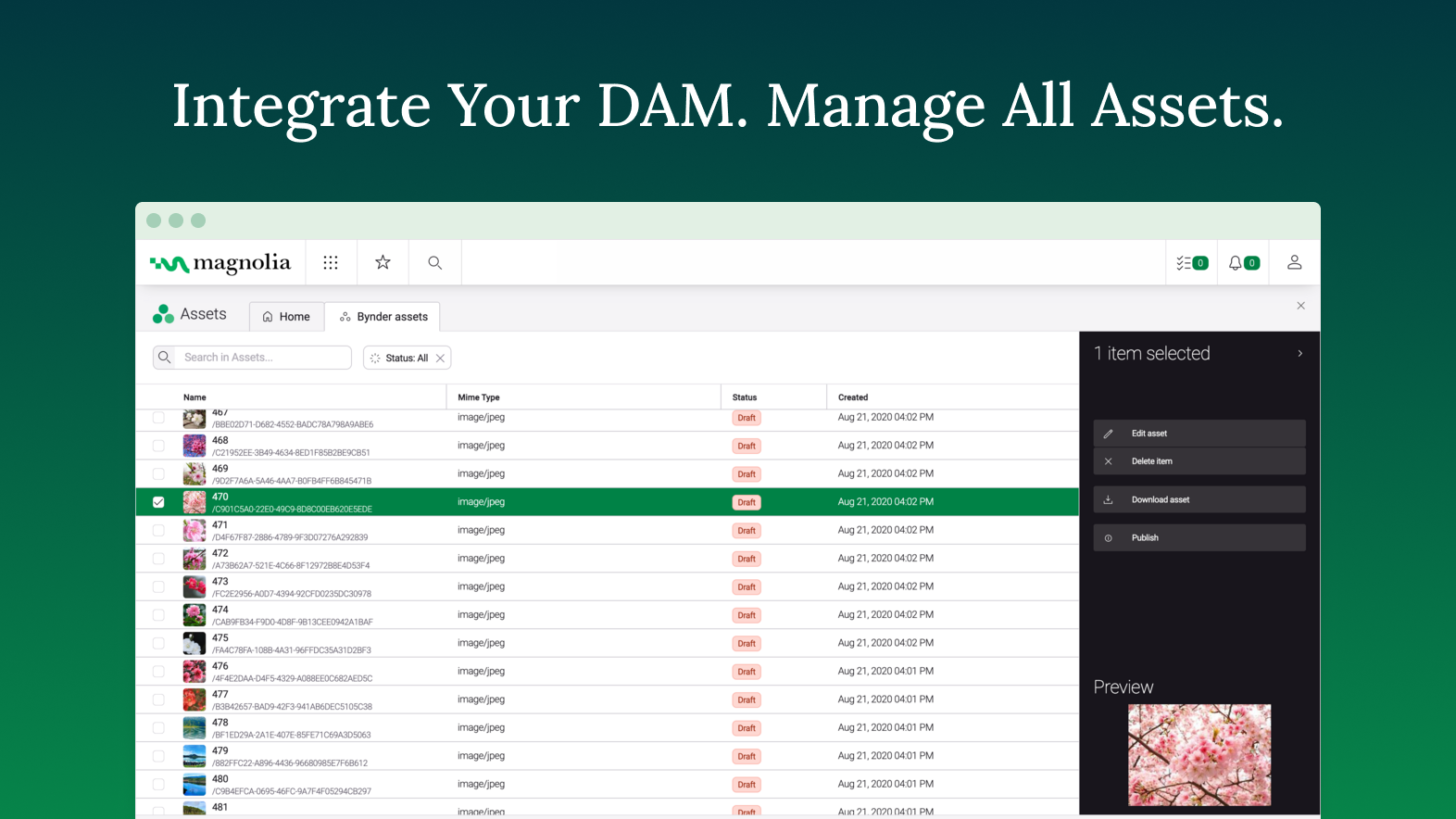
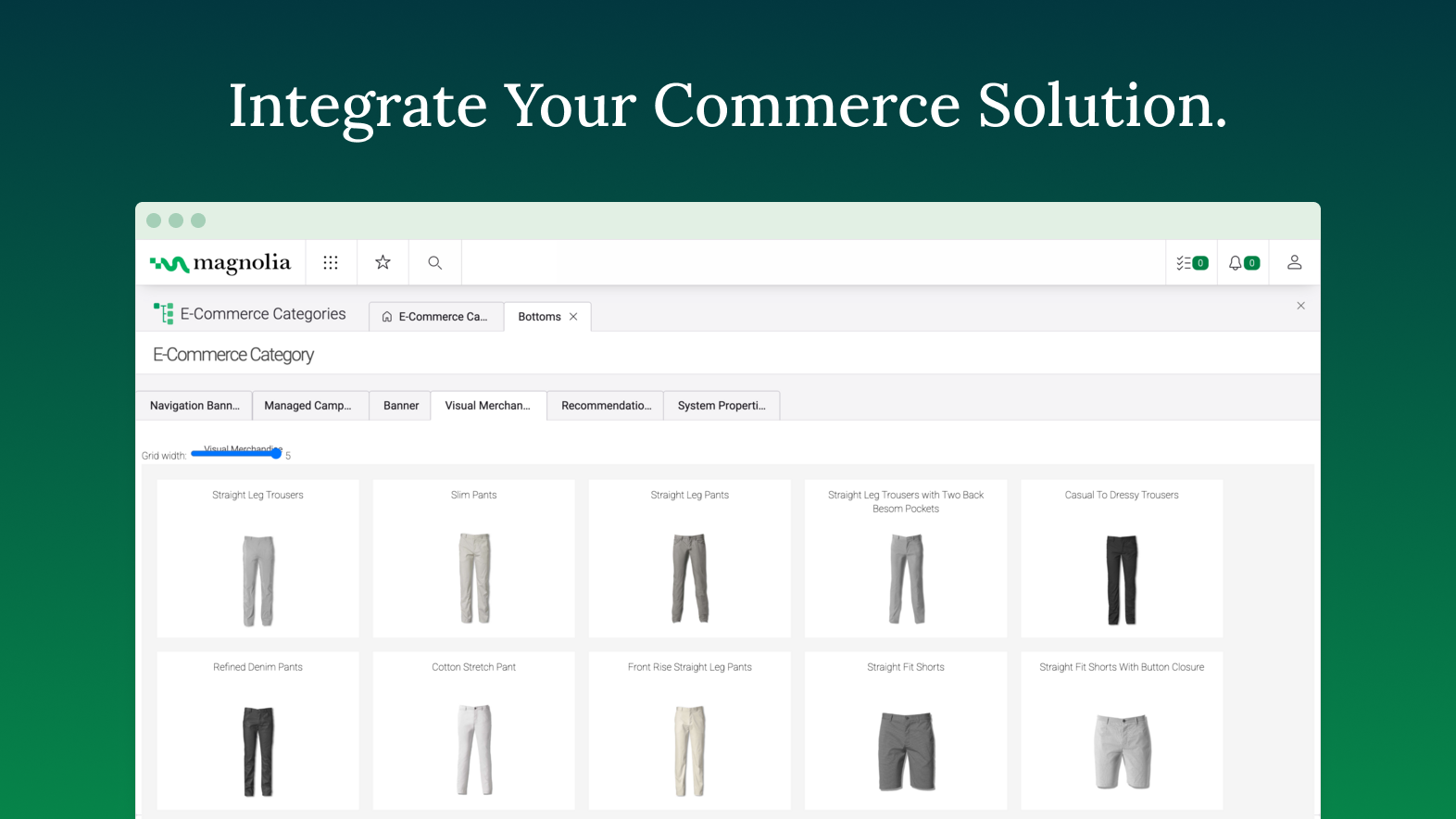
Magnolia is a very capable DXP, that provides client with lots of flexibility in composing its own stack. While the core of the platform is a content management system, the open architecture of Magnolia DXP allows it to connect to any platform, allowing client to extend the capabilities. One scenario would be a centralized content hub - where through a single platform, content authors can choose which channel to distribute what content. For example, long form content for consumers viewing on a laptop, short form content for those using a mobile browser. This allow the client to personalized the experience based on channels. Another scenarios would be leveraging on GenAI - using Magnolia's built-in connector to ChatGPT. If that is not the service that one desire, you can always connect to another AI service such as Google Gemini. With GenAI, connected, content author can use AI as co-pilot to help them scale up their content production.
It helps you find the right design and helps you start with the right template
It helps in creating for all platforms, basically you need to create the design only once and Canva takes care of the rest by resizing the design for whichever platform you want to publish it to.
It also comes with a content planner which is extremely helpful for obvious reasons. It relieves you from the hassle of posting when the right time hits.
There's a Brand feature which is also extremely fascinating as it helps you store all your brand information (even color) at the same place.
Speed of development - time to delivery from zero to MVP was excellent
Ease of use - the authoring experience is very easy to build and train
PAAS/SAAS - the managed service platform removed the traditional overhead of running in-house technologies, meaning we could focus on value add, with less time spent keeping the lights on.
I have a hard time coming up with any improvements, perhaps increase the number of free elements to use in design.
Maybe, Canva should check if you start editing a previous document to see if you want to change the current design or create a new one as a clone of the current document (design).
I'm sorry, I really can't think of a 3rd. Overall, I really like working in Canva.
A de minimis incentive was given to thank the reviewer for their time. The incentive was not used to bias or drive a particular response, nor was the incentive contingent on a positive endorsement. More Info
The documentation provides samples that are often out of context, and difficult to know where the provided example code should be implemented. More tutorials providing the full project or step-by-step instructions on how to implement subject material would help greatly. Baeldung is a resource I would consider the gold standard in how this is done in other spaces.
The use of JCR and Nodes makes object serialization/deserialization painful. Jackson compatibility or similar would be a welcome enhancement to the developer experience. Maybe leveraging code-gen from light modules to build model classes when possible could help accomplish this.
Modifying the home layout from light modules is frustrating. It seems that any configuration overrides made merge with the default rather than overwriting, which makes for a difficult combination of guess-and-check while referencing the documentation to see what should be in each row/column when making changes.
Including "mark all as read" or "delete all" in the notifications app would be a great quality of life improvement. It seems that by default, users have to individually select messages and operate them.
A de minimis incentive was given to thank the reviewer for their time. The incentive was not used to bias or drive a particular response, nor was the incentive contingent on a positive endorsement. More Info
The ease of use makes Canva a powerful tool for manipulating images, creating original content, and testing ideas without requiring the involvement of graphic design or more time-intensive image editing software such as Photoshop. While it doesn't have the full functionality of a mature software, such as Photoshop, The speed and simplicity of Canva makes it a necessity in a business of any size
A de minimis incentive was given to thank the reviewer for their time. The incentive was not used to bias or drive a particular response, nor was the incentive contingent on a positive endorsement. More Info
A de minimis incentive was given to thank the reviewer for their time. The incentive was not used to bias or drive a particular response, nor was the incentive contingent on a positive endorsement. More Info
It is super easy to use, but it could be limiting if you're on a small device. It is easier on a bigger device because you can resize graphics and text easier than with your fingers on a small device. I do think it's perfect and easy for non-designers who don't have any training. As long as you have a good eye for visuals, Canva is a wonderful substitute for graphics programs on-the-go.
A de minimis incentive was given to thank the reviewer for their time. The incentive was not used to bias or drive a particular response, nor was the incentive contingent on a positive endorsement. More Info
We've shown it to a number of users both clients and our own team and despite initial apprehensions, they "get it" very quickly. It's intuitive and friendly and quick to perform daily tasks. We once had a client tell us "Using Magnolia makes me smile" which says it all for us.
A de minimis incentive was given to thank the reviewer for their time. The incentive was not used to bias or drive a particular response, nor was the incentive contingent on a positive endorsement. TR verified that a representative sample of customers was invited. More Info
I have yet to encounter Canva being offline in at least 6 years of using it regularly. They also announce well in advance if there may be upgrades to the code and the hours during which there may be issues accessing the service.
A de minimis incentive was given to thank the reviewer for their time. The incentive was not used to bias or drive a particular response, nor was the incentive contingent on a positive endorsement. More Info
I haven't ever had issues with a slow-loading site and there haven't been any lag issues within the software. There have been maybe a handful of times over the past six years where I have tried to upload a large image and it will slow down as it loads the last megabyte, but I have yet to have the system time out or require any interference by me
A de minimis incentive was given to thank the reviewer for their time. The incentive was not used to bias or drive a particular response, nor was the incentive contingent on a positive endorsement. More Info
I gave [it] 7/10 only because of the loading time of pages. Otherwise, I think it deserves an 8. Normally this is not an issue per [se] but considering the rating matrix and as I have been asked to honestly write about it. Yes, the page loading times could be improved.
Overall, Canva is easy to use, easy to train others to use, allows for creativity with a professional look without enormous associated costs. The mobile apps works almost as easily, but at a minimum allows for easy review and downloading in a pinch. Really, anyone can learn to use Canva quickly and will immediately benefit from the results.
You always get an answer based on your SLA. But you always get a solution. That's the successfactor in this case. To often i was frustrated about people in a company without even a clue what there product is about or how to solve a problem. Magnolia's Support Team does a very good job and try to help you in most of the cases
Remember to download the mobile app onto your phone for easy image manipulation on the go. Adding company colors, logos, and typefaces to your company account is an easy process. When images are uploaded, these can also be shared between accounts within a company, as can canvases you've created for easy editing among teams.
A de minimis incentive was given to thank the reviewer for their time. The incentive was not used to bias or drive a particular response, nor was the incentive contingent on a positive endorsement. More Info
Canva is faster and easy to use. There aren't complex menus like Adobe products and everything is generally intuitive. Menus are mostly open and visible or relatively small. Small changes to the program add to it's usability rather than detract. I also appreciate that Canva helps the user become more creative through use. By giving you editable examples through templates you can choose to re-design something ir create something from scratch w/ a similar concept or feel. Canva often gives me ideas that I can implement into my design or into the entire project even. I also like how Canva is intuitive in it's approach. The program gives you suggestions when it comes to graphics, etc. without getting in your way if you know what you already want
I've used several CMSs like AEM and EpiServer, and comparatively, they all excel at different things. Magnolia is the best to develop for/against. Episerver has the best/most fluid UI in terms of content editing, and the overall admin experience AEM is just all around sucks.
A de minimis incentive was given to thank the reviewer for their time. The incentive was not used to bias or drive a particular response, nor was the incentive contingent on a positive endorsement. More Info
Very easy to add accounts and share content between them. Collaboration is also easy to manage and can be done on a project-by-project basis. The cloud-based software means it is incredibly fast to add a coworker and have them editing images within minutes. A live internet connection is required to access Canva so this is something to consider if expecting to use the software while on journeys without access to wifi etc
A de minimis incentive was given to thank the reviewer for their time. The incentive was not used to bias or drive a particular response, nor was the incentive contingent on a positive endorsement. More Info
As far as ROI is concerned, Canva has proven itself time and time again as having a positive impact for business.
Just yesterday, I had to prepare an hour-long presentation on the fly; the great reviews of the presentation and the materials (all made in Canva) only served to advertise for Canva and it proves that Canva is a smart investment.
I don't think in the time that I have been a Canva pro user that I can say that my ROI has been negatively impacted. Highest recommendation. The software more the casually pays for itself time and time again.
A de minimis incentive was given to thank the reviewer for their time. The incentive was not used to bias or drive a particular response, nor was the incentive contingent on a positive endorsement. More Info
Magnolia has brought about positive impacts. For instance, we need not outsource web design and marketing services because thanks to this software, we can handle most work inhouse
The software is affordable with no compromises on capabilities and therefore it is gives us value for money.
A de minimis incentive was given to thank the reviewer for their time. The incentive was not used to bias or drive a particular response, nor was the incentive contingent on a positive endorsement. More Info