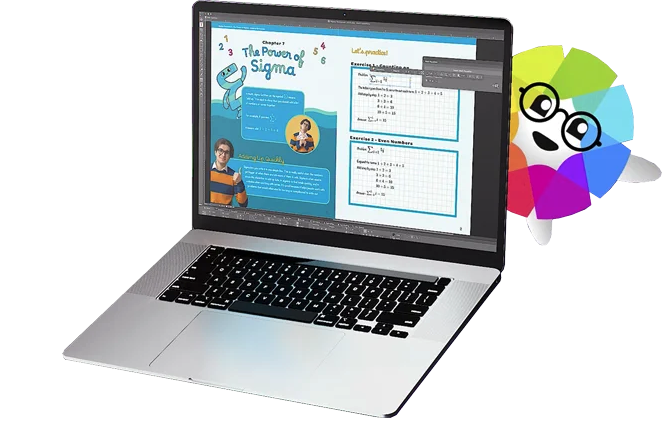
Canva is a popular, simple online graphic design tool. Users can import images, use templates to design banners and logos, or pay to use Canva's premium stock images/paid templates (elements starting at $1).
$12.95
per month
QuarkXPress
Score9 out of 10
N/A
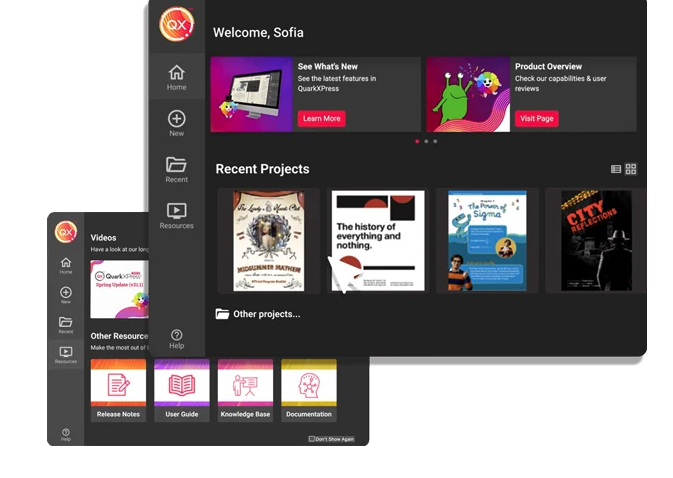
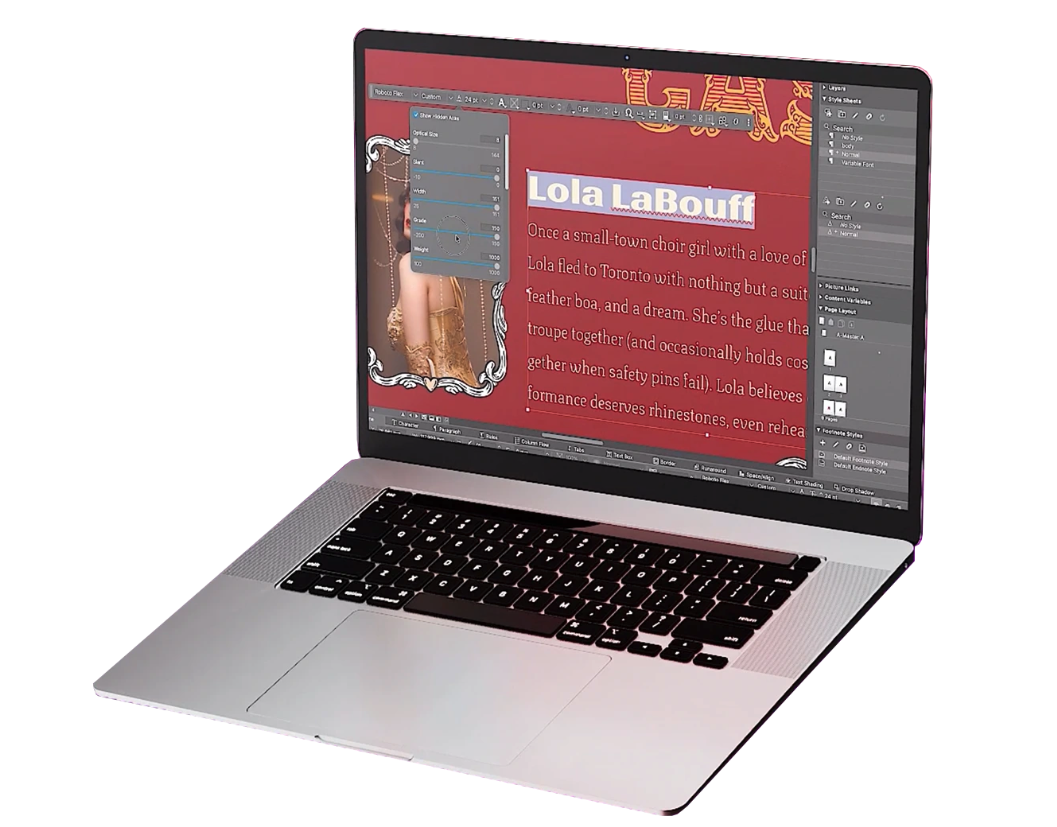
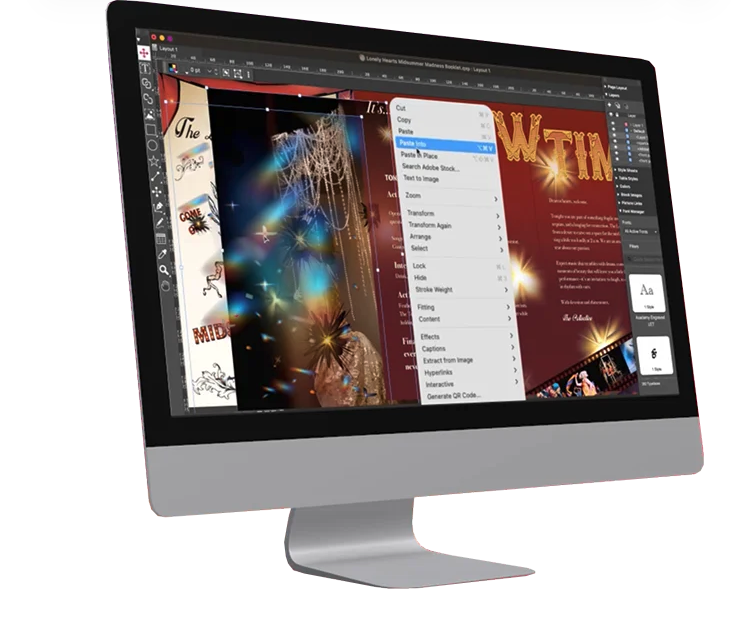
QuarkXPress from Quark Software headquartered in Denver introduces modern responsive web design with Flex Layouts, reimagined Tables, and productivity-boosting design features.
They are suited to serve the non-profit space, offering premium features at no charge for up to 50 users. They provide tools for non-graphic designers that help to create appealing and attractive pieces. For those who are unsure about where to start with a project, Canva offers templates that can be edited to suit the current need.
I used QuarkXPress to maintain a proper page layout for the UI which I receive from a UIUX developer. I develop Graphic Illustrations on the digital canvas to create creative content on the page design set and to develop designer headlines and sub-headlines where writers and editors can amend the text and place the copped images.
It helps you find the right design and helps you start with the right template
It helps in creating for all platforms, basically you need to create the design only once and Canva takes care of the rest by resizing the design for whichever platform you want to publish it to.
It also comes with a content planner which is extremely helpful for obvious reasons. It relieves you from the hassle of posting when the right time hits.
There's a Brand feature which is also extremely fascinating as it helps you store all your brand information (even color) at the same place.
A de minimis incentive was given to thank the reviewer for their time. The incentive was not used to bias or drive a particular response, nor was the incentive contingent on a positive endorsement. More Info
I have a hard time coming up with any improvements, perhaps increase the number of free elements to use in design.
Maybe, Canva should check if you start editing a previous document to see if you want to change the current design or create a new one as a clone of the current document (design).
I'm sorry, I really can't think of a 3rd. Overall, I really like working in Canva.
A de minimis incentive was given to thank the reviewer for their time. The incentive was not used to bias or drive a particular response, nor was the incentive contingent on a positive endorsement. More Info
A de minimis incentive was given to thank the reviewer for their time. The incentive was not used to bias or drive a particular response, nor was the incentive contingent on a positive endorsement. More Info
The ease of use makes Canva a powerful tool for manipulating images, creating original content, and testing ideas without requiring the involvement of graphic design or more time-intensive image editing software such as Photoshop. While it doesn't have the full functionality of a mature software, such as Photoshop, The speed and simplicity of Canva makes it a necessity in a business of any size
A de minimis incentive was given to thank the reviewer for their time. The incentive was not used to bias or drive a particular response, nor was the incentive contingent on a positive endorsement. More Info
It is super easy to use, but it could be limiting if you're on a small device. It is easier on a bigger device because you can resize graphics and text easier than with your fingers on a small device. I do think it's perfect and easy for non-designers who don't have any training. As long as you have a good eye for visuals, Canva is a wonderful substitute for graphics programs on-the-go.
A de minimis incentive was given to thank the reviewer for their time. The incentive was not used to bias or drive a particular response, nor was the incentive contingent on a positive endorsement. More Info
This is an industry standard. It is intuitive and pretty simple. I have been using it for 40 years and by no means do I use its potential, rather it does just what I want it to do.
A de minimis incentive was given to thank the reviewer for their time. The incentive was not used to bias or drive a particular response, nor was the incentive contingent on a positive endorsement. More Info
I have yet to encounter Canva being offline in at least 6 years of using it regularly. They also announce well in advance if there may be upgrades to the code and the hours during which there may be issues accessing the service.
A de minimis incentive was given to thank the reviewer for their time. The incentive was not used to bias or drive a particular response, nor was the incentive contingent on a positive endorsement. More Info
I haven't ever had issues with a slow-loading site and there haven't been any lag issues within the software. There have been maybe a handful of times over the past six years where I have tried to upload a large image and it will slow down as it loads the last megabyte, but I have yet to have the system time out or require any interference by me
A de minimis incentive was given to thank the reviewer for their time. The incentive was not used to bias or drive a particular response, nor was the incentive contingent on a positive endorsement. More Info
Overall, Canva is easy to use, easy to train others to use, allows for creativity with a professional look without enormous associated costs. The mobile apps works almost as easily, but at a minimum allows for easy review and downloading in a pinch. Really, anyone can learn to use Canva quickly and will immediately benefit from the results.
Remember to download the mobile app onto your phone for easy image manipulation on the go. Adding company colors, logos, and typefaces to your company account is an easy process. When images are uploaded, these can also be shared between accounts within a company, as can canvases you've created for easy editing among teams.
A de minimis incentive was given to thank the reviewer for their time. The incentive was not used to bias or drive a particular response, nor was the incentive contingent on a positive endorsement. More Info
Canva is faster and easy to use. There aren't complex menus like Adobe products and everything is generally intuitive. Menus are mostly open and visible or relatively small. Small changes to the program add to it's usability rather than detract. I also appreciate that Canva helps the user become more creative through use. By giving you editable examples through templates you can choose to re-design something ir create something from scratch w/ a similar concept or feel. Canva often gives me ideas that I can implement into my design or into the entire project even. I also like how Canva is intuitive in it's approach. The program gives you suggestions when it comes to graphics, etc. without getting in your way if you know what you already want
QuarkXPress simply blew the competition out of the water when it came to pricing and scalability in our business. Every employee that uses Quark always speaks very highly about using the software. We are not a large company but, the amount of money saved on the cost of each license was about 60% when compared to the competitors' products.
A de minimis incentive was given to thank the reviewer for their time. The incentive was not used to bias or drive a particular response, nor was the incentive contingent on a positive endorsement. More Info
Very easy to add accounts and share content between them. Collaboration is also easy to manage and can be done on a project-by-project basis. The cloud-based software means it is incredibly fast to add a coworker and have them editing images within minutes. A live internet connection is required to access Canva so this is something to consider if expecting to use the software while on journeys without access to wifi etc
A de minimis incentive was given to thank the reviewer for their time. The incentive was not used to bias or drive a particular response, nor was the incentive contingent on a positive endorsement. More Info
As far as ROI is concerned, Canva has proven itself time and time again as having a positive impact for business.
Just yesterday, I had to prepare an hour-long presentation on the fly; the great reviews of the presentation and the materials (all made in Canva) only served to advertise for Canva and it proves that Canva is a smart investment.
I don't think in the time that I have been a Canva pro user that I can say that my ROI has been negatively impacted. Highest recommendation. The software more the casually pays for itself time and time again.
A de minimis incentive was given to thank the reviewer for their time. The incentive was not used to bias or drive a particular response, nor was the incentive contingent on a positive endorsement. More Info