
Caspio vs. Microsoft To Do
| Product | Rating | Most Used By | Product Summary | Starting Price |
|---|---|---|---|---|
 Caspio | Score9.5 out of 10 | N/A | Caspio is a low-code platform for building custom business applications — the databases, portals, dashboards, and workflow tools organizations use to run daily operations. Users describe the application they need, and the platform generates the data model, interface, and user roles as a secure, deployed application that the organization fully owns, without requiring code maintenance. According to the vendor, Caspio holds independently audited HIPAA, SOC 2 Type II, and GDPR compliance… | $300 per month |
 Microsoft To Do | Score7.9 out of 10 | N/A | Microsoft To Do replaces the former Wunderlist task management tool. | N/A |
| Caspio | Microsoft To Do | |||||||||||||||
|---|---|---|---|---|---|---|---|---|---|---|---|---|---|---|---|---|
| Editions & Modules |
| No answers on this topic | ||||||||||||||
| Offerings |
| |||||||||||||||
| Entry-level Setup Fee | Optional | No setup fee | ||||||||||||||
| Additional Details | > All plans include unlimited users. > Caspio offers a 10% discount to non-profits, NGOs, and customers in qualifying countries. > Compliance plans support strict regulatory requirements: HIPAA; FERPA; PCI DSS Level 1; VPAT 2.0/Section 508; GDPR; EU-US Privacy Shield; SOC 2 Type II; ISO 9001, 27001; CSA Star Level 1, 2 & 3; 3D Secure 2. > Project consultations for planning and customization, in-depth online help, how-to videos and instructor-led training. > Pricing plans designed for teams of all sizes. Discount for annual pricing. | — | ||||||||||||||
| More Pricing Information | ||||||||||||||||
| Caspio | Microsoft To Do | |
|---|---|---|
| Considered Both Products | No answer on this topic | No answer on this topic |
| Key User Insights | ||
| Would buy again | ||
No answers on this topic | 92% Would buy again 34 Answers | |
| Delivers good value for the price | ||
No answers on this topic | 100% Delivers good value for the price 37 Answers | |
| Happy with the feature set | ||
No answers on this topic | 95% Happy with the feature set 35 Answers | |
| Lived up to sales and marketing promises | ||
No answers on this topic | 88% Lived up to sales and marketing promises 21 Answers | |
| Implementation went as expected | ||
No answers on this topic | 93% Implementation went as expected 28 Answers | |
| Caspio | Microsoft To Do | ||||||||||||||||||||||||||||||||||||||||||||||
|---|---|---|---|---|---|---|---|---|---|---|---|---|---|---|---|---|---|---|---|---|---|---|---|---|---|---|---|---|---|---|---|---|---|---|---|---|---|---|---|---|---|---|---|---|---|---|---|
| Low-Code Development |
| ||||||||||||||||||||||||||||||||||||||||||||||
| Project Management |
| ||||||||||||||||||||||||||||||||||||||||||||||
| Professional Services Automation |
| ||||||||||||||||||||||||||||||||||||||||||||||
| Caspio | Microsoft To Do | |
|---|---|---|
| Small Businesses |  Zoho Creator Score7.7 out of 10 |  Any.do Score8 out of 10 |
| Medium-sized Companies |  AppSheet Score8.2 out of 10 |  KanbanFlow Score7.3 out of 10 |
| Enterprises |  Oracle APEX Score9.1 out of 10 |  Workzone Score9.1 out of 10 |
| All Alternatives | View all alternatives | View all alternatives |
| Caspio | Microsoft To Do | |
|---|---|---|
| Likelihood to Recommend | 10.0 | 8.5 |
| Likelihood to Renew | 10.0 | 8.0 |
| Usability | - | 7.4 |
| Support Rating | 8.4 | 7.6 |
| Implementation Rating | - | 10.0 |
| Caspio | Microsoft To Do | |
|---|---|---|
| Likelihood to Recommend |
|
|
| Pros |
|
|
| Cons |
|
|
| Likelihood to Renew |
|
|
| Usability | No answers on this topic |
|
| Support Rating |
|
|
| Implementation Rating | No answers on this topic |
|
| Alternatives Considered |
|
|
| Return on Investment |
|
|
| ScreenShots | Caspio Screenshots     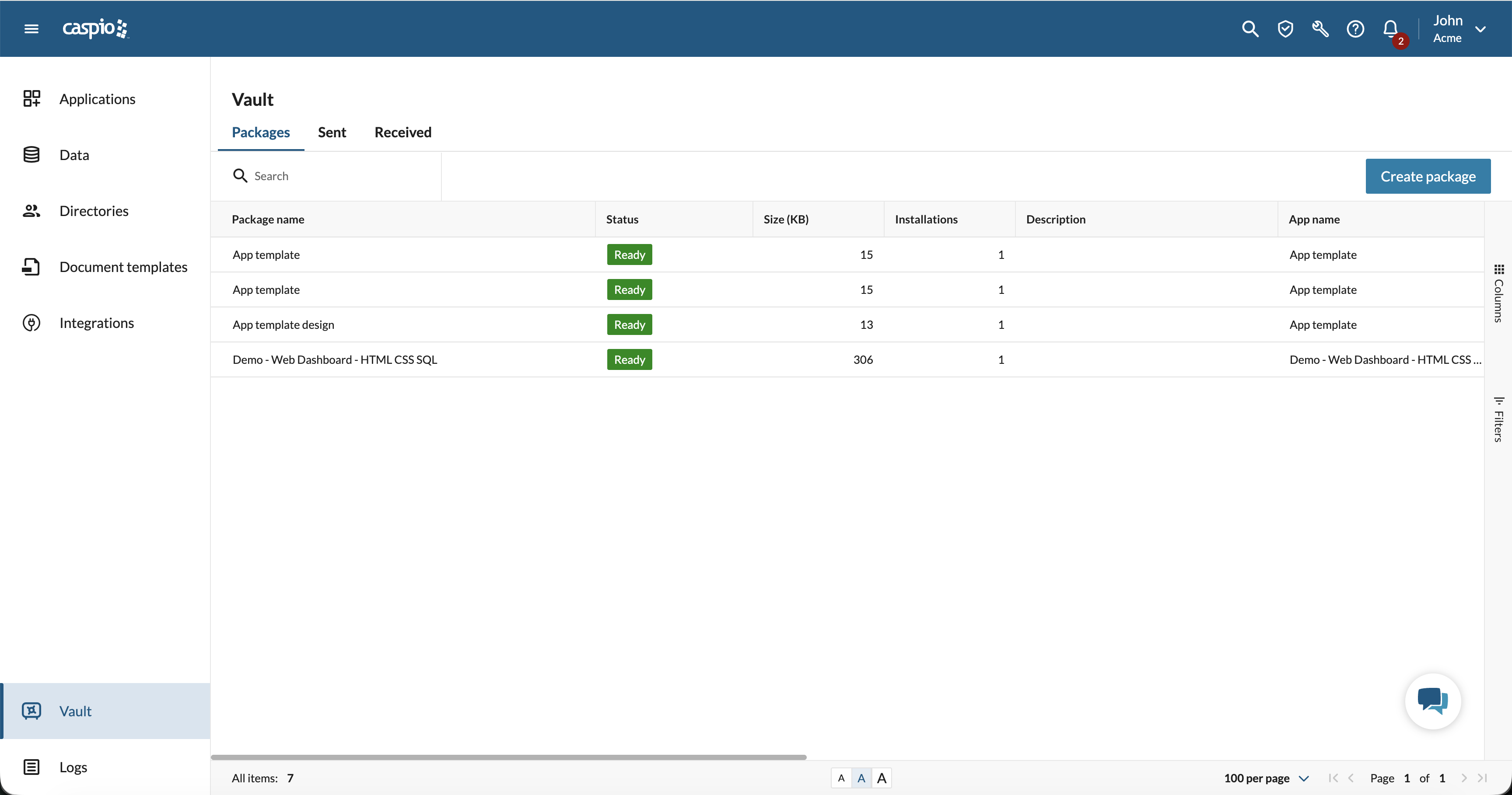 |





