
Cisco Webex Support (discontinued) vs. MyPass LMS
Cisco Webex Support (discontinued) vs. MyPass LMS
| Product | Rating | Most Used By | Product Summary | Starting Price |
|---|---|---|---|---|
 Cisco Webex Support | N/A | Cisco Webex Support was a remote access and support tool that has been discontinued and is no longer available. | N/A | |
 MyPass LMS | Enterprise companies (1,001+ employees) | MyPass LMS is an Agentic AI–powered learning management system designed to reduce the manual effort and complexity involved in running training programs. Traditional LMS platforms rely on menus, configurations, and repetitive clicks to manage courses, users, and reports. MyPass LMS replaces these workflows with AI-driven execution. Administrators can simply type or speak requests—such as creating courses, enrolling learners, scheduling… | $129 per month Credits |
| Cisco Webex Support (discontinued) | MyPass LMS | |||||||||||||||
|---|---|---|---|---|---|---|---|---|---|---|---|---|---|---|---|---|
| Editions & Modules | No answers on this topic |
| ||||||||||||||
| Offerings |
| |||||||||||||||
| Entry-level Setup Fee | No setup fee | No setup fee | ||||||||||||||
| Additional Details | — | MyPass LMS Pricing Plans - Signup bonus: 5,000 credits ($645 value), valid for 3 months for Launch & Growth 1. Launch Plan $129/month after the free period (or $91/month when billed annually — $1,092/year, saving $464). Includes 1,000 credits per month for user activity(2 credits for 1 activity such as taking course), or AI actions (1 credit for 10 commands). Signup bonus: 5,000 credits ($645 value), valid for 3 months. Ideal for small teams starting their LMS journey. 2. Growth Plan $319/month after the free period (or $224/month when billed annually — $2,688/year, saving $1,148). Includes 3,000 credits per month for scalable training needs. Signup bonus: 5,000 credits ($645 value), valid for 3 months. Designed for SMBs and growing organizations with regular training programs. 3. Non-Profit Plan Registered nonprofits receive a bonus of 20,000 credits ($2,580 value), valid for 6 months. After the bonus period, nonprofits can choose either the Launch or Growth plan at standard rates. Ensures affordable access to modern learning for mission-driven organizations. 4. Enterprise Plan Custom pricing tailored to organizational needs. Flexible credits, advanced workflows, integrations, and white-labeling. Ideal for large enterprises requiring scale, compliance management, and tailored solutions. | ||||||||||||||
| More Pricing Information | ||||||||||||||||
| Cisco Webex Support (discontinued) | MyPass LMS |
|---|
| Cisco Webex Support (discontinued) | MyPass LMS | |||||||||||||||||||||||||||||||||||||||||||||
|---|---|---|---|---|---|---|---|---|---|---|---|---|---|---|---|---|---|---|---|---|---|---|---|---|---|---|---|---|---|---|---|---|---|---|---|---|---|---|---|---|---|---|---|---|---|---|
| Remote Administration |
|
| Cisco Webex Support (discontinued) | MyPass LMS | |
|---|---|---|
| Small Businesses |  Getscreen.me Score 9.6 out of 10 |  iSpring LMS Score 9.5 out of 10 |
| Medium-sized Companies |  Remote Desktop Manager Score 9.5 out of 10 | iSpring LMS Score 9.5 out of 10 |
| Enterprises | Remote Desktop Manager Score 9.5 out of 10 |  Axonify Score 10.0 out of 10 |
| All Alternatives | View all alternatives | View all alternatives |
| Cisco Webex Support (discontinued) | MyPass LMS | |
|---|---|---|
| Likelihood to Recommend | 9.7 (11 ratings) | - (0 ratings) |
| Likelihood to Renew | 9.1 (3 ratings) | - (0 ratings) |
| Usability | 7.0 (1 ratings) | - (0 ratings) |
| Support Rating | 1.0 (3 ratings) | - (0 ratings) |
| Cisco Webex Support (discontinued) | MyPass LMS | |
|---|---|---|
| Likelihood to Recommend |  Cisco
| Kprise LLC No answers on this topic |
| Pros | Cisco
 Kurt Ferguson Lead Desktop Analyst | Kprise LLC No answers on this topic |
| Cons | Cisco
 Shawn Oudavanh Software Support Engineer | Kprise LLC No answers on this topic |
| Likelihood to Renew | Cisco
 Zak Gunnells Systems Administrator | Kprise LLC No answers on this topic |
| Usability | Cisco
| Kprise LLC No answers on this topic |
| Support Rating | Cisco
 Julio Cesar Lara Favela Director ejecutivo zona Noroeste-Centro | Kprise LLC No answers on this topic |
| Alternatives Considered | Cisco
| Kprise LLC No answers on this topic |
| Return on Investment | Cisco
| Kprise LLC No answers on this topic |
| ScreenShots | MyPass LMS Screenshots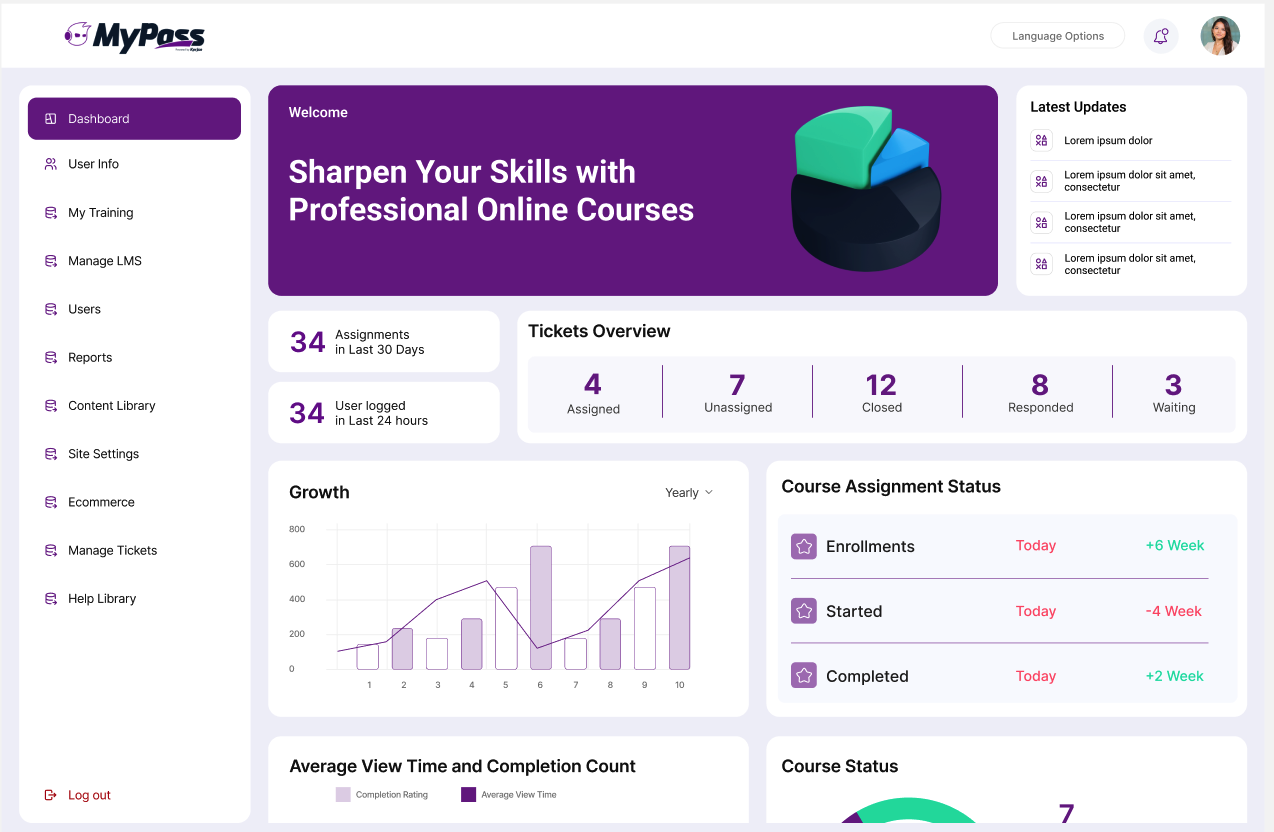 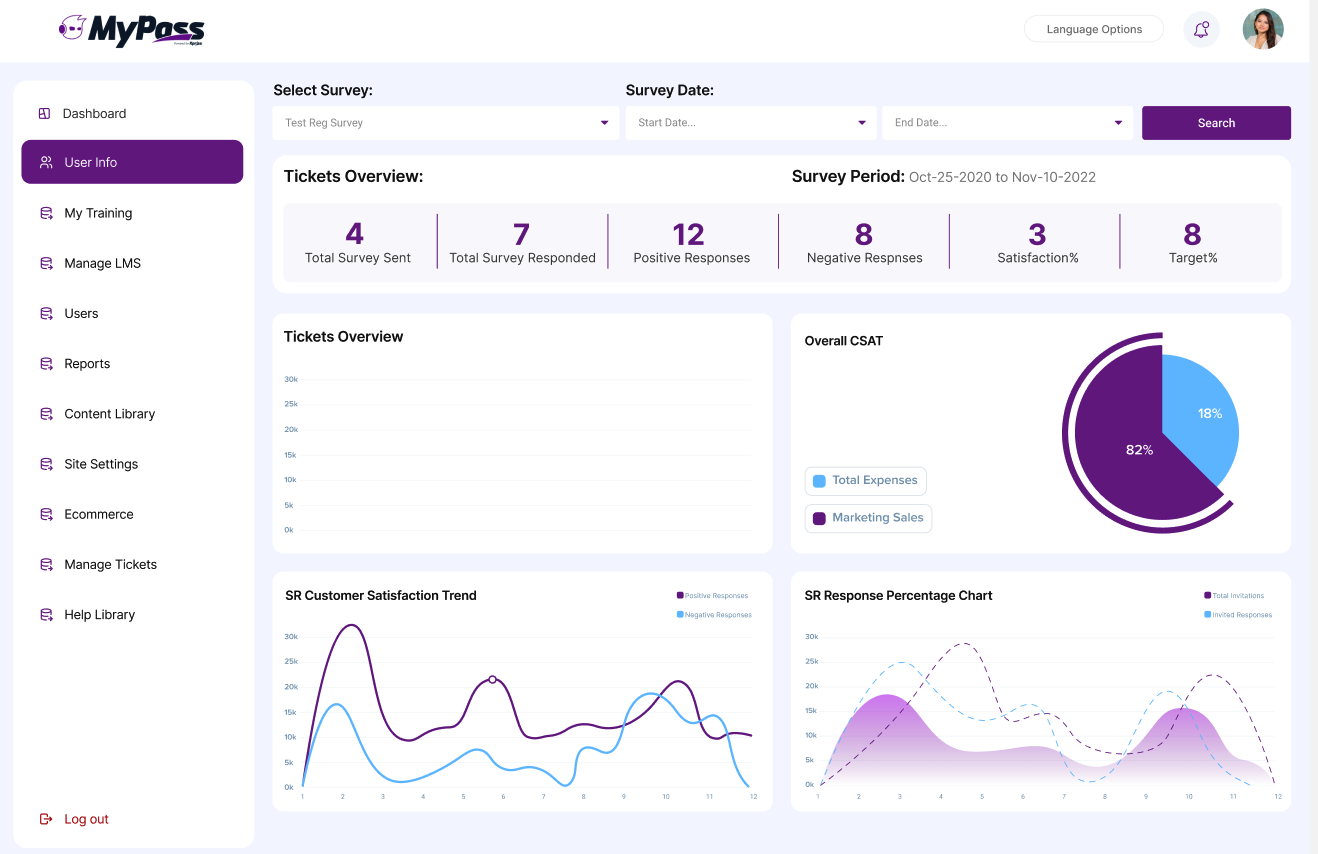 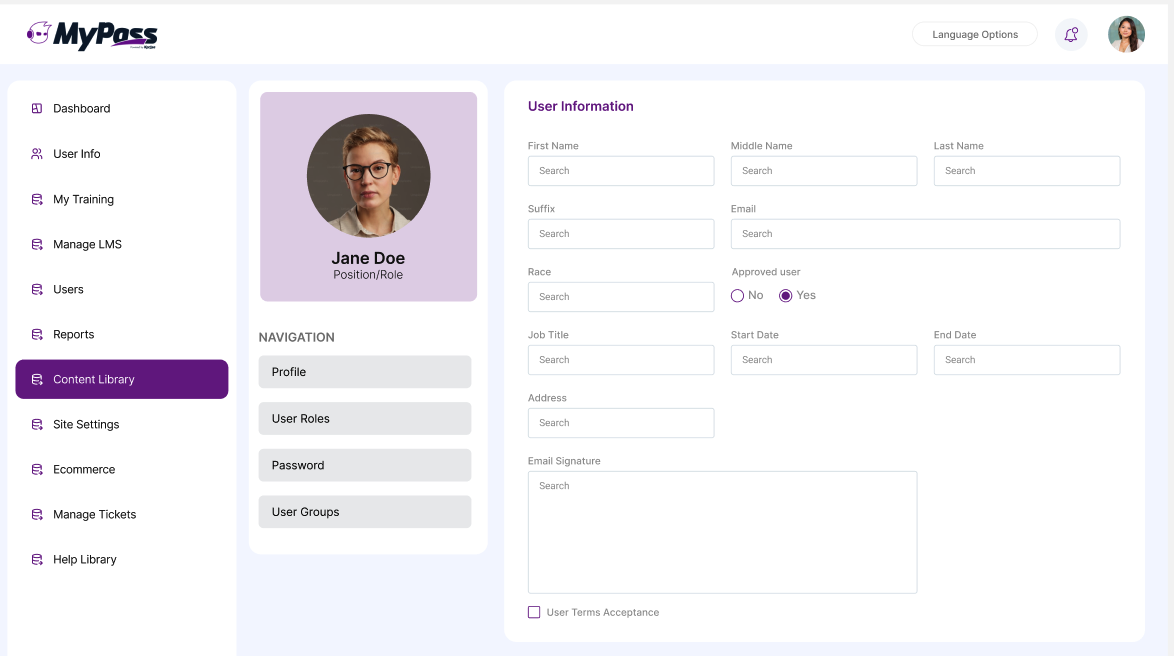 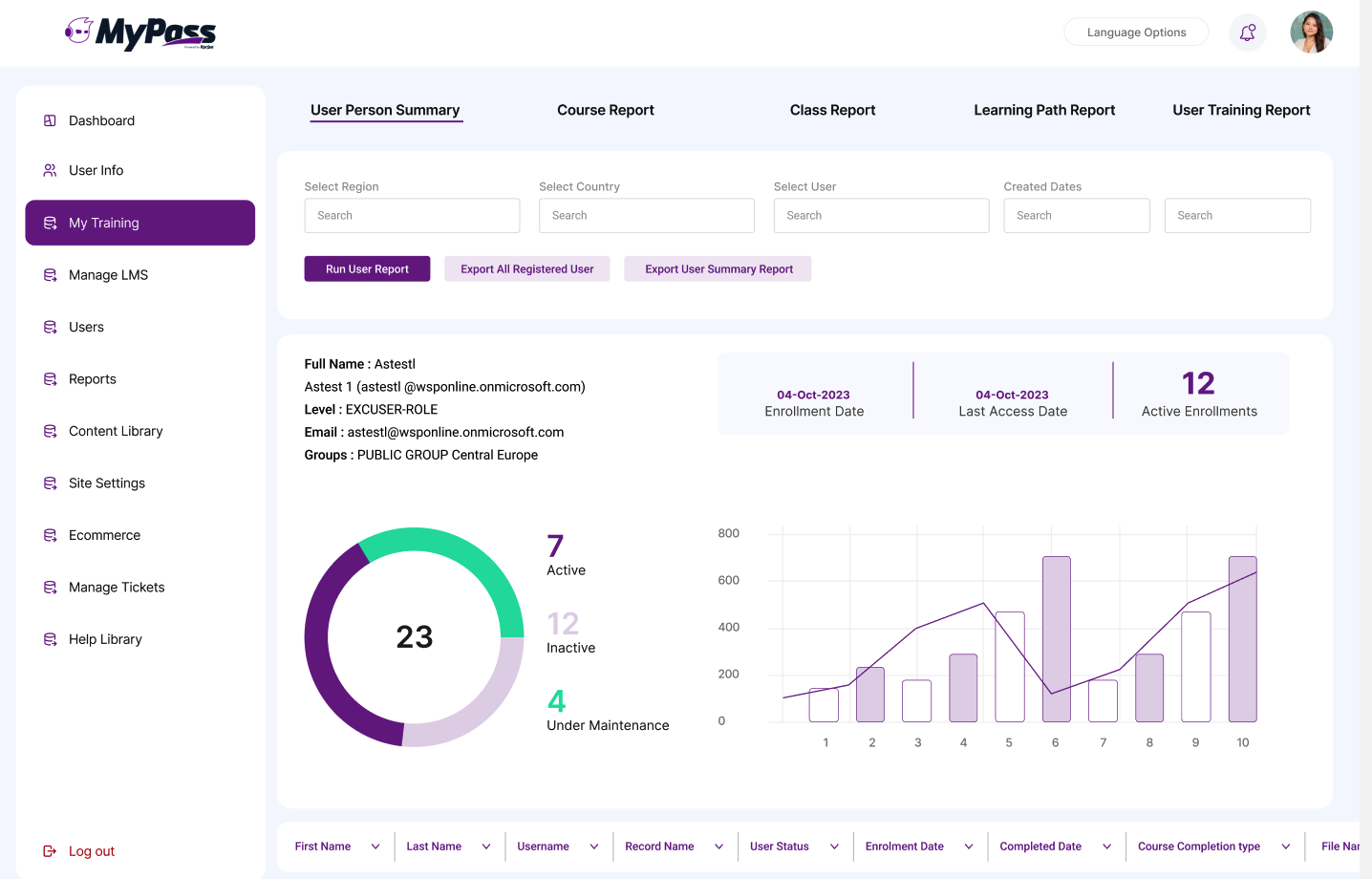  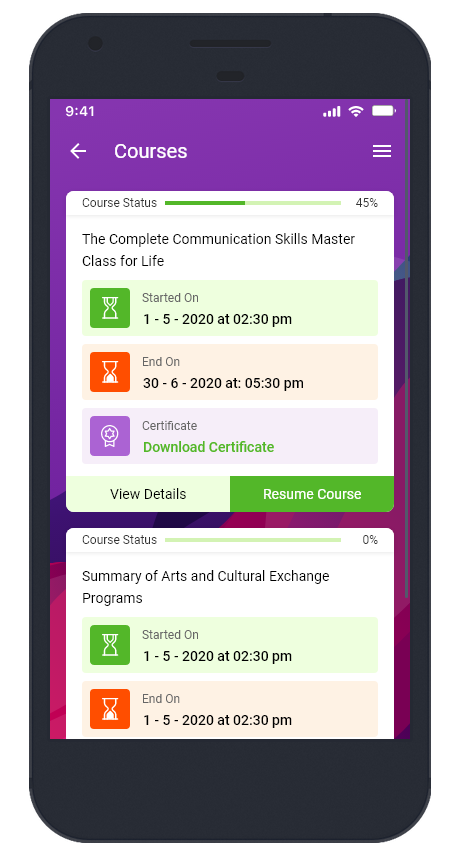 |