Citrix Endpoint Management vs. RemoteCall PC/Mobile/Visual

Overview
ProductRatingMost Used ByProduct SummaryStarting Price
Citrix Endpoint Management
Score 8.1 out of 10
N/A
Citrix Endpoint Management (formerly XenMobile), is a UEM and enterprise mobility management application for securing mobile applications and devices.N/A
RemoteCall PC/Mobile/Visual
Score 9.7 out of 10
Enterprise companies (1,001+ employees)
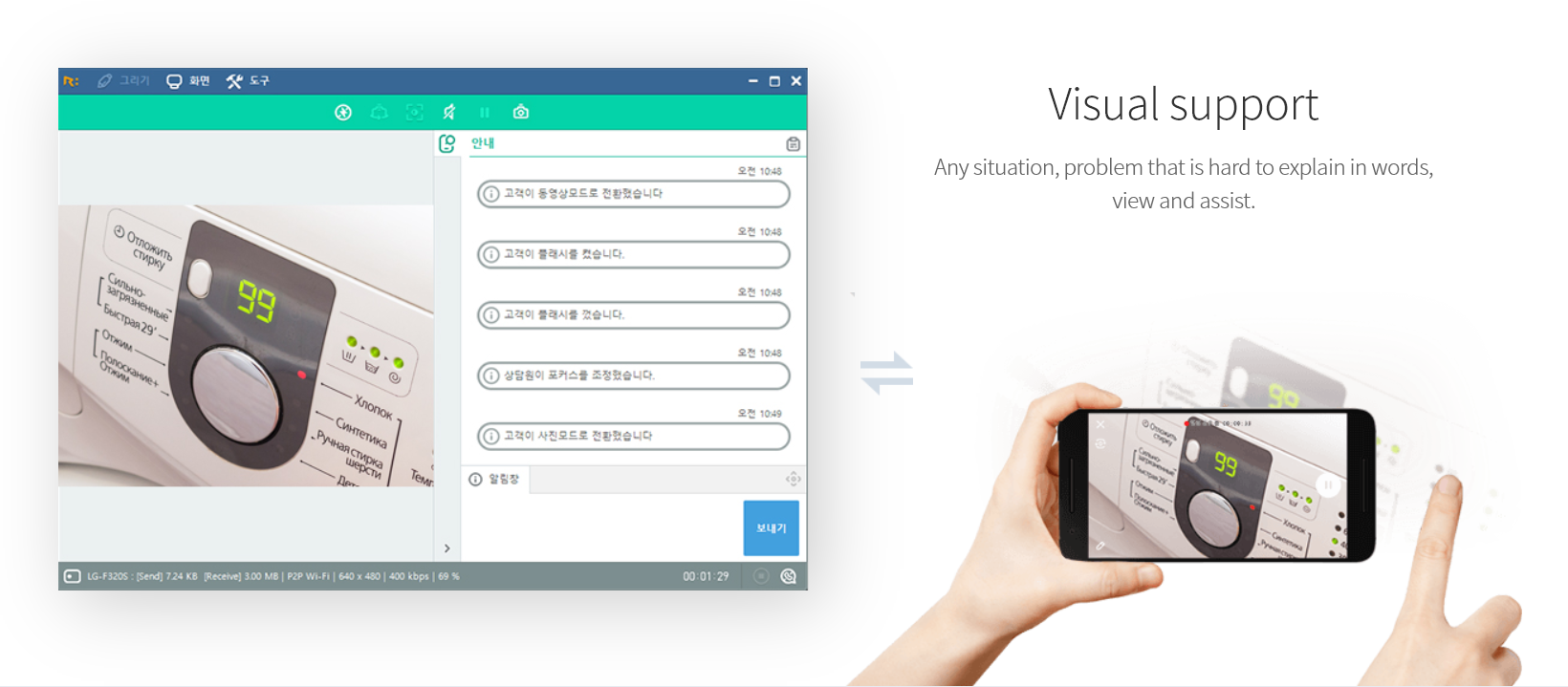
RemoteCall is a cloud based remote support solution bridging the agents and clients. Support client PCs, mobile devices and via camera using the cloud based service or in-house server solution. It is a solution for IT professionals and it can be used from PCs, mobile devices, websites and apps with 100% RSUPPORTs remote service technology. The vendor's flagship products, RemoteCall WebViewer boasts users among all types of companies, governments, public institutions, manufacturers, as well as…
$30
per installation
Pricing
Citrix Endpoint ManagementRemoteCall PC/Mobile/Visual
Editions & Modules
No answers on this topic
RemoteCall Server
30k+ USD
per installation
RemoteCall PC
59.90 / month
per seat
RemoteCall PC + visual
74.90 / month
per seat
RemoteCall PC + mobile
79.90 / month
per seat
RemoteCall PC + mobile + visual
129.90 / month
per seat
Offerings
Pricing Offerings
Citrix Endpoint ManagementRemoteCall PC/Mobile/Visual
Free Trial
NoYes
Free/Freemium Version
NoNo
Premium Consulting/Integration Services
NoNo
Entry-level Setup FeeNo setup feeNo setup fee
Additional Details** RemoteCall Server pricing is calculated as [one-time server software fee] + [one-time per device license fee] + [optional yearly maintenance] ** SaaS plan's device can be Windows / Mac PC or Android / iOS mobile devices.
More Pricing Information
Community Pulse
Citrix Endpoint ManagementRemoteCall PC/Mobile/Visual
Best Alternatives
Citrix Endpoint ManagementRemoteCall PC/Mobile/Visual
Small Businesses
Avast CloudCare
Avast CloudCare
Score 10.0 out of 10
Getscreen.me
Getscreen.me
Score 9.6 out of 10
Medium-sized Companies
KACE Systems Management Appliance
Score 8.3 out of 10
Action1
Action1
Score 9.5 out of 10
Enterprises
KACE Systems Management Appliance
Score 8.3 out of 10
Remote Desktop Manager
Score 9.5 out of 10
All AlternativesView all alternativesView all alternatives
User Ratings
Citrix Endpoint ManagementRemoteCall PC/Mobile/Visual
Likelihood to Recommend
6.5
(9 ratings)
10.0
(1 ratings)
Usability
8.0
(2 ratings)
-
(0 ratings)
Support Rating
9.8
(2 ratings)
-
(0 ratings)
User Testimonials
Citrix Endpoint ManagementRemoteCall PC/Mobile/Visual
Likelihood to Recommend
Citrix
This product is well suited for any healthcare organization, especially one privately owned by the providers. Many of our providers were displeased with our efforts to use a product that forced sandboxing of Exchange information. Therefore, we needed something that was flexible enough that sandboxing could be used where desired but still allowed native OS integration where necessary.
Read full review
Rsupport
There was an engineer call due to an emergency failure at the customer. It took an hour for the engineer to move and get to the site. So, using RemoteCall, I immediately supported the problem while moving. The customer's problems were resolved before arriving on-site, and the customer was satisfied thanks to the quick handling and response. Without RemoteCall, the golden hour would have been missed.
Read full review
Pros
Citrix
  • It has efficient security control system. Easy to use and administer.
  • It is very easy to install, it connects well with with other apps.
  • SecureWeb Xenmobile provides secured access to the websites and eliminates the need of VPN.
  • It connects very well with other apps.
Read full review
Rsupport
  • low cost.
  • fast access.
  • Remote mobile service.
Read full review
Cons
Citrix
  • issues with non apple, non samsung devices: if it is not setup with an apple or samsung phone, then the Certificate onboarding is a struggle/unable to be done.
  • user-pin setup: for a user to be onboarded, requiring a PIN; there is a self service way but it is clunky and users prefer to call in instead of trying to follow the 15 step process via PDF
  • if the certificate is ever lost, due to an upgrade via IOS or android, then the entire process [uninstall, reinstall] has to be done, which means downtime for the end user, and higher call volume when a service provider pushes an iOS update.
Read full review
Rsupport
  • They need to invest more in advertising.
  • Fewer users than competitors.
Read full review
Usability
Citrix
The software's usability is what we expected. We knew what our organization needed and Citrix was able to meet our needs. The ability to have the apps on a mobile device has been a great plus and Citrix seems to have really developed a software based on the every day needs of the user.
Read full review
Rsupport
No answers on this topic
Support Rating
Citrix
Overall the support from the customer service team has been good. They are very timely and expert in resolving the tickets. They have appropriate knowledge to resolve issues in all stages to development. They were up to the point during the implementation stage of the XenMobile, all queries were answered in time to help finish the deployment. The support for last three years has been extraordinary in helping us use XenMobile effectively and efficiently.
Read full review
Rsupport
No answers on this topic
Alternatives Considered
Citrix
With a zero trust solution for the entire digital workspace, you can continually monitor and assess session activities before, during, and after login. Reduce risk, gain more control over every session, and get deeper insights across your entire application landscape. To achieve this strong security posture across all environments, you need an application delivery solution that shares a common code base. This lets you implement consistent security policies across all your applications for comprehensive protection.
Read full review
Rsupport
RemoteCall and TeamViewer are both good products. However, technical support for TeamViewer is difficult. When a problem occurred, it did not respond immediately and took a long time and it took too much time and money to customize it for the company. On the other hand, RemoteCall provided various services at a low cost. In particular, it was customized to satisfy 100% of our requirements with a demanding customer.RemoteCall is the best value for money.
Read full review
Return on Investment
Citrix
  • Specific ROI was on us avoiding purchasing company managed cell phones - one of the most important drivers
  • Makes on boarding, and especially offboarding remote users a heck of a lot easier w/the ability to wipe the container, even if not connected (via time setting)
  • Easy access to internal resources - no need for separate vpn, etc...
Read full review
Rsupport
  • Saved a lot of time and money.
  • Low cost.
Read full review
ScreenShots

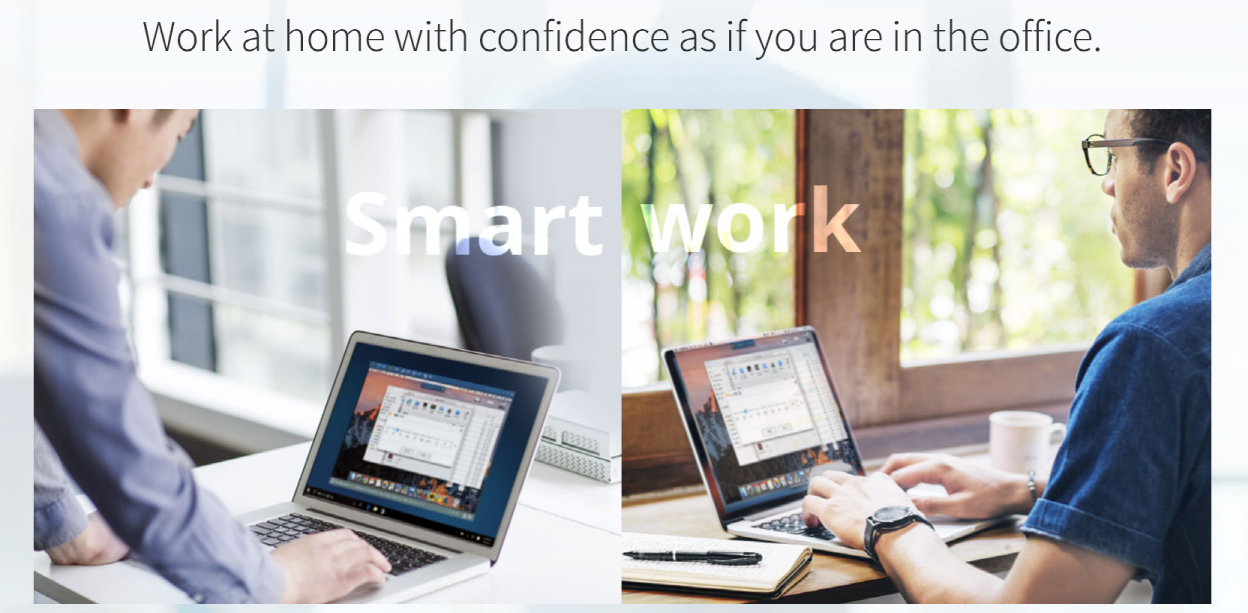
RemoteCall PC/Mobile/Visual Screenshots

Screenshot of PC supportScreenshot of Mobile supportScreenshot of Visual supportScreenshot of Remote support work-from-homeScreenshot of RemoteCall WebViewer