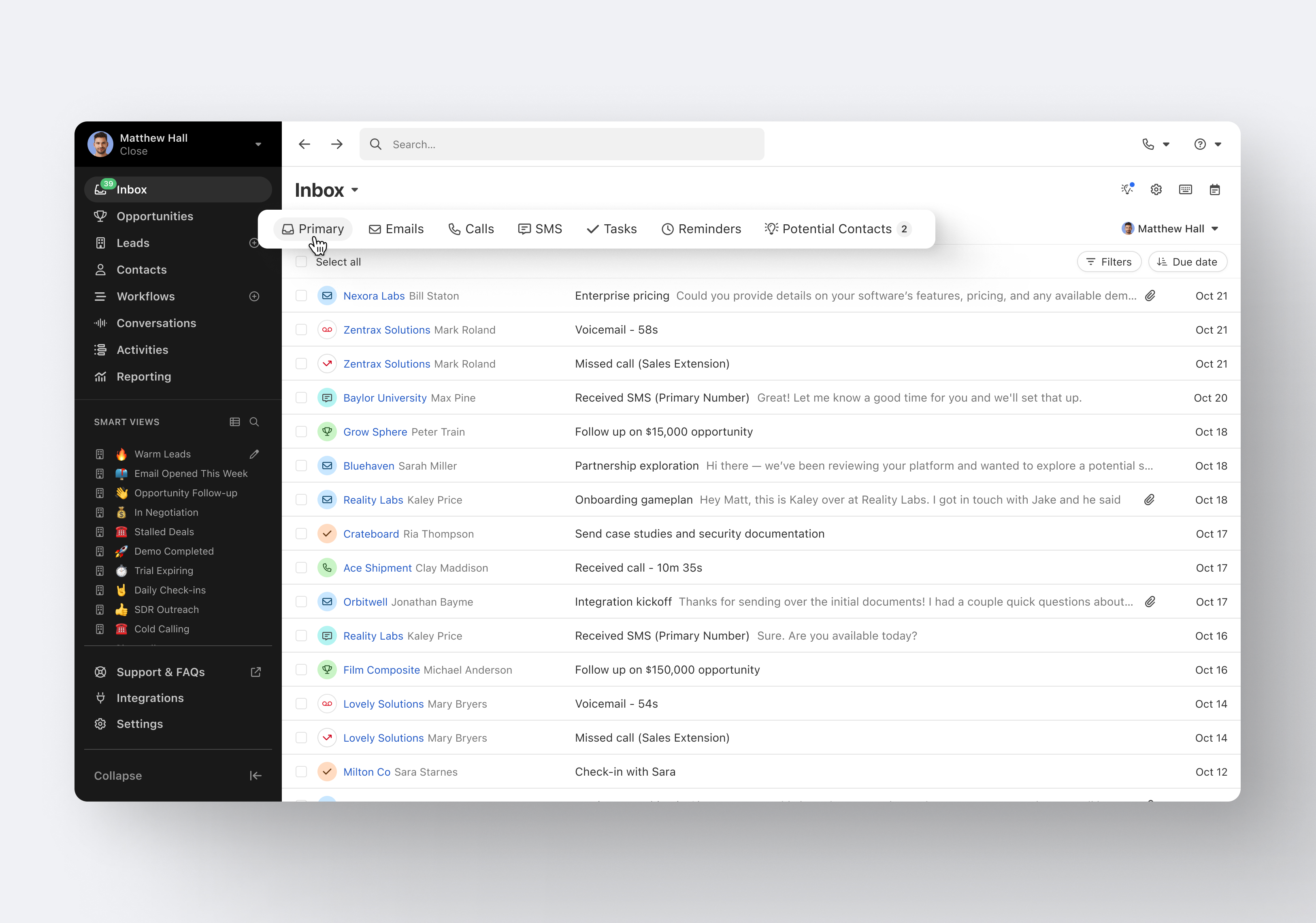
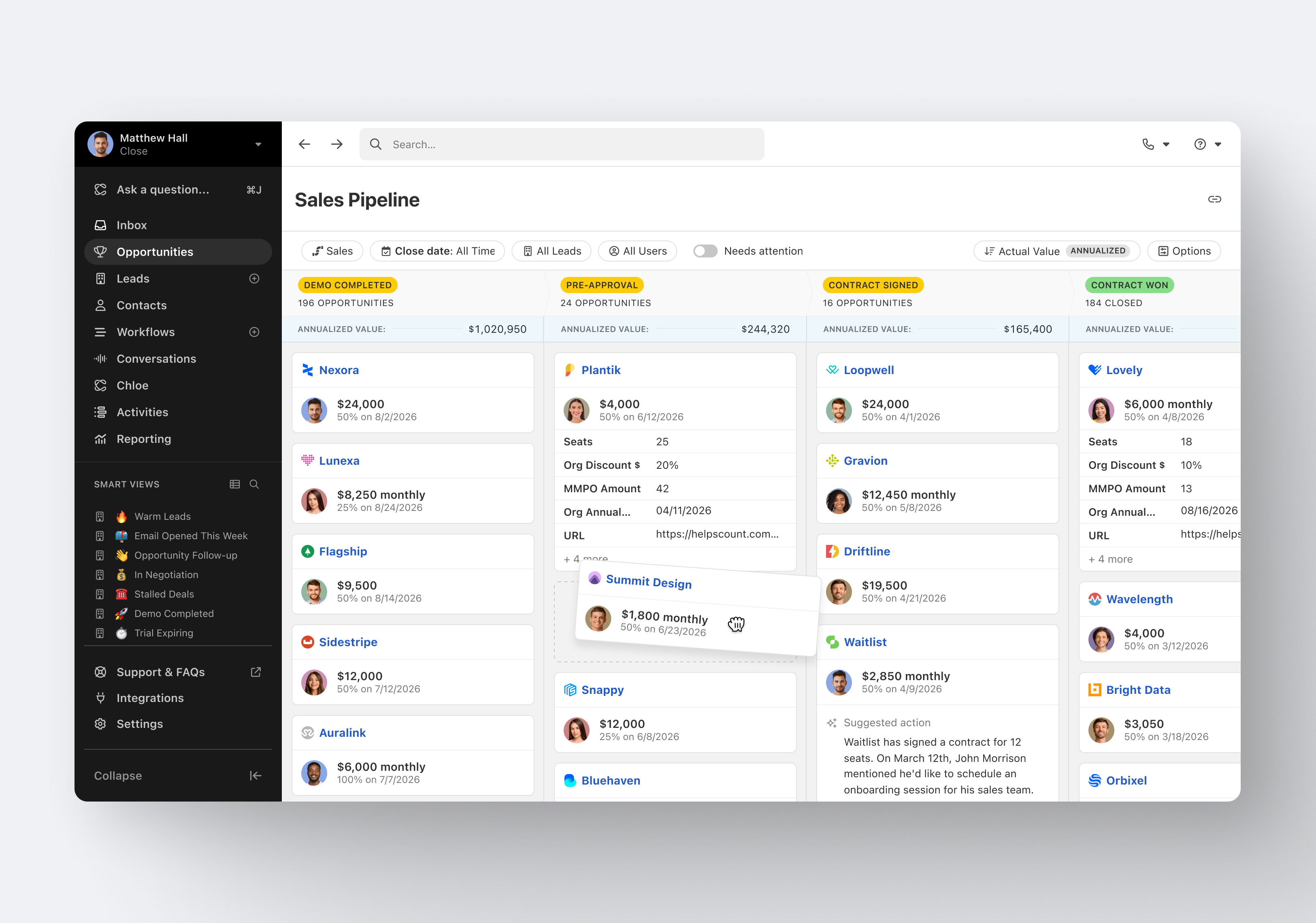
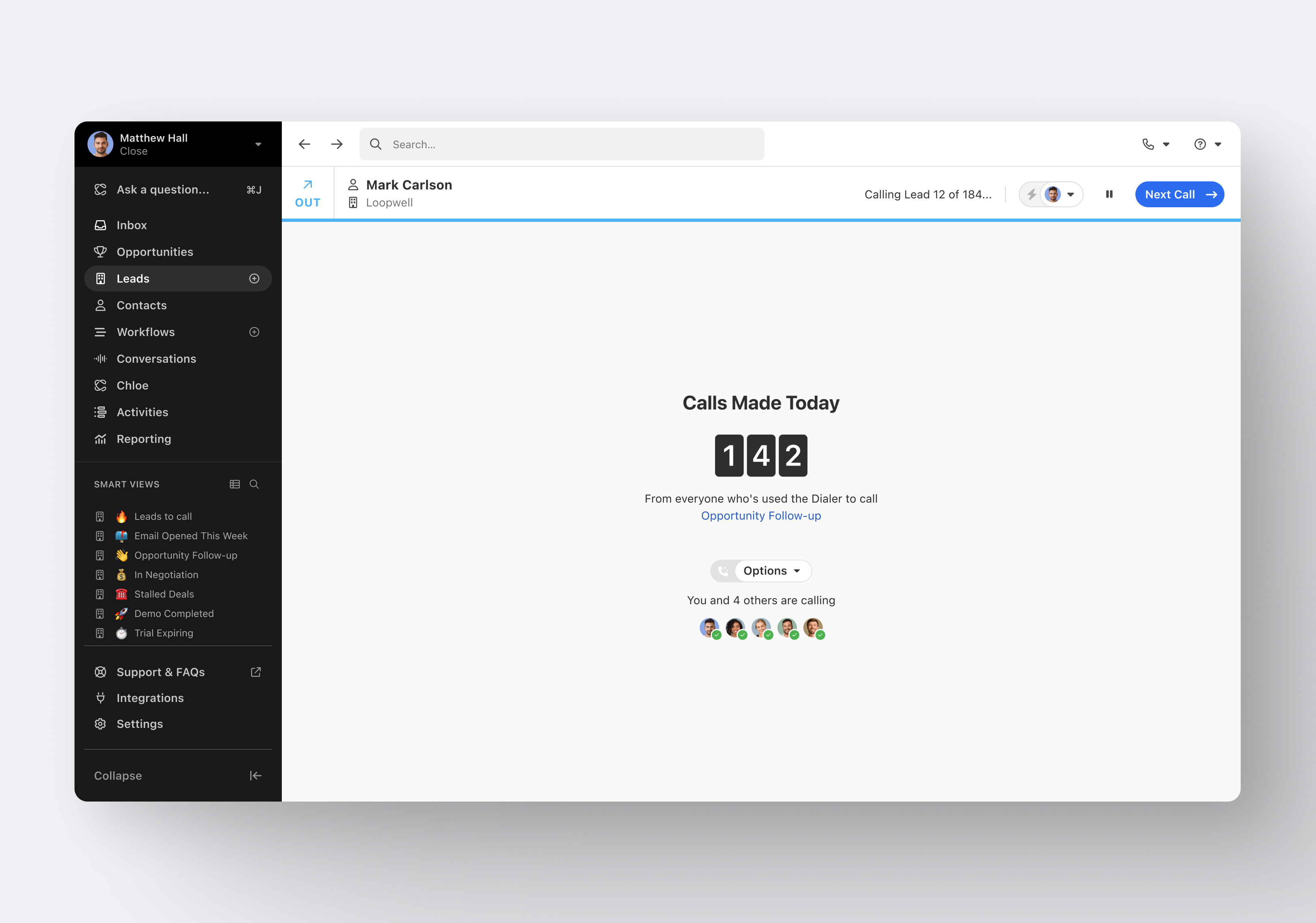
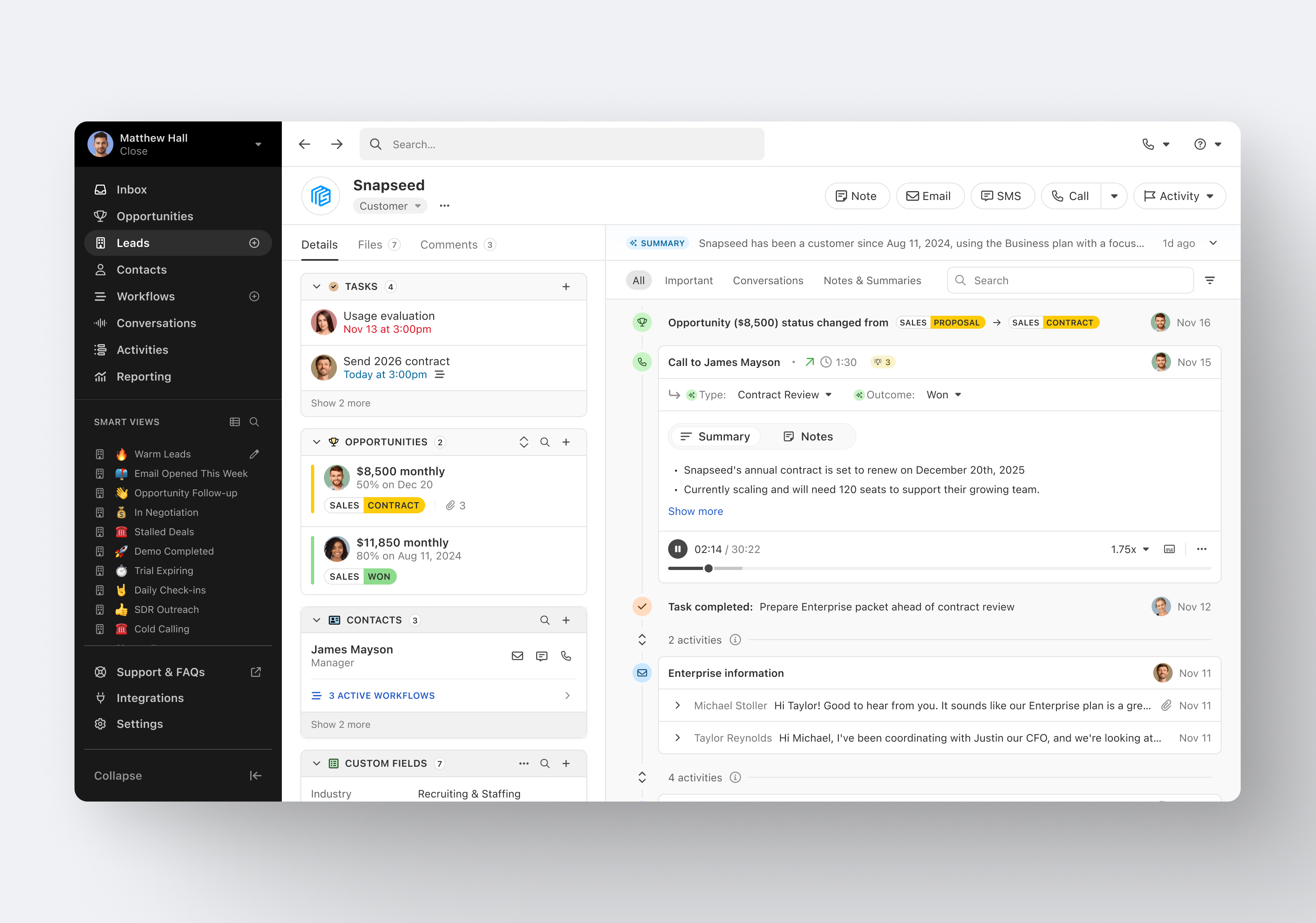
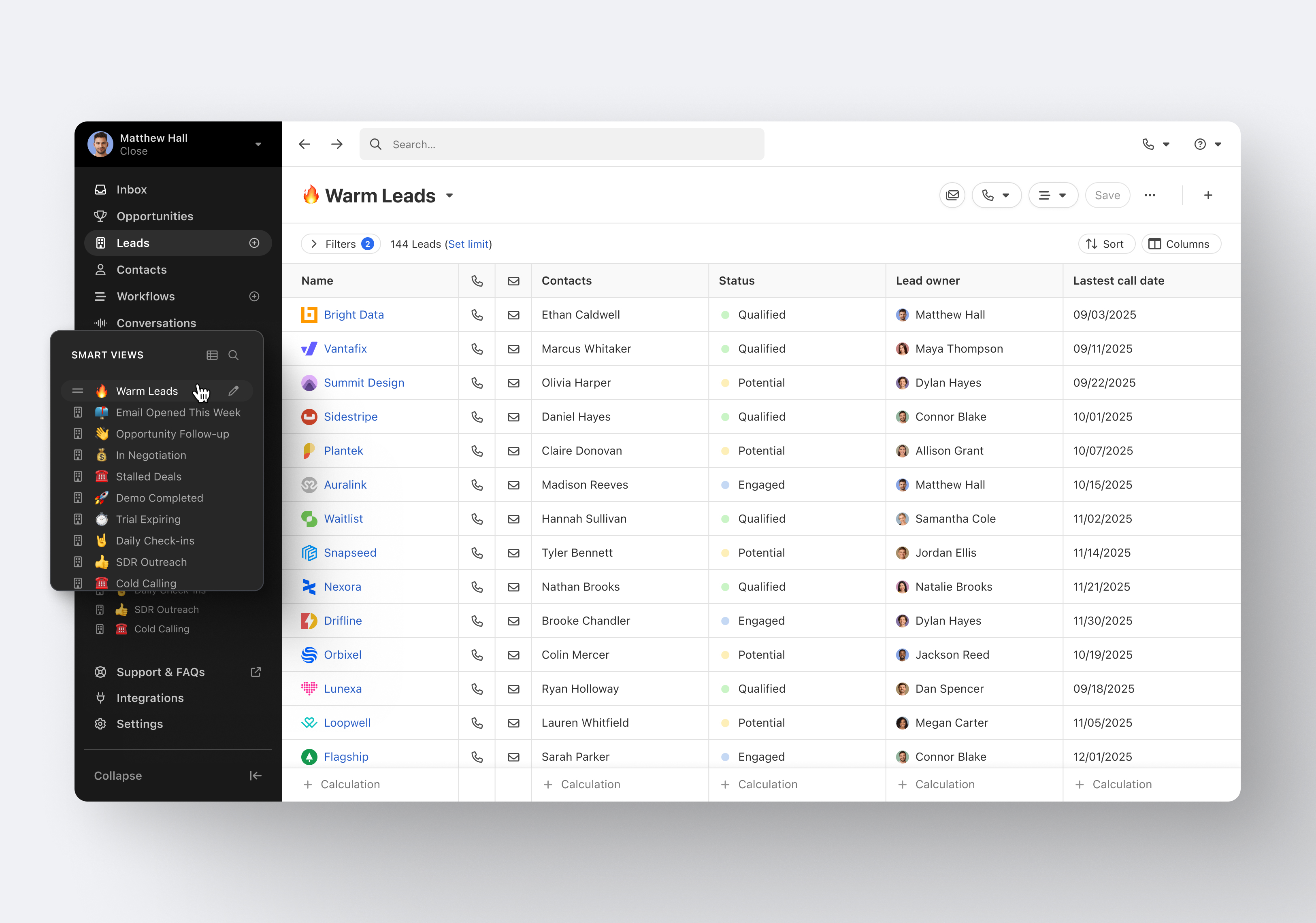
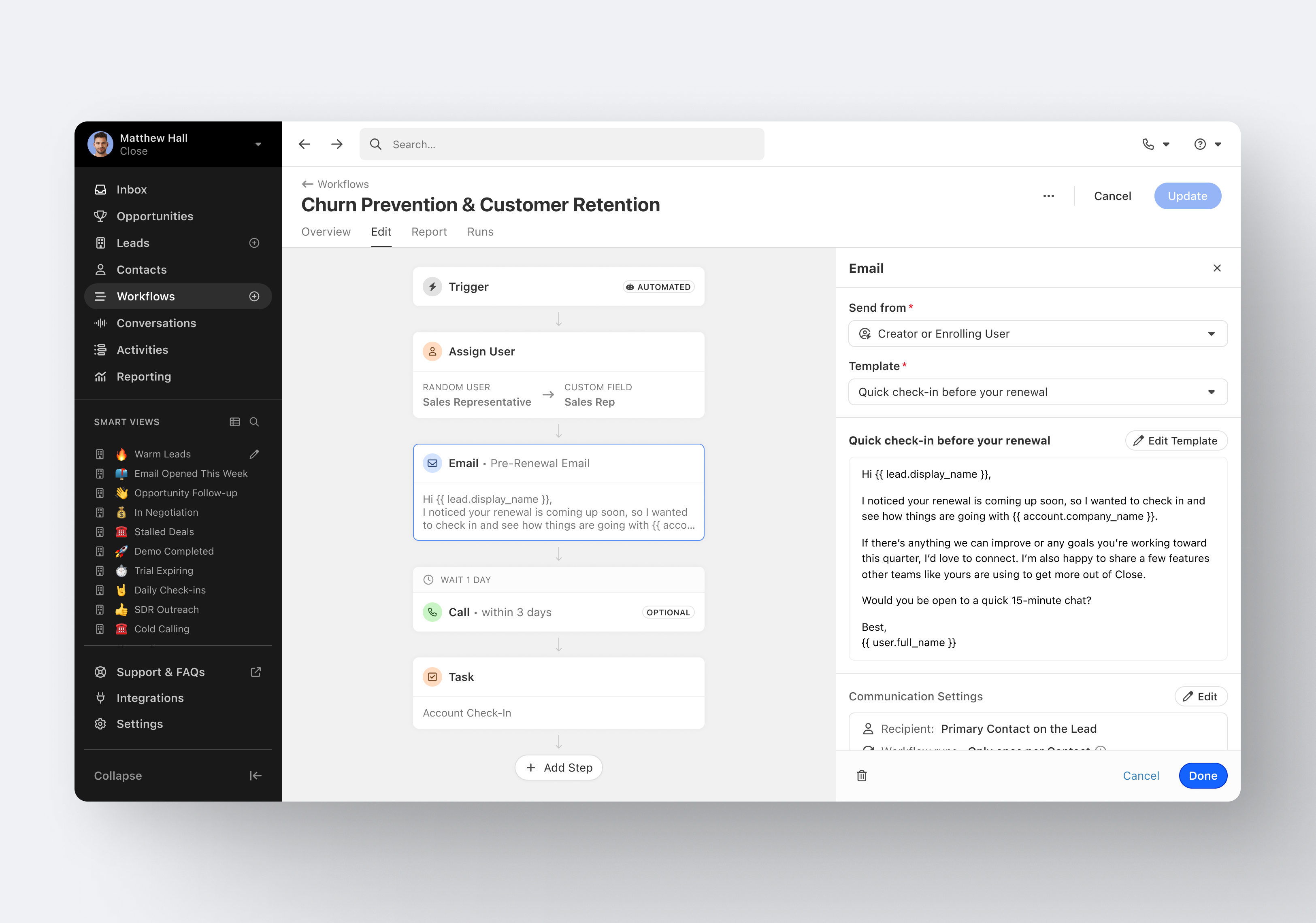
Close.io is a customer relationship management (CRM) software with call management and sales workflow automation capabilities.
$19
per month includes 1 user
Front
Score9.2 out of 10
N/A
Front is a communication hub that helps businesses keep the human touch in every interaction.
$29
per month per user
Pricing
Close CRM
Front
Editions & Modules
Solo
$9
per month (paid annually) per user
Essentials
$35
per month (paid annually) per user
Growth
$99
per month (paid annually) per user
Scale
$139
per month (paid annually) per user
Starter
$29
per month per user
Growth
$79
per month per user
Scale
$99
per month (billed annually) per user
Premier
$229
per month (billed annually) per seat (50 seat minimum)
Offerings
Pricing Offerings
Close CRM
Front
Free Trial
Yes
Yes
Free/Freemium Version
No
No
Premium Consulting/Integration Services
Yes
Yes
Entry-level Setup Fee
Optional
No setup fee
Additional Details
The pricing listed here reflects up to a 35% discount for paying annually. Monthly billing is available at of $19 per user for the Solo plan (only 1 user allowed), $49 per user for the Essentials plan, $109 per user for the Growth plan, and $149 per user for the Scale plan.
Discount for annual pricing on Starter and Growth plans. Scale and Premier plans are annual price only.
Excellent software to increase sales and follow up with existing and new customers. Email and SMS handling are really easy for the sales team, managing leads is really great, and Close merges duplicate leads to help our Data Leads avoid repetitive and unnecessary calls. As mentioned in some comments before, must improve in reports, Close is not appropriate to handle or track agents' hours making it necessary to implement additional software to cover this area.
A de minimis incentive was given to thank the reviewer for their time. The incentive was not used to bias or drive a particular response, nor was the incentive contingent on a positive endorsement. More Info
I think Front is very useful for every company with multiple teams working together on different emails from clients. Not so useful if a lot of different teams need to work on a request at the same time, because when an email is sitting in multiple shared inboxes things can get messy. Also would not recommend for teams that work is individualized, as team work is the main point of Front.
A de minimis incentive was given to thank the reviewer for their time. The incentive was not used to bias or drive a particular response, nor was the incentive contingent on a positive endorsement. More Info
Email sequences. Create and send a sequence of emails until the sequence finishes or the contact replies to your email. You can also pause the sequence manually.
Email sync. Syncs in real time with your email account, which is huge.
Zapier integration. We've automated a lot of our pipeline management through the Zapier integration. This saves us soooo much time.
A de minimis incentive was given to thank the reviewer for their time. The incentive was not used to bias or drive a particular response, nor was the incentive contingent on a positive endorsement. More Info
Even if you are just trying to compose a single email, Front gives a smart system that has options such [as] organized templates, tags, alerts, [and] changing your outbound dpt email.
Tasks- with Front you will not miss any interaction. When you are required to get assistance from a coworker, you only need to mention him/her and that notification will appear automatically in their inboxes.
Smart Notifications- sometimes we are just overwhelmed about the several notifications on our devices that we tend to miss some of them, but Front offers a new way to notify every email, discussion, mentioning, or tag that you really would not want to miss.
A de minimis incentive was given to thank the reviewer for their time. The incentive was not used to bias or drive a particular response, nor was the incentive contingent on a positive endorsement. More Info
A de minimis incentive was given to thank the reviewer for their time. The incentive was not used to bias or drive a particular response, nor was the incentive contingent on a positive endorsement. More Info
Their integration to Salesforce is lacking. As the owner of our productivity tools and how they are used, I have very little control over what things to enforce, or even change what objects are available. For example, we don't use Cases in Salesforce but with the Salesforce integration the Cases object shows up. There's no need to have that there. I've heard there is a roadmap improvement forthcoming.
One of our uses is for our sales development reps to prospect with visitors. Because of the high volume of inquiries it's difficult for our reps to efficiently manage all their follow ups. It would be nice if we could run a "scheduled campaign" where a predesigned cadence of email follow ups can be sent automatically. To be clear, they do have a scheduling capability, but it just can't be used as a prebuilt option.
Integrations to other systems require you have a user account to those systems. We have SSO and therefore we don't always have a user account. For example, out integration to Jira uses SSO so we don't each have individual Jira logins. This is an outage for us.
A de minimis incentive was given to thank the reviewer for their time. The incentive was not used to bias or drive a particular response, nor was the incentive contingent on a positive endorsement. More Info
A de minimis incentive was given to thank the reviewer for their time. The incentive was not used to bias or drive a particular response, nor was the incentive contingent on a positive endorsement. More Info
It's my favorite CRM to recommend to sales organizations. Robust Telephony options including a Power Dialer, SMS, and Voice Drop, are completely integrated into the CRM. The kicker is you can have "Unlimited" contacts where many platforms charge based on the number of users. This can make a huge difference in monthly billing.
A de minimis incentive was given to thank the reviewer for their time. The incentive was not used to bias or drive a particular response, nor was the incentive contingent on a positive endorsement. More Info
It's very easy to understand and use by new customer support agents as well. Be it a technology, product, or marketing person, we have trained most of the company folks to read and respond to customer conversations in their free time with the help of the Front app. It is also easy to set up for an admin and manage his/her team with communication rules.
A de minimis incentive was given to thank the reviewer for their time. The incentive was not used to bias or drive a particular response, nor was the incentive contingent on a positive endorsement. More Info
I haven't really had the need to use their support, but the only time I had an issue with the platform, the Close team was very attentive and responded in a short span of time. Also they take minimal time to solve issues. The only con here is there is no way to reach out to them apart from email.
A de minimis incentive was given to thank the reviewer for their time. The incentive was not used to bias or drive a particular response, nor was the incentive contingent on a positive endorsement. More Info
The support is good, and it's definitely prompt, but still lags when it comes to technical requirements, as I guess they are slow in developing newer features fast. So no complaints in terms of responsiveness, but yeah, at times it's not very helpful when you need certain features or are blocked on things which can't be unblocked.
A de minimis incentive was given to thank the reviewer for their time. The incentive was not used to bias or drive a particular response, nor was the incentive contingent on a positive endorsement. More Info
Pipedrive was great for us for a long time. We used it for over 4 years. Our product and process was simple. When things got more complex, we needed something that could handle our growing needs and Pipedrive kept falling short. We built our own custom solution in Airtable and though it worked, we spend a lot of time managing it. Close was able to solve all our issues and save us hours per week in admin work.
A de minimis incentive was given to thank the reviewer for their time. The incentive was not used to bias or drive a particular response, nor was the incentive contingent on a positive endorsement. More Info
This is something I am not familiar but it seems like it is [available] in Gmail. Thus I cannot give any feedback about it. What I am sure about is Front works for our team and I see Zoom using the service in the Customer Success Organization in a long run.
A de minimis incentive was given to thank the reviewer for their time. The incentive was not used to bias or drive a particular response, nor was the incentive contingent on a positive endorsement. More Info
A de minimis incentive was given to thank the reviewer for their time. The incentive was not used to bias or drive a particular response, nor was the incentive contingent on a positive endorsement. More Info
A de minimis incentive was given to thank the reviewer for their time. The incentive was not used to bias or drive a particular response, nor was the incentive contingent on a positive endorsement. More Info