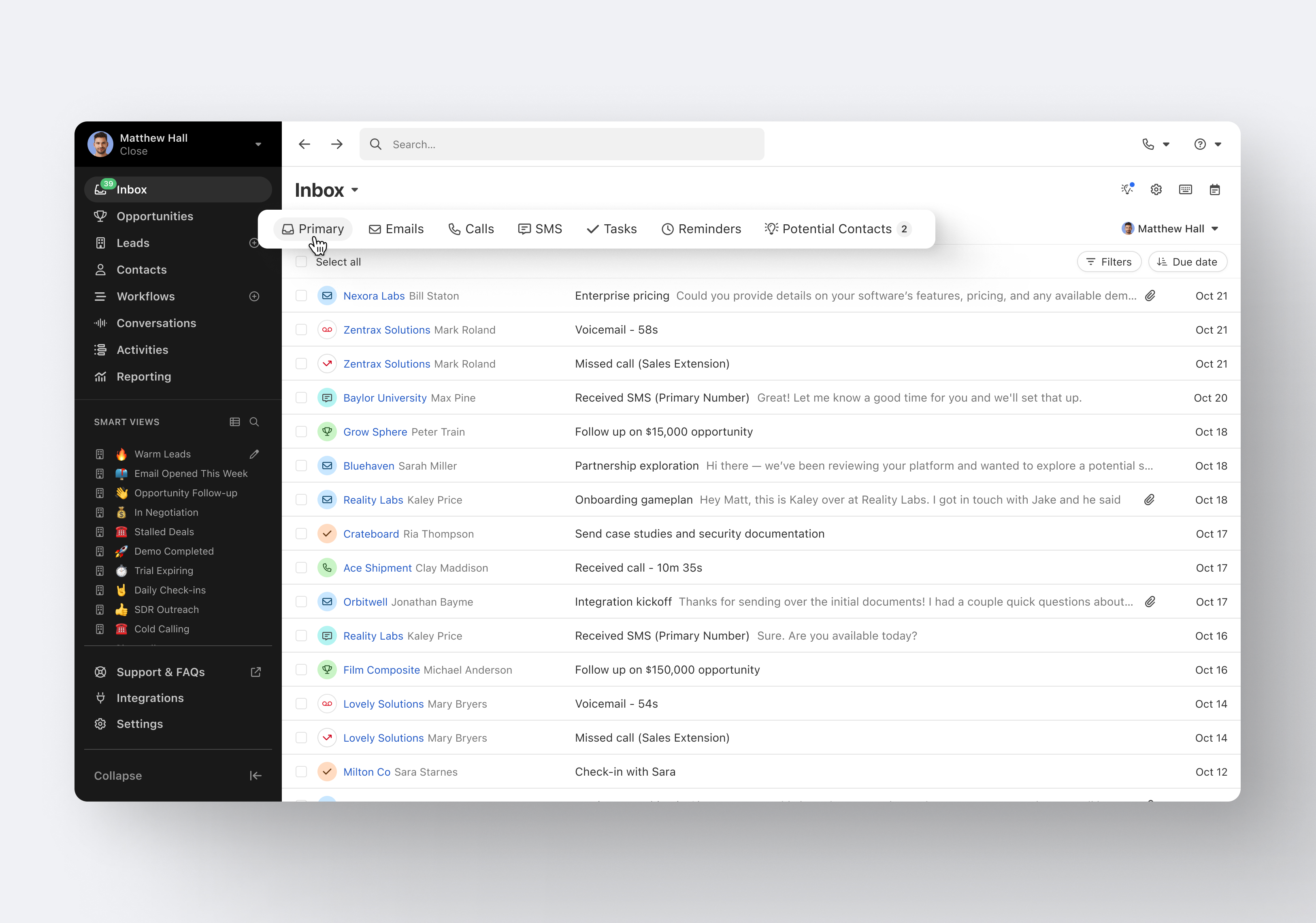
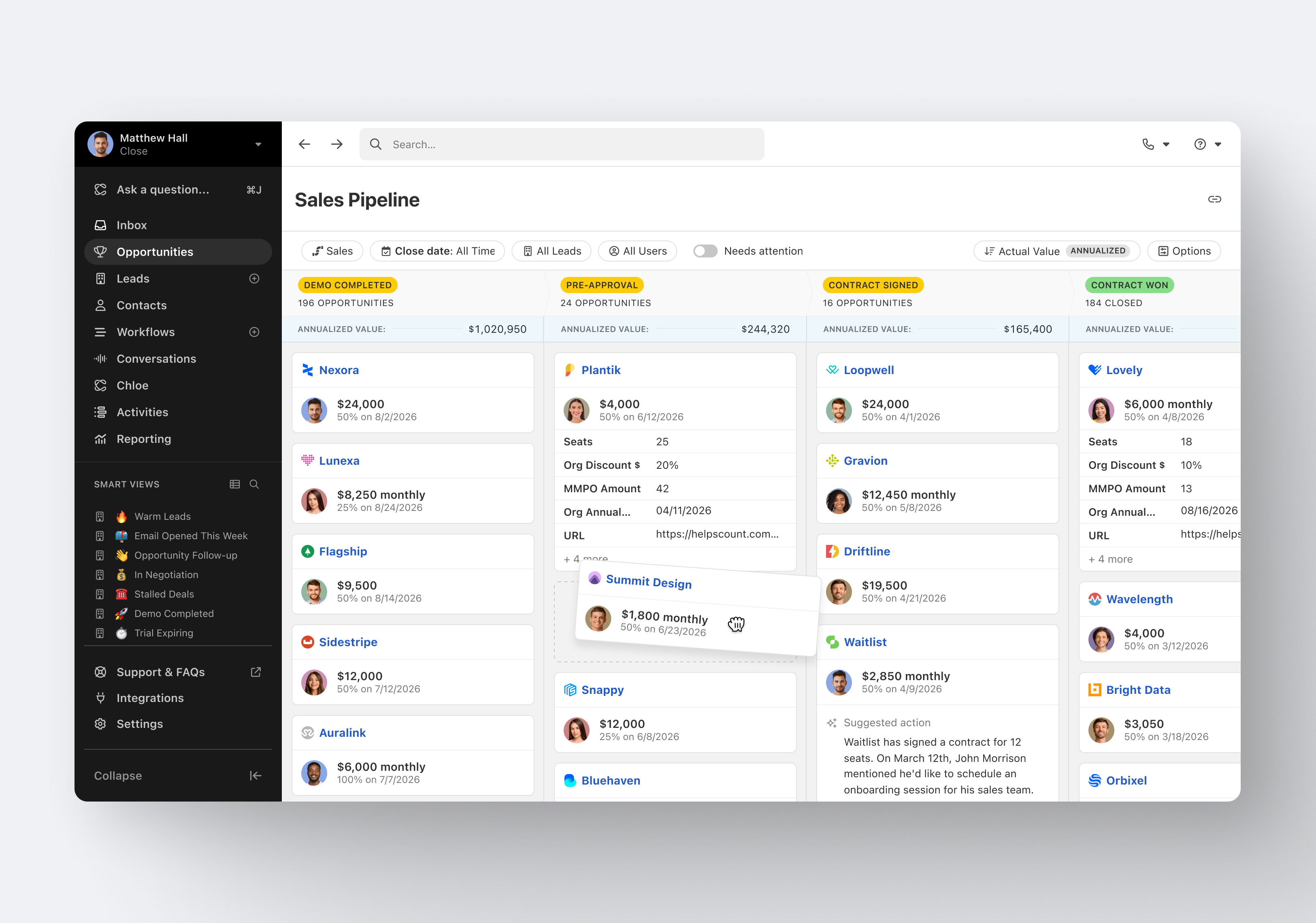
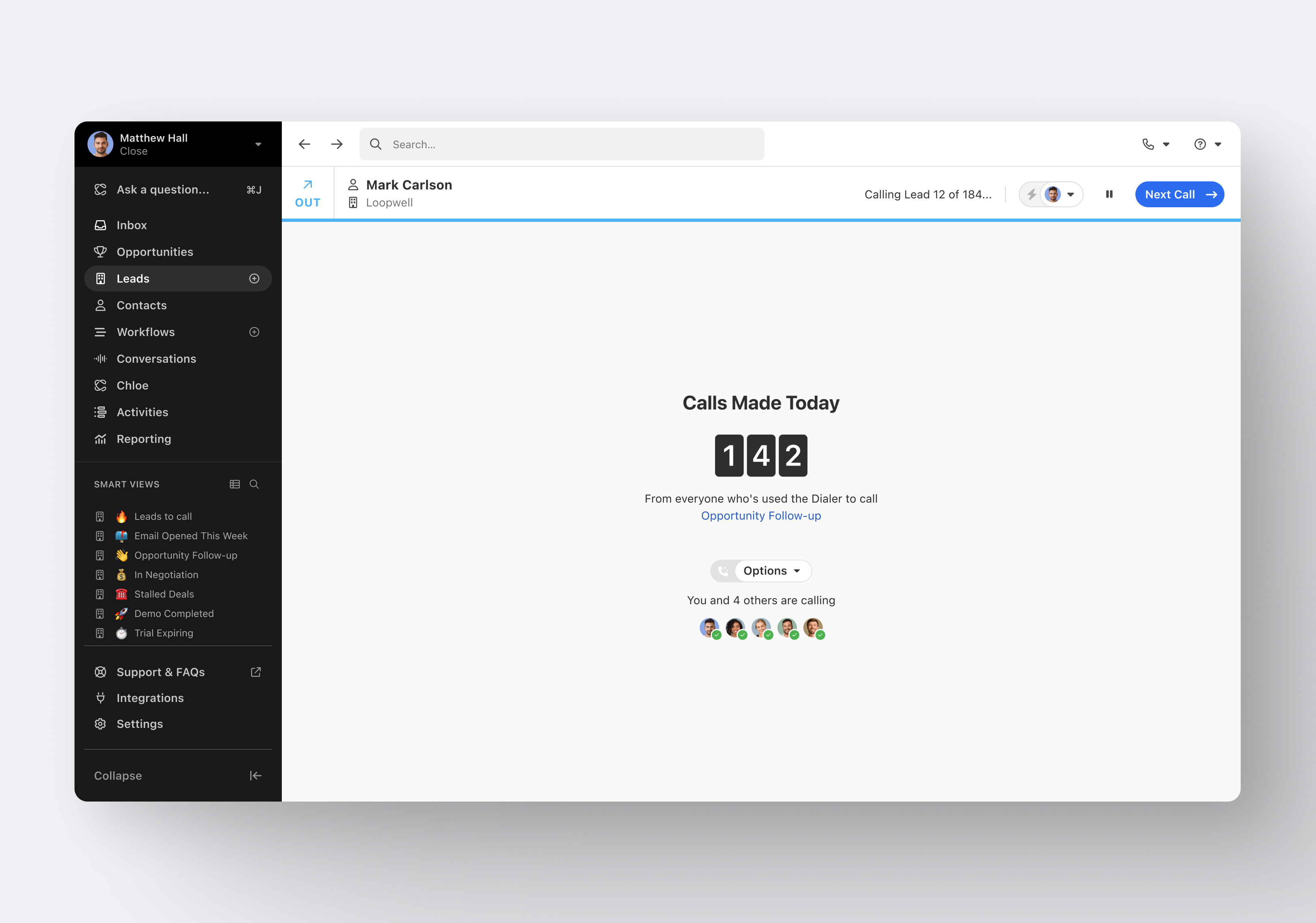
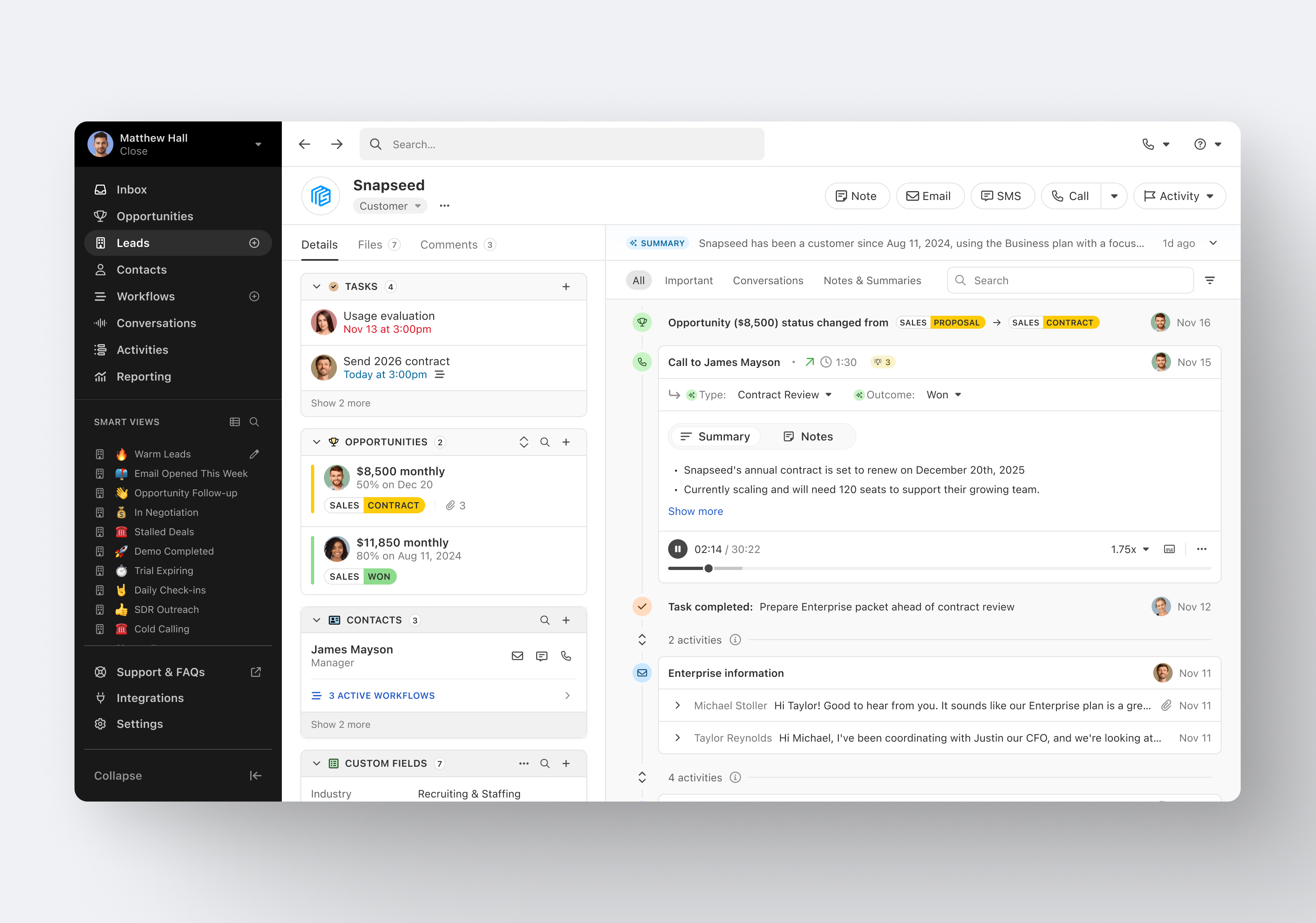
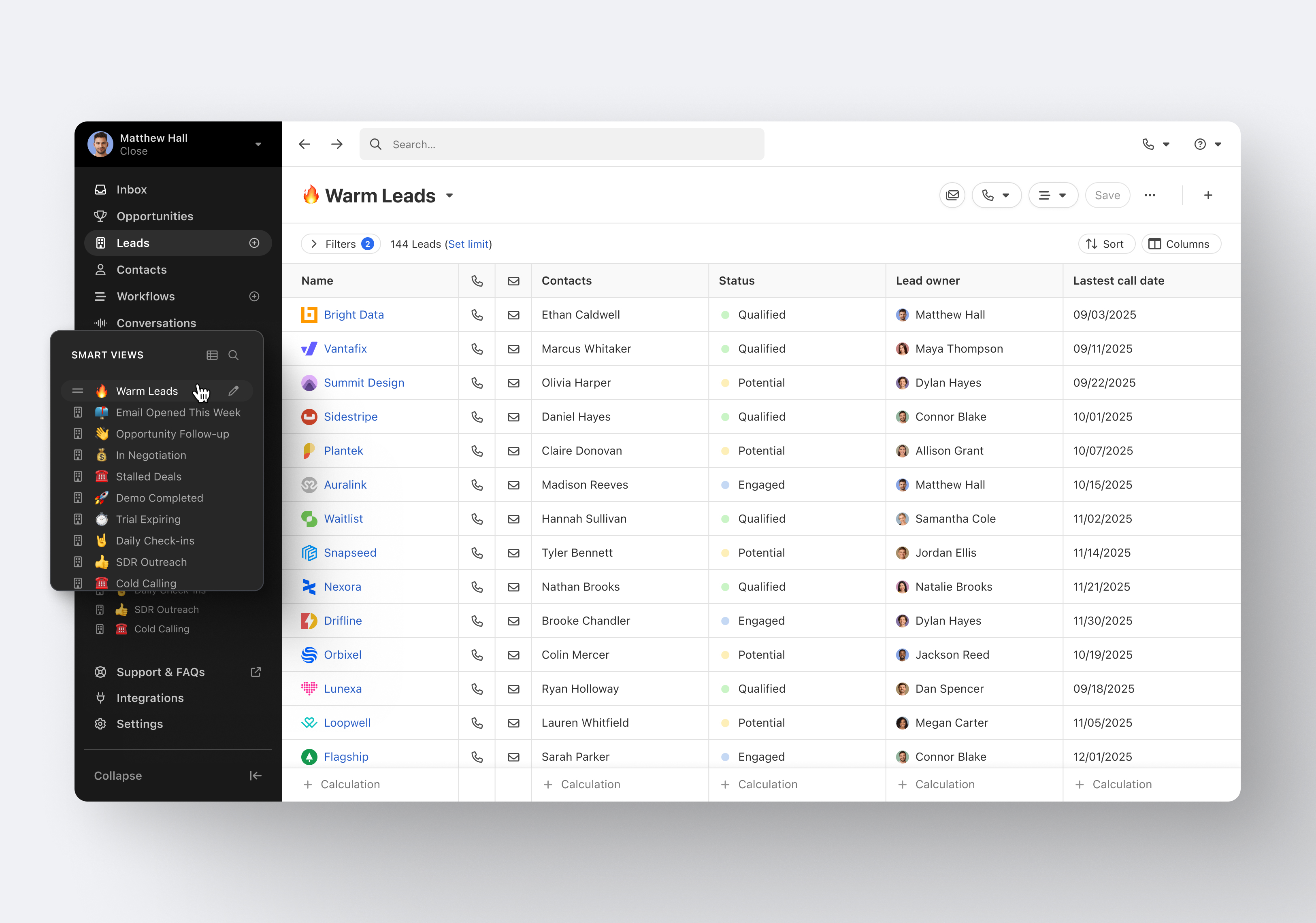
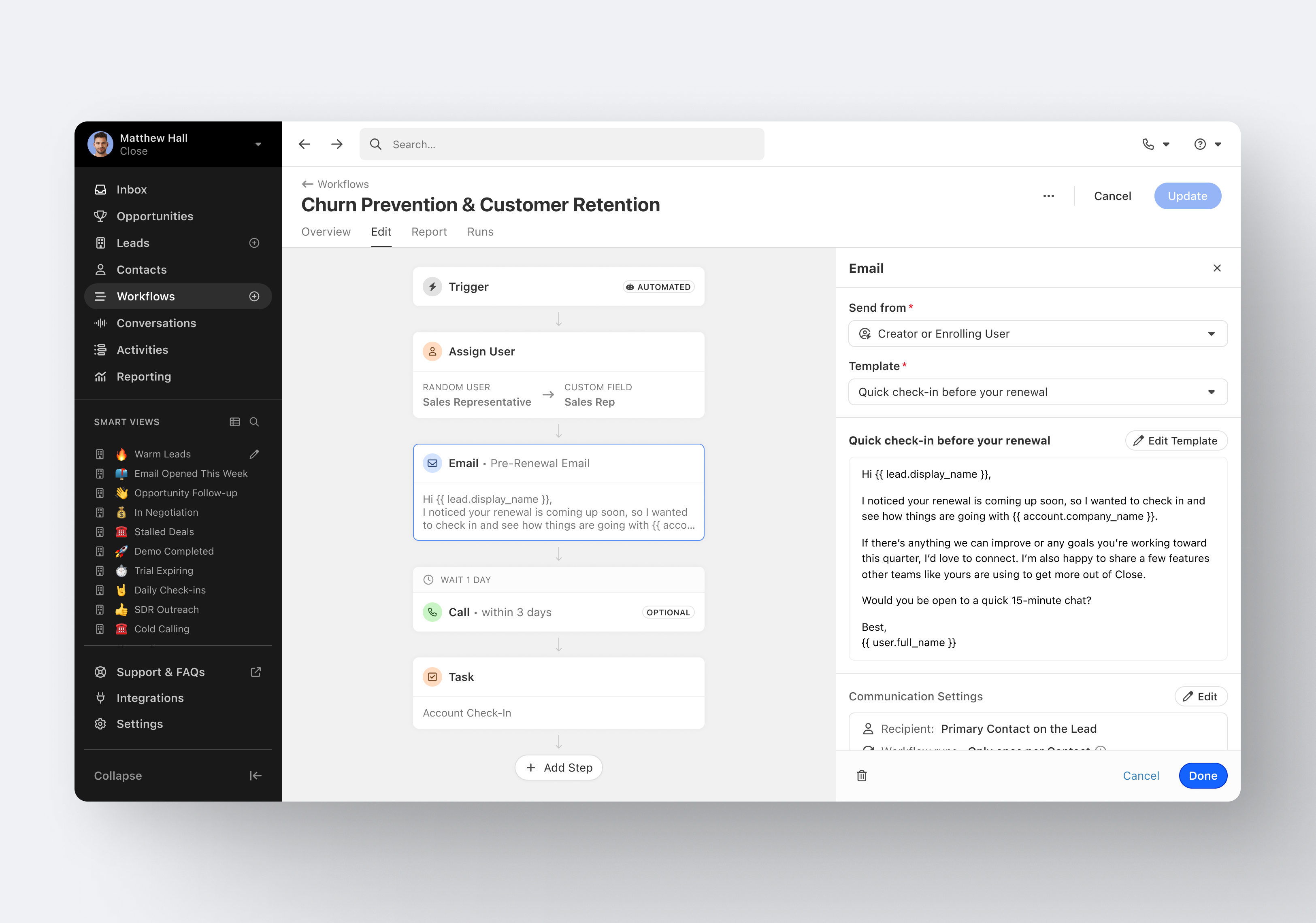
Close.io is a customer relationship management (CRM) software with call management and sales workflow automation capabilities.
$19
per month includes 1 user
Microsoft Dynamics 365
Score8.1 out of 10
N/A
Microsoft Dynamics 365 is a CRM providing sales, marketing, and service functionality. It is offered as SaaS and on-premise. Dynamics 365 is part of the larger Dynamics suite of business intelligence and ERP products.
$44
per month
Pricing
Close CRM
Microsoft Dynamics 365
Editions & Modules
Solo
$9
per month (paid annually) per user
Essentials
$35
per month (paid annually) per user
Growth
$99
per month (paid annually) per user
Scale
$139
per month (paid annually) per user
No answers on this topic
Offerings
Pricing Offerings
Close CRM
Microsoft Dynamics 365
Free Trial
Yes
Yes
Free/Freemium Version
No
No
Premium Consulting/Integration Services
Yes
Yes
Entry-level Setup Fee
Optional
No setup fee
Additional Details
The pricing listed here reflects up to a 35% discount for paying annually. Monthly billing is available at of $19 per user for the Solo plan (only 1 user allowed), $49 per user for the Essentials plan, $109 per user for the Growth plan, and $149 per user for the Scale plan.
Excellent software to increase sales and follow up with existing and new customers. Email and SMS handling are really easy for the sales team, managing leads is really great, and Close merges duplicate leads to help our Data Leads avoid repetitive and unnecessary calls. As mentioned in some comments before, must improve in reports, Close is not appropriate to handle or track agents' hours making it necessary to implement additional software to cover this area.
A de minimis incentive was given to thank the reviewer for their time. The incentive was not used to bias or drive a particular response, nor was the incentive contingent on a positive endorsement. More Info
Provides our company access to manage and customize the folds tailored to our needs. We needed to have certain paragraphs on certain paperwork per customer. MD 365 has those options to customize where needed and remove when not. The system is easy to navigate, and training can be done in a matter of days, even without prior knowledge of the system or similar systems.
A de minimis incentive was given to thank the reviewer for their time. The incentive was not used to bias or drive a particular response, nor was the incentive contingent on a positive endorsement. More Info
Email sequences. Create and send a sequence of emails until the sequence finishes or the contact replies to your email. You can also pause the sequence manually.
Email sync. Syncs in real time with your email account, which is huge.
Zapier integration. We've automated a lot of our pipeline management through the Zapier integration. This saves us soooo much time.
A de minimis incentive was given to thank the reviewer for their time. The incentive was not used to bias or drive a particular response, nor was the incentive contingent on a positive endorsement. More Info
Best to use for AP - like in our organization, there are plenty of AP bills, so with Dynamics, we can quickly enter the same into the Excel utility, which means CSV-based upload, and then we can easily upload the same to the software. It's a time saver.
Best for Bank reconciliation - MS Dynamics makes Bank reconciliation easy. Banks can easily sync with software and easily get reconciled.
Generating invoices to customers and directly sending them to their inbox is easy with this software.
A de minimis incentive was given to thank the reviewer for their time. The incentive was not used to bias or drive a particular response, nor was the incentive contingent on a positive endorsement. More Info
A de minimis incentive was given to thank the reviewer for their time. The incentive was not used to bias or drive a particular response, nor was the incentive contingent on a positive endorsement. More Info
Small learning curve, obviously. You won't figure this out in a day, a week, or even a month. But given time, you can learn to be an expert. Or you can always get a consultant or hire in somebody. But learning the tool isn't out of the questions by any means.
Licensing can be confusing at times and isn't cheap, but it is cheaper than Salesforce. Plus no additional fees for data calls to better integrate your D365 CE data with other systems.
The Classic user interface left a bit to be desired, but now with the much-improved Unified Interface, the web client and the mobile client look the same, much more modern, and have more flexibility and power behind them for customizers as well.
A de minimis incentive was given to thank the reviewer for their time. The incentive was not used to bias or drive a particular response, nor was the incentive contingent on a positive endorsement. More Info
CRM has allowed us to keep all of our data in one place that is easy for all users within the company to view. I came into the company after they had been using CRM for about 4 years. They have all said that since we have used this it has helped us control work processes better, it has allowed us to be able to track things so much better, and has been something that has helped unite many processes that used to be all over the place. We are currently using CRM 4.0 and are planning on upgrading in the next 18 months to the 2011 version. Support for 4.0 is almost all but dried up. Understandably so. Some of the customization we have done, and a plugins we use, are now contained within the 2011 version so we are looking forward to that upgrade. We use an email marketing company as well, and they primarily support the 2011 version, but their product connects and is integrated within CRM. This is a great benefit as well so that all of our marketing information can be contained in one location.
It's my favorite CRM to recommend to sales organizations. Robust Telephony options including a Power Dialer, SMS, and Voice Drop, are completely integrated into the CRM. The kicker is you can have "Unlimited" contacts where many platforms charge based on the number of users. This can make a huge difference in monthly billing.
A de minimis incentive was given to thank the reviewer for their time. The incentive was not used to bias or drive a particular response, nor was the incentive contingent on a positive endorsement. More Info
The usability is easily adopted for users familiar with other Microsoft products. Dynamics 365 has several interfaces that cross over browsers and tablets. These multiple interfaces will be phased out and updated to a single unified interface eventually to provide the same usability across all devices. The backend configurations is slowly improving with the introduction of PowerApps compared to pre-D365 Online versions
A de minimis incentive was given to thank the reviewer for their time. The incentive was not used to bias or drive a particular response, nor was the incentive contingent on a positive endorsement. More Info
I haven't really had the need to use their support, but the only time I had an issue with the platform, the Close team was very attentive and responded in a short span of time. Also they take minimal time to solve issues. The only con here is there is no way to reach out to them apart from email.
A de minimis incentive was given to thank the reviewer for their time. The incentive was not used to bias or drive a particular response, nor was the incentive contingent on a positive endorsement. More Info
Our partner, Ledgeview Partners has been FANTASTIC to work with. They are always timely in their response and have taken time to understand our business and our specific needs. We've made a lot of advanced customizations and they have been a great help in making those updates.
A de minimis incentive was given to thank the reviewer for their time. The incentive was not used to bias or drive a particular response, nor was the incentive contingent on a positive endorsement. More Info
We used a data warehouse to house our data, and our IT team and implementation vendor worked diligently ahead of time to construct idea implementation plans. Out of millions of records- we had less than a dozen errors, which is remarkable. My major insight is simply having a group of completely devoted individuals working towards your goal who fully understand the desired outcome. Focused resources for implementation season are critical to success.
Pipedrive was great for us for a long time. We used it for over 4 years. Our product and process was simple. When things got more complex, we needed something that could handle our growing needs and Pipedrive kept falling short. We built our own custom solution in Airtable and though it worked, we spend a lot of time managing it. Close was able to solve all our issues and save us hours per week in admin work.
A de minimis incentive was given to thank the reviewer for their time. The incentive was not used to bias or drive a particular response, nor was the incentive contingent on a positive endorsement. More Info
Microsoft Dynamics was part of a system overhaul for a local school, and we looked at many products. If we had used it for a company with low turnover, then it might have been more feasible. They needed something a new person could learn quickly, someone who might also be learning marketing terms at the same time - especially if there is nobody to train the individual now expected to know the system. Similar issues occurred with all of these programs (we called it being too big for their britches), and one of the bigger things we liked was that it is more compatible with MS Office products in both technical and visual appeal. If you have a steady employees who use a CRM consistently, low turnover, and those who are very familiar with Office products, Dynamics would be the smartest option for you. Unfortunately, this was just not true for the school environment
A de minimis incentive was given to thank the reviewer for their time. The incentive was not used to bias or drive a particular response, nor was the incentive contingent on a positive endorsement. More Info
On our purchase, I'd been interrogated about our usage. Our needs are met by Microsoft Dynamics 365, which is simple to use. With so much data and information available, we must ensure that it is presented correctly to managers. Due to a lack of use, we don't have to spend as much money on Salesforce.
My company's preferred program right now is Microsoft Dynamics 365. We use it to keep track of customers and important sales metrics in a streamlined manner. Anyone familiar with CRMs will find the tool extremely useful. Considering that we have a good turnover, this product will be used for its basic segments. As a result, there are few chances of error with Microsoft dynamics because it is so easy to use. Many options for recording data on these leads are available. It meets our needs and pays off.
A de minimis incentive was given to thank the reviewer for their time. The incentive was not used to bias or drive a particular response, nor was the incentive contingent on a positive endorsement. More Info
For those without a centralized, all in one solution for major HR, Finance and other departments, Microsoft Dynamics 365 has vastly improved employee time utilization and profit.
Migrating clients from on-premise to the cloud has reaped benefits including better security, no unscheduled downtime and frequent updates to functionality.
Those transferring from cheaper solutions have lost money in the aim to be better integrated with other Microsoft products and AI they don't really utilize.
A de minimis incentive was given to thank the reviewer for their time. The incentive was not used to bias or drive a particular response, nor was the incentive contingent on a positive endorsement. More Info