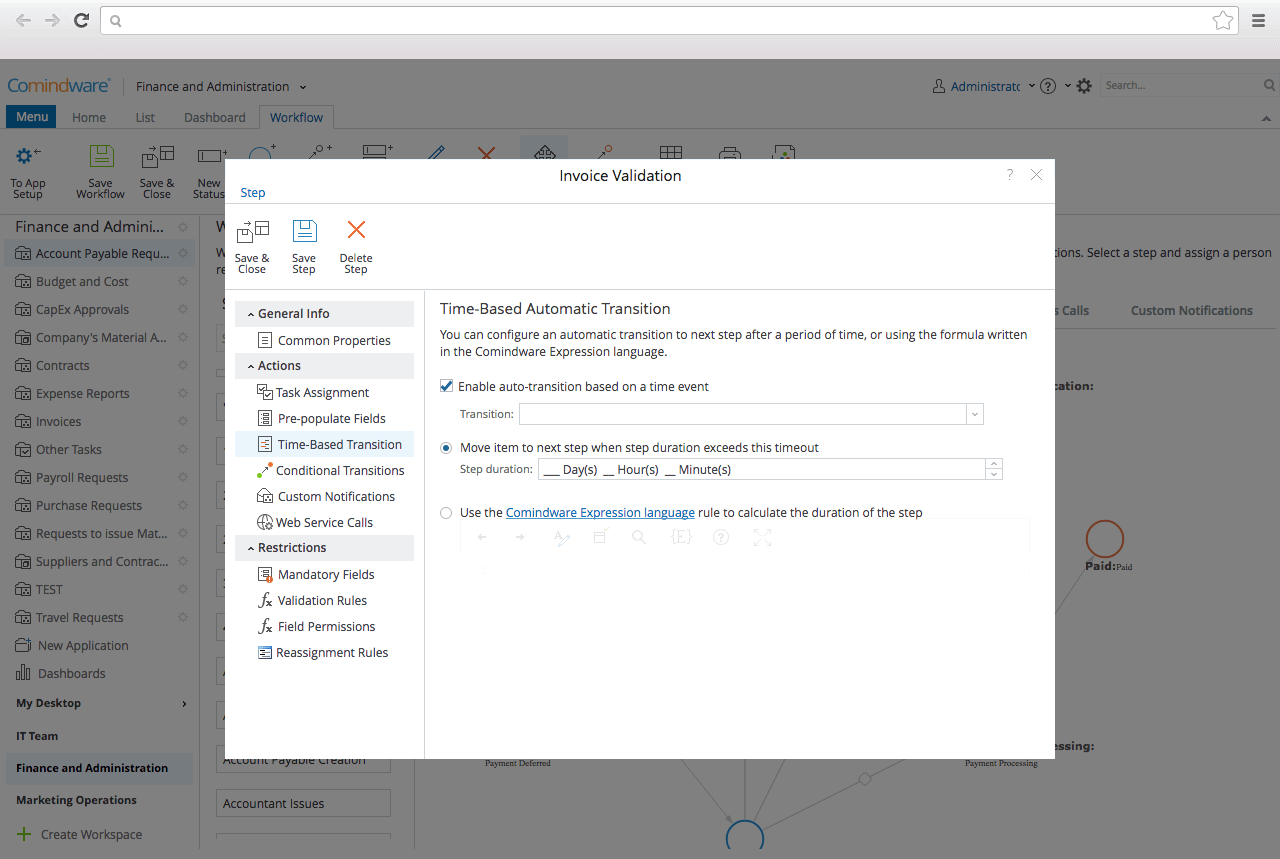
CMW Platform (formerly Comindware) is a business process management software centered on worklows to build automations. It implements a drag-and-drop interface along with Excel-style rules and forms.
N/A
cPanel
Score 8.8 out of 10
N/A
cPanel headquartered in Houston provides website hosting providers with workload and server automation, as well as a management console for creating and launching websites, managing email and web files, and other administrative tasks.
$15.99
per month
Mitratech TAP Workflow Automation
Score 7.5 out of 10
N/A
TAP Workflow Automation is a business process automation solution, enabling clients to digitize any workflow. The solution aims to improve efficiency, productivity, standardization, and compliance, as well as drive cost savings and time-to-value. TAP's drag-and-drop UI lets users build and deploy workflows without coding or IT involvement. TAP's open API enables clients to integrate into existing tools to drive automation across the organization.
N/A
Pricing
CMW Platform
cPanel
Mitratech TAP Workflow Automation
Editions & Modules
No answers on this topic
cPanel Solo
$15.99
per month for 1 account
Admin
$24.99
per month up to 5 accounts
Pro
$35.99
per month up to 30 accounts
Premier (on cloud)
$53.99
per month up to 100 accounts
Premier (on metal)
$53.99
per month up to 100 accounts
No answers on this topic
Offerings
Pricing Offerings
CMW Platform
cPanel
Mitratech TAP Workflow Automation
Free Trial
Yes
No
No
Free/Freemium Version
No
No
No
Premium Consulting/Integration Services
Yes
No
No
Entry-level Setup Fee
Optional
No setup fee
No setup fee
Additional Details
Comindware Tracker is available for purchase on a per-user subscription plan.
If you have multiple departments that are in charge of production or different facets of a large project, this platform is for you. International companies would benefit especially from the real-time updates, which are incredible for overseas production monitoring. For smaller businesses, the cost is too much for something that could be handled in-house
I personally use it for any website hosting I do for me and others. There are a few others but I have stuck with the old tried and true and it always works for me and I know how to get around it so it has become a breeze for me. For those who are extremely new to websites and hosting or to those with very little technical know how cPanel could be very overwhelming and they might want to do like a managed WordPress hosting where they don't really have to see or deal with cPanel. I also probably wouldn't use it for straight email hosting. If you have thousands of cPanel accounts it may get very expensive and that could be a factor.
From my few months of using the tool, I believe the tool would be best suited for Legal Ops (Contracting) & Procurement. Maybe even in competitive bidding (strategic sourcing: eg RFP & RFX). The tool may be less appropriate for Payment Processing/Collecting.
Even though the cost is higher than its counterparts in the market, overall, it is reliable and gets the job done.
I've faced a single issue in my tenure of using this platform - the integration capabilities. As compared to other project management tools, CMW does seem to have limited integration options.
The costs can be a limiting factor for some businesses if you are not using a web hosting company that uses it. I have been experimenting with Cloud hosting, which can be very daunting for the novice. There is an option to install it on the cloud but it is expensive.
As I mentioned in my whole review that it is making opration smoother it's capabilities to automate repetitive tasks, reduce manual errors,and improve productivity.Its low code approach allows us to create business apps quickly and easily without requiring extensibe programming knowledge.although it has lots of positive points but there are some issues which is barrier to become perfect that's why I give 8
Although it can be a little bit bloated with a lot of options and configurations, it's very straightforward to use and maintain. So it's a great option even if you don't have large experience in hosting configuration. The WHM tool is more suited to heavy users since it requires more expertise, so it has a steep learning curve to better understand how to use it.
It's more of drag and drop functionality. It is quite easy to set up. Creation of form is very easy. Support Team of Comindware Tracker is good and very friendly. It is efficient in terms of task management, project management, team management, vendor/client tracking.
The support comes in the form of an extensive library of how to articles and community input. For most situations this will give you plenty of information and resources to trouble shoot. Live support really then would need to default to the hosting provider who provides the cPanel for your use.
Other than trying Comindware Tracker it is newer to me, I have used Adobe software multiple times and are familiar with their products. I won't stack Comindware Tracker against them because they both are amazing. I like using Comindware tracker because it is easy to use and is great for me, it helps optimize and maintain my workflows.
The direct server management tool access provided by cPanel hosting accounts is far superior to any shared or "standard" web site hosting packaged offered by any of the numerous web host providers I have used and or evaluated over the 20+ years of my experience working in the internet industry.
Autodesk selected TAP because of its ability to handle more complex workflows. We vetted a lot of "light" automation solutions but wanted a tool that was flexible enough to handle our more extensive use cases.