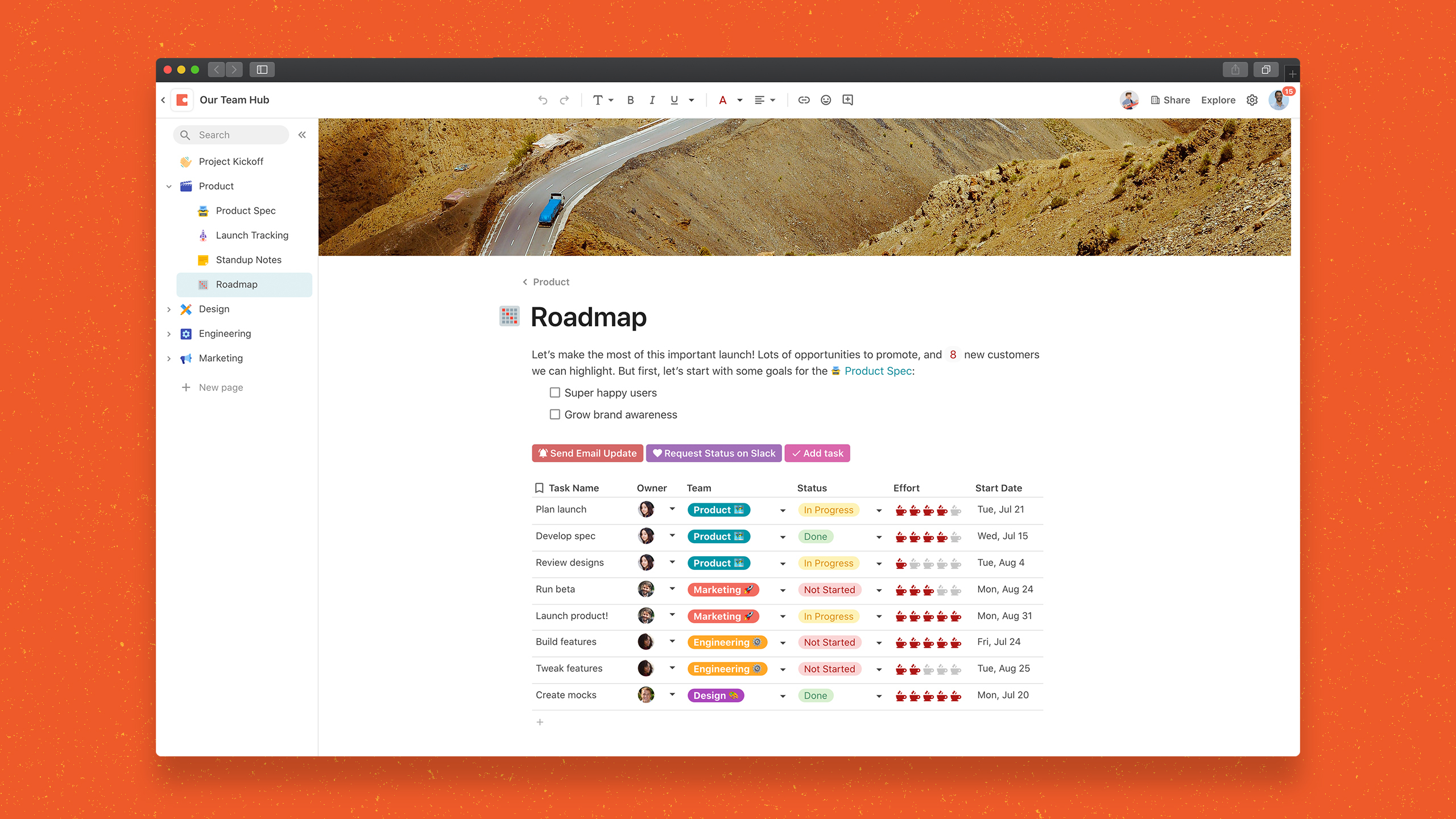
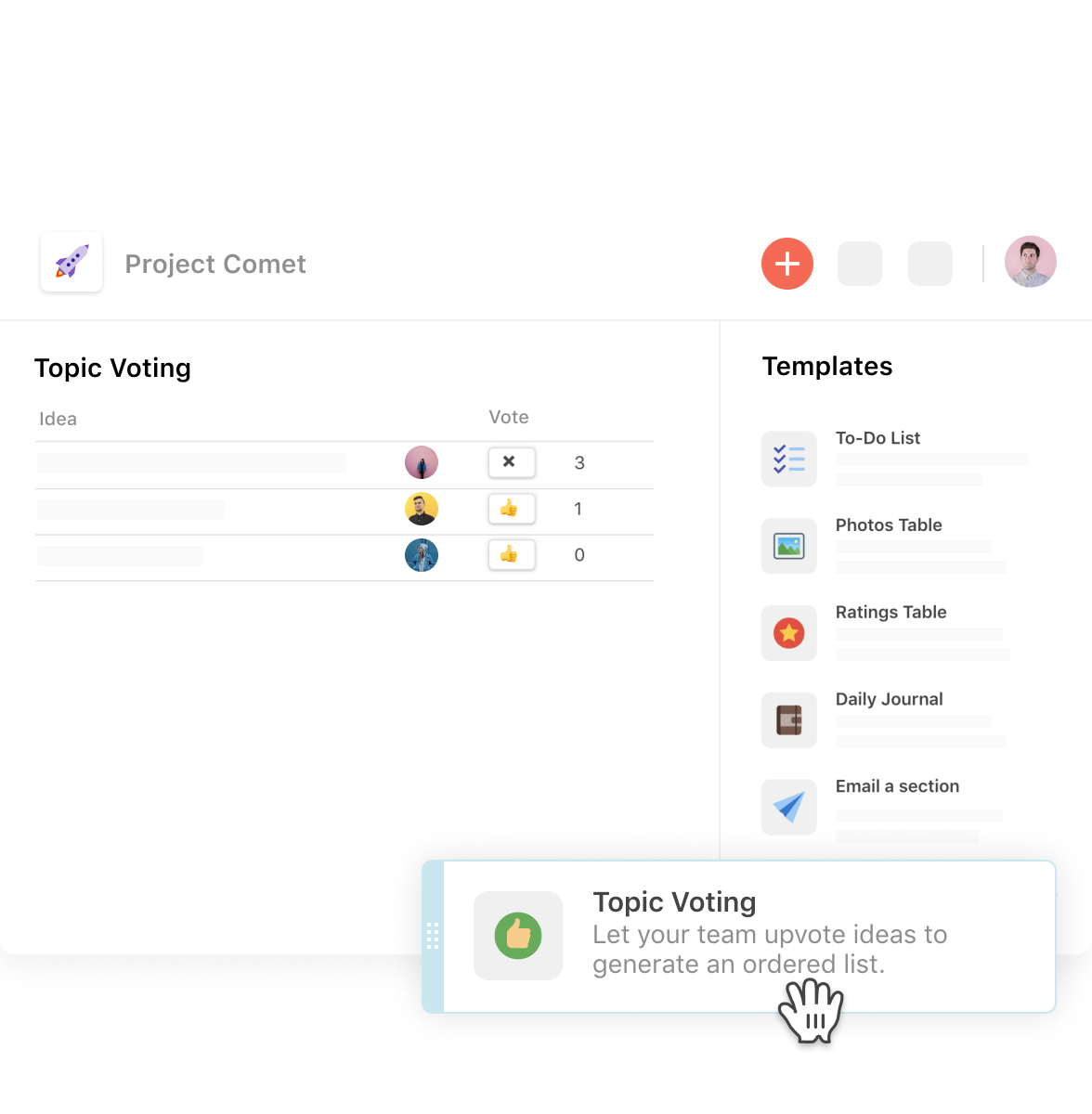
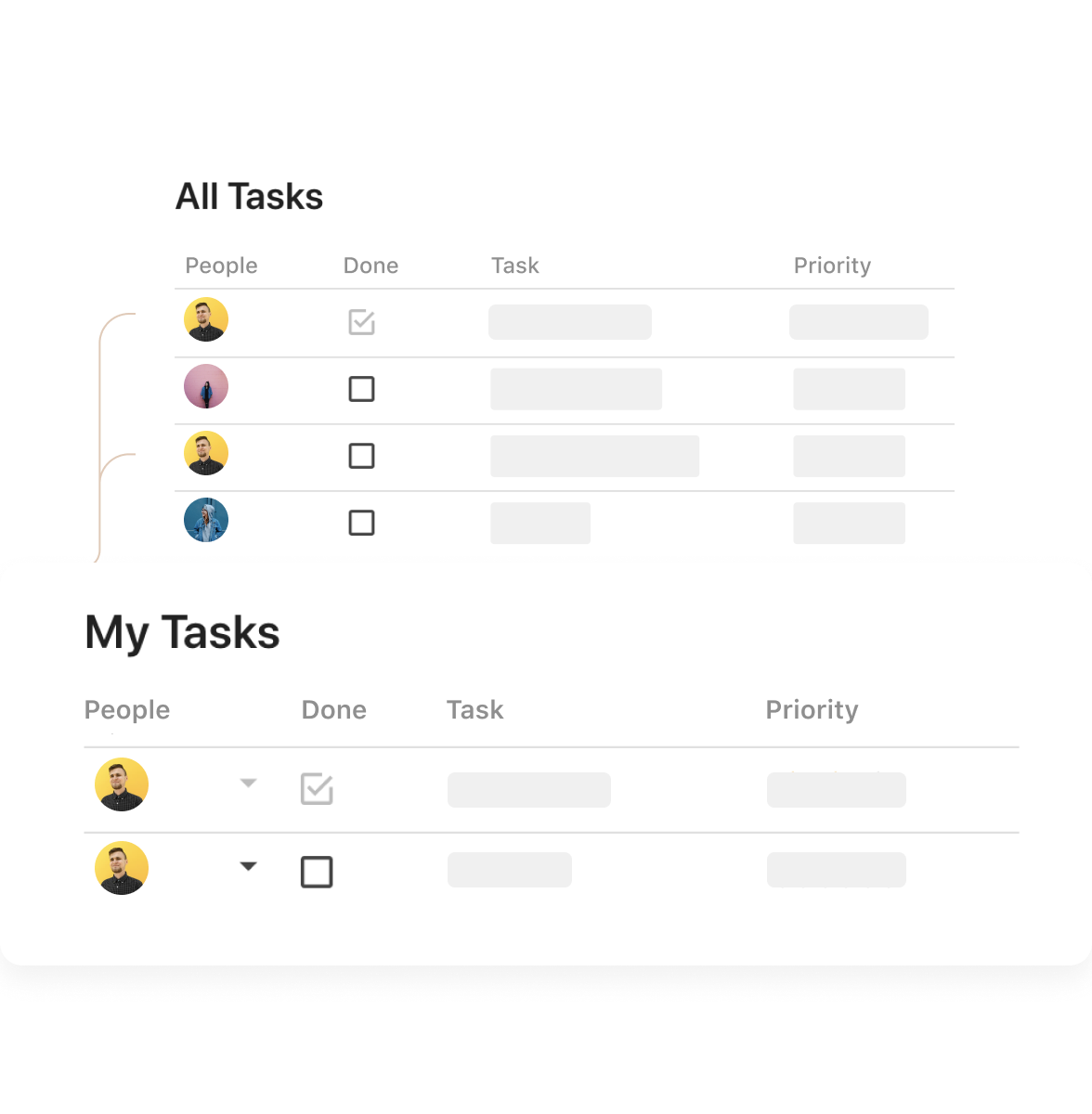
Coda is a unified workspace platform that transforms documents into interactive applications by combining documentation, spreadsheet functionality, relational databases, and AI-powered automation—enabling teams to consolidate multiple tools and automate complex workflows without writing code. The platform operates as a block-based document system where every page can contain interactive tables, buttons that trigger automations, live formulas, and conditional logic, all rendering from a shared…
$12
per month
Square 9 Softworks
Score 9.3 out of 10
N/A
For document-intensive companies looking to improve business efficiency, Square 9 Softworks develops solutions for process automation that aim to drive increased productivity across all business applications.
$250
per month 5 users
Pricing
Coda
Square 9 Softworks
Editions & Modules
Free
$0.00
Pro
$12
per month per Doc Maker
Team
$36
per month per Doc Maker
Enterprise
Custom
Square 9 Process Automation Essentials
$50
per month per user (5 User Minimum)
Square 9 Digital Transformation Essentials
$68
per month per user (5 User Minimum)
Square 9 Enterprise Essentials
$75
per month per user (10 User Minimum)
Offerings
Pricing Offerings
Coda
Square 9 Softworks
Free Trial
Yes
No
Free/Freemium Version
Yes
No
Premium Consulting/Integration Services
Yes
Yes
Entry-level Setup Fee
No setup fee
Optional
Additional Details
Discount available for annual billing.
Offered via a three-tier pricing model that allows customers to scale their solution up or down based on the changing needs of their organization.
Pricing excludes professional services and implementation fees
Coda is great to build a place for your users to go to and see information. It is easy to navigate through and the variety of content creation is great. However, it is not always easy to create what you want and there is a lot of playing around and learning. Coda also sometimes misses some functionality which is expected. For example, downloading a list of users that have access to the platform. Being able to send push notifications when a new page has been created etc. Overall it is a good tool to use just be prepared to invest time!
Square 9 Softworks is really good for internal and external filing services. Square 9 Softworks is also an application that can be utilized for databases to store and extract data. If the volume of your filing isn’t heavy or on a day-to-day basis then I wouldn’t recommend Square 9 Softworks.
The software is very flexible, and the technicians were great at implementing our customizations for the PO project.
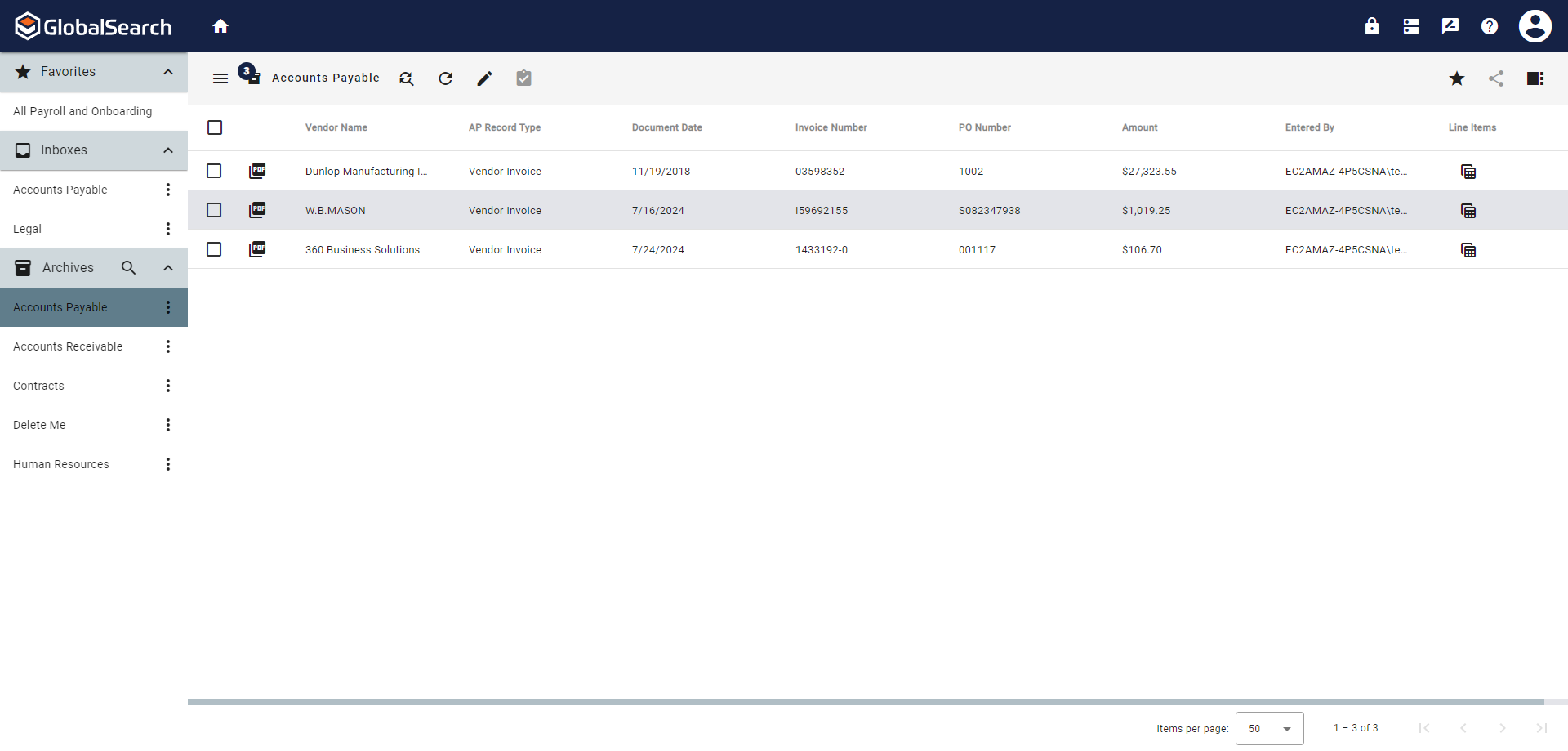
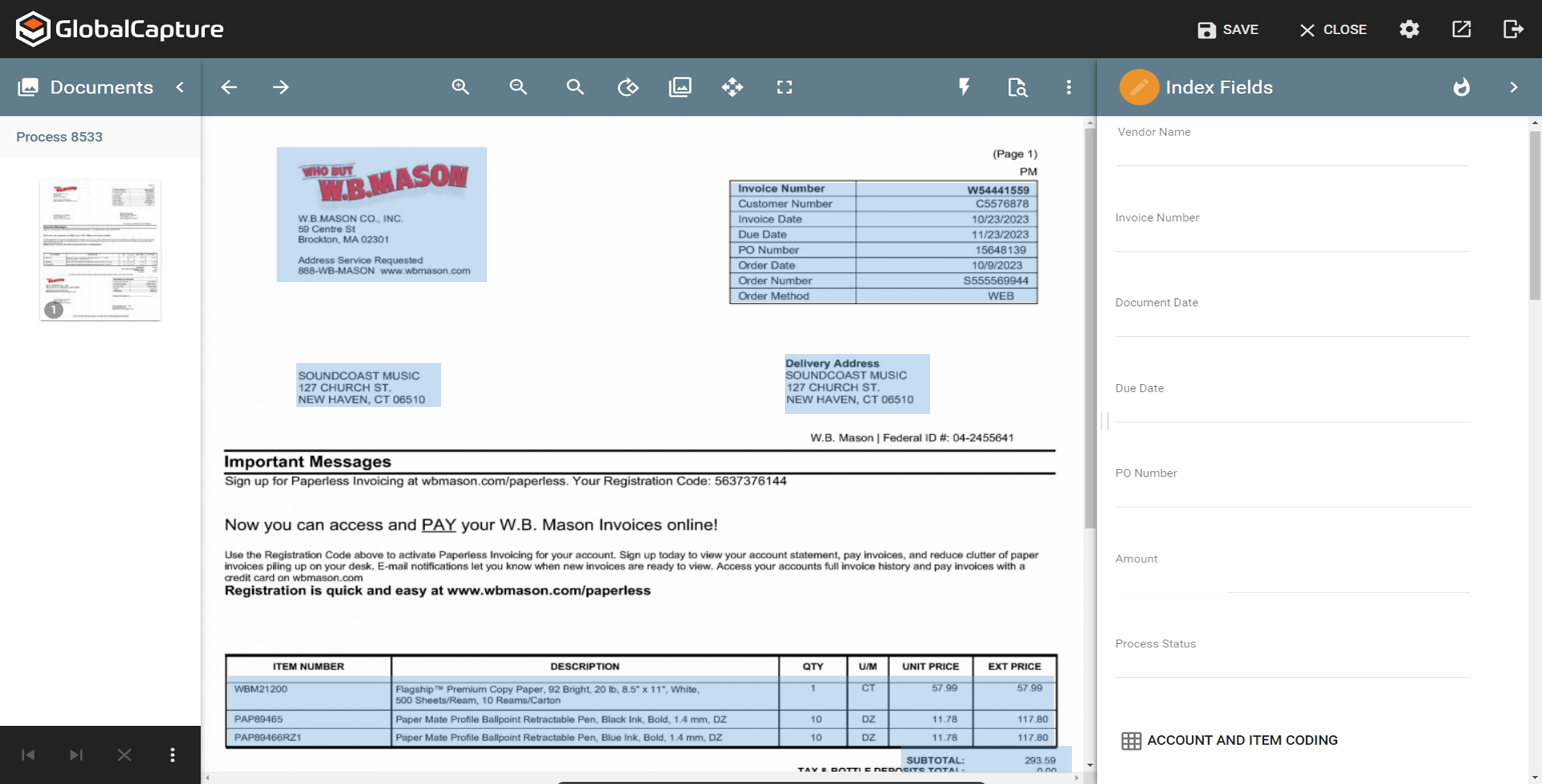
While indexing fields in Global Search, the Key Free tool works great.
Global Search is well-organized. It's easy to navigate and find your documents.
The process for completing your project was well done. Communicating with individuals at Square 9 who were responsible for different aspects of the project was easy.
It takes getting used to in terms of how the formulas per column is implemented, in contrast to how we build tables in Excel. For organization/team purchase, it would be worth considering having a training for the core team of users. Right now, we do a lot of self-learning.
Inability to email charts or image without these objects being hosted on a third party. The community has been great in providing workarounds but it would be much more convenient to be able to have such ability natively.
APAC Support. I'm based in Malaysia, due to timezone differences, even with a livechat implemented, the support for each step and conversation takes up to 24 hours per response. Having some hours covered in our timezone would greatly improve customer support experience.
GlobalSearch could use some enhancements in layout - THIS IS FIXED WITH THE NEWEST VERSION OF GLOBALSEARCH 6.3 and their Sleek GUI GlobalSearch GO! - WELL DONE!
GlobalSearch could use external sharing of documents THIS IS FIXED WITH THE NEWEST VERSION OF GLOBALSEARCH 6.3 and their Sleek GUI GlobalSearch GO! - WELL DONE!
GlobalForms could have better formatting tools to enhance the fields and text formatting
Coda is definitely something that has been proven to drive positive impact in our organization. We have many divisions that can benefit from this that we have yet to explore. It would definitely be worth renewing.
We absolutely can't imagine not continuing software maintenance as there are always new additions that improve the system not to mention the excellent tech support when issues are encountered. Response times for troubleshooting are very quick and usually, my issue is resolved in less than an hour after connecting with support.
There is a little bit of a learning curve on where to point and click to add in different elements and make edits. But it is still very manageable once you get the hang of it. I do still have some issues with some of my connected pages updating each other when I don't want them to sync. So I'll end up editing one page, and it will make the same edits on another page.
The items I am searching for are easily found. They are found in at least 95% of the searches. The failure rate generally is related to another employees user error or a template error set up by our Square 9 team in house.
We haven't done any integrations - the initial part of our experience we found that for docs with complex formulas, the page tends to load slowly but in recent months, Coda has improved and optimized the loading times in general and we generally don't find any problems in terms of speed anymore.
With the PDF projected viewer, the document retrieval-to-display can drag for a second more than some systems, and the capture workflow if you overload a server array can also drag, but those are the only two issues we've ever seen with this product, and they are not serious issues at all.
Mainly due to timezone differences. I think Coda's support in general is well implemented and executed. They know their stuff and are helpful. But since I'm not in the same timezone, solution rates are slower for me, and that's not something I prefer. I work in customer service, too, and more often than not, time is important. Shortening the solution time would be a much greater experience.
We had one "production down" incident that took about a day to get help on. I think that's a bit too long. The support people seem confident but not that friendly. I feel like I'm bothering them when I get help, but they get the job done.
It would have been higher, but the training is a bit muted for the lesser qualified office equipment vendors who signed up as partners to sell and support it. The more experienced ECM vendors and customer end-users will find the training very good, but a bit slow.
I'm relatively inexperienced but this experience is meaningful. It would have been nice to have some guidance from Coda so that we understood more on Coda's purpose and potential.
I think the implementation could have gone a little smoother than it did. Now that I know how to use the software, I could do it myself. I feel that as an organization, we could have been a little better prepared. If the consultant was more aware of what we were looking for, they could have assisted in setting up some workflows for us as per the contract. But because we were not prepared, the initial implementation process was a little painful. That said, adding a document management system to ANY business kinda means everyone has to re-think the way they do their work which can be difficult for some staff.
While all of the products listed have great features and platforms, there was always one thing missing from them that I would need to get from another application. Coda was the first one we used that really combined some of the best parts of those products and allowed us to use it in one place. I also appreciate the flexibility of creating your own framework and workflow, unlike in other tools where you have to follow how they capture data and organize projects.
We tried Etrieve before Square 9 and it never got off the ground. Our requirements were too complex and the platform could not accommodate them. Square 9 offered the flexibility and customization we needed from the start. Support worked with us to build workflows that actually fit our processes instead of forcing us into a rigid structure.
I think scalability is definitely good here since it's based on number of doc makers. Implementation into each dept becomes simpler. That being said, due to the nature of our work, we find it easier that we have a "super user" and then a team of other doc makers. This would make the doc creation and management more efficient.
The scale-ability is quite good actually, but you need competent sales/support folks providing it to you, so the scale is set right for the demands of your system use. Some resellers are not good at doing this, some are fantastic. If you are scaled correctly at first implementation, you'll be very happy with this system.
Reduction in human error through manual data entry process now being automated
Reduction in cost due to automation allowing the function to not require a full time employee
Reduction in time spent performing the previous manual tasks. Example: on our consolidated shipment days, it could take doc clerk 2-3 hours to prepare master document package. This has been reduced to 30 minutes or less (depending on size of shipment and time needed for OCR to complete)