
Contentful vs. Google Workspace Essentials
| Product | Rating | Most Used By | Product Summary | Starting Price |
|---|---|---|---|---|
 Contentful | Score7.4 out of 10 | N/A | Contentful is a cloud based CMS solution that provides the ability to manage content across multiple platforms.The editing interface allows for managing content interactively and provides developers the ability to deliver the content with the programming language and template framework of their choice. | $0 |
 Google Workspace Essentials | Score9.4 out of 10 | N/A | Google now offers Google Workspace Essentials (formerly G Suite Essentials), providing a solution for users of Outlook or Office whose teams want to use Google Meet and Google Apps without needing to involve a personal gmail account. Google Workspace Essentails includes Google Slides, Sheets, and Docs, as well as Google Meet, Google Drive, Forms, Sites, and Keep, in a bundle minus a gmail account. Basic Essentials supports (via Meet) meetings with up to 150 participants, and Google Drive with… | $8 per month per user |
| Contentful | Google Workspace Essentials | |||||||||||||||
|---|---|---|---|---|---|---|---|---|---|---|---|---|---|---|---|---|
| Editions & Modules |
| No answers on this topic | ||||||||||||||
| Offerings |
| |||||||||||||||
| Entry-level Setup Fee | Optional | No setup fee | ||||||||||||||
| Additional Details | — | — | ||||||||||||||
| More Pricing Information | ||||||||||||||||
| Contentful | Google Workspace Essentials | |
|---|---|---|
| Considered Both Products | No answer on this topic | No answer on this topic |
| Key User Insights | ||
| Would buy again | ||
100% Would buy again 7 Answers | 95% Would buy again 19 Answers | |
| Delivers good value for the price | ||
100% Delivers good value for the price 5 Answers | 94% Delivers good value for the price 17 Answers | |
| Happy with the feature set | ||
100% Happy with the feature set 7 Answers | 95% Happy with the feature set 19 Answers | |
| Lived up to sales and marketing promises | ||
No answers on this topic | 79% Lived up to sales and marketing promises 11 Answers | |
| Implementation went as expected | ||
100% Implementation went as expected 6 Answers | 100% Implementation went as expected 16 Answers | |
| Contentful | Google Workspace Essentials | ||||||||||||||||||||||||||||
|---|---|---|---|---|---|---|---|---|---|---|---|---|---|---|---|---|---|---|---|---|---|---|---|---|---|---|---|---|---|
| Security |
| ||||||||||||||||||||||||||||
| Platform & Infrastructure |
| ||||||||||||||||||||||||||||
| Web Content Creation |
| ||||||||||||||||||||||||||||
| Web Content Management |
| ||||||||||||||||||||||||||||
| Contentful | Google Workspace Essentials | |
|---|---|---|
| Small Businesses |  Umbraco CMS Score7 out of 10 |  Google Workspace Score9.1 out of 10 |
| Medium-sized Companies |  Square Online Score7.8 out of 10 | Google Workspace Score9.1 out of 10 |
| Enterprises |  RWS Tridion Sites Score9 out of 10 |  Microsoft 365 Business Premium Score8.9 out of 10 |
| All Alternatives | View all alternatives | View all alternatives |
| Contentful | Google Workspace Essentials | |
|---|---|---|
| Likelihood to Recommend | 8.3 | 9.7 |
| Likelihood to Renew | - | 10.0 |
| Usability | 9.0 | 9.6 |
| Contentful | Google Workspace Essentials | |
|---|---|---|
| Likelihood to Recommend |
|
|
| Pros |
|
|
| Cons |
|
|
| Likelihood to Renew | No answers on this topic |
|
| Usability |
|
|
| Alternatives Considered |
|
|
| Return on Investment |
|
|
| ScreenShots | Contentful Screenshots 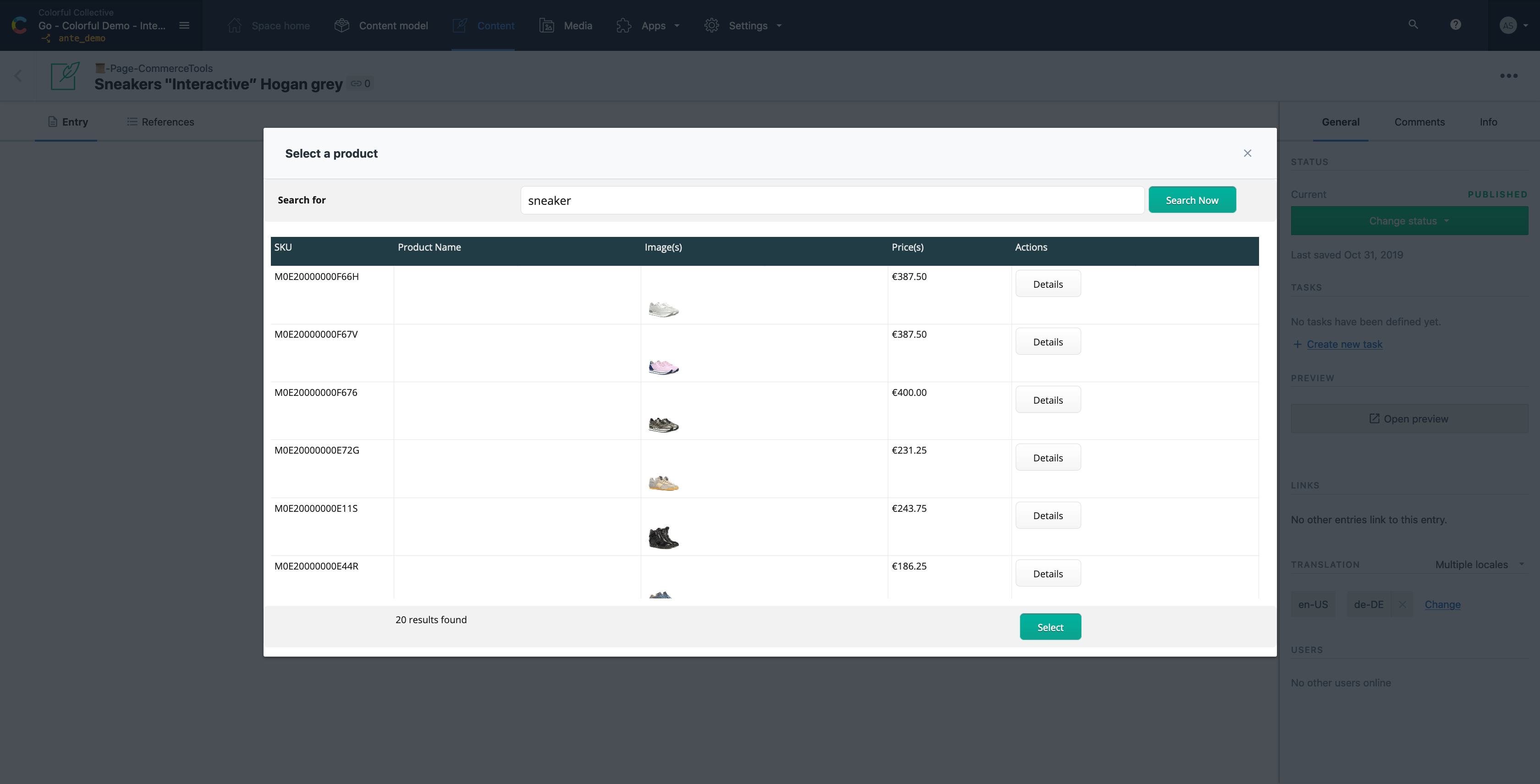  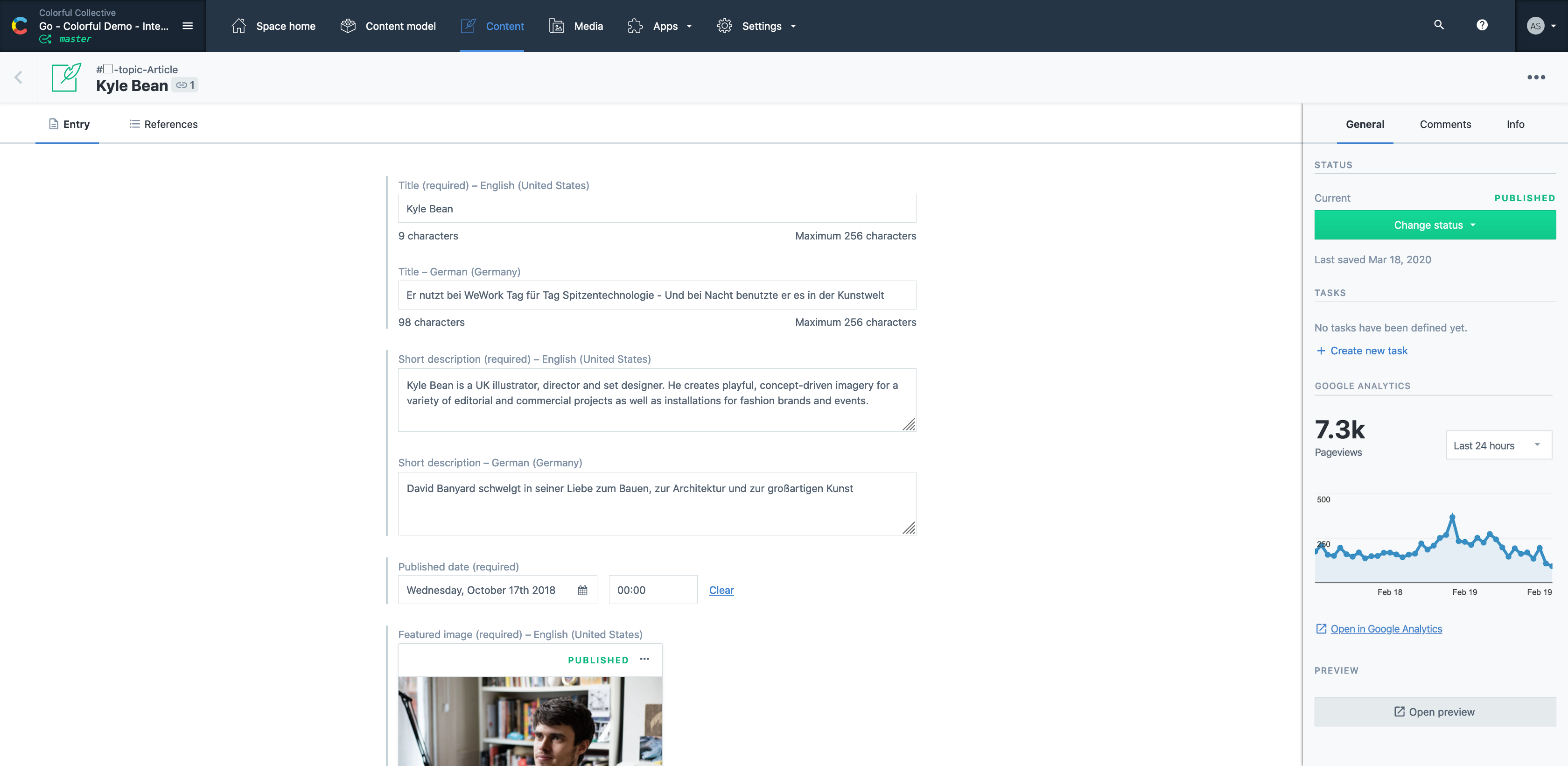   |



