TrustRadius: an HG Insights company

Save this comparison

Save this comparison

Add Product

Recommended Comparisons

    Overview
    ProductRatingMost Used ByProduct SummaryStarting Price

    CyberSentriq DNS Filtering

    Score10 out of 10
    N/ACyberSentriq DNS Filtering, formerly WebTitan by TitanHQ, blocks malicious domains, phishing sites, and command-and-control infrastructure before a connection is made.

    $38

    per month per 25 users (Starting Price)

    KeePass

    Score8.9 out of 10
    N/AKeePass is an open source password manager which secures passwords in a database locked with a master password or key file.N/A
    Pricing
    CyberSentriq DNS FilteringKeePass
    Editions & Modules
    WebTitan Gateway
    $38
    per month per 25 users (Starting Price)
    No answers on this topic
    Offerings
    Pricing Offerings
    CyberSentriq DNS FilteringKeePass
    Free Trial
    YesNo
    Free/Freemium Version
    NoNo
    Premium Consulting/Integration Services
    NoNo
    Entry-level Setup FeeOptionalNo setup fee
    Additional Details——
    More Pricing Information
    Community Pulse
    CyberSentriq DNS FilteringKeePass
    Considered Both Products
    CyberSentriq
    No answer on this topic
    Open Source
    No answer on this topic
    Key User Insights
    Would buy again
    100%
    Would buy again
    5 Answers
    100%
    Would buy again
    22 Answers
    Delivers good value for the price
    100%
    Delivers good value for the price
    5 Answers
    100%
    Delivers good value for the price
    22 Answers
    Happy with the feature set
    100%
    Happy with the feature set
    5 Answers
    100%
    Happy with the feature set
    22 Answers
    Lived up to sales and marketing promises
    100%
    Lived up to sales and marketing promises
    5 Answers
    100%
    Lived up to sales and marketing promises
    13 Answers
    Implementation went as expected
    100%
    Implementation went as expected
    5 Answers
    100%
    Implementation went as expected
    19 Answers
    Best Alternatives
    CyberSentriq DNS FilteringKeePass
    Small Businesses
    No answers on this topic
    RoboForm
    Score8.2 out of 10
    Medium-sized Companies
    No answers on this topic
    1Password
    Score9.1 out of 10
    Enterprises
    No answers on this topic
    Password Genie
    Score8 out of 10
    All AlternativesView all alternativesView all alternatives
    User Ratings
    CyberSentriq DNS FilteringKeePass
    Likelihood to Recommend
    8.2
    (5 ratings)
    8.7
    (23 ratings)
    Likelihood to Renew
    -
    (0 ratings)
    10.0
    (1 ratings)
    Usability
    -
    (0 ratings)
    7.2
    (4 ratings)
    Support Rating
    -
    (0 ratings)
    9.7
    (7 ratings)
    User Testimonials
    CyberSentriq DNS FilteringKeePass
    Likelihood to Recommend
    CyberSentriq
    It is well suited for any org with the need to control the web access of their users. It has succeeded in all of our deployment scenarios such as in a school, or many non profit organizations. We do not have a need for it on our own machines.
    Incentivized
    Read full review
    Open Source
    [KeePass] works extremely well for personal work passwords and personal-use passwords for home. It allows users to remember 1 single complex password in order to gain access to the entire database of passwords. It doesn't work so well if you want to sync passwords to multiple devices such as your computer or phone. It can be done, but it's not simple.
    Incentivized
    Read full review
    Pros
    CyberSentriq
    • Activity monitoring.
    • In terms of cost it is affordable.
    • Direct synchronization with Boundless Automation, this integration helps improve the management of networks at scale to increase efficiency, speed up operations and more.
    • It can be accessed from anywhere with an Internet connection.
    • It is intuitive and easy to use.
    Incentivized
    Read full review
    Open Source
    • Very secure - no worries about our passwords being stored insecurely or in the wrong place.
    • Easy to share access to passwords used company-wide.
    • Integrates with Chrome and other browsers for ease of use and speed.
    • Price - free to use.
    Incentivized
    Read full review
    Cons
    CyberSentriq
    • A mobile roaming client would be good
    • Reports for clients are sometimes fairly basic, some users prefer more in depth reports
    Incentivized
    Read full review
    Open Source
    • The user-friendliness could be better. The interface looks outdated and is sometimes quite technical.
    • If you're on the road a lot, KeePass isn't very user-friendly on a smartphone or tablet. It's fine to use on a laptop, though.
    • Sharing passwords with colleagues who are temporarily unable to log into KeePass independently could be improved.
    Incentivized
    Read full review
    Likelihood to Renew
    CyberSentriq
    No answers on this topic
    Open Source
    My very good experience in the past 15 years of usage of KeePass makes it easy to decide for a renewal of this friendship. I was never disappointed and KeePass always meets my expectations. The software runs stable and if there should be a software error, it will be fixed in no time. This is customer satisfaction.
    Incentivized
    Read full review
    Usability
    CyberSentriq
    No answers on this topic
    Open Source
    KeePass is easy to use and requires no prior training using it. I would rate KeePass a score 9 out of 10. It stands out in managing credentials securely and efficiently. No other similar app performs its core function as well, making KeePass an essential tool for password management and security.
    Read full review
    Support Rating
    CyberSentriq
    No answers on this topic
    Open Source
    I have almost never had to contact support. This product has a wide community, a very expansive documentation/forum site where generally any question/issue already has an answer/fix or explanation/workaround, or plans for improvement in a future version. On the occasions that I have reached out, answers were fairly quick, useful, and respectful.
    Read full review
    Alternatives Considered
    CyberSentriq
    Cost and umbrella had an issue with us as we had a hard time trying to make it work and never did figure out why it would not work. The reporting was lacking from what we could tell but again we could not get the trial working. So it was more cursory
    Incentivized
    Read full review
    Open Source
    KeePass is free and compatible with all the devices you or your customers and it has a lot of different uses. Is not only a password manager like Norton safe password or the avast's one. Like the password managers of the browsers, no, with KeePass every customer can find a useful way to share and keep secure I formations
    Incentivized
    Read full review
    Return on Investment
    CyberSentriq
    • WebTitan DNS Filter helps keep our employees focused on the job at hand.
    • The cloud service eliminates having to trade in/up obsolete hardware every 3-5 years.
    • Initial setup and configuration is straight forward and not terribly complicated.
    Incentivized
    Read full review
    Open Source
    • Positive. All of our usernames and passwords for service accounts are in one convenient location.
    • Positive. The ability to organize everything into separate locations/folders is great.
    • Positive. Password generator makes it easy for us to generate a secure password for our accounts.
    Incentivized
    Read full review
    ScreenShots

    CyberSentriq DNS Filtering Screenshots

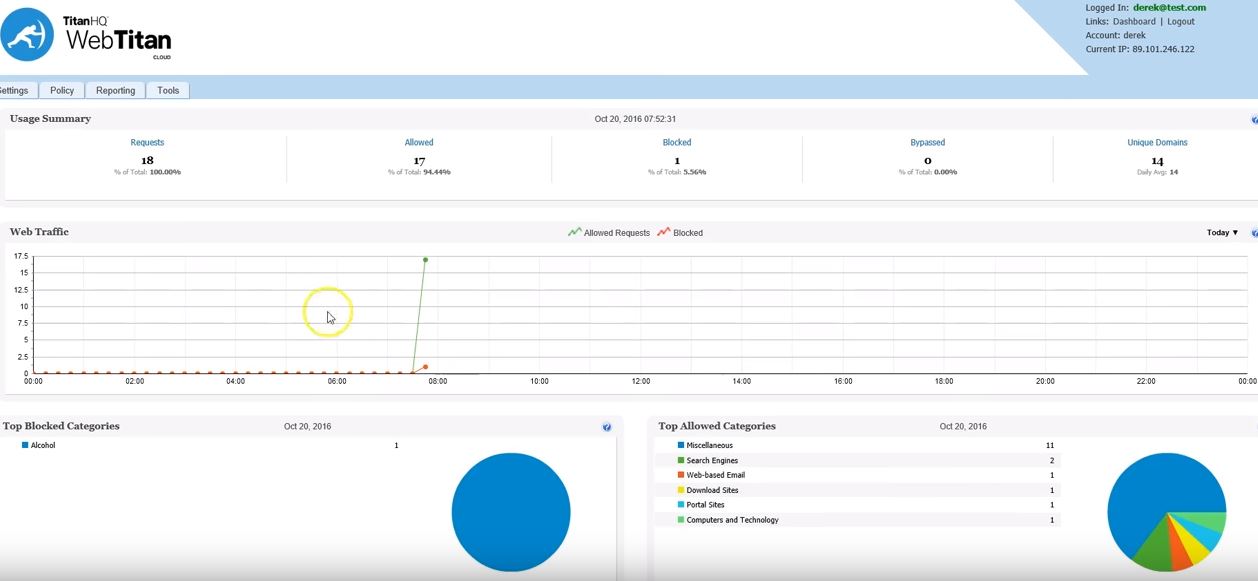
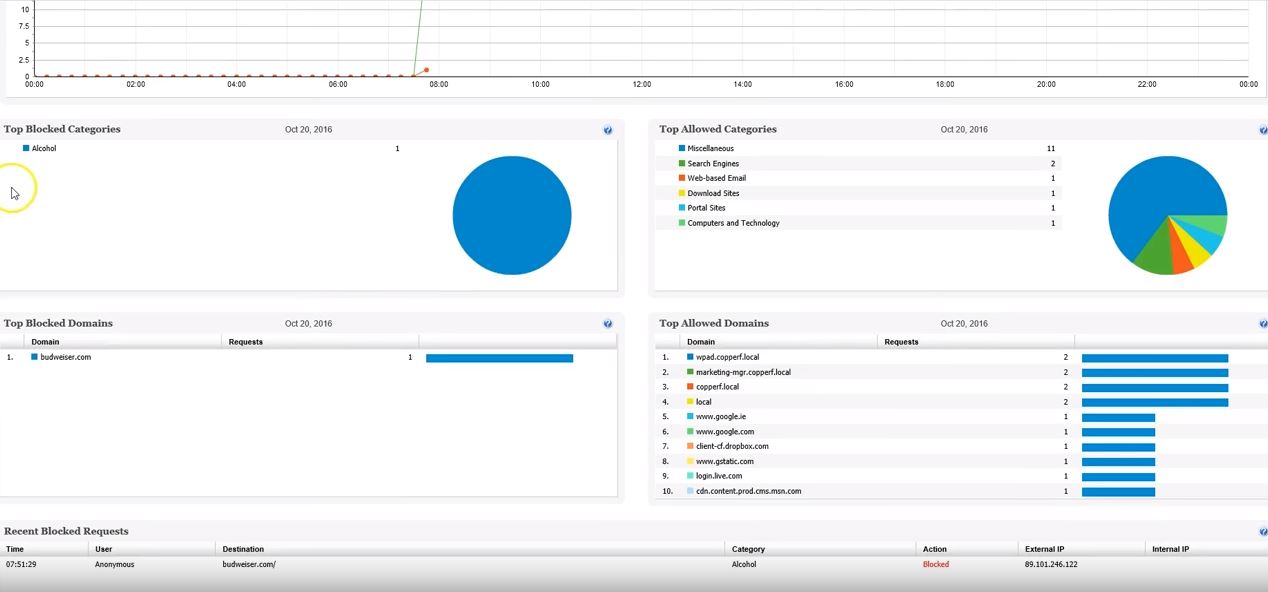
    Product screenshotProduct screenshotProduct screenshotProduct screenshotProduct screenshotProduct screenshot