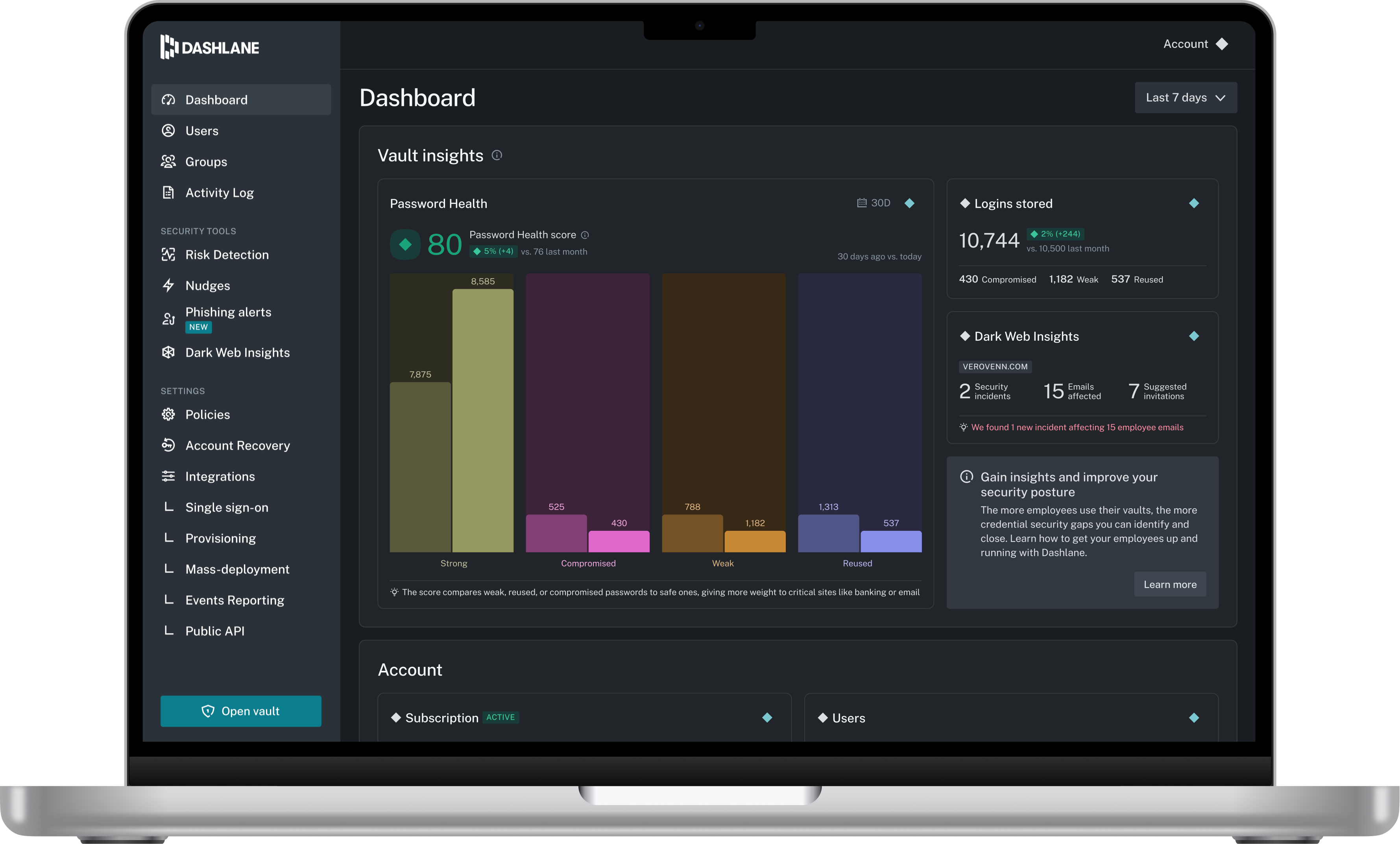
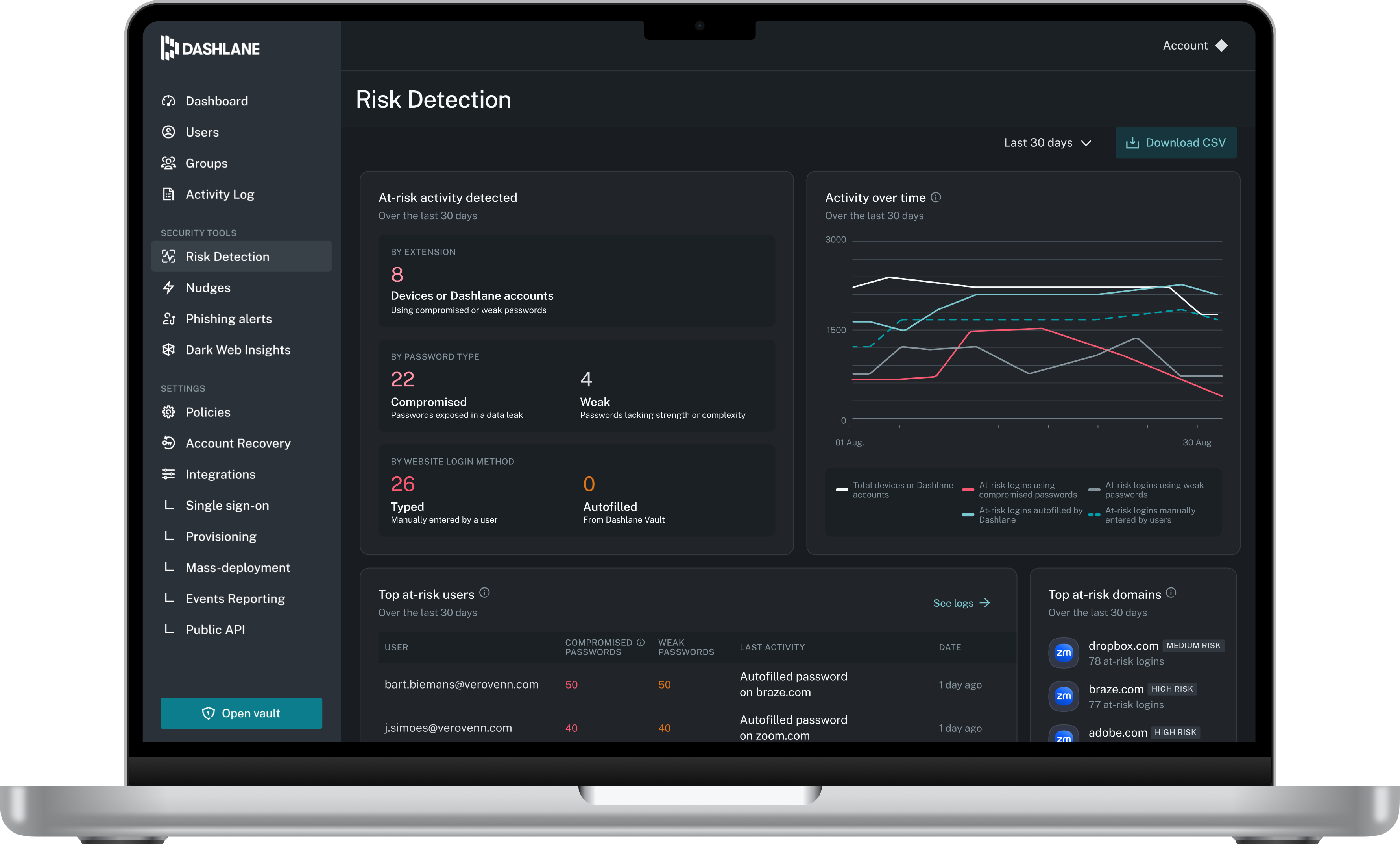
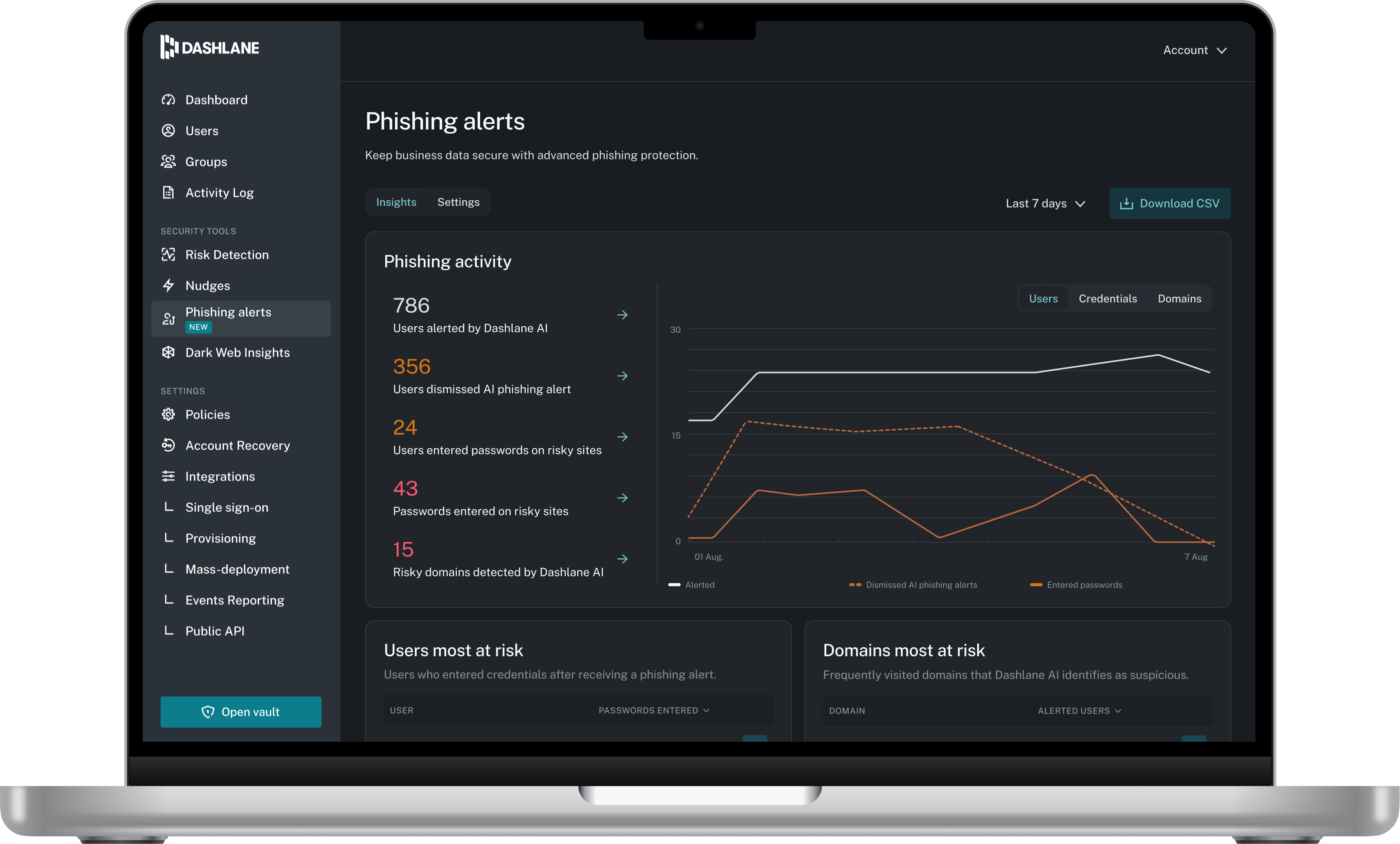
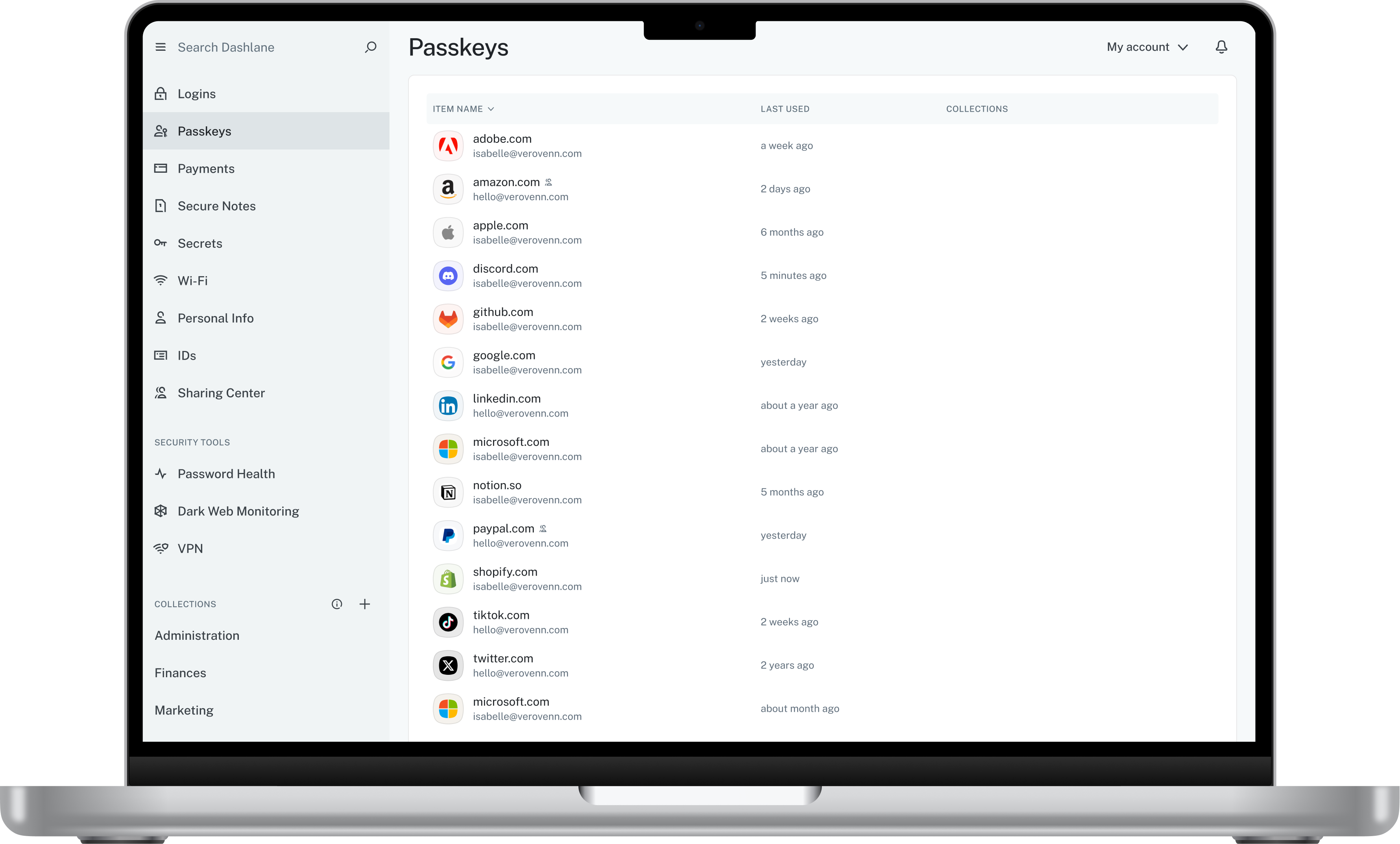
Dashlane is a credential manager that secures every credential, every user, and every employee device to proactively protect against breaches. Brands worldwide can use Dashlane to stay ahead of evolving threats.
$240
per year 10 employees
Google Cloud Identity
Score 8.7 out of 10
N/A
Google Cloud Identity is a unified identity, access, app, and endpoint management (IAM/EMM) platform that gives users access to apps with single sign-on, provides multi-factor authentication to protect users and company data, and enforces policies for personal and corporate devices and endpoints.
N/A
Pricing
Dashlane Password Manager
Google Cloud Identity
Editions & Modules
Business
$8
per month (billed annually) per seat
Omnix™
Contact Sales
per year for organizations of 100+
No answers on this topic
Offerings
Pricing Offerings
Dashlane Password Manager
Google Cloud Identity
Free Trial
Yes
No
Free/Freemium Version
Yes
Yes
Premium Consulting/Integration Services
No
No
Entry-level Setup Fee
No setup fee
No setup fee
Additional Details
—
—
More Pricing Information
Community Pulse
Dashlane Password Manager
Google Cloud Identity
Features
Dashlane Password Manager
Google Cloud Identity
Identity Management
Comparison of Identity Management features of Product A and Product B
I think Dashlane is a great service for anyone who uses the internet. We need to create accounts on almost every website, and Dashlane helps generate secure passwords and store them safely, but easily accessible through its seamless browser extension. Any business or personal lifestyle can benefit from Dashlane when you go online
For example, if the system you are building is a general application service that does not primarily focus on ID management, it would be wise to use a service like Google's rather than developing your own IDaaS. While there may be cases where an IDaaS other than Google's is acceptable, Google is likely one of the best solutions when considering user recognition and ease of use. On the other hand, Gmail addresses are commonly used for other purposes, and users may not pay much attention to password management, so you should avoid using them for systems that require security. To strengthen security, you should consider making multi-factor authentication mandatory, etc.
The mobile app works fine for quick access, but autofill across different apps can be inconsistent. Sometimes it doesn’t recognize the login field, which slows people down when they’re on the go.
Occasionally the browser extension logs users out or doesn’t sync immediately with the desktop app, which causes frustration if someone just updated a password.
This time, I investigated it in advance, and it worked as expected, so I don't have any specific ideas for improvement.
Additionally, if we were using another IDAAS, it would have been beneficial to have knowledge on how to integrate it with Google tools, along with some relevant case studies.
Dashlane is usable, but there are 2 key issues that annoy me. 1. The mobile app and the browser extension are not synced and i cannot find passwords in the app that are clearly in the extension. 2. The system doe snot make it easy to assign a password to a specific subdomain. I get hundreds of passwords that i have to go through any time i go to any subdomain on my main site because of the nature of my business. I need the option back to assign a password to only work with a specific subdomain (and all related paged on that subdomain) note: The search features have been annoying in the past. I just went to test them to verify my issues and found that notes inside of a password are finally searchable. This helps
I chose Google because I thought it would be the best fit, but I didn't fully consider other cloud platforms (Azure, AWS, etc.), so I rated it 8. We assume that current Japanese users are familiar with Google, because we feel that there are far more people with Google email addresses than those with IDs on other cloud services.
We've had no issues with Dashlane. I can't speak to their customer service because I have not personally needed to contact them. I guess that speaks about their product if we've not had any issues to reach out about. Great for supporting data/information on multiple platforms that are shared among team members.
Dashlane’s customer support is often rated higher, providing more responsive and helpful assistance. LastPass has a slightly steeper learning curve than Dashlane, but it offers more flexibility with user permissions, which can benefit teams. Dashlane includes unlimited passkey support and a clean breach history, while LastPass is more accommodating for smaller teams.
We adopted Google Cloud Identity as an additional feature because it allowed us to integrate with it using multi-factor authentication. The IBM Cloud platform remains valid, and we have no plans to discontinue its use for identity management. From the user's perspective, we simply added more authentication options. This also ensures we are prepared for future use when multi-factor authentication becomes available for user apps on the IBM Cloud.
From a business perspective, there were two steps.
First, we switched from our in-house ID management system to a cloud service. This allowed us to focus our development resources on application development.
At the same time, we were able to localize the handling of personal information, which resulted in increased efficiency in management aspects, including handling external inquiries, and in the development of encryption.
The second step was adding Google Cloud Identity as an option.
This allows more users to easily use our services. It can be said that this has improved user convenience.
I expect Google to accommodate future changes in authentication requirements, such as biometric authentication.