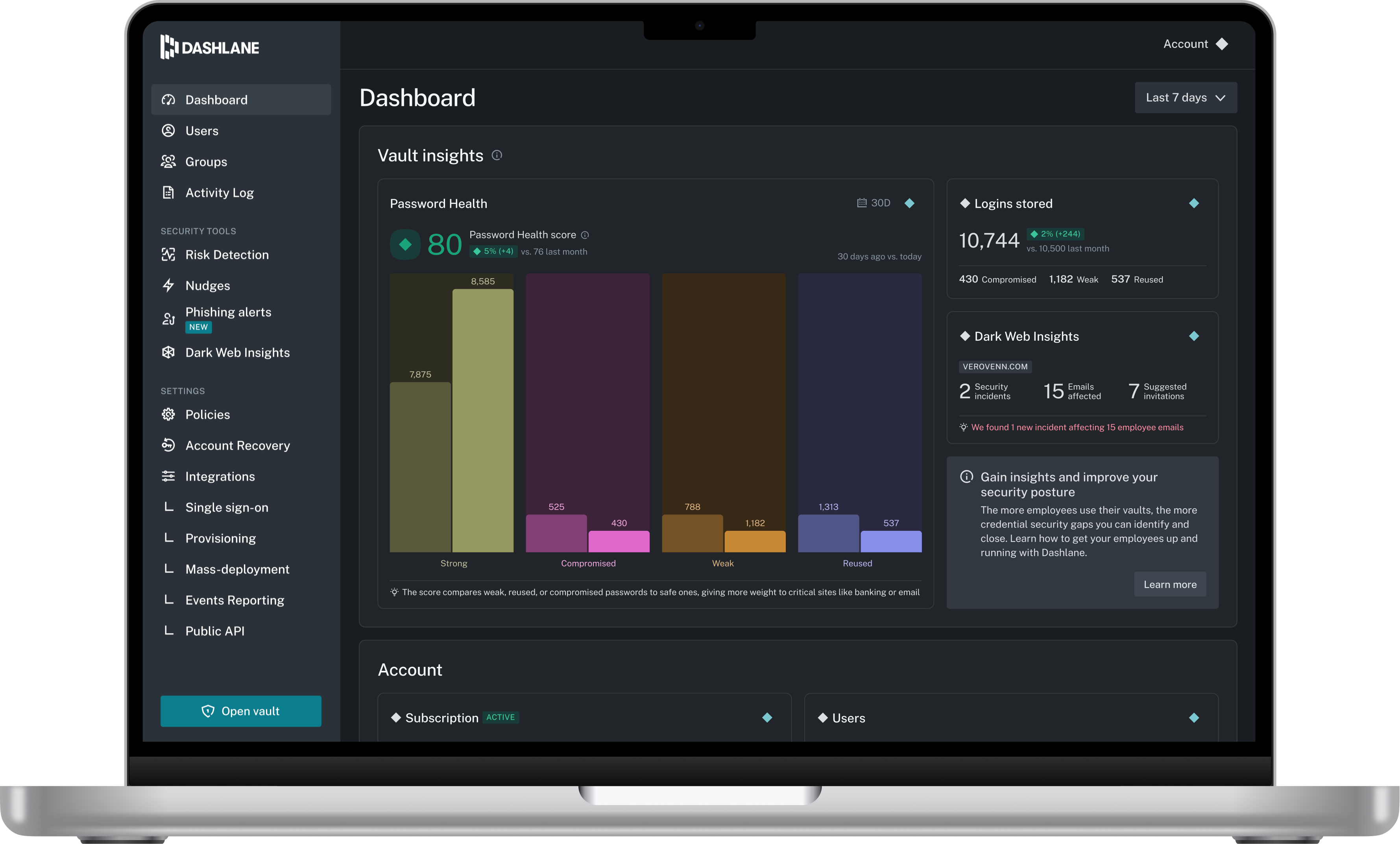
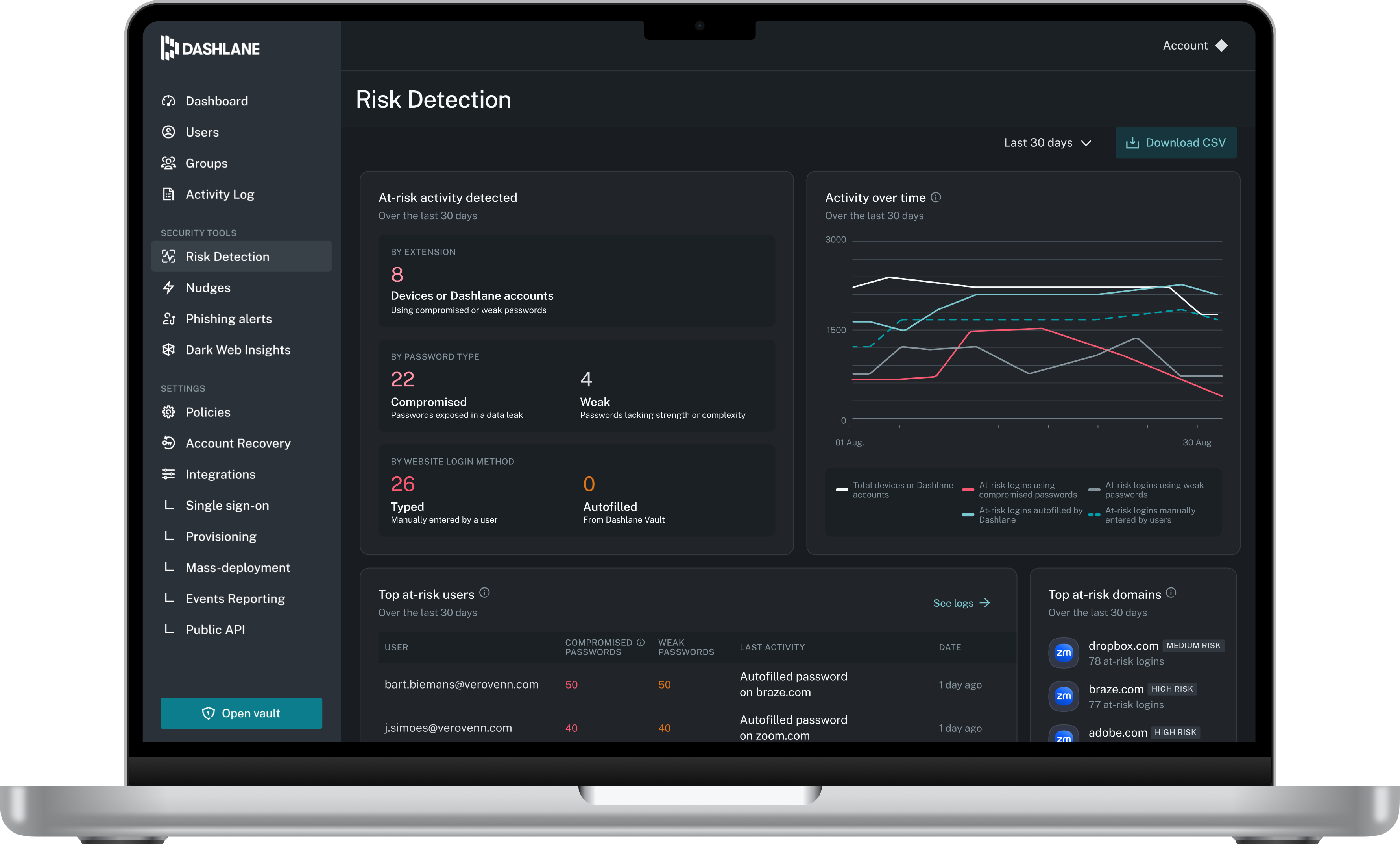
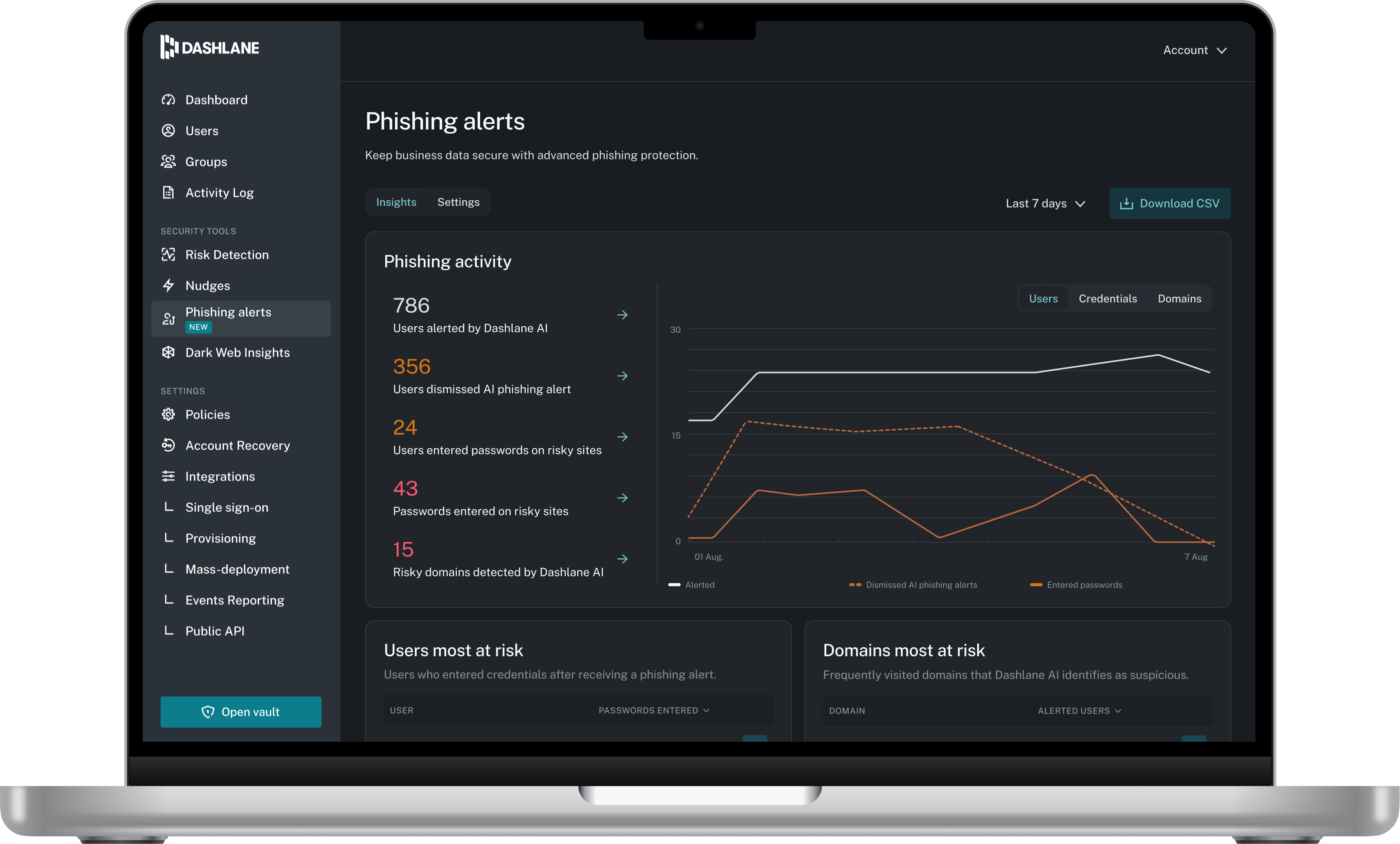
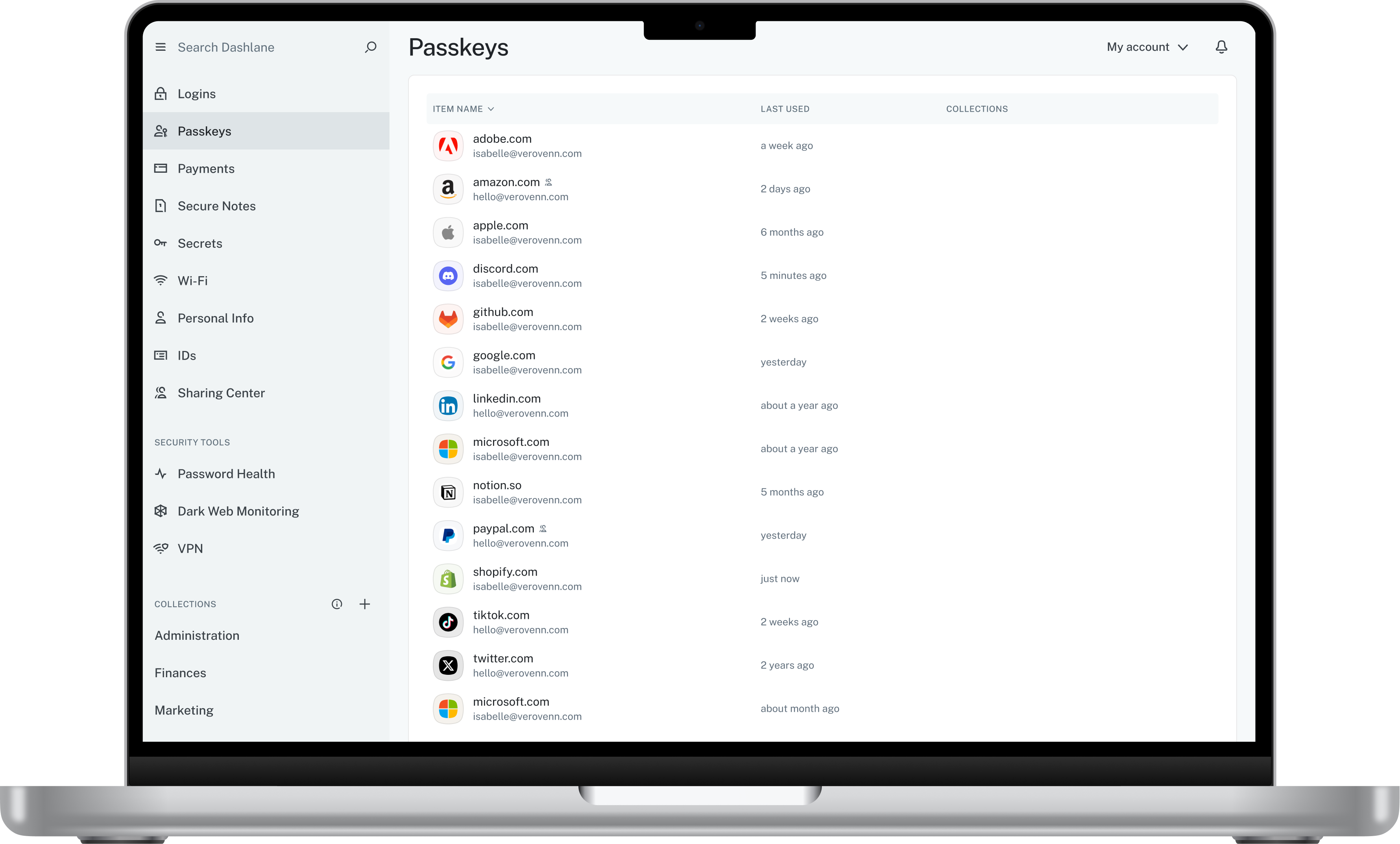
Dashlane is a credential manager that secures every credential, every user, and every employee device to proactively protect against breaches. Brands worldwide can use Dashlane to stay ahead of evolving threats.
$240
per year 10 employees
Microsoft Defender for Cloud Apps
Score7.8 out of 10
N/A
Microsoft Defender for Cloud Apps (formerly Microsoft Cloud App Security) is a multimode cloud access security broker.
I think Dashlane is a great service for anyone who uses the internet. We need to create accounts on almost every website, and Dashlane helps generate secure passwords and store them safely, but easily accessible through its seamless browser extension. Any business or personal lifestyle can benefit from Dashlane when you go online
A de minimis incentive was given to thank the reviewer for their time. The incentive was not used to bias or drive a particular response, nor was the incentive contingent on a positive endorsement. More Info
Microsoft Defender for Cloud Apps is well suited when working with other Microsoft Applications. For example, if you are working with Microsoft Office 365 it works very well when implementing CASB features. It works when implementing monitoring or blocks on Sanctioned applications however customizing the message to users is not that great.
A de minimis incentive was given to thank the reviewer for their time. The incentive was not used to bias or drive a particular response, nor was the incentive contingent on a positive endorsement. More Info
A de minimis incentive was given to thank the reviewer for their time. The incentive was not used to bias or drive a particular response, nor was the incentive contingent on a positive endorsement. More Info
The integration to Microsoft Entra ID is seamless, which allows Conditional Access to redirect the session to Microsoft Defender for Cloud App for it to take actions (Block or Monitor).
Tracker users' activity is very good when troubleshooting or running an investigate.
Detecting risky users through tight integration with Microsoft Entra ID is a very good feature.
Detecting mass downloads and blocking the download of files from non-manage company devices is a very good feature as well.
A de minimis incentive was given to thank the reviewer for their time. The incentive was not used to bias or drive a particular response, nor was the incentive contingent on a positive endorsement. More Info
The mobile app works fine for quick access, but autofill across different apps can be inconsistent. Sometimes it doesn’t recognize the login field, which slows people down when they’re on the go.
Occasionally the browser extension logs users out or doesn’t sync immediately with the desktop app, which causes frustration if someone just updated a password.
A de minimis incentive was given to thank the reviewer for their time. The incentive was not used to bias or drive a particular response, nor was the incentive contingent on a positive endorsement. More Info
It takes some time to scan and apply the policies when there is some sensitive information.
After it applies the policies, it works, but there is a delay.
It doesn't provide any way to scan Microsoft Teams when an external exchange of images is happening. You can always do the filtering on the documents during the chat, but if there is an image, then some kind of OCR capability is required to detect it. At present, there is no way [Microsoft Cloud App Security] can go and detect those kinds of images and alert us
A de minimis incentive was given to thank the reviewer for their time. The incentive was not used to bias or drive a particular response, nor was the incentive contingent on a positive endorsement. More Info
A de minimis incentive was given to thank the reviewer for their time. The incentive was not used to bias or drive a particular response, nor was the incentive contingent on a positive endorsement. More Info
Dashlane is usable, but there are 2 key issues that annoy me. 1. The mobile app and the browser extension are not synced and i cannot find passwords in the app that are clearly in the extension. 2. The system doe snot make it easy to assign a password to a specific subdomain. I get hundreds of passwords that i have to go through any time i go to any subdomain on my main site because of the nature of my business. I need the option back to assign a password to only work with a specific subdomain (and all related paged on that subdomain) note: The search features have been annoying in the past. I just went to test them to verify my issues and found that notes inside of a password are finally searchable. This helps
A de minimis incentive was given to thank the reviewer for their time. The incentive was not used to bias or drive a particular response, nor was the incentive contingent on a positive endorsement. More Info
The interface is pretty simple and easy to use; however, you will need to do a lot of investigative research on your own to get comfortable with it. Originally, many of the Microsoft security tools had their own seperate consoles. Overtime, they have blended into one interface which is the ideal state. In some cases it is clear Microsoft had to pick which console a certain feature or setting was going to reside in and this leads to some confusion. For example, DLP is managed through Defender for Cloud Apps but you will also need to jump into Purview. For things like reverse proxy on your M365 tenant, you will need to go into Azure and setup conditional access rules. Not a big problem and I can understand why the settings are located where they are but for someone just starting out with Defender for Cloud Apps, it will take some time to figure out.
A de minimis incentive was given to thank the reviewer for their time. The incentive was not used to bias or drive a particular response, nor was the incentive contingent on a positive endorsement. More Info
We've had no issues with Dashlane. I can't speak to their customer service because I have not personally needed to contact them. I guess that speaks about their product if we've not had any issues to reach out about. Great for supporting data/information on multiple platforms that are shared among team members.
A de minimis incentive was given to thank the reviewer for their time. The incentive was not used to bias or drive a particular response, nor was the incentive contingent on a positive endorsement. More Info
I have not utilized actual support but the Sales and Product teams have been super helpful in moving our implementation forward and showing us the best practices.
A de minimis incentive was given to thank the reviewer for their time. The incentive was not used to bias or drive a particular response, nor was the incentive contingent on a positive endorsement. More Info
Dashlane’s customer support is often rated higher, providing more responsive and helpful assistance. LastPass has a slightly steeper learning curve than Dashlane, but it offers more flexibility with user permissions, which can benefit teams. Dashlane includes unlimited passkey support and a clean breach history, while LastPass is more accommodating for smaller teams.
A de minimis incentive was given to thank the reviewer for their time. The incentive was not used to bias or drive a particular response, nor was the incentive contingent on a positive endorsement. More Info
More flexible and more features with easy integration with cloud services like Microsoft Azure and other cloud services. Overall both gives similar features but we prefer Microsoft cloud app security due to its high threat detection rate. mostly we have been able to stop the threat in very very less time.
A de minimis incentive was given to thank the reviewer for their time. The incentive was not used to bias or drive a particular response, nor was the incentive contingent on a positive endorsement. More Info
A de minimis incentive was given to thank the reviewer for their time. The incentive was not used to bias or drive a particular response, nor was the incentive contingent on a positive endorsement. More Info
Cloud App Security saves us thousands of dollars finding and rectifying apps security issues
Identity Security Posture helps the organization identity stay in shape, saving thousands of dollars on security consultations
The cost of suffering a breach cannot be quantified, CAS helps minimize the chances of the attackers succeeding, with excellent historical logging for most operations
A de minimis incentive was given to thank the reviewer for their time. The incentive was not used to bias or drive a particular response, nor was the incentive contingent on a positive endorsement. More Info