Dashlane Password Manager vs. Microsoft Enterprise Mobility + Security

Overview
ProductRatingMost Used ByProduct SummaryStarting Price
Dashlane Password Manager
Score 9.1 out of 10
N/A
Dashlane is a credential manager that secures every credential, every user, and every employee device to proactively protect against breaches. Brands worldwide can use Dashlane to stay ahead of evolving threats.
$240
per year 10 employees
Microsoft Enterprise Mobility + Security
Score 8.3 out of 10
N/A
Microsoft Enterprise Mobility + Security is a suite of applications supporting mobile device and application security, MDM, as well as conditional or privileged access with multi-factor authentication, and advanced security reporting. Products in the suite includes Microsoft Intune mobile device management, Azure Information Protection, Microsoft Identity Manager, Microsoft Cloud App Security, Azure Active Directory, and other ancillary applications.N/A
Pricing
Dashlane Password ManagerMicrosoft Enterprise Mobility + Security
Editions & Modules
Business
$8
per month (billed annually) per seat
Omnix™
Contact Sales
per year for organizations of 100+
No answers on this topic
Offerings
Pricing Offerings
Dashlane Password ManagerMicrosoft Enterprise Mobility + Security
Free Trial
YesNo
Free/Freemium Version
YesNo
Premium Consulting/Integration Services
NoNo
Entry-level Setup FeeNo setup feeNo setup fee
Additional Details
More Pricing Information
Community Pulse
Dashlane Password ManagerMicrosoft Enterprise Mobility + Security
Best Alternatives
Dashlane Password ManagerMicrosoft Enterprise Mobility + Security
Small Businesses
RoboForm
RoboForm
Score 9.1 out of 10
Avast CloudCare
Avast CloudCare
Score 10.0 out of 10
Medium-sized Companies
1Password
1Password
Score 9.2 out of 10
KACE Systems Management Appliance
Score 8.4 out of 10
Enterprises
KeePass
KeePass
Score 8.9 out of 10
KACE Systems Management Appliance
Score 8.4 out of 10
All AlternativesView all alternativesView all alternatives
User Ratings
Dashlane Password ManagerMicrosoft Enterprise Mobility + Security
Likelihood to Recommend
9.4
(157 ratings)
8.0
(4 ratings)
Likelihood to Renew
8.5
(3 ratings)
-
(0 ratings)
Usability
9.1
(144 ratings)
7.0
(1 ratings)
Support Rating
5.7
(6 ratings)
-
(0 ratings)
User Testimonials
Dashlane Password ManagerMicrosoft Enterprise Mobility + Security
Likelihood to Recommend
Dashlane
I think Dashlane is a great service for anyone who uses the internet. We need to create accounts on almost every website, and Dashlane helps generate secure passwords and store them safely, but easily accessible through its seamless browser extension. Any business or personal lifestyle can benefit from Dashlane when you go online
Read full review
Microsoft
Overall it is well suited to a mid size Enviromint with a limited staff. If you have a limited amount of time you can dedicate to solutions then having one that is by default already included in the system and can be managed well then it makes for fast integration with low overhead
Read full review
Pros
Dashlane
  • Reliable autofill on most websites
  • Robust features in both the Admin and personal user sense
  • Multiple convenient options for unlocking that don't require retyping the master pass on a regularly used and trusted device
  • Extensive customization options in both the Admin panel and user settings
Read full review
Microsoft
  • End point managment
  • User account security
  • Privileged identity management
Read full review
Cons
Dashlane
  • The mobile app works fine for quick access, but autofill across different apps can be inconsistent. Sometimes it doesn’t recognize the login field, which slows people down when they’re on the go.
  • Occasionally the browser extension logs users out or doesn’t sync immediately with the desktop app, which causes frustration if someone just updated a password.
Read full review
Microsoft
  • The subscription model (cost) could be revamped for perpetual licensing options
Read full review
Likelihood to Renew
Dashlane
It has served us very well until now and at the pricepoint it doesn't make us second guess our current relationship.
Read full review
Microsoft
No answers on this topic
Usability
Dashlane
Dashlane is usable, but there are 2 key issues that annoy me. 1. The mobile app and the browser extension are not synced and i cannot find passwords in the app that are clearly in the extension. 2. The system doe snot make it easy to assign a password to a specific subdomain. I get hundreds of passwords that i have to go through any time i go to any subdomain on my main site because of the nature of my business. I need the option back to assign a password to only work with a specific subdomain (and all related paged on that subdomain) note: The search features have been annoying in the past. I just went to test them to verify my issues and found that notes inside of a password are finally searchable. This helps
Read full review
Microsoft
most features are pretty point and click simple. Some areas that are move detailed require some specialized training and knowledge to be able to navigate and get anything useful out of it. With some basic understanding you can gather tremendous amounts of data and have it available
Read full review
Support Rating
Dashlane
We've had no issues with Dashlane. I can't speak to their customer service because I have not personally needed to contact them. I guess that speaks about their product if we've not had any issues to reach out about. Great for supporting data/information on multiple platforms that are shared among team members.
Read full review
Microsoft
No answers on this topic
Alternatives Considered
Dashlane
Dashlane’s customer support is often rated higher, providing more responsive and helpful assistance. LastPass has a slightly steeper learning curve than Dashlane, but it offers more flexibility with user permissions, which can benefit teams. Dashlane includes unlimited passkey support and a clean breach history, while LastPass is more accommodating for smaller teams.
Read full review
Microsoft
EMS integrates directly with Office 365. It offers multiple desired features in one product/subscription. It's difficult to do a 1:1 comparison between each product. OneLogin's pre-sales support was terrible and implementation was complex. Barracuda offers great email protection but hard to justify the cost when EMS can just be added on to existing Office 365 accounts and brings additional benefit in SSO, etc.
Read full review
Return on Investment
Dashlane
  • We constantly preach security, Dashlane Password Manager has provided us a means to improve our security posture
  • Employees love the ease of use and the ability to keep all password in one place
  • Employees feel more secure as they are able to use Dashlane Password Manager for personal protection as well
Read full review
Microsoft
  • MFA has prevented a number of phishing attacks against our organization
  • Endpoint management has allowed us to use autopilot to set up our devices far faster
  • PIM has helped to secure our admin accounts
Read full review
ScreenShots

Dashlane Password Manager Screenshots
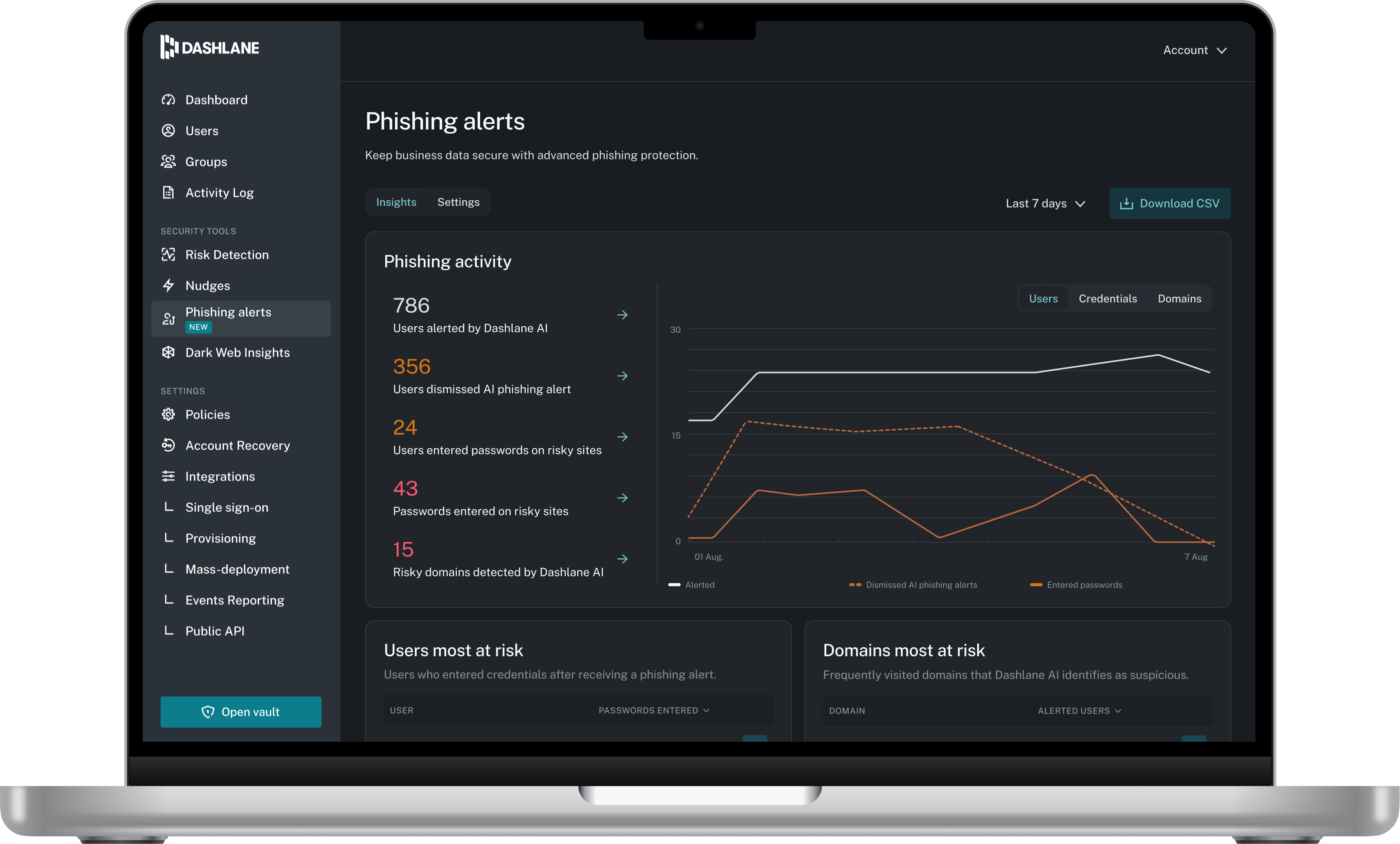
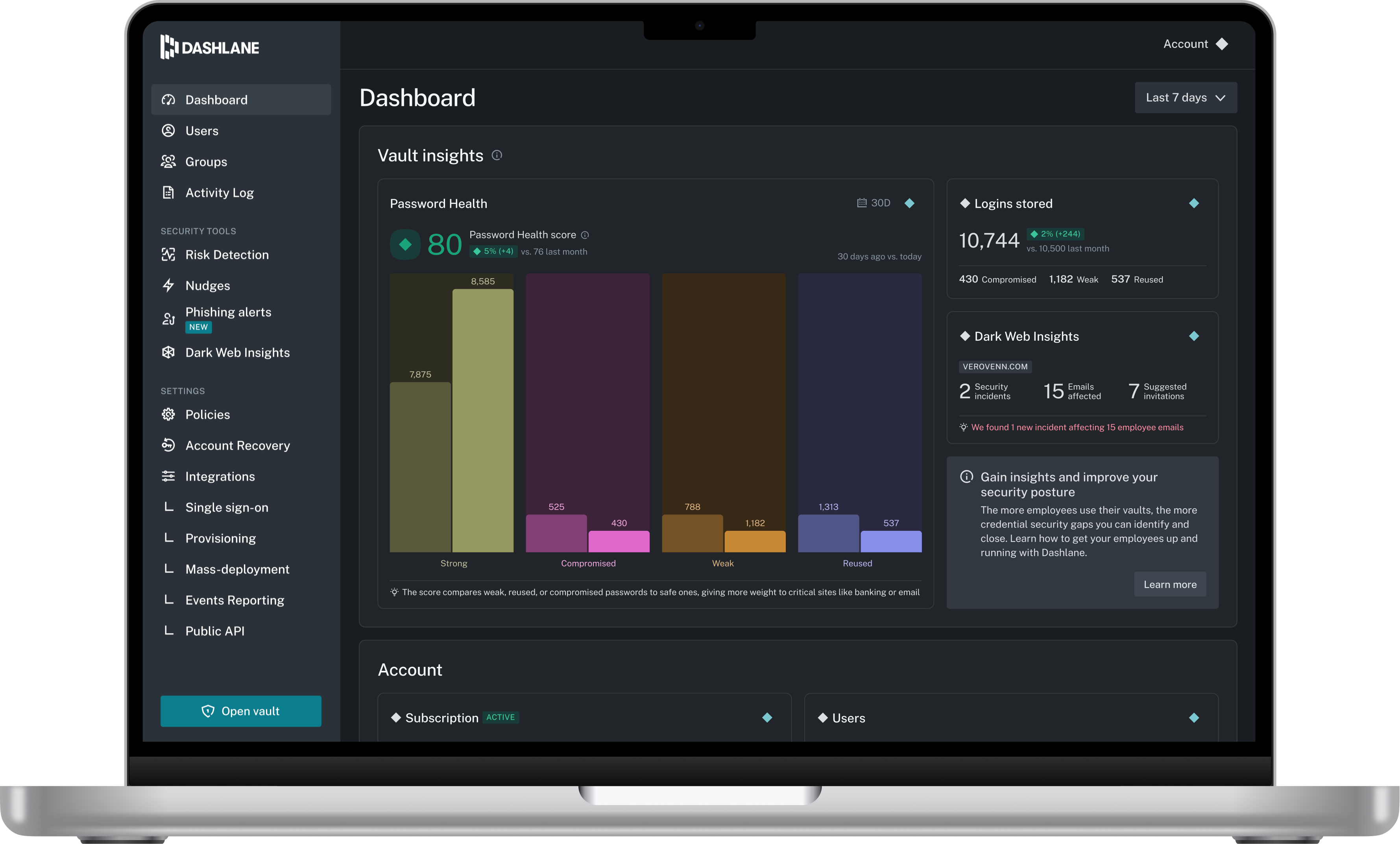
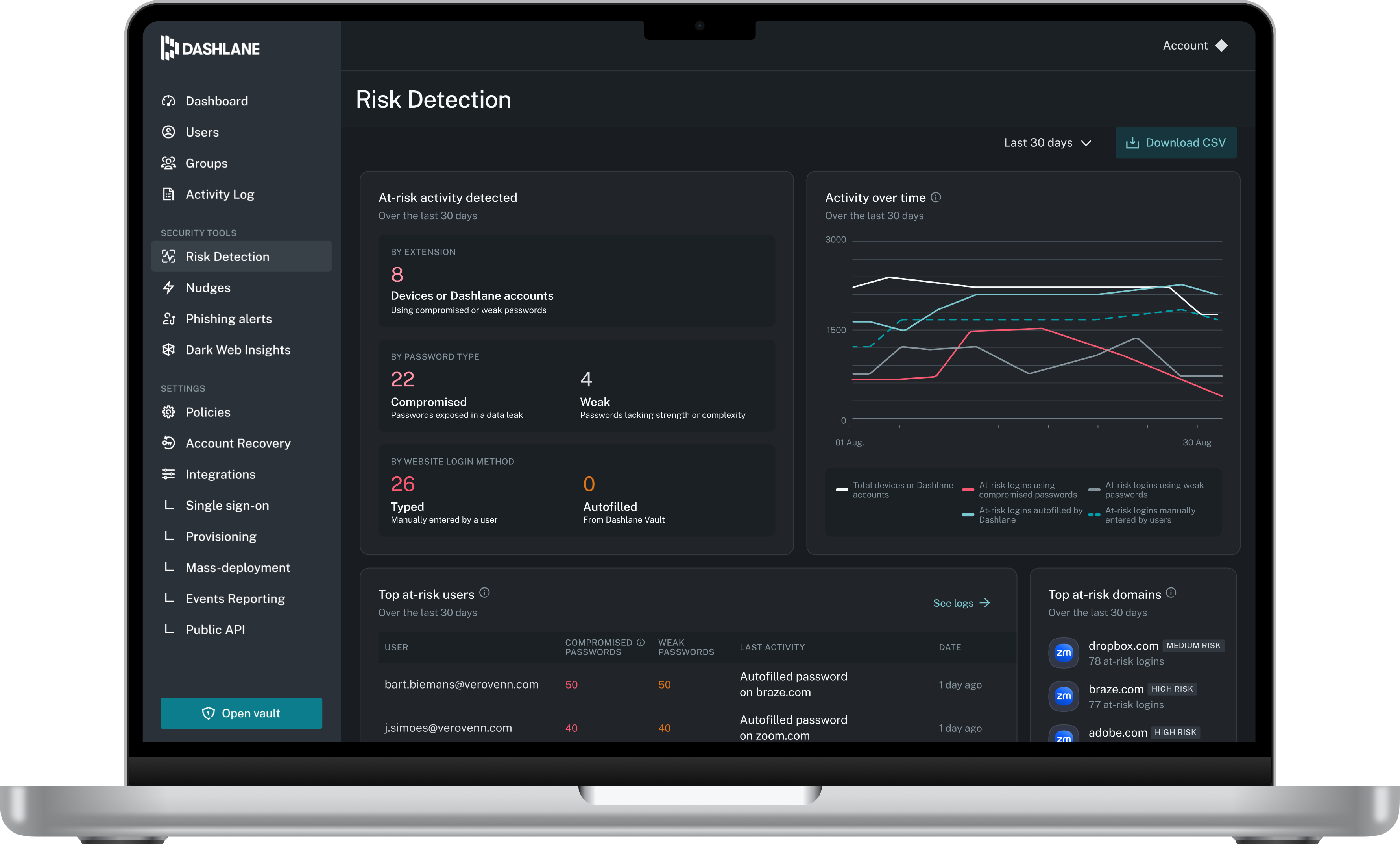
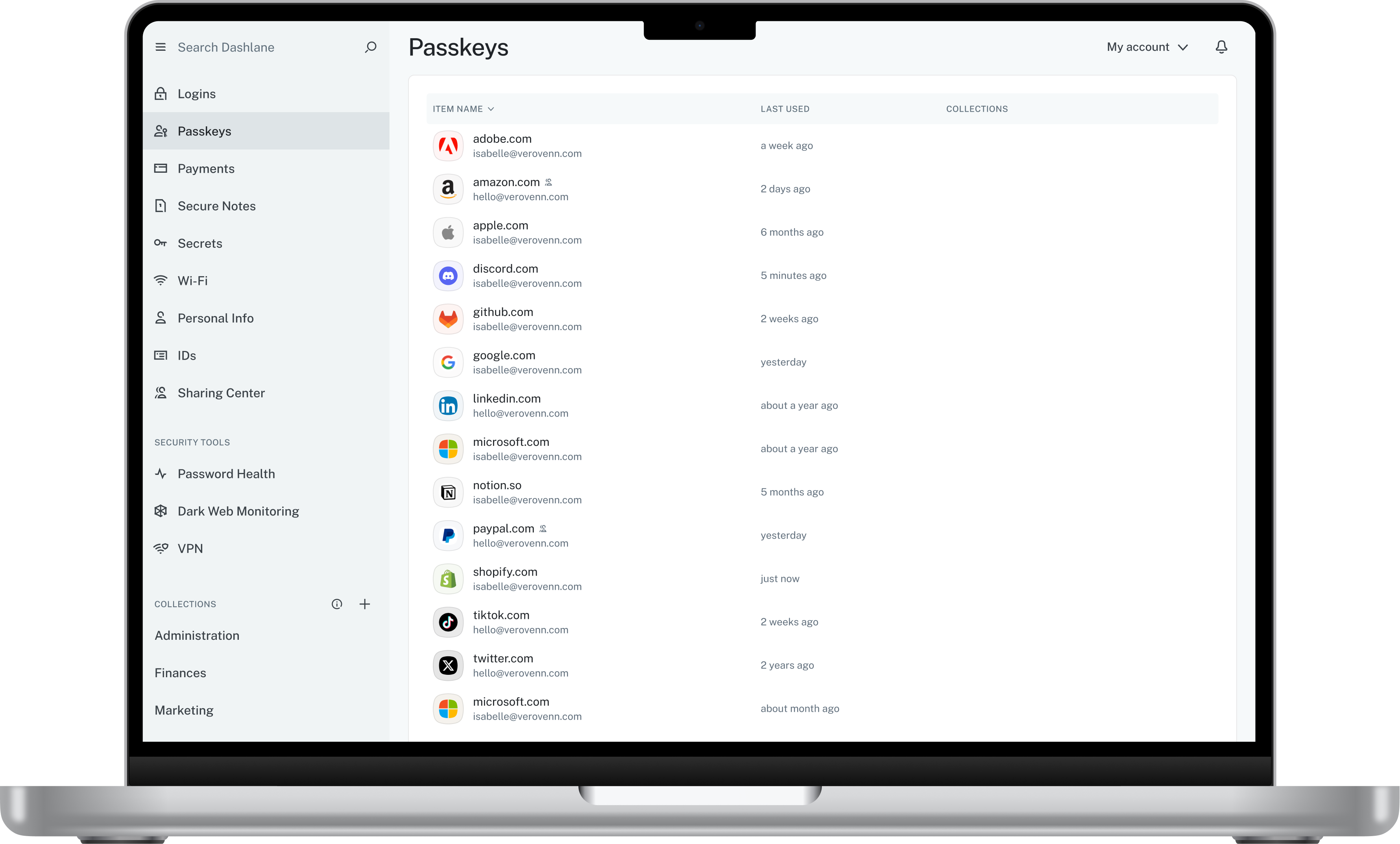
Screenshot of Admin DashboardScreenshot of Credential Risk DetectionScreenshot of AI Phishing AlertScreenshot of Vault