Databox vs. iCharts

Overview
ProductRatingMost Used ByProduct SummaryStarting Price
Databox
Score 10.0 out of 10
N/A
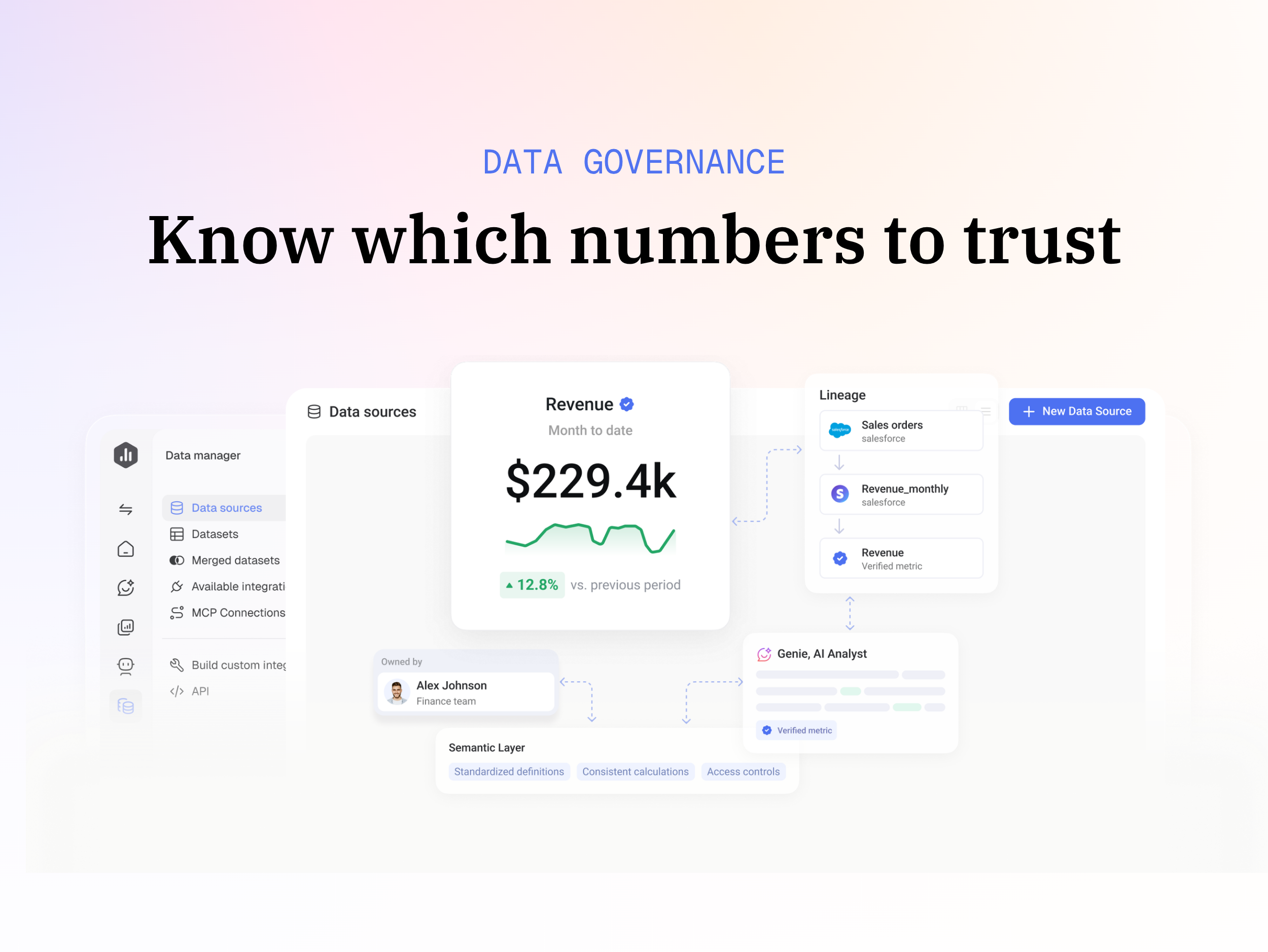
Databox is business intelligence software built for teams that need fast, actionable insights.
$199
per month
iCharts
Score 8.0 out of 10
Mid-Size Companies (51-1,000 employees)
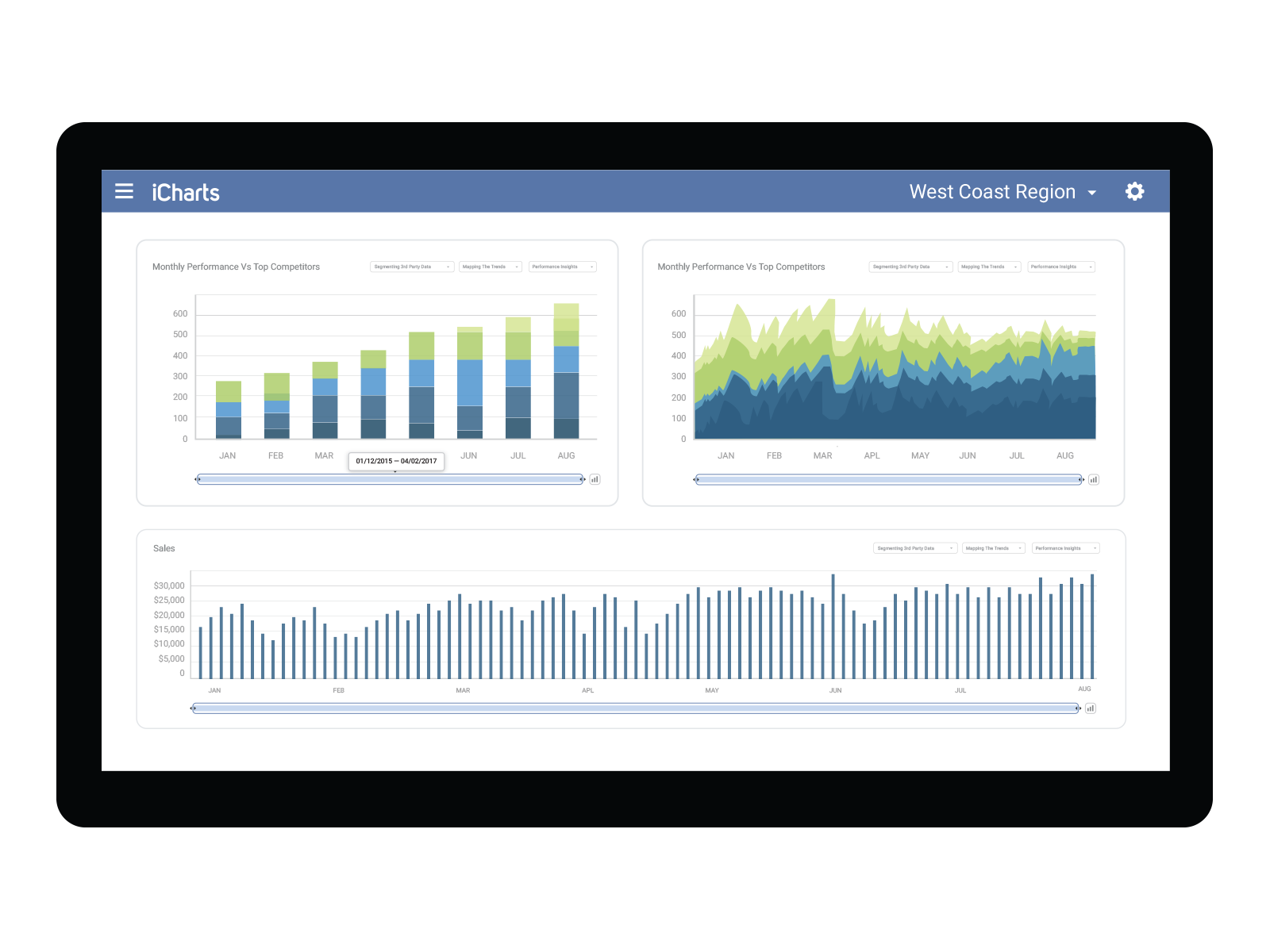
iCharts is a Business Intelligence and Analytics solution for NetSuite. With this solution, users can transform their NetSuite data into interactive, real-time analytics without leaving their NetSuite dashboard. iCharts includes drag-and-drop chart creation and best-practice templates. The vendor’s value proposition is that iCharts accelerates an organization’s analytics strategy by empowering their team with the critical data-driven tools they need.
$10,000
per installation
Pricing
DataboxiCharts
Editions & Modules
Professional
$199
per month
Growth
$499
per month
Premium
$999
per month
Professional
$10,000
per installation
Business
15,000
per installation
Elite
$25,000
per installation
Offerings
Pricing Offerings
DataboxiCharts
Free Trial
YesYes
Free/Freemium Version
NoNo
Premium Consulting/Integration Services
NoYes
Entry-level Setup FeeNo setup fee$3,000 per installation
Additional Details20% discount for annual pricing.Based on number of NetSuite licenses
More Pricing Information
Community Pulse
DataboxiCharts
Features
DataboxiCharts
BI Standard Reporting
Comparison of BI Standard Reporting features of Product A and Product B
Databox
9.3
8 Ratings
13% above category average
iCharts
9.0
2 Ratings
10% above category average
Pixel Perfect reports10.05 Ratings00 Ratings
Customizable dashboards8.98 Ratings10.02 Ratings
Report Formatting Templates8.98 Ratings8.01 Ratings
Ad-hoc Reporting
Comparison of Ad-hoc Reporting features of Product A and Product B
Databox
8.6
8 Ratings
7% above category average
iCharts
9.0
2 Ratings
12% above category average
Drill-down analysis8.06 Ratings9.02 Ratings
Formatting capabilities8.98 Ratings00 Ratings
Integration with R or other statistical packages7.93 Ratings00 Ratings
Report sharing and collaboration9.48 Ratings9.02 Ratings
Report Output and Scheduling
Comparison of Report Output and Scheduling features of Product A and Product B
Databox
8.3
8 Ratings
1% above category average
iCharts
10.0
1 Ratings
20% above category average
Publish to Web8.96 Ratings10.01 Ratings
Publish to PDF8.97 Ratings00 Ratings
Report Versioning7.74 Ratings00 Ratings
Report Delivery Scheduling8.98 Ratings00 Ratings
Delivery to Remote Servers7.13 Ratings00 Ratings
Data Discovery and Visualization
Comparison of Data Discovery and Visualization features of Product A and Product B
Databox
7.7
7 Ratings
3% below category average
iCharts
8.0
1 Ratings
0% above category average
Pre-built visualization formats (heatmaps, scatter plots etc.)8.36 Ratings8.01 Ratings
Location Analytics / Geographic Visualization7.04 Ratings00 Ratings
Predictive Analytics7.95 Ratings00 Ratings
Access Control and Security
Comparison of Access Control and Security features of Product A and Product B
Databox
-
Ratings
iCharts
8.7
2 Ratings
3% above category average
Multi-User Support (named login)00 Ratings9.02 Ratings
Role-Based Security Model00 Ratings8.02 Ratings
Multiple Access Permission Levels (Create, Read, Delete)00 Ratings9.02 Ratings
Mobile Capabilities
Comparison of Mobile Capabilities features of Product A and Product B
Databox
-
Ratings
iCharts
10.0
2 Ratings
25% above category average
Responsive Design for Web Access00 Ratings10.01 Ratings
Dashboard / Report / Visualization Interactivity on Mobile00 Ratings10.02 Ratings
Best Alternatives
DataboxiCharts
Small Businesses
Yellowfin
Yellowfin
Score 8.8 out of 10
Yellowfin
Yellowfin
Score 8.8 out of 10
Medium-sized Companies
Reveal
Reveal
Score 10.0 out of 10
Reveal
Reveal
Score 10.0 out of 10
Enterprises
Kyvos Semantic Layer
Score 9.5 out of 10
Kyvos Semantic Layer
Score 9.5 out of 10
All AlternativesView all alternativesView all alternatives
User Ratings
DataboxiCharts
Likelihood to Recommend
8.0
(8 ratings)
8.0
(2 ratings)
Usability
9.0
(1 ratings)
-
(0 ratings)
Support Rating
9.8
(3 ratings)
-
(0 ratings)
User Testimonials
DataboxiCharts
Likelihood to Recommend
Databox
I believe Databox can be an asset for any company. We are a small company, but I can see the value for large companies too. Databox is a great fit for departments or organizations that need to put their data into a readable form without needing a ton of reports. Databox allows you to save time and put together a nice report without having to do too much extra work. Once it is set up, it basically runs on its own at the frequency you set. I personally receive a daily report and have it sent to the respective people on the day of our meeting so we can quickly review it.
Read full review
iCharts, Inc.
The iCharts has suited our organization work as it has helped us a lot in our internal and external works. As we use iCharts for the internal team in representing the working reports and data of the business in an accurate manner. It helps in representing the presentation to the client to showcase our work and present him the data and work flow through the iCharts. As I don't found anything missing in this software.
Read full review
Pros
Databox
  • Create dashboards from a variety of data sources.
  • Set & track goals based on the data and metrics provided.
  • Send alerts and scorecard updates to Slack and email automatically.
Read full review
iCharts, Inc.
  • Their new platform is easy to navigate
  • We had a dedicated support person to help set up searches and train in the use of iCharts
  • Separate Dashboards for each group
Read full review
Cons
Databox
  • Some types of data can only be reported on for 1-2 months back. Unless I'm misunderstanding the function of the software this seems really weird. I can't figure out how to report on Activities more than 2 months ago
Read full review
iCharts, Inc.
  • The new platform has limitations on colors and sizing
  • iCharts seem to have closed its doors without notification and now we have a product with no support
Read full review
Usability
Databox
Databox is an intuitive, well-designed platform that can be used by non-technical marketers. It is easy to learn, and while set up takes time, usability is high and the team has enjoyed creating custom dashboards and clients have also given us great feedback regarding its usability and value. While other BI tools are much more complex to navigate, Databox is a breeze.
Read full review
iCharts, Inc.
No answers on this topic
Support Rating
Databox
I have really enjoyed using Databox and have seen the value of it in many ways. They also continue to improve the functions of it and grow their integrations and templates. I look forward to continuing to use Databox in the future, potentially even finding ways to incorporate it into other departments to help them with reporting as well.
Read full review
iCharts, Inc.
No answers on this topic
Alternatives Considered
Databox
Databox is unique in its ability to report from multiple data sources. Google Analytics is the standard when it comes to web metrics, but it's just one of the tools that integrates with Databox. Tableau is fantastic for data visualizations and reporting, but it's much more expensive than Databox, so it's not ideal for everyone. Tableau is also superior with customization
Read full review
iCharts, Inc.
I haven't experience any other alternative product of this.
Read full review
Return on Investment
Databox
  • It has helped us to show our value to clients
  • Easily digestible dashboards make it easy to understand what you're looking at
Read full review
iCharts, Inc.
No answers on this topic
ScreenShots

Databox Screenshots

Screenshot of a dashboard used to tack and monitor company’s metrics and KPIs.Screenshot of an example of a custom dashboard that can be built in minutes, without code.Screenshot of a custom report which can be created by adding dashboards, images, and text. In both slide and pageless format.Screenshot of an example of how to compare performance across companies, to see where there’s room to improve.Screenshot of an example prediction of how a campaign is likely to perform. These can be viewed over months, quarters, or years.Screenshot of an AI-generated summary of performance.

iCharts Screenshots

Screenshot of Screenshot of