
Dataloader.io vs. LiveRamp Data Collaboration Platform
| Product | Rating | Most Used By | Product Summary | Starting Price |
|---|---|---|---|---|
 Dataloader.io | Score10 out of 10 | N/A | Dataloader.io delivers a cloud based solution to import and export information from Salesforce. | $99 per month |
 LiveRamp Data Collaboration Platform | Score10 out of 10 | Enterprise companies (1,001+ employees) | LiveRamp is an enterprise Data Collaboration and Identity Resolution platform designed to connect, resolve, and activate first-party consumer data across advertisers, digital publishers, marketing platforms, data providers, and commerce media networks. The platform utilizes privacy-preserving identity matching (AbiliTec) and data clean room infrastructure to enable multi-party data sharing, audience segment activation, and cross-channel measurement without exposing underlying personally… | N/A |
| Dataloader.io | LiveRamp Data Collaboration Platform | |||||||||||||||
|---|---|---|---|---|---|---|---|---|---|---|---|---|---|---|---|---|
| Editions & Modules |
| No answers on this topic | ||||||||||||||
| Offerings |
| |||||||||||||||
| Entry-level Setup Fee | No setup fee | No setup fee | ||||||||||||||
| Additional Details | — | — | ||||||||||||||
| More Pricing Information | ||||||||||||||||
| Dataloader.io | LiveRamp Data Collaboration Platform | |
|---|---|---|
| Considered Both Products | No answer on this topic | No answer on this topic |
| Key User Insights | ||
| Would buy again | ||
87% Would buy again 13 Answers | No answers on this topic | |
| Delivers good value for the price | ||
93% Delivers good value for the price 13 Answers | No answers on this topic | |
| Happy with the feature set | ||
93% Happy with the feature set 14 Answers | No answers on this topic | |
| Lived up to sales and marketing promises | ||
78% Lived up to sales and marketing promises 7 Answers | No answers on this topic | |
| Implementation went as expected | ||
82% Implementation went as expected 9 Answers | No answers on this topic | |
| Dataloader.io | LiveRamp Data Collaboration Platform | |
|---|---|---|
| Small Businesses | No answers on this topic | No answers on this topic |
| Medium-sized Companies |  DemandTools Score10 out of 10 | No answers on this topic |
| Enterprises | DemandTools Score10 out of 10 | No answers on this topic |
| All Alternatives | View all alternatives | View all alternatives |
| Dataloader.io | LiveRamp Data Collaboration Platform | |
|---|---|---|
| Likelihood to Recommend | 10.0 | 7.7 |
| Likelihood to Renew | 8.9 | - |
| Usability | 8.5 | - |
| Performance | 8.0 | - |
| Support Rating | 7.6 | - |
| Dataloader.io | LiveRamp Data Collaboration Platform | |
|---|---|---|
| Likelihood to Recommend |
|
|
| Pros |
|
|
| Cons |
|
|
| Likelihood to Renew |
| No answers on this topic |
| Usability |
| No answers on this topic |
| Performance |
| No answers on this topic |
| Support Rating |
| No answers on this topic |
| Alternatives Considered |
|
|
| Return on Investment |
|
|
| ScreenShots | LiveRamp Data Collaboration Platform Screenshots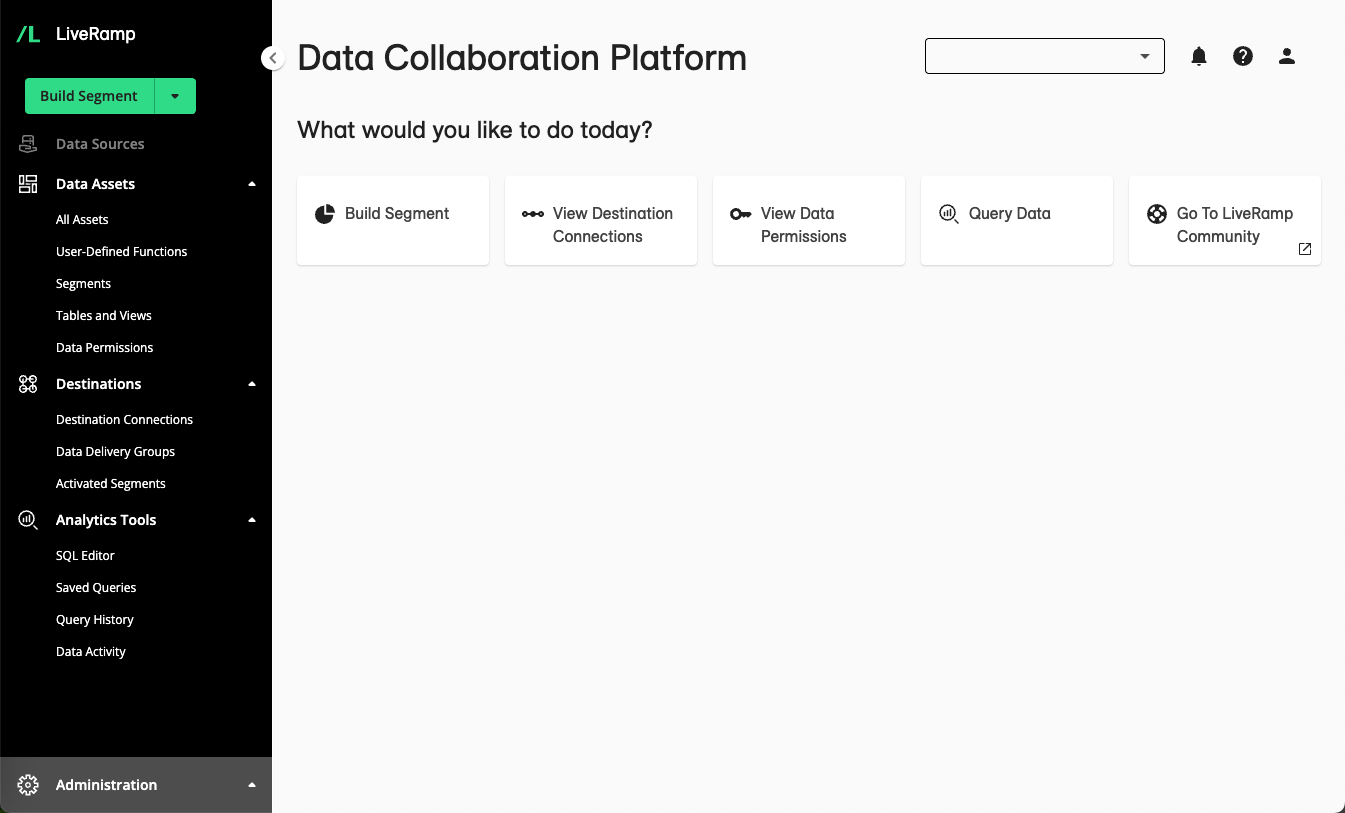  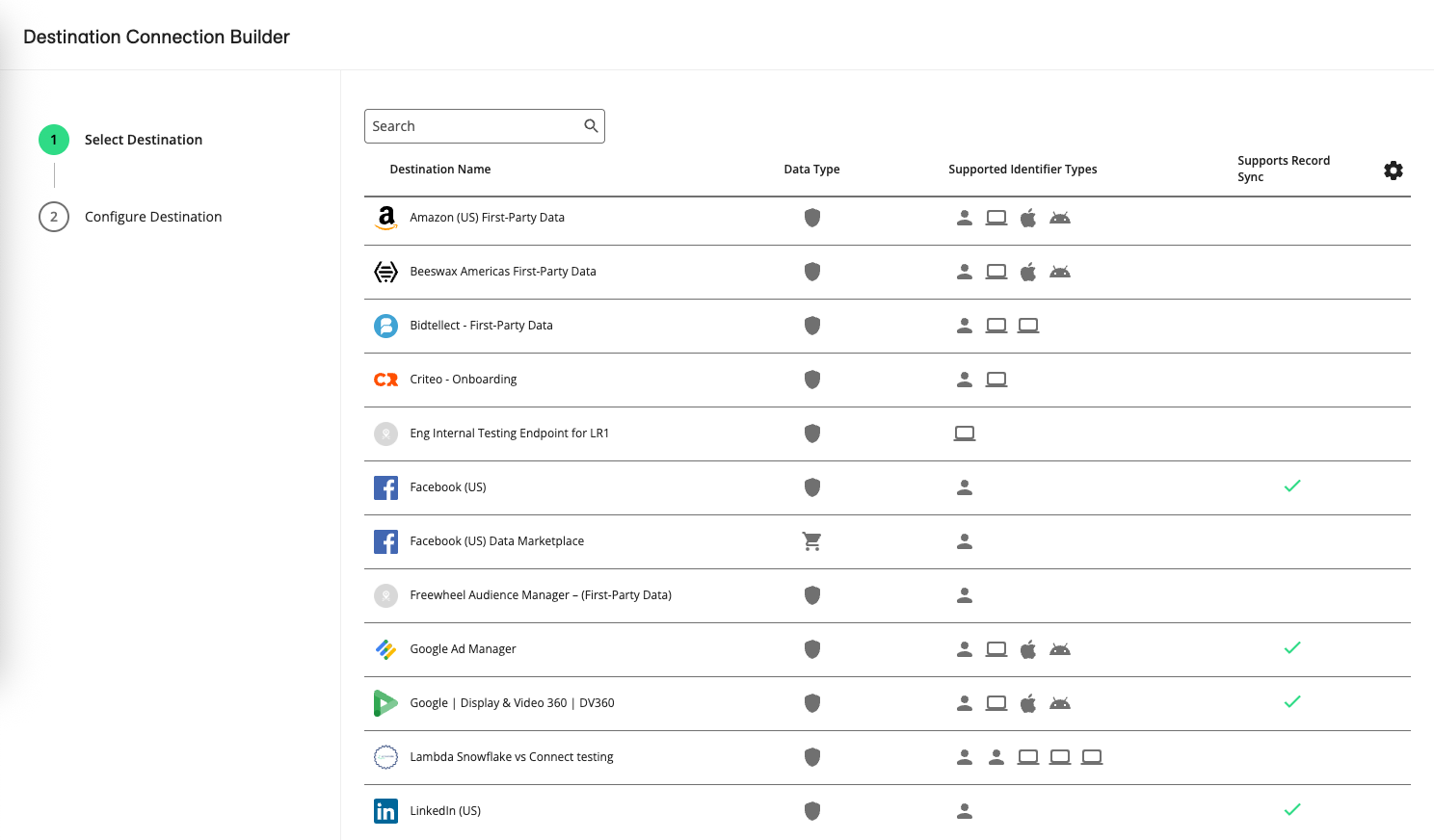  |



