Chose PicMonkey
Too confusing to learn and not easy to use!

| Product | Rating | Most Used By | Product Summary | Starting Price |
|---|---|---|---|---|
 DesignWiz | Small Businesses (1-50 employees) | DesignWiz is a cloud-based flyer design platform tailored for users who need marketing visuals without complex tools or prior design experience. An editor and a library of over 20,000 ready-to-use templates enable businesses, marketers, and event organizers to create flyers in just a few clicks. DesignWiz also offers AI-powered design suggestions, branding tools, and export options optimized for both print and digital use. Use cases might include promoting a product, announcing an event, or… | $9 per month per user | |
 PicMonkey | N/A | PicMonkey, from the company of the same name in Seattle, is an application designed to help users create standout visuals for Insta posts, Facebook covers, YouTube thumbnails, web pages, holiday cards, posters or anything with a visual, offering graphics and templates, unlimited stock photos and features to support illustrative presentations. | $7.99 per month |
| DesignWiz | PicMonkey | |||||||||||||||
|---|---|---|---|---|---|---|---|---|---|---|---|---|---|---|---|---|
| Editions & Modules |
|
| ||||||||||||||
| Offerings |
| |||||||||||||||
| Entry-level Setup Fee | No setup fee | No setup fee | ||||||||||||||
| Additional Details | — | — | ||||||||||||||
| More Pricing Information | ||||||||||||||||
| DesignWiz | PicMonkey | |
|---|---|---|
| Considered Both Products |  DesignWiz No answer on this topic | PicMonkey  Jamaal Dickerson Certified Personal Trainer Chose PicMonkey PicMonkey better suited my needs than Canva because it was easier to complete multiple items within one editing template. As a busy professional, I have to find time in between clients to push content out on Social Media or to email graphics to potential clients and PicMonkey …  Caroline McMaster Communications Assistant Chose PicMonkey With my current organization, I need something simple. Plus, PicMonkey provides a variety of unique images that I can easily search for and use in my graphic without having to scour the internet. Also, I like PicMonkey's feature that stores every graphic I have created, and …  Saumirah McWoodson Founder and CEO Chose PicMonkey I believe that PicMonkey is more user-friendly than something like Canva. I have used PicMonkey for several years (since before its name change!), so I am most comfortable with PicMonkey. |
| DesignWiz | PicMonkey | |
|---|---|---|
| Small Businesses |  CorelDRAW Graphics Suite Score 7.5 out of 10 | CorelDRAW Graphics Suite Score 7.5 out of 10 |
| Medium-sized Companies |  GIMP Score 7.9 out of 10 | GIMP Score 7.9 out of 10 |
| Enterprises | CorelDRAW Graphics Suite Score 7.5 out of 10 | CorelDRAW Graphics Suite Score 7.5 out of 10 |
| All Alternatives | View all alternatives | View all alternatives |
| DesignWiz | PicMonkey | |
|---|---|---|
| Likelihood to Recommend | - (0 ratings) | 10.0 (0 ratings) |
| Likelihood to Renew | - (0 ratings) | 10.0 (0 ratings) |
| Usability | - (0 ratings) | 10.0 (0 ratings) |
| Support Rating | - (0 ratings) | 9.8 (0 ratings) |
| DesignWiz | PicMonkey | |
|---|---|---|
| Likelihood to Recommend | No answers on this topic |
Caroline McMaster Communications Assistant |
| Pros | No answers on this topic |
Jamaal Dickerson Certified Personal Trainer |
| Cons | No answers on this topic |
Saumirah McWoodson Founder and CEO |
| Usability | No answers on this topic |
Jamaal Dickerson Certified Personal Trainer |
| Support Rating | No answers on this topic |
|
| Alternatives Considered | No answers on this topic |
Jamaal Dickerson Certified Personal Trainer |
| Return on Investment | No answers on this topic |
|
| ScreenShots | DesignWiz Screenshots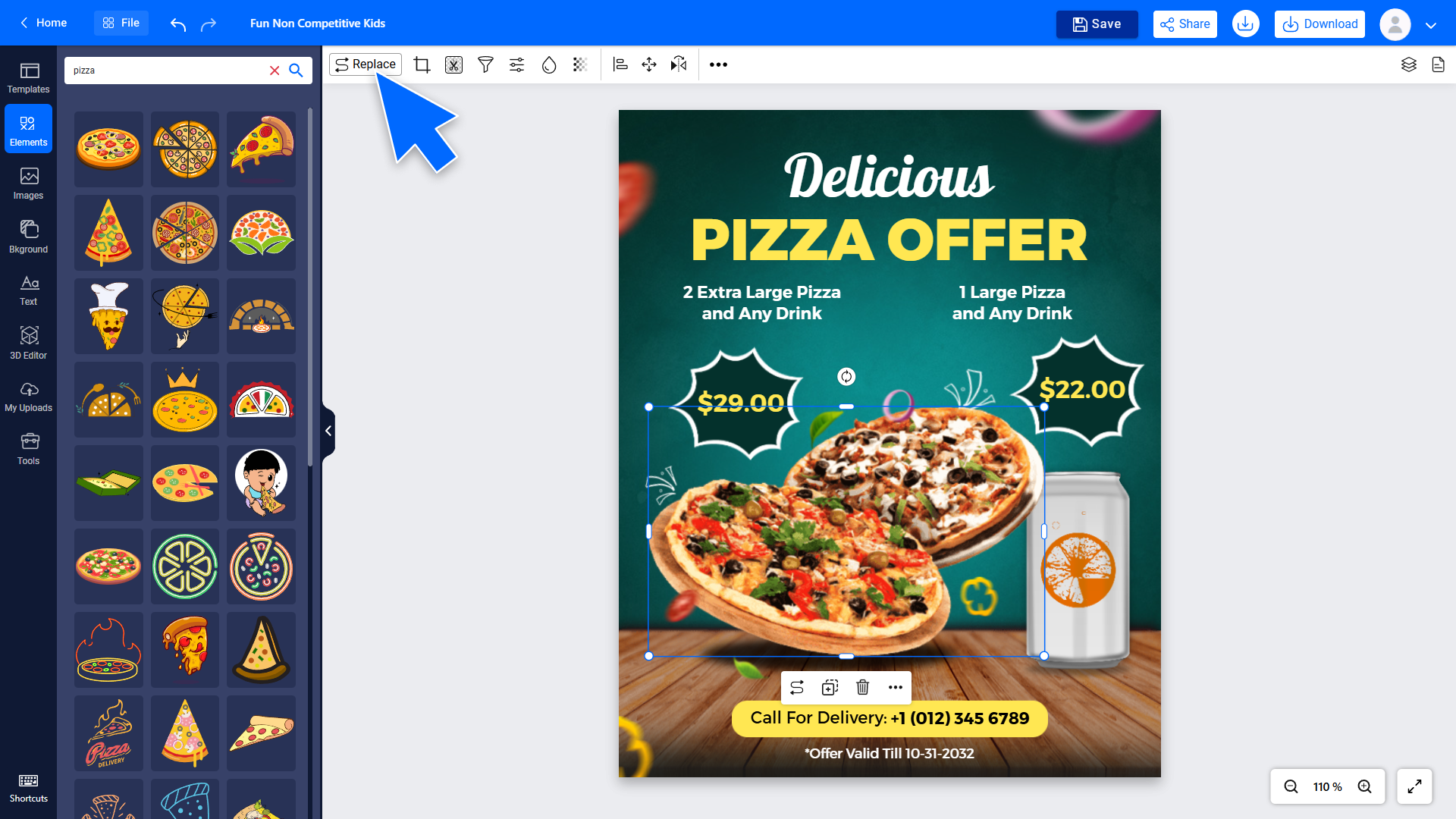  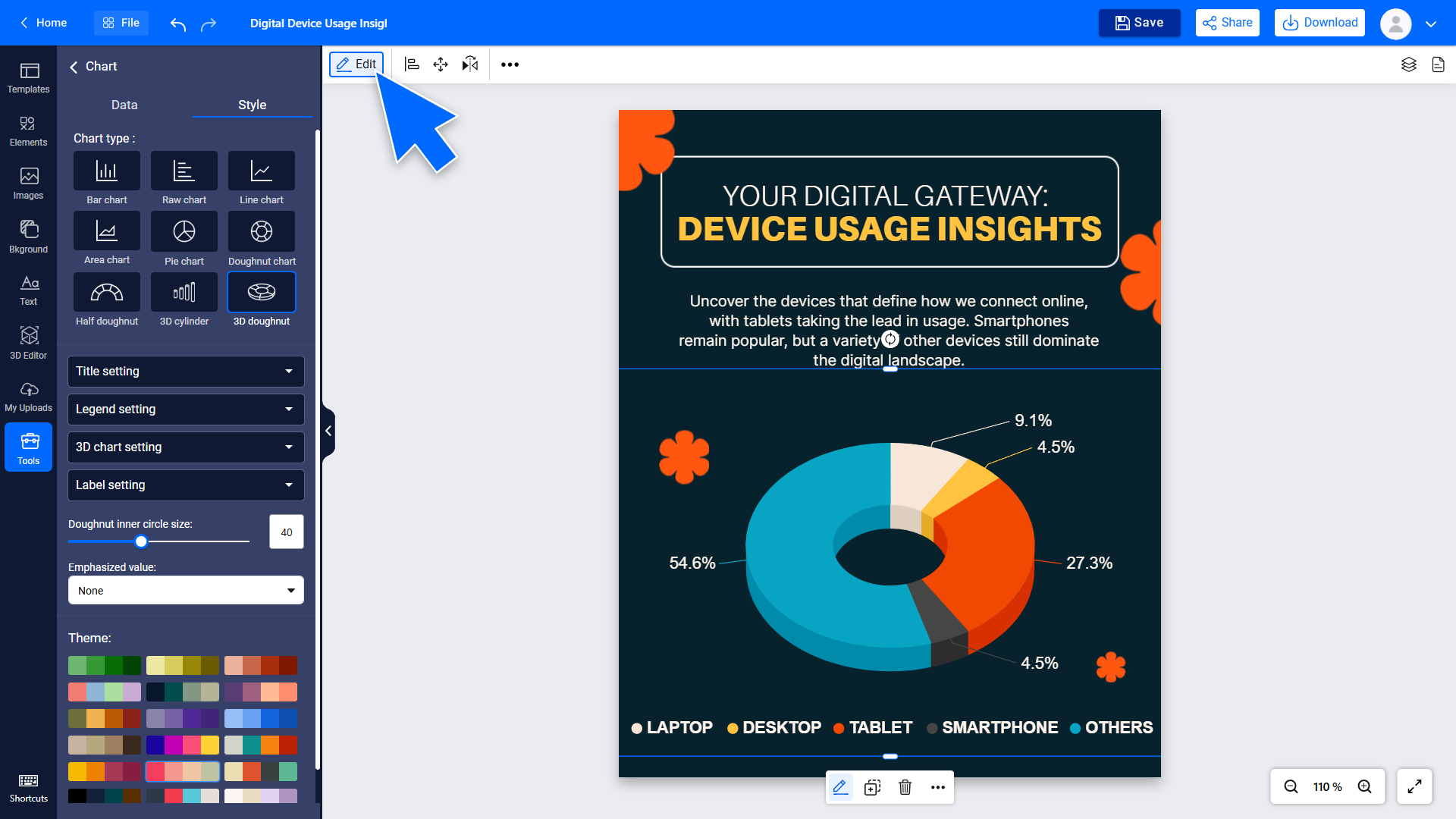 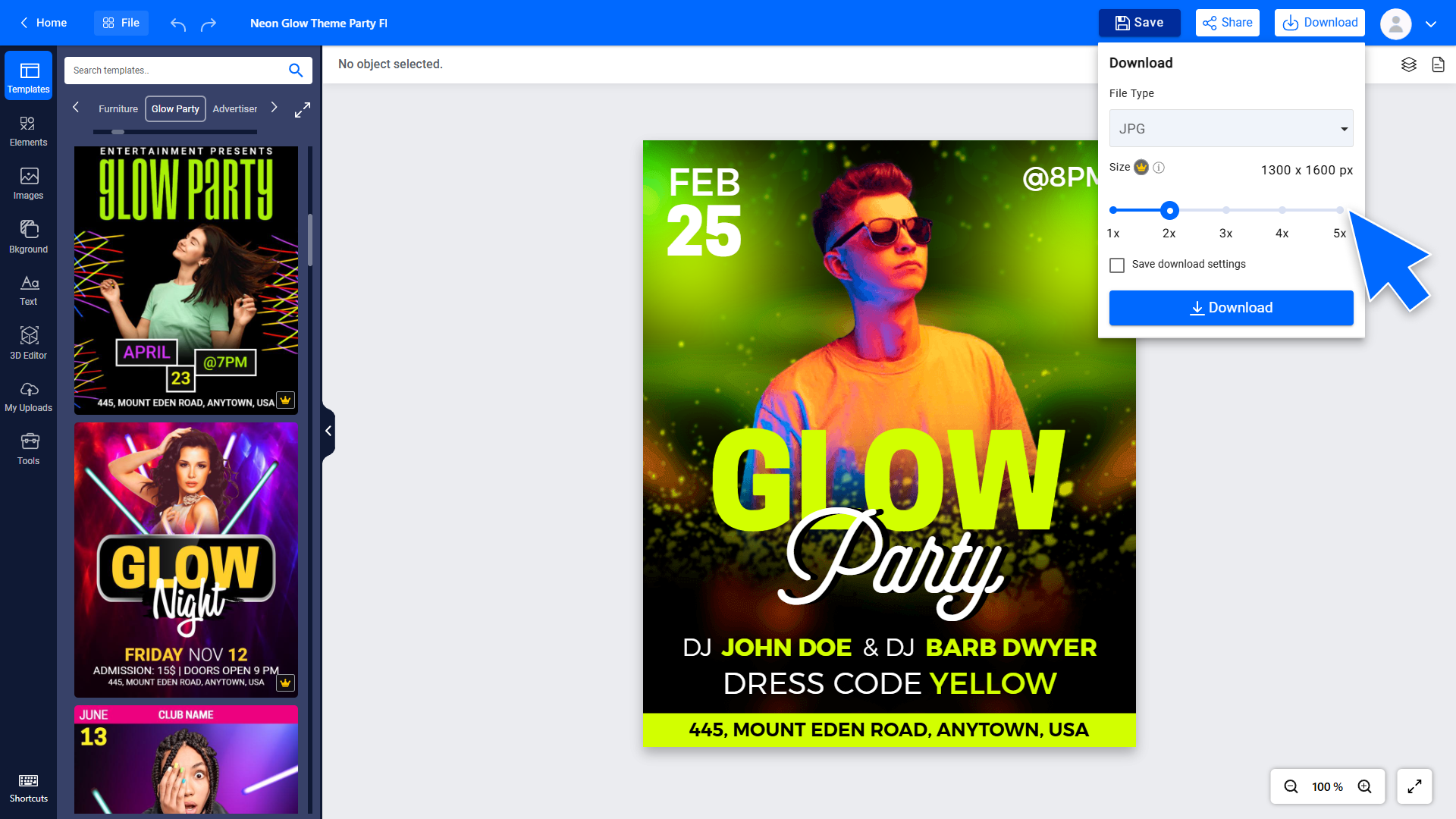 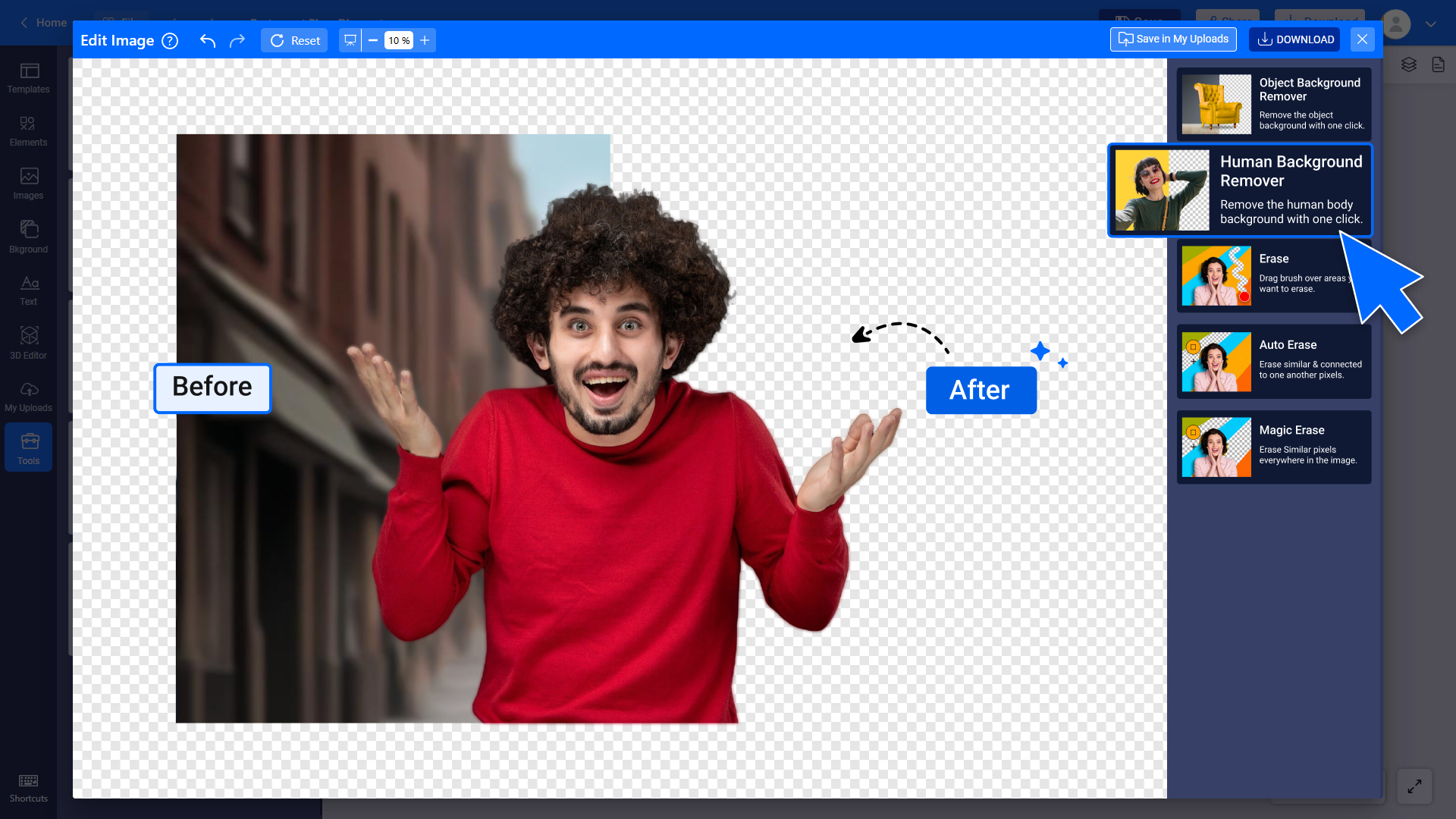 |