
Andrew Walker
PLM Manager
Chose Enovia
Dassaults progress on their cloud-based solution seemed to be furthest along in development.

| Product | Rating | Most Used By | Product Summary | Starting Price |
|---|---|---|---|---|
 Digital.ai TeamForge | Enterprise companies (1,001+ employees) | Digital.ai (formerly CollabNet) aims to help enterprises and government organizations deliver high-quality software at speed with TeamForge, its application lifecycle management suite. According to the vendor, Digital.ai offers innovative solutions, provides consulting and Agile training services, supports more than 10,000 customers with 6 million users in 100 countries, and has been recognized for 13 consecutive years as SD Times 100 “Best in Show” winner in the… | N/A | |
 Enovia | N/A | Dassault Systèmes S.A. is a French company and a world leader in the production of 3D design software, 3D digital mock-up and product lifecycle management (PLM) solutions. | $15 per month | |
 Teamcenter | N/A | Teamcenter is a product lifecycle management system designed to help organizations integrate and standardize product development processes across functional silos. | N/A |
| Digital.ai TeamForge | Enovia | Teamcenter | ||||||||||||||||||||||
|---|---|---|---|---|---|---|---|---|---|---|---|---|---|---|---|---|---|---|---|---|---|---|---|---|
| Editions & Modules | No answers on this topic |
| No answers on this topic | |||||||||||||||||||||
| Offerings |
| |||||||||||||||||||||||
| Entry-level Setup Fee | No setup fee | No setup fee | No setup fee | |||||||||||||||||||||
| Additional Details | — | — | — | |||||||||||||||||||||
| More Pricing Information | ||||||||||||||||||||||||
| Digital.ai TeamForge | Enovia | Teamcenter | |
|---|---|---|---|
| Considered Multiple Products |  Digital.ai TeamForge No answer on this topic |  Enovia Andrew Walker PLM Manager Chose Enovia Dassaults progress on their cloud-based solution seemed to be furthest along in development. |  Teamcenter  Mike McCullough Senior Prgram Manager - PLM Chose Teamcenter I don't personally believe that Enovia is a suitable replacement when dealing with heavy CAD integration. Siemens is the only choice in my opinion. For something less CAD focused such as recipe management or BOM management without CAD that may be a different discussion.  Pratik Shah Manager, Solution Design Chose Teamcenter The primary reason of selecting Teamcenter was easy collaboration, configurable workflows and native integration with MS Office and CAD systems they offered  Rick Stavanja PLM Manager Chose Teamcenter Inventor wasn't mature enough. Solidworks was too small. Catia and Enovia was too confusing. |
| Digital.ai TeamForge | Enovia | Teamcenter | |
|---|---|---|---|
| Small Businesses |  Polarion ALM Score 9.9 out of 10 |  monday dev Score 8.5 out of 10 | monday dev Score 8.5 out of 10 |
| Medium-sized Companies | Polarion ALM Score 9.9 out of 10 | Teamcenter Score 8.8 out of 10 |  Arena PLM and QMS Score 8.4 out of 10 |
| Enterprises | Polarion ALM Score 9.9 out of 10 |  Roadmunk Score 9.0 out of 10 | Roadmunk Score 9.0 out of 10 |
| All Alternatives | View all alternatives | View all alternatives | View all alternatives |
| Digital.ai TeamForge | Enovia | Teamcenter | |
|---|---|---|---|
| Likelihood to Recommend | 8.0 (2 ratings) | 8.0 (2 ratings) | 8.8 (109 ratings) |
| Likelihood to Renew | - (0 ratings) | - (0 ratings) | 10.0 (12 ratings) |
| Usability | - (0 ratings) | - (0 ratings) | 8.5 (5 ratings) |
| Support Rating | 9.0 (1 ratings) | - (0 ratings) | 8.0 (17 ratings) |
| Implementation Rating | - (0 ratings) | - (0 ratings) | 8.0 (3 ratings) |
| Ease of integration | - (0 ratings) | - (0 ratings) | 7.0 (1 ratings) |
| Product Scalability | - (0 ratings) | - (0 ratings) | 8.2 (24 ratings) |
| Digital.ai TeamForge | Enovia | Teamcenter | |
|---|---|---|---|
| Likelihood to Recommend | Digital.ai (formerly XebiaLabs, CollabNet VersionOne, and Arxan)
| Dassault Systemes
 Biplab Mondal PLM Business Process Manager | Siemens AG
|
| Pros | Digital.ai (formerly XebiaLabs, CollabNet VersionOne, and Arxan)
 James Milholen Senior Continuous Integrations Specialist (DevOps) | Dassault Systemes
Andrew Walker PLM Manager | Siemens AG
 Marina Torttoli Marketing Director |
| Cons | Digital.ai (formerly XebiaLabs, CollabNet VersionOne, and Arxan)
| Dassault Systemes
Biplab Mondal PLM Business Process Manager | Siemens AG
|
| Likelihood to Renew | Digital.ai (formerly XebiaLabs, CollabNet VersionOne, and Arxan) No answers on this topic | Dassault Systemes No answers on this topic | Siemens AG
|
| Usability | Digital.ai (formerly XebiaLabs, CollabNet VersionOne, and Arxan) No answers on this topic | Dassault Systemes No answers on this topic | Siemens AG
|
| Support Rating | Digital.ai (formerly XebiaLabs, CollabNet VersionOne, and Arxan)
James Milholen Senior Continuous Integrations Specialist (DevOps) | Dassault Systemes No answers on this topic | Siemens AG
 Meredith Wheeler Design Engineer |
| Implementation Rating | Digital.ai (formerly XebiaLabs, CollabNet VersionOne, and Arxan) No answers on this topic | Dassault Systemes No answers on this topic | Siemens AG
|
| Alternatives Considered | Digital.ai (formerly XebiaLabs, CollabNet VersionOne, and Arxan)
| Dassault Systemes
Andrew Walker PLM Manager | Siemens AG
 Ronit Jain Mechanical Design Engineer |
| Scalability | Digital.ai (formerly XebiaLabs, CollabNet VersionOne, and Arxan) No answers on this topic | Dassault Systemes No answers on this topic | Siemens AG
|
| Return on Investment | Digital.ai (formerly XebiaLabs, CollabNet VersionOne, and Arxan)
James Milholen Senior Continuous Integrations Specialist (DevOps) | Dassault Systemes
Biplab Mondal PLM Business Process Manager | Siemens AG
|
| ScreenShots | Digital.ai TeamForge Screenshots 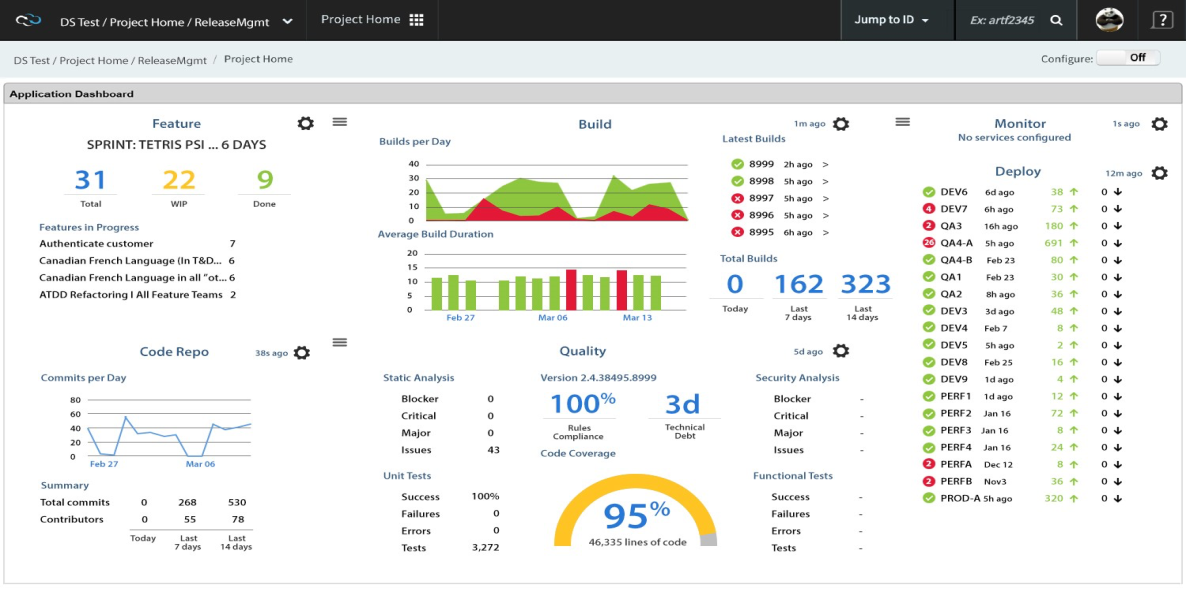 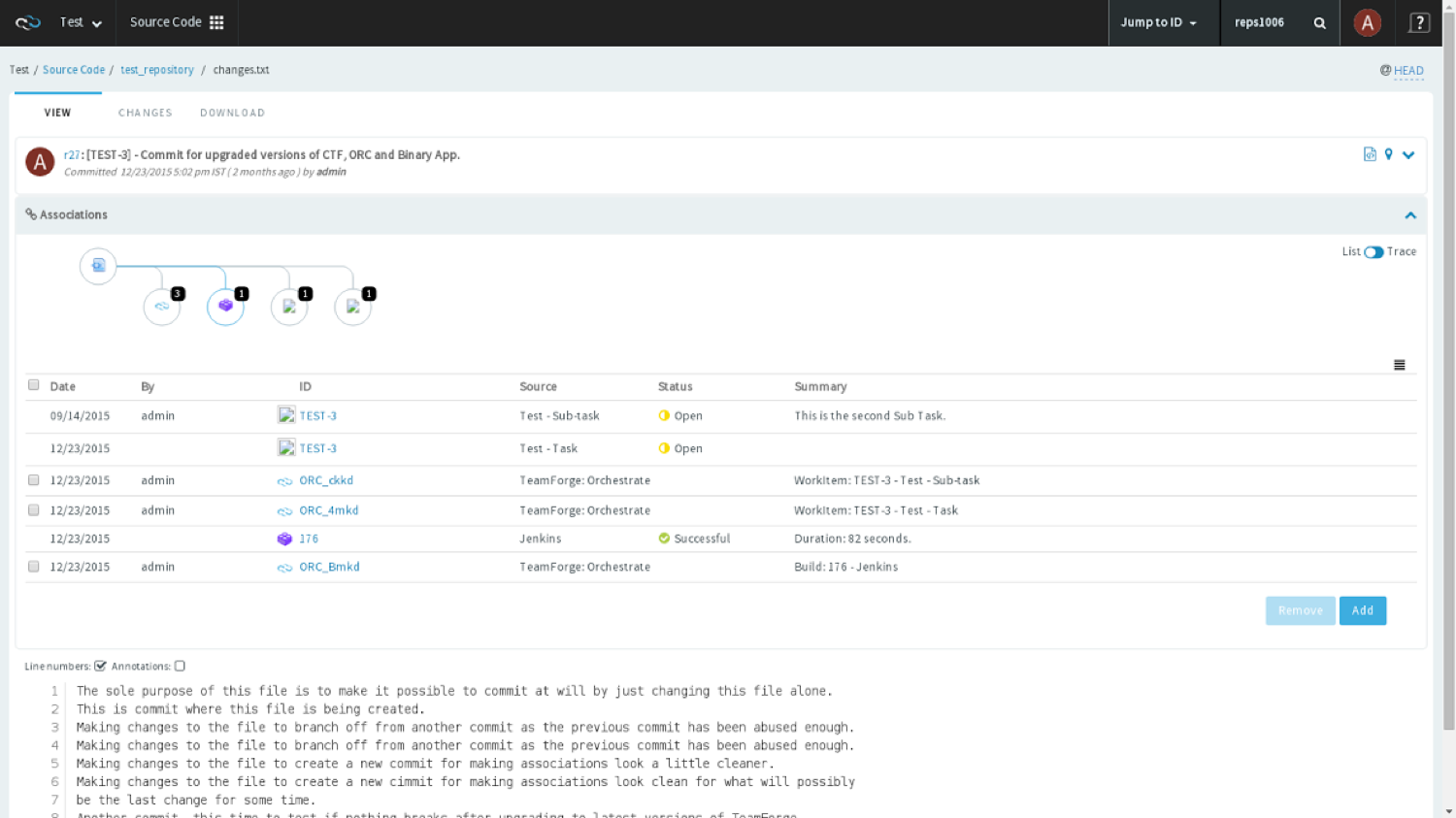  | Teamcenter Screenshots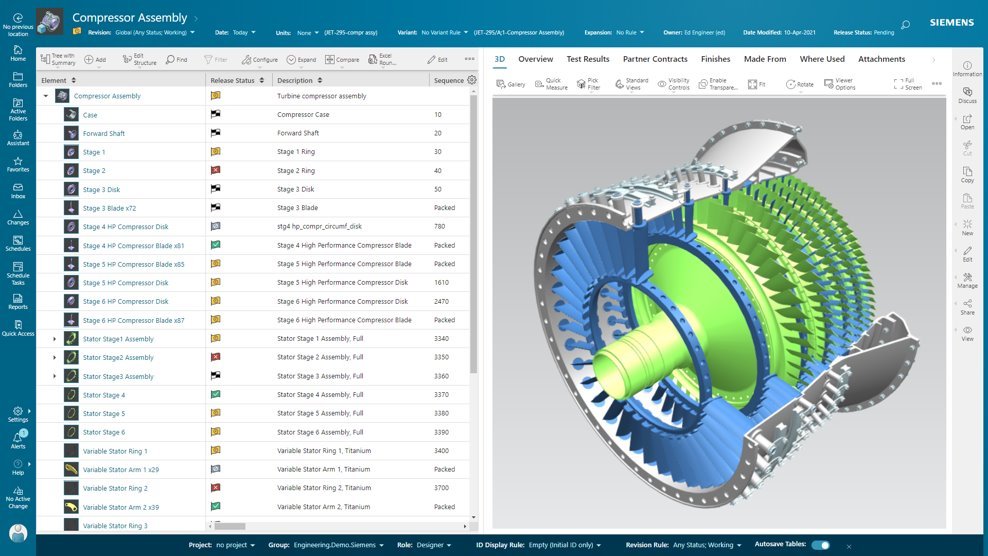   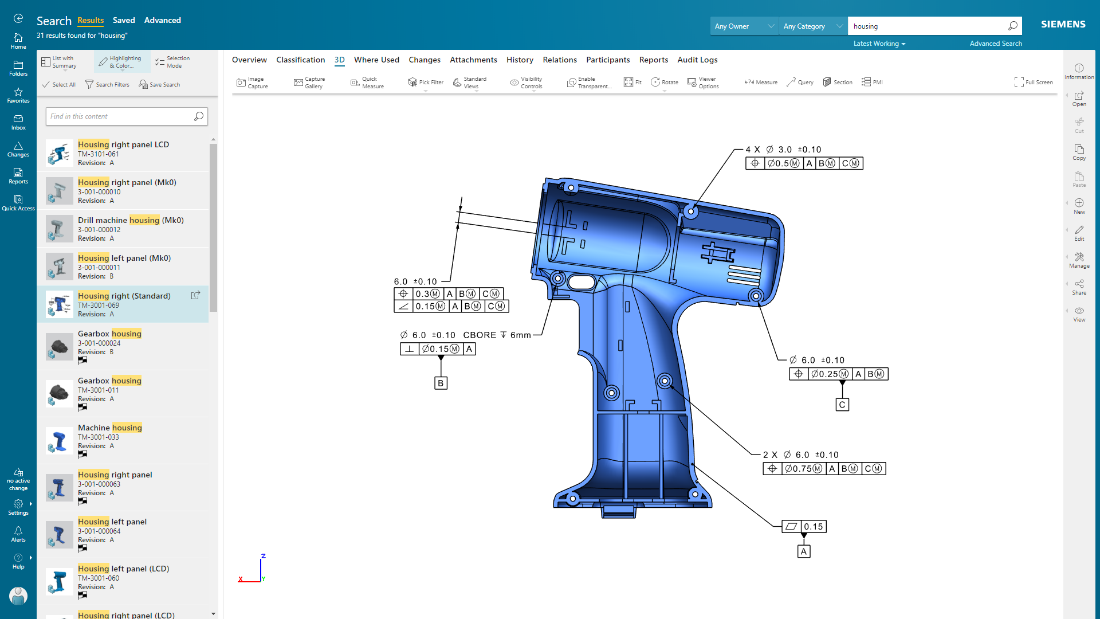 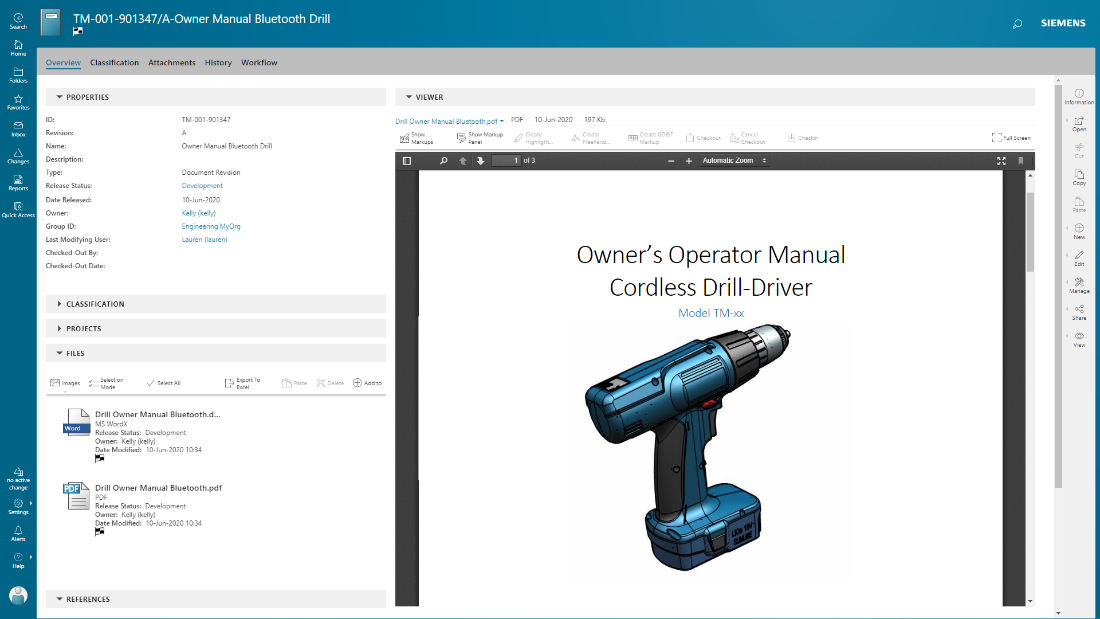 |