DigitalOcean is an infrastructure-as-a-service (IaaS) platform from the company of the same name headquartered in New York. It is known for its support of managed Kubernetes clusters and “droplets” feature.
$5
Starting Price Per Month
Progress Sitefinity
Score7.9 out of 10
N/A
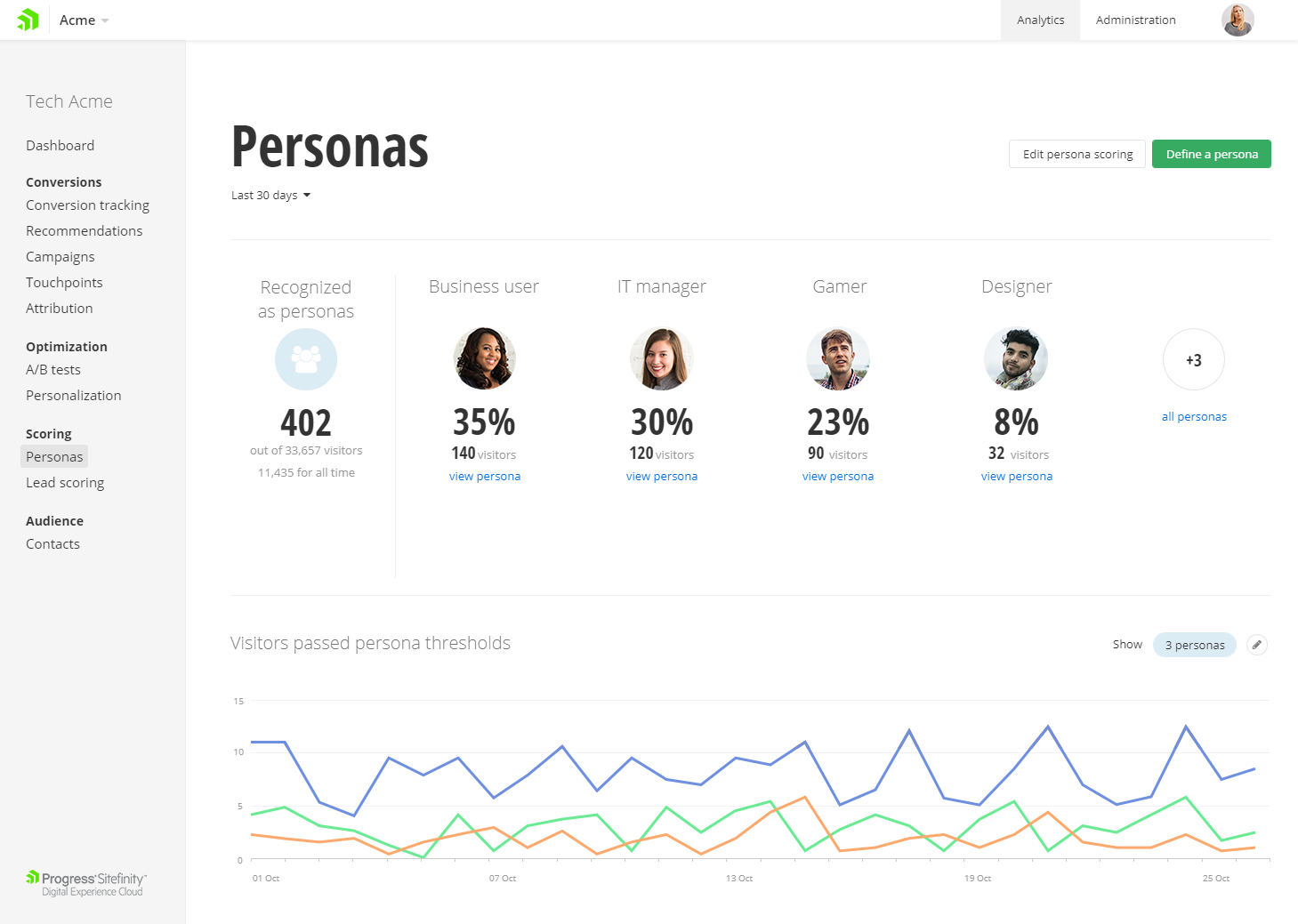
Progress Sitefinity is a content management and customer analytics platform. It supports content management, tailored marketing, multi-channel management, and ecommerce sites.
DigitalOcean is perfect for hosting client websites, running marketing tools, and managing media storage with Spaces and CDN. The use of Droplets to quickly launch landing pages or WordPress sites for campaigns is a Godsend. It’s great for fast, cheap, and scalable solutions. But for complex microservices or projects needing strict compliance (like HIPAA), DigitalOcean may not always be the best fit, but that depends heavily on your project.
A de minimis incentive was given to thank the reviewer for their time. The incentive was not used to bias or drive a particular response, nor was the incentive contingent on a positive endorsement. More Info
Progress Sitefinity remains a little heavyweight for sites that require basic text content, or a limited number of pages. However, its flexibility (including the range of different content types if supports) make it a good choice for any organization requiring advanced content management capabilities at an affordable price.
A de minimis incentive was given to thank the reviewer for their time. The incentive was not used to bias or drive a particular response, nor was the incentive contingent on a positive endorsement. More Info
A de minimis incentive was given to thank the reviewer for their time. The incentive was not used to bias or drive a particular response, nor was the incentive contingent on a positive endorsement. More Info
'Low-code structured content' (dynamic content types) is one of Sitefinity's most powerful features that allows you to structure content according to business needs, while at the same time dampening editorial freedom to ensure accessibility, meta enhancement, SEO and API consumption can be achieved.
Sitefinity's content provider model allows us to flexibly (by means of admin interface) easily aggregate or separate content sharing within a multi-site instance.
This proofs particularly powerful in emerging situations where there suddenly is a demand for content sharing across countries or regions.
Adaptability at its core.
While there's never a perfect fit for everything, it allows for easy code customization and extension being a .NET application at heart. Giving it a corporate edge over other custom solutions, whether it is on the development side or deployment side (on premise, IaaS or Azure DevOps Paas). And it has enabled us to put the system to use in its core feature - which is to manage content, where on other occasions we were able to take full advantage of its features such as A/B testing and personalization.
Some products/services available on other Cloud providers aren't available, but they seem to be catching up as they add new products like Managed SQL DBs.
While they have FreeBSD droplets (VMs), support for *BSD OSs is limited. I.e. the new monitoring agent only works on Linux.
There are no regions available on South America.
They don't seem to offer enterprise-level products, even basic ones as Windows Server, MS SQL Server, Oracle products, etc.
A de minimis incentive was given to thank the reviewer for their time. The incentive was not used to bias or drive a particular response, nor was the incentive contingent on a positive endorsement. More Info
Diagram or illustrate more use cases for server setups, and managing of upgrades.
I'd like to see the ability to synchronize from one server to multiple others at once.
Implementation assistance as part of the purchase rather than farming out to 3rd party, although they did answer every question we asked in order to determine our best architecture setup.
A de minimis incentive was given to thank the reviewer for their time. The incentive was not used to bias or drive a particular response, nor was the incentive contingent on a positive endorsement. More Info
A de minimis incentive was given to thank the reviewer for their time. The incentive was not used to bias or drive a particular response, nor was the incentive contingent on a positive endorsement. More Info
A de minimis incentive was given to thank the reviewer for their time. The incentive was not used to bias or drive a particular response, nor was the incentive contingent on a positive endorsement. More Info
I honestly can't think of an easier way to set up and maintain your own server. Being able to set up a server in minutes and have fully control is awesome. The UX is incredibly intuitive for first-time users as well so there's no reason to be intimidated when it comes to giving DigitalOcean a shot.
A de minimis incentive was given to thank the reviewer for their time. The incentive was not used to bias or drive a particular response, nor was the incentive contingent on a positive endorsement. More Info
Very big fan of this CMS, as it allows scalability, performance, and everything else. The support is great whenever we need it. As a marketer, the digital/marketing side of things is very easy to use and we've seen strong results from an SEO and marketing perspective. I can't speak to the developer/creative side too much, but in talking with these teams, they do recommend the tool as well.
A de minimis incentive was given to thank the reviewer for their time. The incentive was not used to bias or drive a particular response, nor was the incentive contingent on a positive endorsement. More Info
A de minimis incentive was given to thank the reviewer for their time. The incentive was not used to bias or drive a particular response, nor was the incentive contingent on a positive endorsement. More Info
A de minimis incentive was given to thank the reviewer for their time. The incentive was not used to bias or drive a particular response, nor was the incentive contingent on a positive endorsement. More Info
They have always been fast, and the process has been straight-forward. I haven't had to use it enough to be frustrated with it, to be honest, and when I have an issue they fix it. As with all support, I wish it felt more human, but they are doing aces.
A de minimis incentive was given to thank the reviewer for their time. The incentive was not used to bias or drive a particular response, nor was the incentive contingent on a positive endorsement. More Info
Support can be pretty good, even though, depending on the level of licensing, it can take longer to hear back from their team. They do have a phone option, which works well. Overall, they are knowledgeable, and helpful when needed. At times, support is able to access the system directly and troubleshoot critical items when needed.
N/A - I was not part of the implementation team. We have had this internally for over 5 years. Based on my experience, ensure that you have documentation on the initial implementation and subsequent upgrades. I would also recommend to have all the documentation on how and why the system was implemented the way it was
A de minimis incentive was given to thank the reviewer for their time. The incentive was not used to bias or drive a particular response, nor was the incentive contingent on a positive endorsement. More Info
DigitalOcean is an inexpensive product as compared to other products available in the market. The UI is easy and the beginner can also understand the UI with the step by step guide. It provides a lot of custom features and the user needs to pay only for what they are using. Amazon has a complex UI and is on the expensive side. DigitalOcean is simple to use and is easily manageable and the servers can easily be set up without additional cost and such.
A de minimis incentive was given to thank the reviewer for their time. The incentive was not used to bias or drive a particular response, nor was the incentive contingent on a positive endorsement. More Info
It is hands down just easier for our customers to use. The interface and the page builder experience is much better than what we have used in the past and has many enterprise features even in the lower price-point
A de minimis incentive was given to thank the reviewer for their time. The incentive was not used to bias or drive a particular response, nor was the incentive contingent on a positive endorsement. More Info
A de minimis incentive was given to thank the reviewer for their time. The incentive was not used to bias or drive a particular response, nor was the incentive contingent on a positive endorsement. More Info
Positive - Elastic computer instances make it possible to pay for only for what you need.
Positive - Competitive pricing - some of the products that DigitalOcean offers are much cheaper than those offered by competitors.
Negative - Having to go to other cloud computing platforms for more specific, advanced services like Computer Vision optimized services, GPU cloud compute instances, etc...
A de minimis incentive was given to thank the reviewer for their time. The incentive was not used to bias or drive a particular response, nor was the incentive contingent on a positive endorsement. More Info
A de minimis incentive was given to thank the reviewer for their time. The incentive was not used to bias or drive a particular response, nor was the incentive contingent on a positive endorsement. More Info