draw.io vs. SAP Signavio Process Transformation Suite

Overview
ProductRatingMost Used ByProduct SummaryStarting Price
draw.io
Score 7.7 out of 10
N/A
draw.io is an online diagramming tool with integrations with Jira, Google, and Confluence available free online or at cost depending on integration chosen.
$5
per month
SAP Signavio Process Transformation Suite
Score 8.1 out of 10
N/A
The SAP Signavio portfolio offers an integrated platform that helps usersto realign the organization and bring changes, with a suite of products that support business processes. The SAP Signavio portfolio offers a range of business transformation solutions to serve the emerging practice of customer excellence (CEX). SAP Signavio solutions bring together a full 360-degree view of outside-in and inside-out thinking, translating experiences into operational reality by putting the customer at the…N/A
Pricing
draw.ioSAP Signavio Process Transformation Suite
Editions & Modules
Up to 10 Users
$5
per month
Up to 20 Users
$11
per month
Up to 50 Users
$27.50
per month
Up to 75 Users
$41.25
per month
Up to 100 Users
$55
per month
Up to 200 Users
$95
per month
Up to 500 Users
$152.50
per month
Up to 750 Users
$190
per month
Up to 1,000 Users
$227.50
per month
Up to 2,000 Users
$377.50
per month
Up to 5,000 Users
$827.50
per month
Up to 10,000
1,577.50
per month
No answers on this topic
Offerings
Pricing Offerings
draw.ioSAP Signavio Process Transformation Suite
Free Trial
NoYes
Free/Freemium Version
NoNo
Premium Consulting/Integration Services
NoYes
Entry-level Setup FeeNo setup feeOptional
Additional Details
More Pricing Information
Community Pulse
draw.ioSAP Signavio Process Transformation Suite
Features
draw.ioSAP Signavio Process Transformation Suite
Reporting & Analytics
Comparison of Reporting & Analytics features of Product A and Product B
draw.io
-
Ratings
SAP Signavio Process Transformation Suite
7.3
54 Ratings
6% below category average
Dashboards00 Ratings7.454 Ratings
Standard reports00 Ratings7.551 Ratings
Custom reports00 Ratings7.08 Ratings
Process Engine
Comparison of Process Engine features of Product A and Product B
draw.io
-
Ratings
SAP Signavio Process Transformation Suite
7.5
68 Ratings
10% below category average
Process designer00 Ratings8.365 Ratings
Process simulation00 Ratings7.561 Ratings
Business rules engine00 Ratings7.122 Ratings
SOA support00 Ratings7.340 Ratings
Process player00 Ratings7.543 Ratings
Support for modeling languages00 Ratings7.748 Ratings
Form builder00 Ratings7.339 Ratings
Model execution00 Ratings7.737 Ratings
Collaboration
Comparison of Collaboration features of Product A and Product B
draw.io
-
Ratings
SAP Signavio Process Transformation Suite
7.6
53 Ratings
9% below category average
Social collaboration tools00 Ratings7.653 Ratings
Content Management Capabilties
Comparison of Content Management Capabilties features of Product A and Product B
draw.io
-
Ratings
SAP Signavio Process Transformation Suite
7.7
46 Ratings
5% below category average
Content management00 Ratings7.746 Ratings
Best Alternatives
draw.ioSAP Signavio Process Transformation Suite
Small Businesses
OmniGraffle
OmniGraffle
Score 9.6 out of 10
Square 9 Softworks
Square 9 Softworks
Score 9.7 out of 10
Medium-sized Companies
OmniGraffle
OmniGraffle
Score 9.6 out of 10
Square 9 Softworks
Square 9 Softworks
Score 9.7 out of 10
Enterprises
OmniGraffle
OmniGraffle
Score 9.6 out of 10
CMW Platform
CMW Platform
Score 9.2 out of 10
All AlternativesView all alternativesView all alternatives
User Ratings
draw.ioSAP Signavio Process Transformation Suite
Likelihood to Recommend
9.0
(19 ratings)
7.9
(65 ratings)
Likelihood to Renew
-
(0 ratings)
7.5
(2 ratings)
Usability
10.0
(1 ratings)
7.0
(2 ratings)
Availability
-
(0 ratings)
7.5
(2 ratings)
Performance
-
(0 ratings)
6.5
(2 ratings)
Support Rating
7.8
(5 ratings)
7.6
(24 ratings)
In-Person Training
-
(0 ratings)
7.0
(1 ratings)
Online Training
-
(0 ratings)
7.0
(1 ratings)
Implementation Rating
-
(0 ratings)
7.9
(33 ratings)
Configurability
-
(0 ratings)
8.0
(2 ratings)
Contract Terms and Pricing Model
-
(0 ratings)
7.0
(2 ratings)
Ease of integration
-
(0 ratings)
6.0
(1 ratings)
Product Scalability
-
(0 ratings)
8.9
(2 ratings)
Professional Services
-
(0 ratings)
6.0
(1 ratings)
Vendor post-sale
-
(0 ratings)
6.1
(2 ratings)
Vendor pre-sale
-
(0 ratings)
7.5
(2 ratings)
User Testimonials
draw.ioSAP Signavio Process Transformation Suite
Likelihood to Recommend
JGraph (Draw.io)
draw.io can be more suitable for technical documentation for architectures, flow diagrams/charts, and conceptual images of an application infrastructure. However, this tool is not made for business intelligence work nor for dashboarding to monitor the technical components. From the administrative standpoint, this is not well suited for agile ceremony structures like retrospective boards or planning or even quarterly planning boards. The strength of draw.io lies strongly in being a lightweight diagramming tool.
Read full review
SAP
Pros: 1. It reduces technical debt and accelerates a smooth transition, while harmonizing across data migration regions which replaces the legacy customization that are not for S4/HANA. 2. It cuts operational cost by 30% - 40% and improves SLA adherence, while process intelligence identifies duplicate or redundant approval steps when we know SAP ecosystems ties all modules together for better data insights. Cons: 1. Complicated and costly for small businesses. 2. Mature process required for better data feeding and data insights. 3. If non-SAP system data feed might cause misleading and incomplete data insights
Read full review
Pros
JGraph (Draw.io)
  • Draw.io offers a lot of shapes and customizability of how the diagrams are laid out. We've been able to create a lot of different things with it, and have barely scratched the surface of the sorts of things that we could do.
  • Draw.io is fairly intuitive in the way that you draw shapes and connect shapes together, I was able to figure it out without a tutorial.
  • Draw.io is fast and performant for me compared with some of the alternatives.
Read full review
SAP
  • Location agnostic (or home office agnostic) collaboration in virtual workshops
  • Internally within the team or with clients, I can prepare, gather materials, and lead during a workshop or meeting with SAP Signavio Process Transformation Suite and feel incredibly positioned as the facilitator. Whether in real time or in an asynchronous manner.
  • The combination of highly adaptable and visual work with collaborative tools like forms, comments, timers, and point voting transforms it into a tool I use frequently.
Read full review
Cons
JGraph (Draw.io)
  • When very elaborate diagrams are needed, it lacks the amount of tools and customization needed
  • Since this is an online tool, it can freeze and that causes you to lose that work up to that point
  • Performance can lag with very complex diagrams
Read full review
SAP
  • For businesses looking to improve their current business processes, I think SAP Signavio Process Transformation Suite is incredibly well-suited.
  • In my opinion, SAP Signavio Process Transformation Suite excels in sectors with strict regulatory requirements.
  • I think SAP Signavio Process Transformation Suite is the best option when teams from several departments must work together on process design or improvement initiatives because of its real-time collaboration capabilities.
Read full review
Likelihood to Renew
JGraph (Draw.io)
No answers on this topic
SAP
Signavio is part of our process ownership and is key for visible of end-to-end process
Read full review
Usability
JGraph (Draw.io)
The UI is intuitive. It allows a new user to start diagramming almost instantly. Manipulating elements, linking them together, etc. are all easy to do. Draw.io nevertheless a broad variety of diagram templates to help get started and also of shapes to use in diagrams. Some situations can make it a bit tricky to use, such as when having multiple shapes on top of each other (e.g. shapes placed within swimlanes) but that's a minor issue.
Read full review
SAP
Really great and well designed
Read full review
Reliability and Availability
JGraph (Draw.io)
No answers on this topic
SAP
Yes its always available
Read full review
Performance
JGraph (Draw.io)
No answers on this topic
SAP
Everything is very fast
Read full review
Support Rating
JGraph (Draw.io)
The support for draw.io is pretty decent, considering it is a free website. I had a question one time when I was trying to do something, so I sent an email to their support email and got a response fairly quickly with an answer to my question. They also have some excellent support tools on their support website for helping you get more familiar with their program, and I found that very helpful.
Read full review
SAP
I gave SAP Signavio Process Transformation Suite support this rating because, in my experience, SAP Signavio Process Transformation Suite has Great support
Read full review
In-Person Training
JGraph (Draw.io)
No answers on this topic
SAP
Real useful trainings and hand ons
Read full review
Online Training
JGraph (Draw.io)
No answers on this topic
SAP
Very complete and useful for day to day operations
Read full review
Implementation Rating
JGraph (Draw.io)
No answers on this topic
SAP
Training is taking way longer than expected. We have had more than 50 hours of training and still do not feel proficient enough to do anything meaningful with Process Intelligence. The Process Insights are pretty intuitive but does take a willingness to dig in and explore, but in general good right out of the box.
Read full review
Alternatives Considered
JGraph (Draw.io)
draw.io is open-source and free for many uses, which means minimal upfront cost and good value.It works in the browser, also has a desktop version (so you can use offline) which helps teams that may not always be online or want local backups. Useful when you want a diagram tool that “just works” without huge ecosystem lock-in.For organisations that value control, less vendor-dependency, this is a plus.
Read full review
SAP
We were able to end the use of archive versions thanks to SAP Signavio Process Transformation Suite, and everyone has access to the most recent archive. Mac and Windows users can collaborate on a single document. A design tool that spans the concept phase, design phase, and delivery to engineering
Read full review
Contract Terms and Pricing Model
JGraph (Draw.io)
No answers on this topic
SAP
Not really, its easy to comprehend
Read full review
Scalability
JGraph (Draw.io)
No answers on this topic
SAP
Definitely a 10!
Read full review
Return on Investment
JGraph (Draw.io)
  • draw.io has surely impacted our organization positively by saving some crucial time.
  • It has not really impacted much monetarily to be honest.
  • The ROI we got from draw.io is that it has made complex things clear for everyone in our organization.
Read full review
SAP
  • With the help of Signavio, we are now much more operationally efficient, which saves money and makes better use of our resources.
  • The software's emphasis on collaboration has encouraged innovation within our teams, resulting in original solutions and better project outputs.
  • Compliance is crucial for our sector. We have lowered the danger of regulatory problems by maintaining stringent compliance standards with the aid of Signavio.
Read full review
ScreenShots

SAP Signavio Process Transformation Suite Screenshots
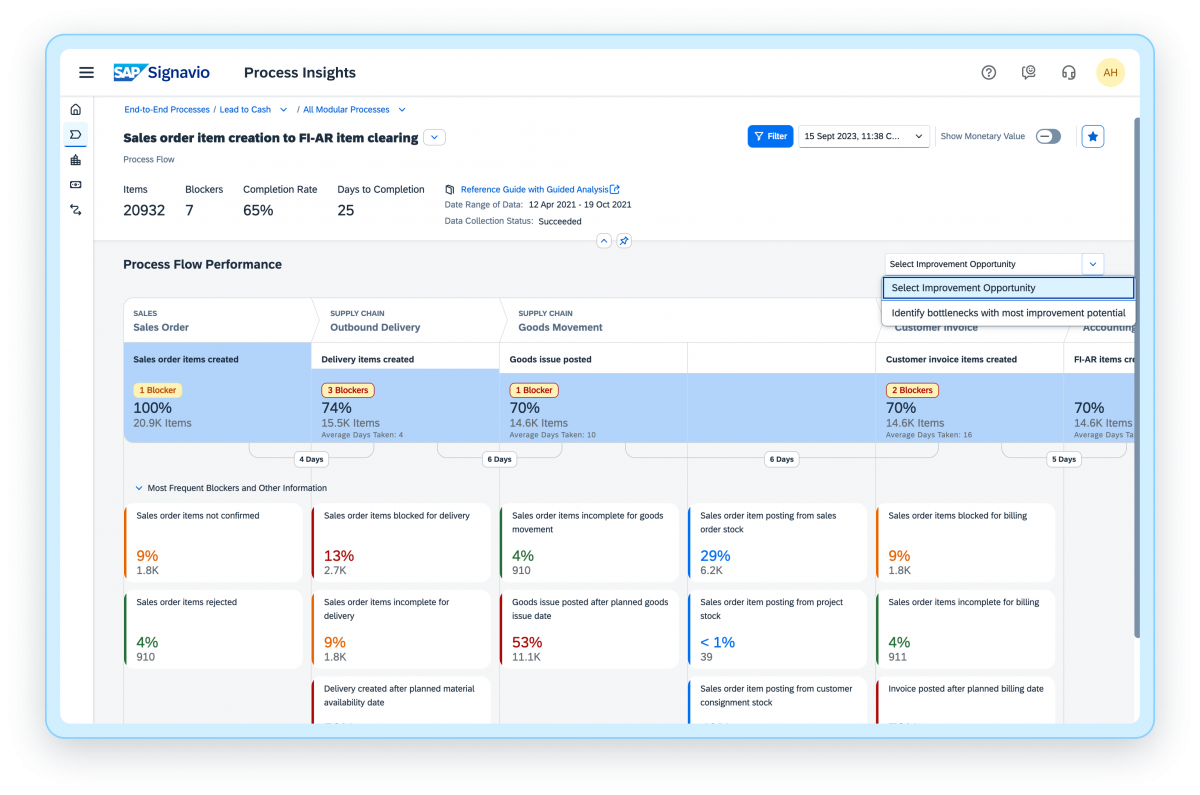
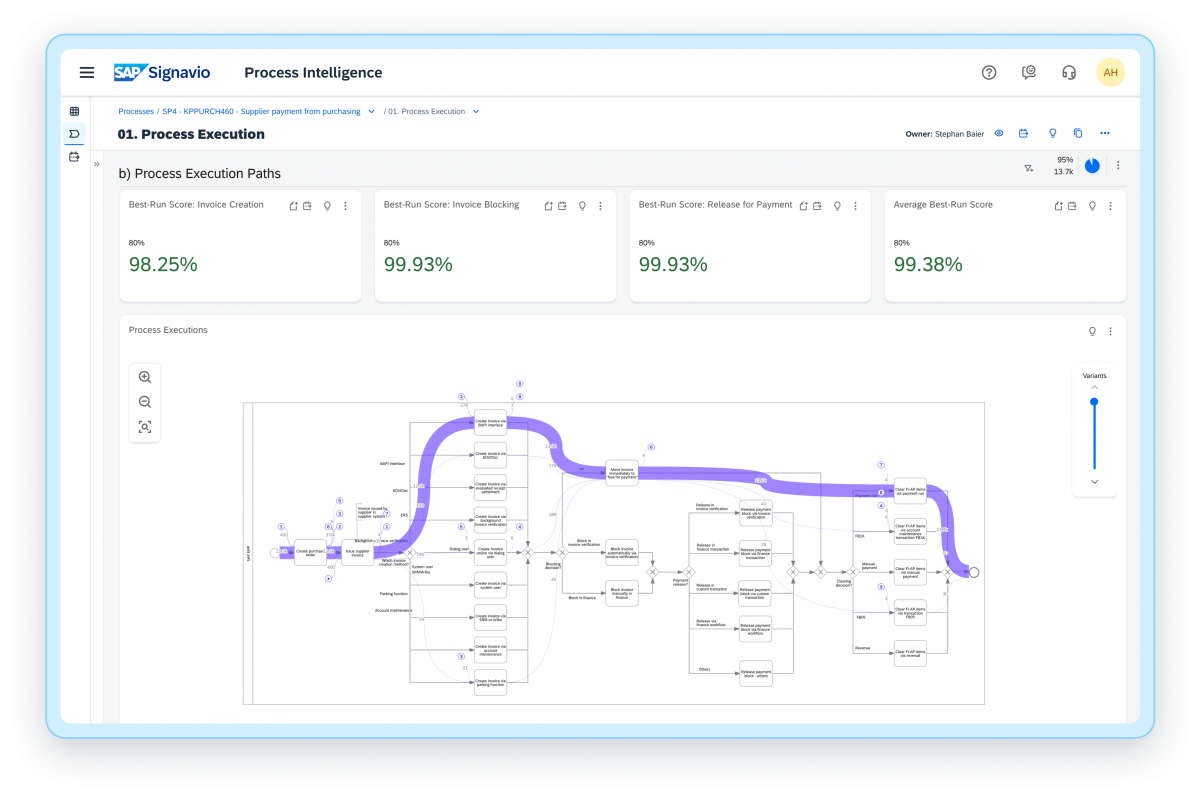
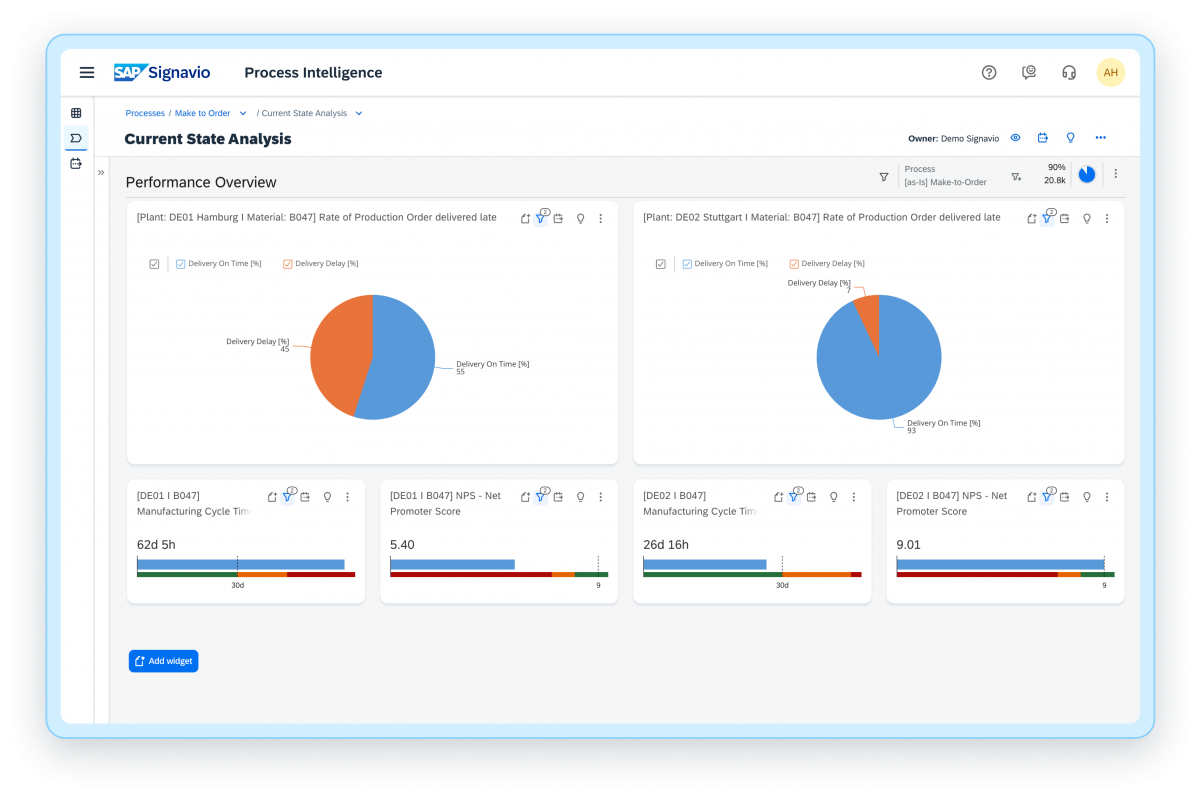
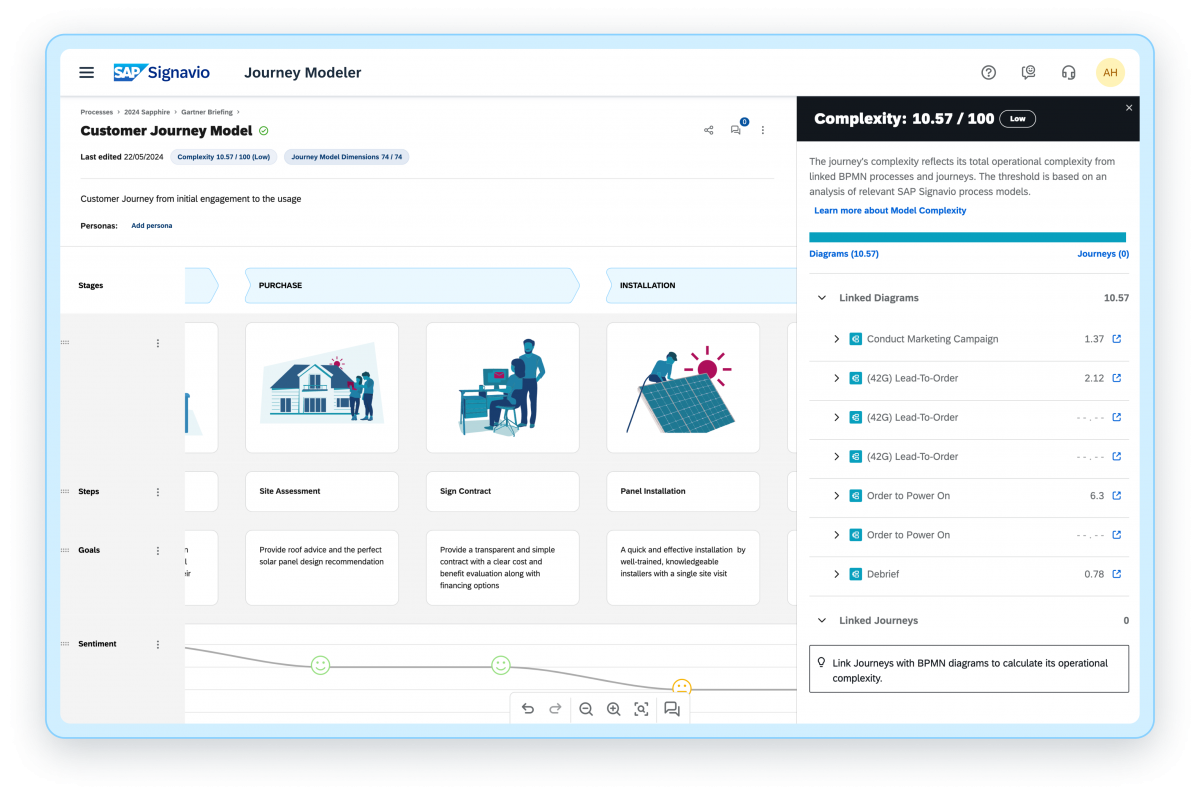
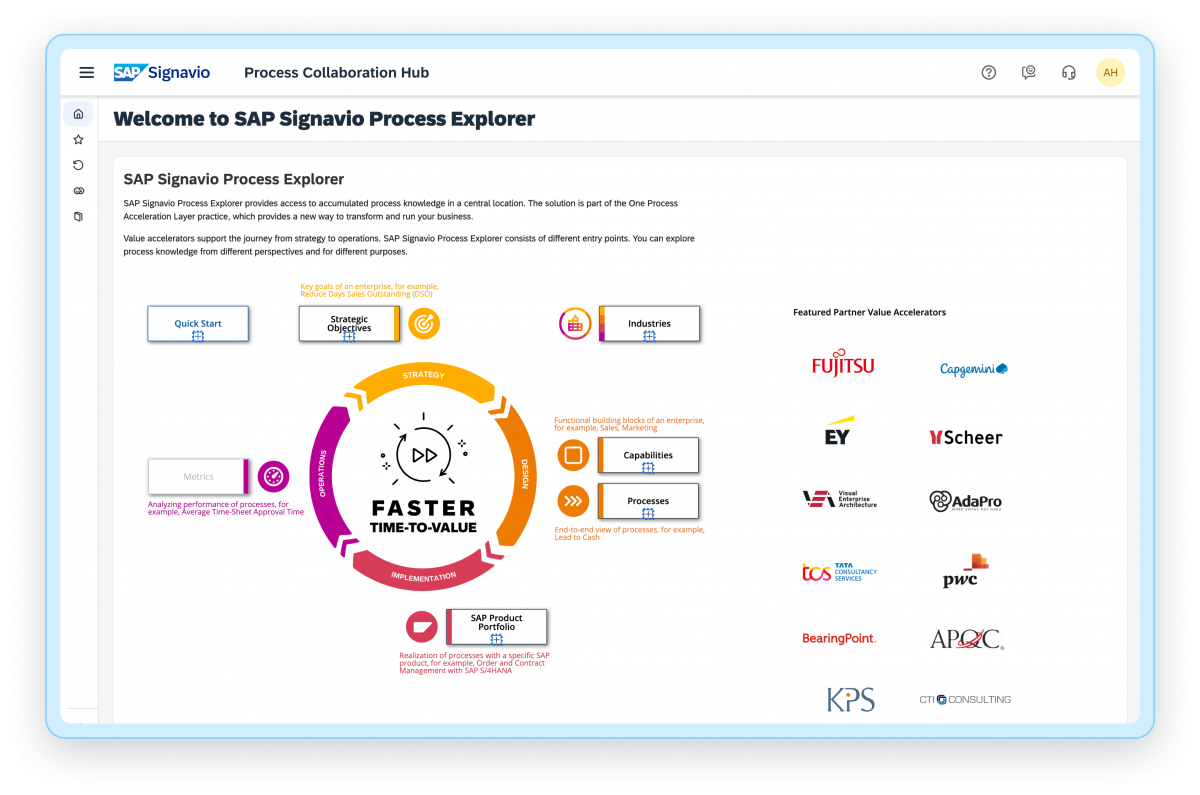
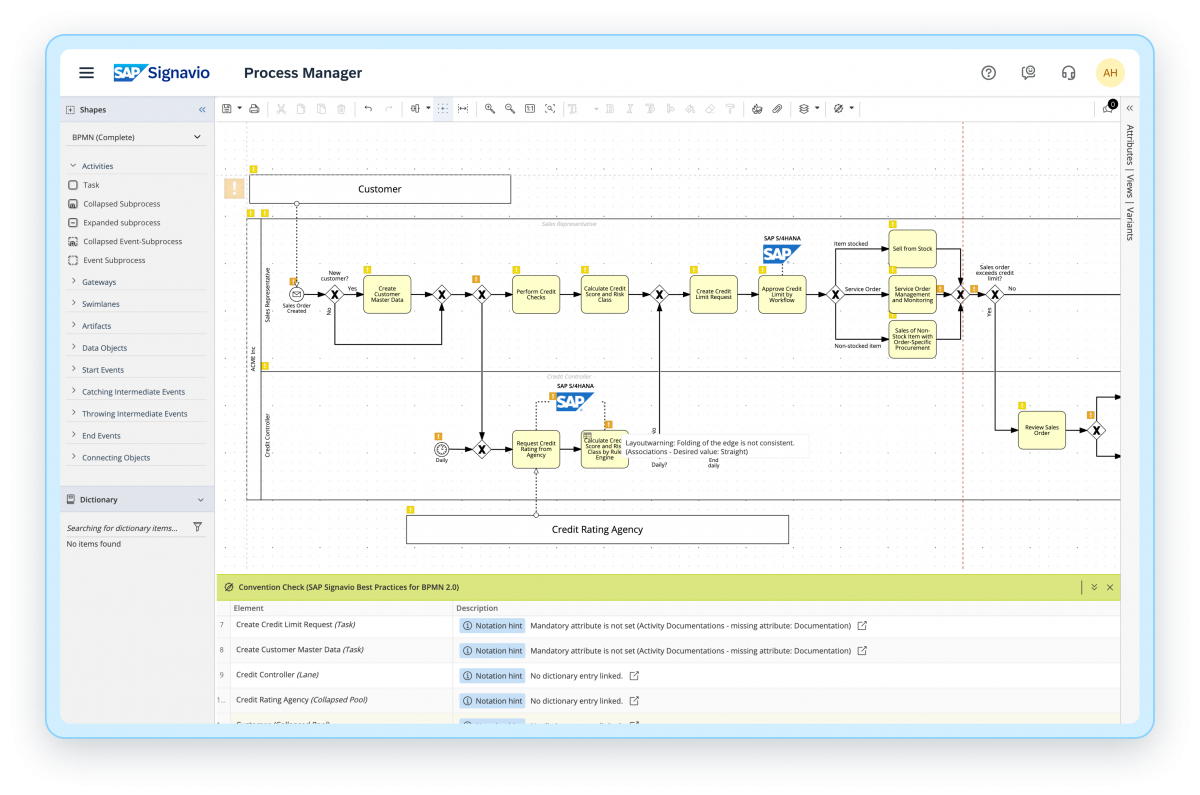
Screenshot of SAP Signavio Process InsightsScreenshot of SAP Signavio Process Intelligence - InvestigationScreenshot of SAP Signavio Process Intelligence - DashboardsScreenshot of SAP Signavio Journey Modeler - Journey Complexity ScoreScreenshot of SAP Signavio Process Explorer - Best practice and process knowledgeScreenshot of SAP Signavio Process Manager - Live Insights