Eramon vs. Lansweeper

Overview
ProductRatingMost Used ByProduct SummaryStarting Price
Eramon
Score 0.0 out of 10
N/A
Based on the unified Network Management System or Network Management Software approach, Eramon makes relevant processes easier, to drive improved availability as well as enhanced operational safety and security. Complex tasks, such as Fault Management, Configuration Management, Accounting Management, Performance Management and Security Management have been integrated on ERAMON’s platform and can be displayed transparently. This facilitates the work for the responsible IT…N/A
Lansweeper
Score 8.7 out of 10
N/A
Lansweeper helps organizations see, understand, and make confident decisions about their technology estate across IT, OT, IoT, and Cloud. Lansweeper automatically discovers and inventories every asset: hardware, software, and user—then connects that data to insights about usage, lifecycle, and risk. This is to create what the vendor describes as Technology Asset Intelligence (TAI): a trusted foundation of knowledge that turns raw inventory data into clear, actionable…
$239
per month (billed annually) Includes 2,000 assets
Pricing
EramonLansweeper
Editions & Modules
No answers on this topic
Starter
$239
per month (billed annually) Includes 2,000 assets
Pro
$439
per month (billed annually) Includes 2,000 assets
Enterprise
Contact Sales
Starts at 10,000 Assets
Offerings
Pricing Offerings
EramonLansweeper
Free Trial
YesYes
Free/Freemium Version
NoNo
Premium Consulting/Integration Services
NoNo
Entry-level Setup FeeNo setup feeNo setup fee
Additional Details
More Pricing Information
Community Pulse
EramonLansweeper
Considered Both Products
Eramon

No answer on this topic

Lansweeper
Chose Lansweeper
Lansweeper lacks in performance when it comes to their helpdesk compared to the others mentioned. However the ability to inventory devices is still superior
Chose Lansweeper
Lansweeper is the only one of the above that identifies all Addressable assets, not just PCs/Servers. That is the primary reason this tool stays in my budget. Not being able to see things like Printers, or APs, or switches is why those other tools miss the mark on this need.
Chose Lansweeper
Kace and Lansweeper have a similar ability to pull information from machines about hardware and software. They both do a great job of gathering data from equipment.
Chose Lansweeper
In short it has more features and its a more robust solution and it works well with those solutions. I am sure it will keep track with Ai and action recommendations in the future as I didnt see any of it on the platform (at least the one we use) I thin that is the only thing …
Chose Lansweeper
Microsoft System Center needs to install agents on all IT asset for discovery and sometimes the agents can easily get corrupted. Lansweeper is a SaaS solution and it's easier to deploy to all IT asset that are connected to the network. This save us a lot of deployment time …
Chose Lansweeper
Lansweeper is a more mature software. Its ability to scan hardware and software is more to the point and not so full of bad info or junk you don't need. The Helpdesk feature has better options and not locked down to what the creator wants you to see. But the Reporting and …
Chose Lansweeper
Though Lansweeper isn't designed as a live network management tool, it's intended as a static Networked Asset Inventory Manager. It does share many functions with other applications, and the reporting tool in Lansweeper is much easier to use and to customize (create your own …
Chose Lansweeper
Lansweeper is DRAMATICALLY cheaper than KACE and provides the same level of reporting and inventory of asset data. Where KACE outshines Lansweeper, is Lansweeper has a very minimal software deployment system that requires clients to have direct access to a common file share. …
Chose Lansweeper
Lots of solutions were not able to scan platforms outside of Windows and LS was able to at some point. Lansweeper was the most affordable solution at the time when we did our selection. Lots of solutions we're not user-friendly and had way too many menus and configurations and …
Chose Lansweeper
For the price Lansweeper easily moved to the top of our list. It is extremely easy to use and manage. The amount of detail it gathers on each asset automatically was amazing. Manually adding an asset is very simple as well. The fact that it will detect peripherals on machines …
Chose Lansweeper
The main competitor that are not isted on your TrustRadius is PDQInventory and PDQDeploy, and those two come as a package and they blow Lansweeper out of the water for both software deployment and hardware inventory. That being said, comparing it to the others I see listed: …
Chose Lansweeper
Track-It!'s inventory control costs a lot more than LANSweeper. We're happy with the cost and features of LANSweeper compared to Track-It! We do use Track-It! for our ticketing system now. It is robust, full-featured, and blows LANSweeper out of the water. But for …
Chose Lansweeper
Two very different products. Snow has agents, Lansweeper is agentless with massively different functionality. Lansweeper will be good for 150 to 200 user businesses, Snow is better for anything larger. Lansweeper has little software recognition beyond Microsoft. Snow has better …
Chose Lansweeper
  • Ability to create and run granular custom reports
  • Software management, pushing and removing software
  • Automatic scanning of new assets appearing on the network
Chose Lansweeper
Lansweeper is great for what it does at its price point. However, it has nothing on Labtech. I have been spoiled by the feature rich Labtech and its automation greatness. If you are on a budget and need a robust product that will get the job done. I would recommend Lansweeper.
Chose Lansweeper
It's so much easier to configure and maintain. We could never get BMC to work consistently where Lansweeper worked right out of the box.
Chose Lansweeper
SolarWinds Web Help Desk is very bare bones and just not a very intuitive interface. The ticketing system was just a pain to work with and setup took ages upon ages to set up. ManageEngine was a nice solution but it also took quite some time to configure properly. It really was …
Features
EramonLansweeper
IT Asset Management
Comparison of IT Asset Management features of Product A and Product B
Eramon
-
Ratings
Lansweeper
8.4
Ratings
7% above category average
Software and hardware inventory tracking00 Ratings9.60 Ratings
License management00 Ratings7.40 Ratings
Asset lifecycle monitoring00 Ratings8.40 Ratings
Asset relationship management00 Ratings8.00 Ratings
Best Alternatives
EramonLansweeper
Small Businesses

No answers on this topic

Atera
Atera
Score 8.5 out of 10
Medium-sized Companies
Cisco Meraki Dashboard
Score 9.0 out of 10
KACE Systems Management Appliance
Score 8.5 out of 10
Enterprises
Cisco Meraki Dashboard
Score 9.0 out of 10
KACE Systems Management Appliance
Score 8.5 out of 10
All AlternativesView all alternativesView all alternatives
User Ratings
EramonLansweeper
Likelihood to Recommend
-
(0 ratings)
9.0
(0 ratings)
Likelihood to Renew
-
(0 ratings)
10.0
(0 ratings)
Usability
-
(0 ratings)
9.0
(0 ratings)
Support Rating
-
(0 ratings)
9.9
(0 ratings)
User Testimonials
EramonLansweeper
Likelihood to Recommend
No answers on this topic
Because of its slowdown as we have acquired more equipment, I think LANSweeper may be better suited for smaller environments. We have 3000+ users and over 1500 devices on our WAN. It has shown considerable performance issues as we have grown. Maybe moving it to a full blown SQL instance will make things a bit better. But as it stands, it has gotten tiresome waiting for it to update and refresh.
Read full review
Pros
No answers on this topic
  • Lansweeper is grabbing lots of data from the machines without slowing the network and the client machines. We can easily get all the installed software data, hardware and linked hardware and all the user you can grab from the AD (computer and user).
  • Lansweeper can now scan Windows, Mac and Linux with an agent installed (or not if you want that the server is the one pulling the data).
  • The web interface is really friendly user and offers lots of possibilities to personalize your dashboard as you see fit.
  • Reports engine is really powerful and easy to monitor your machines and also your security issues.
Read full review
Cons
No answers on this topic
  • Their asset comments section is not indexable - if you leave a comment on certain assets you cant search for it - you have to open the asset properties and read the comment
  • The price could be lower
  • Sometimes you get false positives where drivers show as unlicensed software
Read full review
Likelihood to Renew
No answers on this topic
Superb tool
Read full review
Usability
No answers on this topic
The tool is a web gui, and is mostly easy to navigate, but certain areas are more unclear than others. Identifying what im filtering for, or what menu option has what impact can be less straightforward than I'd like. Overall though, this tool will provide me with information other tools in my box just don't.
Read full review
Support Rating
No answers on this topic
Lansweeper offers a variety of customer support options (including KBs for self-serve and get in touch with them via email), and most importantly, it's a matter of dialing within their allotted supporting time frames. However, I always make sure to provide the following information:
- Screenshots of the issue (if available).
- Program Files (x86)/Lansweeper/Service/Errorlog.txt, as present on your Lansweeper server.
- If it exists, the error log present in Program Files (x86)/Lansweeper/Website/App_Data.
Read full review
Alternatives Considered
No answers on this topic
Lansweeper is DRAMATICALLY cheaper than KACE and provides the same level of reporting and inventory of asset data. Where KACE outshines Lansweeper, is Lansweeper has a very minimal software deployment system that requires clients to have direct access to a common file share. KACE allows you to upload files directly into it's environment, and assets can download over HTTPS those files for installation anywhere. Spiceworks was a great inventory and helpdesk system for free - but the product I feel has gone stale and not nearly as powerful as it use to be - for that reason Lansweeper appears to have taken up the charge and utilized a lot of Spiceworks was going for
Read full review
Return on Investment
No answers on this topic
  • I would consider that ROI has been achieved - it wasn't expensive. However, Spiceworks could have done the same for free.
  • Too much manual intervention. Not strong beyond basic Microsoft products so we had to keep an eye on everything.
  • Great sniffer of hardware on the network including switches, routers, printers.
  • Lack of features that are essential for enterprise ITAM.
Read full review
ScreenShots

Eramon Screenshots

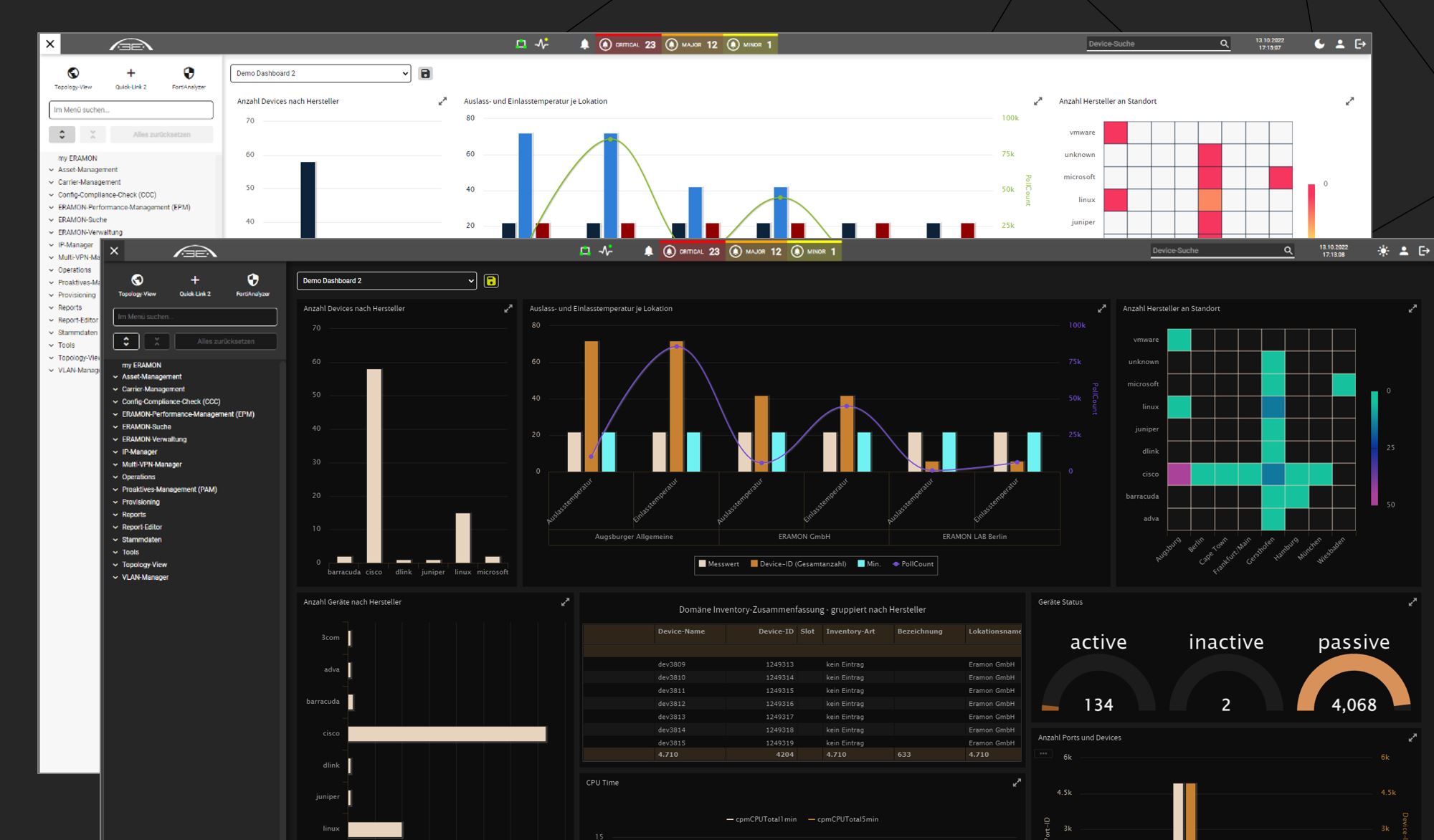
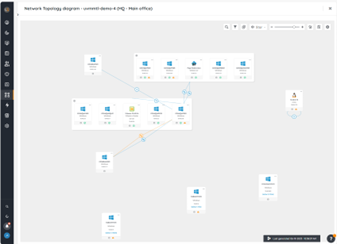
Screenshot of Individual Dashboards of self-service Analysis. Dark and Light mode.Screenshot of Automated Inventory Scan and Topology View with detailed drill-down and customizable quick action links.

Lansweeper Screenshots

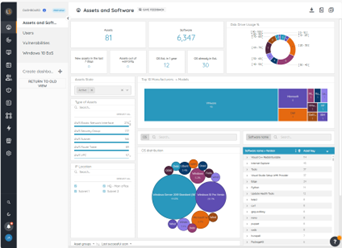
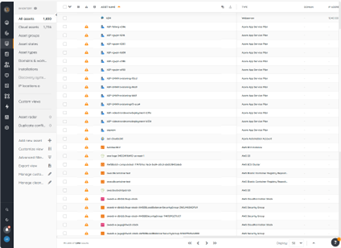
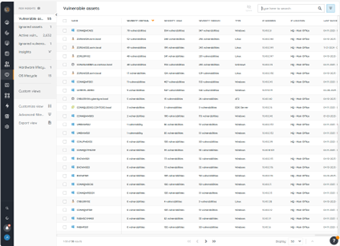
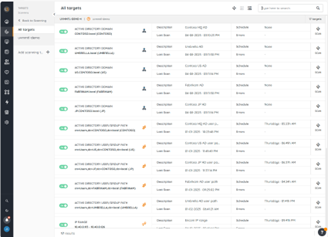
Screenshot of the Lansweeper BI Dashboard, where users can refine data using advanced filters, and stay informed with email alerts for key metrics, and dive deep into analytics with included exploration tools. Data can also be exported.Screenshot of the Inventory, which is the centralized hub for all discovered assets in an environment. Here, users can navigate through assets, perform actions like rescanning, editing, or deleting assets, and manage relationships between them. Default groups, sorting options, and tailored views can be used to locate and organize specific assets of interest.Screenshot of Lansweeper’s Risk insights for vulnerability data tied to assets. This helps to create visibility into assets with known vulnerabilities to assess severity levels and enhance triage and incident response efforts.Screenshot of Lansweeper’s diagrams, used to explore interconnected views of a network and virtual topologies, powered by inventory data within Lansweeper Site. The visual representations can be exported and shared to enhance cross-team understanding and collaboration.Screenshot of Lansweeper’s Scanning, which provides comprehensive infrastructure discovery. This can be used to discover every IT, OT, IoT, cloud, and mobile asset in an environment along with details that include hardware, software, users, and configuration.