
Chose Projector PSA
Projector had the most features that best aligned with our usage. We liked the scheduling and reporting features.

| Product | Rating | Most Used By | Product Summary | Starting Price |
|---|---|---|---|---|
 Forecast | Score8.3 out of 10 | N/A | Forecast.it is a project portfolio management solution built around features such as resource planning and time tracking, budget estimating, and analytics and reporting, with key third-party integrations. | $29 per seat (billed annually) |
 Projector PSA | Score1.1 out of 10 | N/A | Projector's cloud-based Professional Services Automation (PSA) software helps project-based services organizations track time and expenses, invoice clients, schedule resources, and manage projects. Its three modules span a more comprehensive set of uses than typical project management software. The Accounting module helps the user track time and expenses and manage invoices and billing. Also it syncs with the company's accounting systems as a sub-ledger. The Resource Scheduling module matches… | $15 per user |
| Forecast | Projector PSA | |||||||||||||||
|---|---|---|---|---|---|---|---|---|---|---|---|---|---|---|---|---|
| Editions & Modules |
|
| ||||||||||||||
| Offerings |
| |||||||||||||||
| Entry-level Setup Fee | Optional | No setup fee | ||||||||||||||
| Additional Details | — | — | ||||||||||||||
| More Pricing Information | ||||||||||||||||
| Forecast | Projector PSA | |
|---|---|---|
| Considered Both Products | No answer on this topic | Chose Projector PSA Projector had the most features that best aligned with our usage. We liked the scheduling and reporting features. |
| Key User Insights | ||
| Would buy again | ||
No answers on this topic | No answers on this topic | |
| Delivers good value for the price | ||
No answers on this topic | No answers on this topic | |
| Happy with the feature set | ||
No answers on this topic | No answers on this topic | |
| Lived up to sales and marketing promises | ||
No answers on this topic | No answers on this topic | |
| Implementation went as expected | ||
No answers on this topic | No answers on this topic | |
| Forecast | Projector PSA | ||||||||||||||||||||||||||||||||||||||||||||||
|---|---|---|---|---|---|---|---|---|---|---|---|---|---|---|---|---|---|---|---|---|---|---|---|---|---|---|---|---|---|---|---|---|---|---|---|---|---|---|---|---|---|---|---|---|---|---|---|
| Project Management |
| ||||||||||||||||||||||||||||||||||||||||||||||
| Professional Services Automation |
| ||||||||||||||||||||||||||||||||||||||||||||||
| Forecast | Projector PSA | |
|---|---|---|
| Small Businesses |  Autotask PSA Score7.7 out of 10 |  Any.do Score8 out of 10 |
| Medium-sized Companies |  Workday Professional Services Automation Score8.2 out of 10 |  KanbanFlow Score7.3 out of 10 |
| Enterprises |  Planview AdaptiveWork Score8.8 out of 10 |  Microsoft To Do Score7.9 out of 10 |
| All Alternatives | View all alternatives | View all alternatives |
| Forecast | Projector PSA | |
|---|---|---|
| Likelihood to Recommend | 1.0 | 7.0 |
| Likelihood to Renew | - | 10.0 |
| Usability | - | 6.4 |
| Availability | - | 10.0 |
| Support Rating | 10.0 | - |
| Implementation Rating | - | 8.2 |
| Product Scalability | - | 7.0 |
| Forecast | Projector PSA | |
|---|---|---|
| Likelihood to Recommend |
|
|
| Pros |
|
|
| Cons |
|
|
| Likelihood to Renew | No answers on this topic |
|
| Usability | No answers on this topic |
|
| Reliability and Availability | No answers on this topic |
|
| Support Rating |
| No answers on this topic |
| Alternatives Considered |
|
|
| Return on Investment |
|
|
| ScreenShots | Forecast Screenshots  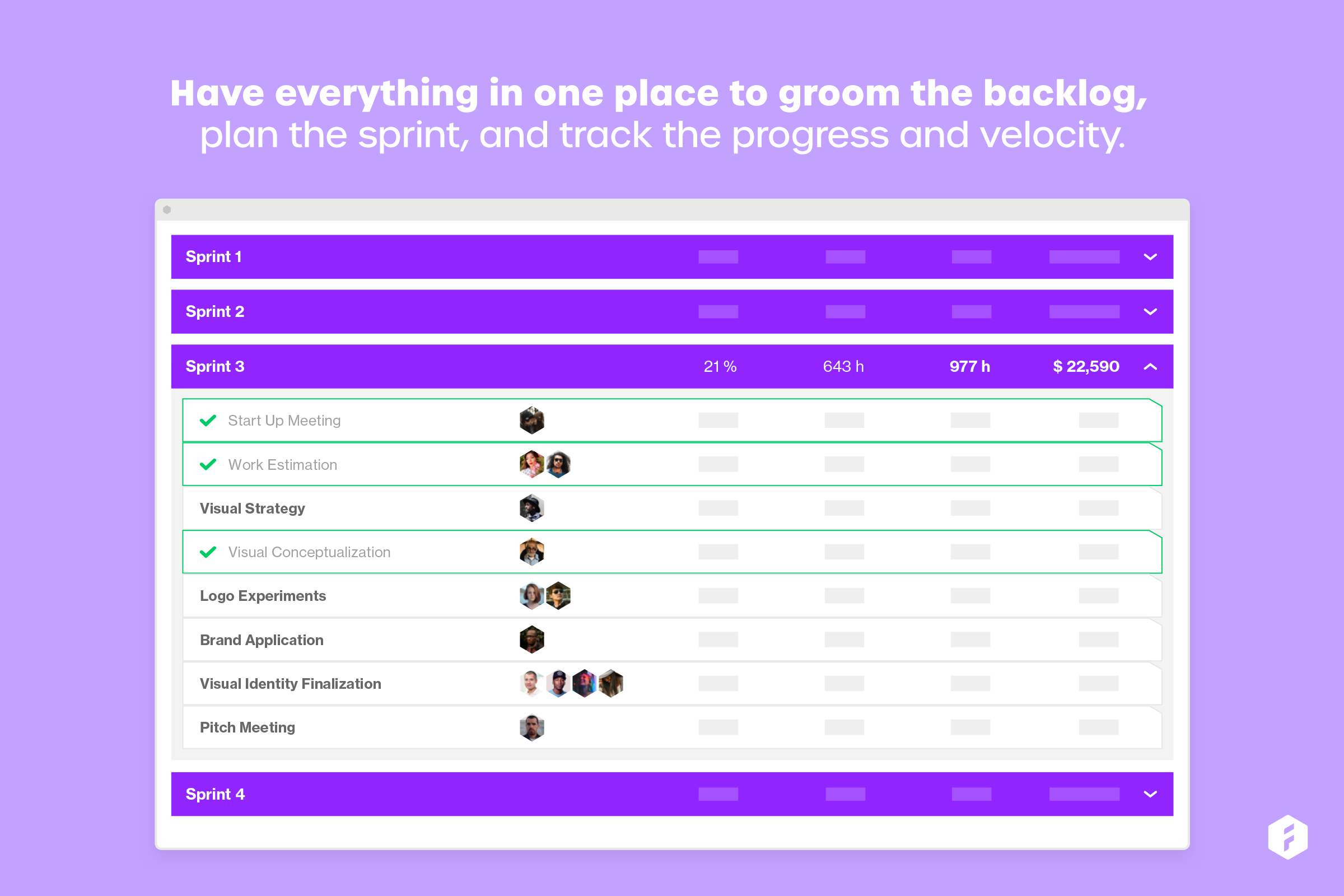    | Projector PSA Screenshots |


