TrustRadius: an HG Insights company

Save this comparison

Save this comparison

Add Product

Recommended Comparisons

    Overview
    ProductRatingMost Used ByProduct SummaryStarting Price

    Foxit eSign

    Score7.6 out of 10
    N/AeSign Genie in Cupertino offers their electronic signature application supporting digital document signing with reusable templates, contract drafting with esignature workflow, embedded online forms, and other features.

    $120

    per year per user

    S-Docs

    Score8 out of 10
    Small Businesses (1-50 employees)
    S-Docs headquartered in New York offers what they present as a secure document generator and E-signature solution built on the Salesforce Platform. It aims to help users to create and e-sign sophisticated documents that improve efficiency, reduce errors and eliminate tedious work.

    $25

    per month per user

    Pricing
    Foxit eSignS-Docs
    Editions & Modules
    eSign Essentials
    $120
    per year per user
    eSign Business
    $300
    per year per user
    Foxit eSign Enterprise
    Contact Sales
    S-Docs for Salesforce
    $25
    per month (billed annually) per user
    Offerings
    Pricing Offerings
    Foxit eSignS-Docs
    Free Trial
    YesYes
    Free/Freemium Version
    NoYes
    Premium Consulting/Integration Services
    NoNo
    Entry-level Setup FeeNo setup feeOptional
    Additional Details—S-Docs for Salesforce is priced by seat. Organizations that are interested in the enterprise edition - including per-document pricing and Experience Cloud plans, can reach out to sales. S-Docs for HubSpot is priced by usage. S-Docs for HubSpot Team Edition comes with 500 documents and 250 e-Signature requests per year. S-Docs for HubSpot Professional Edition comes with 2,500 documents and 800 e-Signature requests per year. Nonprofit discounts are available.
    More Pricing Information
    Community Pulse
    Foxit eSignS-Docs
    Considered Both Products
    Foxit Software
    No answer on this topic
    S-Docs Inc.
    No answer on this topic
    Key User Insights
    Would buy again
    98%
    Would buy again
    53 Answers
    No answers on this topic
    Delivers good value for the price
    100%
    Delivers good value for the price
    53 Answers
    No answers on this topic
    Happy with the feature set
    100%
    Happy with the feature set
    54 Answers
    No answers on this topic
    Lived up to sales and marketing promises
    100%
    Lived up to sales and marketing promises
    52 Answers
    No answers on this topic
    Implementation went as expected
    96%
    Implementation went as expected
    51 Answers
    No answers on this topic
    Best Alternatives
    Foxit eSignS-Docs
    Small Businesses
    BoldSign, by Syncfusion
    Score10 out of 10
    Formstack for Salesforce
    Score7.1 out of 10
    Medium-sized Companies
    OneSpan Sign
    Score9.6 out of 10
    Formstack for Salesforce
    Score7.1 out of 10
    Enterprises
    DocuSign
    Score8.7 out of 10
    Conga Composer
    Score7.9 out of 10
    All AlternativesView all alternativesView all alternatives
    User Ratings
    Foxit eSignS-Docs
    Likelihood to Recommend
    9.0
    (55 ratings)
    9.0
    (1 ratings)
    Likelihood to Renew
    9.1
    (2 ratings)
    -
    (0 ratings)
    Usability
    9.1
    (1 ratings)
    -
    (0 ratings)
    Support Rating
    9.1
    (4 ratings)
    -
    (0 ratings)
    Implementation Rating
    9.1
    (1 ratings)
    -
    (0 ratings)
    Vendor post-sale
    8.2
    (1 ratings)
    -
    (0 ratings)
    Vendor pre-sale
    7.3
    (1 ratings)
    -
    (0 ratings)
    User Testimonials
    Foxit eSignS-Docs
    Likelihood to Recommend
    Foxit Software
    eSign Genie has completely streamlined our tedious document process and helps us to easily manage our documents from signature to delivery and even with ongoing storage. This enhancement saves us time, money, and headaches and has been a true lifesaver for our organization and for our customers. I highly recommend it!
    Incentivized
    Read full review
    S-Docs Inc.
    S-Docs would be great for anyone looking to make the process of getting signatures more seamless and less time intensive. You can get a signature in minutes no matter where the signee is located. No more having to worry about printing, scanning, and emailing over important and time-sensitive documents.
    Incentivized
    Read full review
    Pros
    Foxit Software
    • The learning curve is faster compared to the last software we used.
    • It is easier to set up the templates and email messages so that the text boxes line up seamlessly.
    • It is quicker to send agreements and to follow up if they are not returned in the allotted timeframe.
    • Making changes to the documents is fast and easy.
    Read full review
    S-Docs Inc.
    • onboarding
    • approval of marketing spend
    • approval of travel expenses
    Incentivized
    Read full review
    Cons
    Foxit Software
    • I have no complaints about this software whatsoever. I started using Echosign years ago until Adobe bought them out and tripled the price and cut features. Then, I went to Docusign that was not very user friendly and the customer support is NON-EXISTENT. eSign Genie is wonderful!
    Read full review
    S-Docs Inc.
    No answers on this topic
    Likelihood to Renew
    Foxit Software
    The tool is inexpensive and good value. We don't need a ton of eSign capabilities and this one provides what we need for a low cost given our low volume.
    Incentivized
    Read full review
    S-Docs Inc.
    No answers on this topic
    Usability
    Foxit Software
    Super simple - needs almost no instructions to setup and use
    Read full review
    S-Docs Inc.
    No answers on this topic
    Support Rating
    Foxit Software
    eSign Genie has live chat support virtually twenty-four hours a day, seven days a week. They also have phone and email support as well. On the few occasions that I have had to contact support, they were very helpful, knowledgeable, and friendly. It's been a pleasure working with the folks at eSign Genie.
    Incentivized
    Read full review
    S-Docs Inc.
    No answers on this topic
    Implementation Rating
    Foxit Software
    There is no implementation at all. You just sign up, upload your documents, set up the fields to complete, and you are done!
    Read full review
    S-Docs Inc.
    No answers on this topic
    Alternatives Considered
    Foxit Software
    Adobe Sign, despite coming from one of the best known brands in software, is the most frustrating and poorly-supported platform I've ever used. HelloSign and PandaDoc are good platforms - although the cost a bit more than eSignGenie, they are ahead on some features (not all)... depending on your exact use case, I'd consider them. However, for my simple use case, eSigngenie is the clear winner!
    Incentivized
    Read full review
    S-Docs Inc.
    just as easy to use as dousign. Since I do not make the purchasing decisions, I am not sure how these prices compare to each other
    Incentivized
    Read full review
    Return on Investment
    Foxit Software
    • eSign Genie was the most affordable option of all vendors which helped us to stay within our project budget.
    • We were able to purchase a relatively small number of document folders which was more appropriate to our needs than say DocuSign which required something like 1,000 documents minimum.
    • The ease of use of eSign Genie helps us to implement new research studies without having to expend a lot of person hours to set things up.
    Incentivized
    Read full review
    S-Docs Inc.
    • increased efficiency
    • increased security
    Incentivized
    Read full review
    ScreenShots

    S-Docs Screenshots

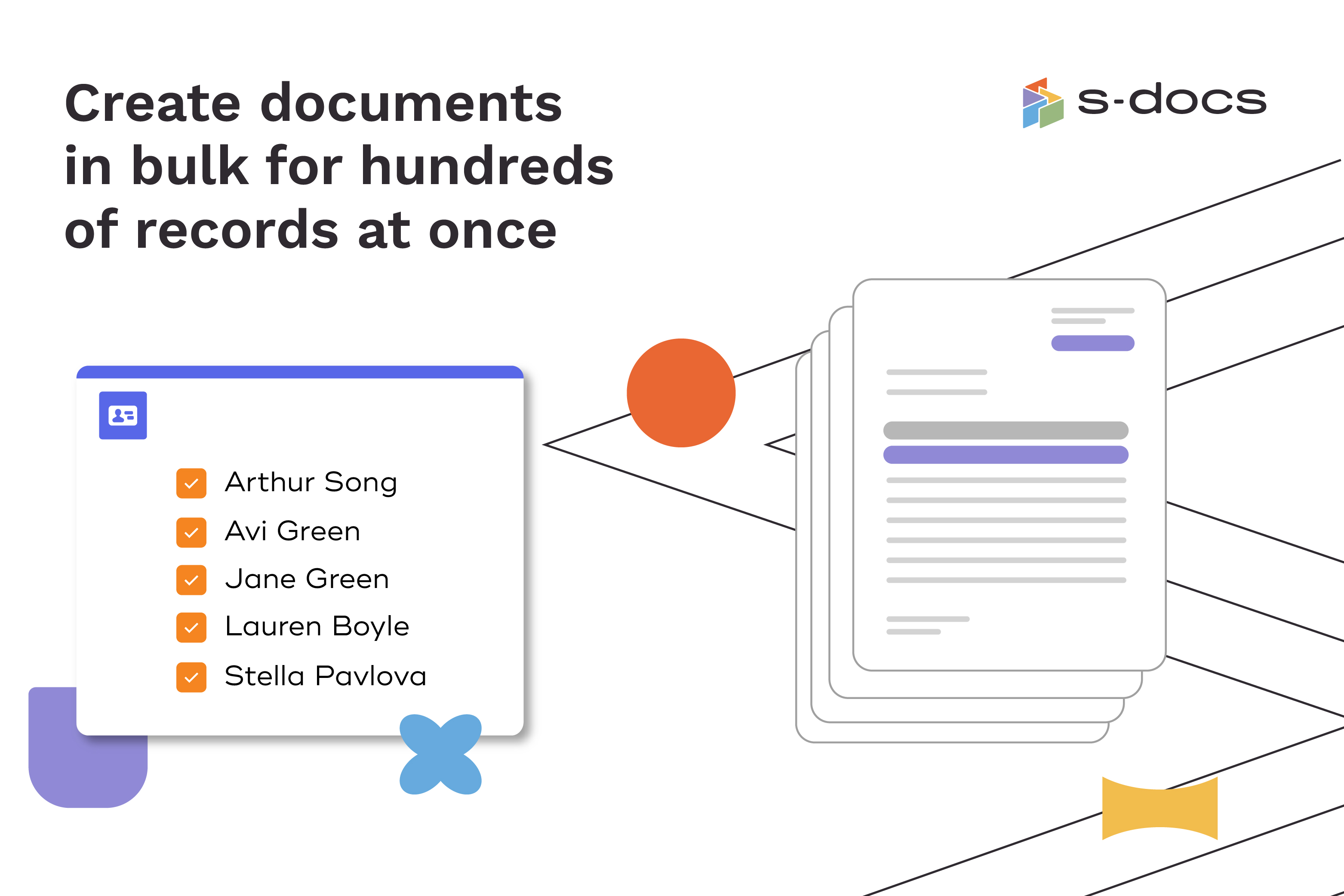
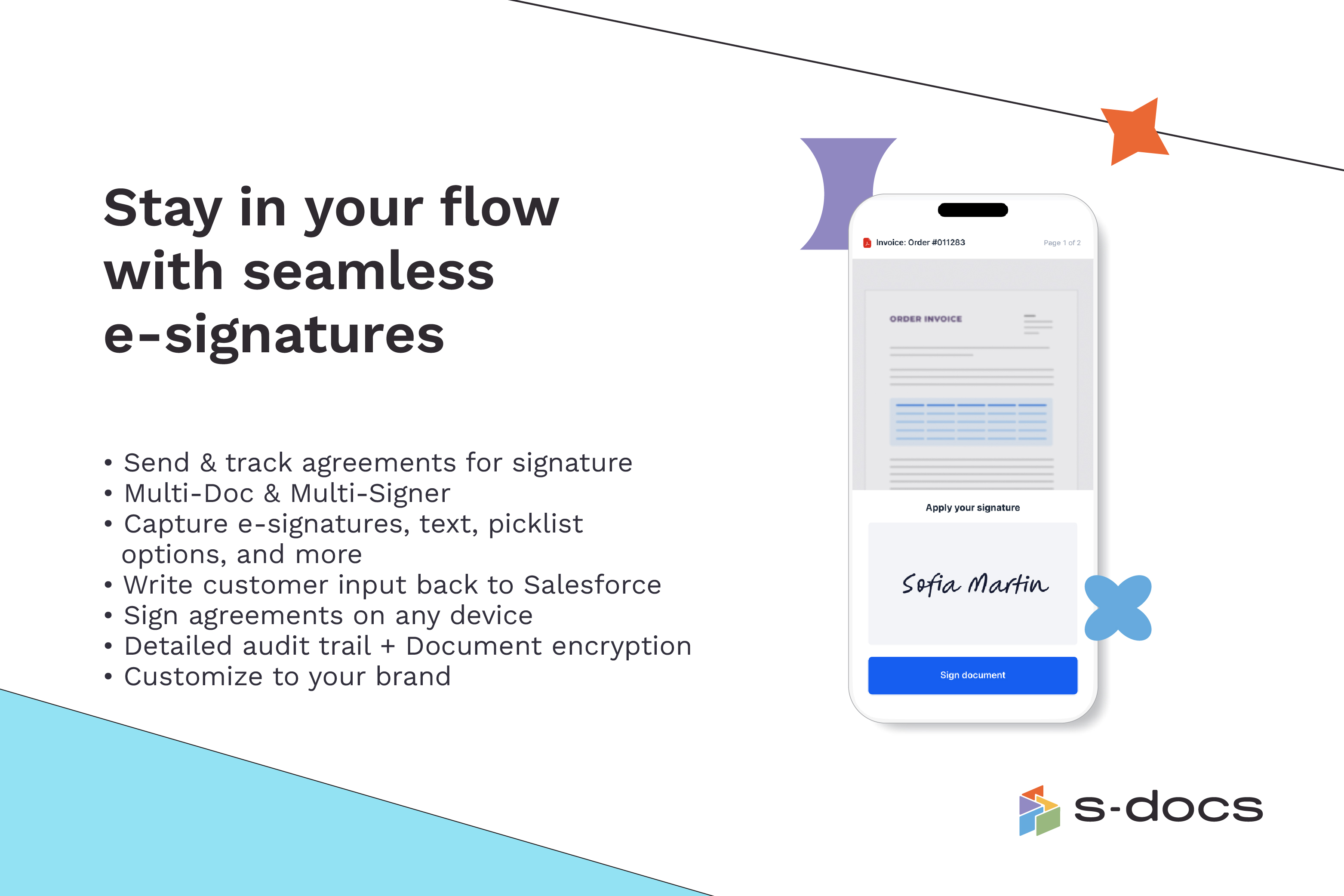
    Screenshot of how to create business documents in flexible formatsScreenshot of how to create documents via clicks or automaticallyScreenshot of how to generate documents in bulk for hundreds of records at onceScreenshot of how to edit generated documents without downloading external programsScreenshot of how to request secure e-Signatures via email or in personScreenshot of how to create templates with the drag-and-drop interface