FreshBooks vs. AutoEntry by Sage

Overview
ProductRatingMost Used ByProduct SummaryStarting Price
FreshBooks
Score 9.0 out of 10
Small Businesses (1-50 employees)
FreshBooks is an accounting service for small businesses. The solution enables users to send and manage invoices, track billable time and collect online payments. The vendor’s value proposition this that their solution provides a straightforward service that simplifies the billing process.
$21
per month
AutoEntry by Sage
Score 7.0 out of 10
N/A
AutoEntry is an automated data entry solution for accounts and bookkeepers, from Sage since the late 2019 acquisition. AutoEntry can be trained to remember formats and documents and sync captured invoices to matching open purchase orders.
$12
per month
Pricing
FreshBooksAutoEntry by Sage
Editions & Modules
Lite
$21
per month
Plus
$38
per month
Premium
$65
per month
Select
Custom Pricing
Bronze
$12
per month 50 credits
Silver
$23
per month 100 credits
Gold
$44
per month 200 credits
Platinum
$98
per month 500 credits
Diamond
$285
per month 1500 credits
Sapphire
$450
per month 2500 credits
Offerings
Pricing Offerings
FreshBooksAutoEntry by Sage
Free Trial
YesYes
Free/Freemium Version
YesNo
Premium Consulting/Integration Services
NoNo
Entry-level Setup FeeNo setup feeNo setup fee
Additional Details10% discount for annual pricing.
More Pricing Information
Community Pulse
FreshBooksAutoEntry by Sage
Features
FreshBooksAutoEntry by Sage
Customization
Comparison of Customization features of Product A and Product B
FreshBooks
9.1
35 Ratings
18% above category average
AutoEntry by Sage
-
Ratings
API for custom integration9.330 Ratings00 Ratings
Plug-ins9.026 Ratings00 Ratings
Security
Comparison of Security features of Product A and Product B
FreshBooks
10.0
41 Ratings
20% above category average
AutoEntry by Sage
-
Ratings
Single sign-on capability10.01 Ratings00 Ratings
Role-based user permissions10.041 Ratings00 Ratings
Reporting & Analytics
Comparison of Reporting & Analytics features of Product A and Product B
FreshBooks
7.5
57 Ratings
4% below category average
AutoEntry by Sage
-
Ratings
Dashboards9.057 Ratings00 Ratings
Standard reports8.855 Ratings00 Ratings
Custom reports4.82 Ratings00 Ratings
General Ledger and Configurable Accounting
Comparison of General Ledger and Configurable Accounting features of Product A and Product B
FreshBooks
7.5
56 Ratings
2% below category average
AutoEntry by Sage
-
Ratings
Accounts payable8.041 Ratings00 Ratings
Accounts receivable9.455 Ratings00 Ratings
Cash management7.03 Ratings00 Ratings
Bank reconciliation7.02 Ratings00 Ratings
Expense management6.651 Ratings00 Ratings
Time tracking7.642 Ratings00 Ratings
Multi-currency support7.01 Ratings00 Ratings
Regulations compliance6.021 Ratings00 Ratings
Self-service portal9.13 Ratings00 Ratings
Order Management
Comparison of Order Management features of Product A and Product B
FreshBooks
9.5
49 Ratings
24% above category average
AutoEntry by Sage
-
Ratings
Pricing8.839 Ratings00 Ratings
Order entry9.337 Ratings00 Ratings
Credit card processing9.741 Ratings00 Ratings
Cost of goods sold10.01 Ratings00 Ratings
Expense Management
Comparison of Expense Management features of Product A and Product B
FreshBooks
-
Ratings
AutoEntry by Sage
7.7
1 Ratings
7% below category average
Employee Expense Reporting00 Ratings8.21 Ratings
Corporate Card Reconciliation00 Ratings7.31 Ratings
Payment Management
Comparison of Payment Management features of Product A and Product B
FreshBooks
-
Ratings
AutoEntry by Sage
9.1
2 Ratings
13% above category average
Financial Document Management00 Ratings9.11 Ratings
Duplicate Bill Detection00 Ratings9.12 Ratings
Advanced OCR00 Ratings9.12 Ratings
Best Alternatives
FreshBooksAutoEntry by Sage
Small Businesses
QuickBooks Self-Employed (discontinued)
Score 5.9 out of 10
Dext
Dext
Score 9.6 out of 10
Medium-sized Companies
Zoho Books
Zoho Books
Score 9.1 out of 10
BILL Spend & Expense
Score 8.8 out of 10
Enterprises
Oracle Fusion Cloud Enterprise Performance Management
Score 7.5 out of 10
Emburse Chrome River
Score 7.6 out of 10
All AlternativesView all alternativesView all alternatives
User Ratings
FreshBooksAutoEntry by Sage
Likelihood to Recommend
8.2
(75 ratings)
9.1
(2 ratings)
Likelihood to Renew
7.6
(18 ratings)
-
(0 ratings)
Usability
9.6
(20 ratings)
9.1
(1 ratings)
Availability
10.0
(2 ratings)
-
(0 ratings)
Performance
8.0
(1 ratings)
-
(0 ratings)
Support Rating
6.0
(11 ratings)
-
(0 ratings)
Implementation Rating
10.0
(1 ratings)
-
(0 ratings)
User Testimonials
FreshBooksAutoEntry by Sage
Likelihood to Recommend
FreshBooks
I recommend FreshBooks to anyone running a service-based business that needs invoicing, time reporting, and accounting tools. FB is adept in all three of these scenarios and isn't overly complicated like similar accounting packages I have used. I love how I can write estimates and proposals, manage the business development process from the software, and quickly convert prospects to invoiced clients.
Read full review
Sage
If the client still insists on sending an actual bank statement it is extremely easy to convert the statement using AutoEntry by Sage
Read full review
Pros
FreshBooks
  • Invoicing - FreshBooks basically ensures our accountants spend less time on invoices via its automated invoicing system, which sends invoices to our customers and clients alike and also send them regular reminders for them to pay up their bills.
  • Collecting business insights - FreshBooks enable our company analysts measure our business performances via data reports provided by FreshBooks' intuitive dashboard. Allowing us do a comparative analysis of key business metrics of a current month against past months and determine if the business is growing.
  • Expense tracker - We have recently embraced FreshBooks as an expense tracker for teams at our company branch. Thusfar, FreshBooks has performed very well, making our expense management a perfect operation; ensuring teams do not exceed their planned budget and also eliminating the need for tracking expenses on excel spreadsheets.
Read full review
Sage
  • Accurately convert paper to data
  • Reconciles Supplier Statements
  • Empowers both me and the clients
Read full review
Cons
FreshBooks
  • I can brand invoices with my business logo, but I might like to change colours of the invoices themselves to match the rest of my business documents. That isn't a major point at all, but it's something that I'd like to see.
  • Freshbooks doesn't remember the categories that similar expenses were previously assigned to. It would be nice if Freshbooks would suggest a category for an already saved vendor, to ensure the consistency of expense reporting.
  • The home page of a Freshbooks account has a great graph display of expenses and income, but it only shows the last 6 months. This is still very useful, but I'd like to be able to see this kind of graph for different periods of time.
Read full review
Sage
  • Would love it to have bank match
Read full review
Likelihood to Renew
FreshBooks
At the current needs of our business, FreshBooks suits us perfectly - it allows online access by our accountant to the system for GST purposes, easy input of expenses and tracking of Profit and Loss statements. FreshBooks customer service is great as well - very understanding and accommodating.
Read full review
Sage
No answers on this topic
Usability
FreshBooks
FreshBooks is very easy to use even for novices. If you're looking for an online accounting software that is full of features, has great aesthetics and is user-friendly, then this is definitely the software for you. I've been using it for several years now and despite being tempted to switch by other vendors, I like the feel of FreshBooks and it's mobile features.
Read full review
Sage
I love how user friendly it is
Read full review
Reliability and Availability
FreshBooks
FreshBooks is easy to use and always works!
Read full review
Sage
No answers on this topic
Support Rating
FreshBooks
I think the support level for FreshBooks is on par with a 6 because the folks behind this application do a fairly good job at providing support for their customer base. I still don't think they are at an elite level when it comes to supporting but are getting there although too slow in my opinion.
Read full review
Sage
No answers on this topic
Implementation Rating
FreshBooks
I haven't changed my mind since my first evaluation. Freshbooks is still meeting my needs, easy to use, etc.
Read full review
Sage
No answers on this topic
Alternatives Considered
FreshBooks
FreshBooks does very well in comparison, especially since it is free software for Barclays bank users. Sage software is much worse than FreshBooks. However, Xero and QuickBooks, the market leaders, are still ahead with usability, additional features, reporting, and connection with third-party software providers. We chose FreshBooks as it does everything we require from this type of software.
Read full review
Sage
AutoEntry by Sage has supplier statement reconciliation and alot less cost effective
Read full review
Return on Investment
FreshBooks
  • In reality, we do not implement all of its use at the moment in order to determine an adequate ROI.
  • In our approach to the use of the system, it seems to us a considerable time saving by achieving the integration of the Mexican subsidiary with its parent located in the US.
  • Financial reports meet the necessary USGAAP requirements.
Read full review
Sage
  • I wouldnt be able to offer services to clients all over the uk without it
Read full review
ScreenShots

FreshBooks Screenshots

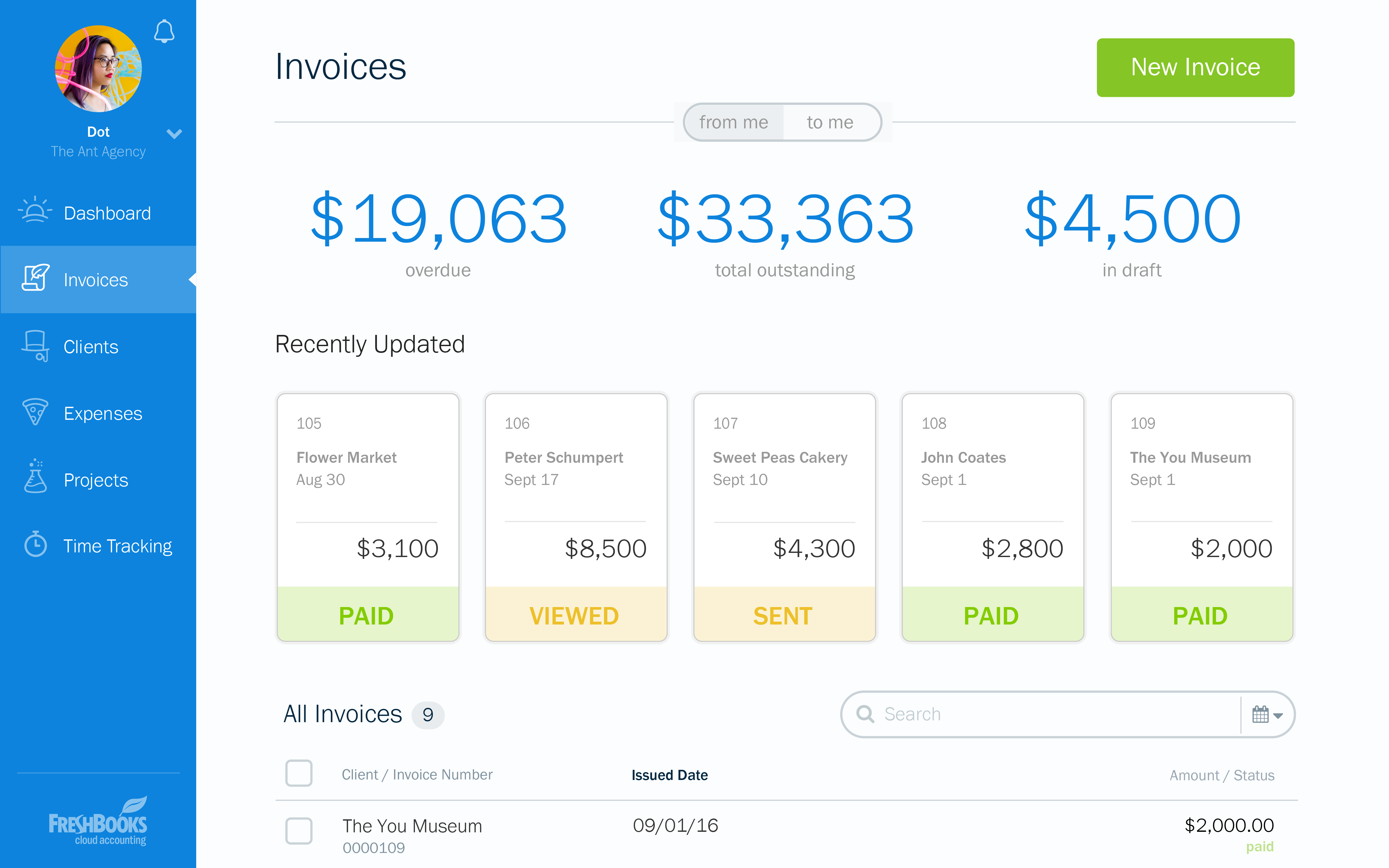
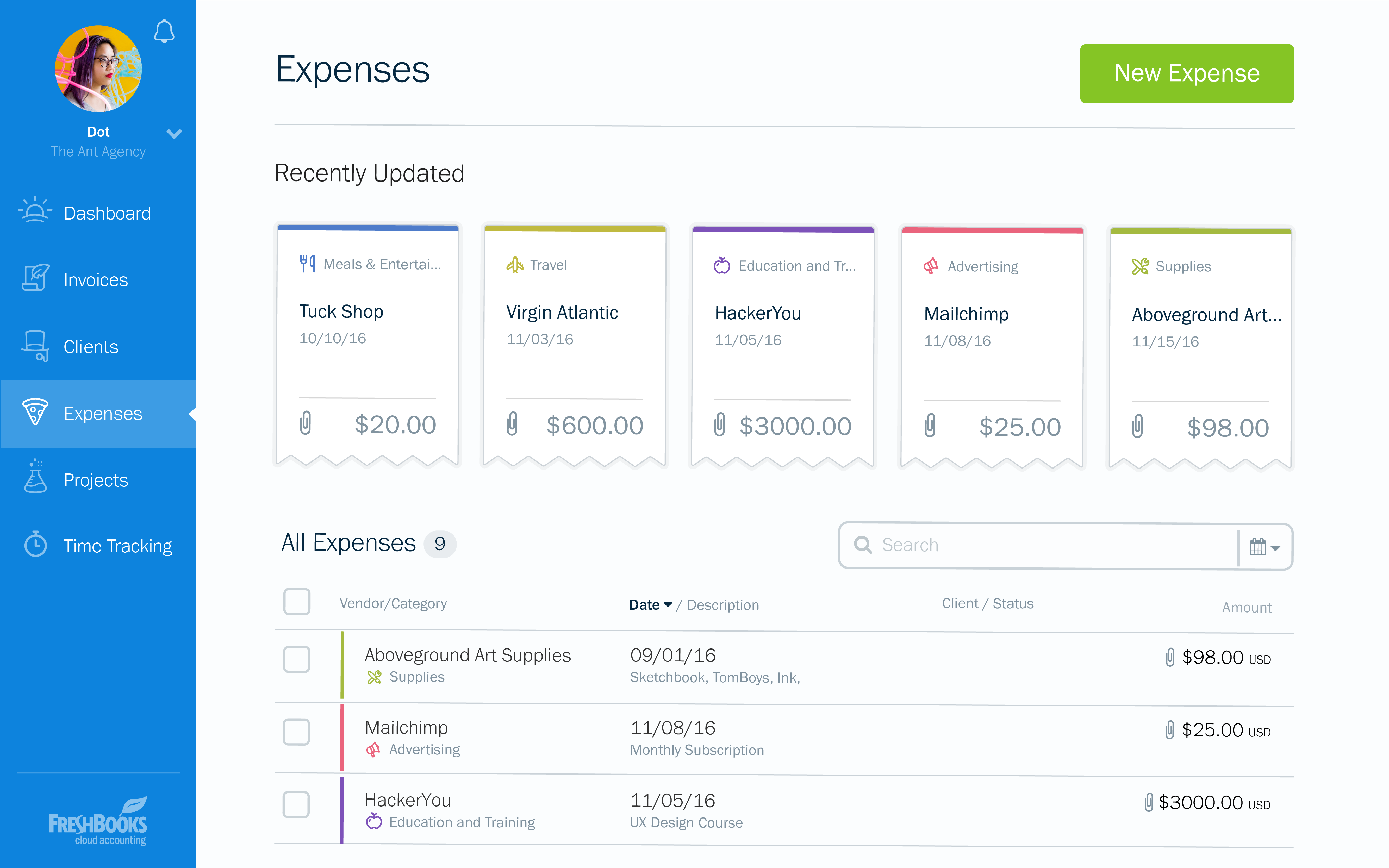
Screenshot of the dashboardScreenshot of an invoice overviewScreenshot of an example of a customizable invoiceScreenshot of an invoice appearing across devicesScreenshot of expensesScreenshot of time tracking