Google Business Profile (formerly Google My Business) is a free tool that allows users to promote a Business Profile and business website on Google Search and Maps. With an account, users can see and connect with customers, post updates to the Business Profile, and see how customers are interacting with a business on Google.
N/A
Moz Local
Score8.9 out of 10
N/A
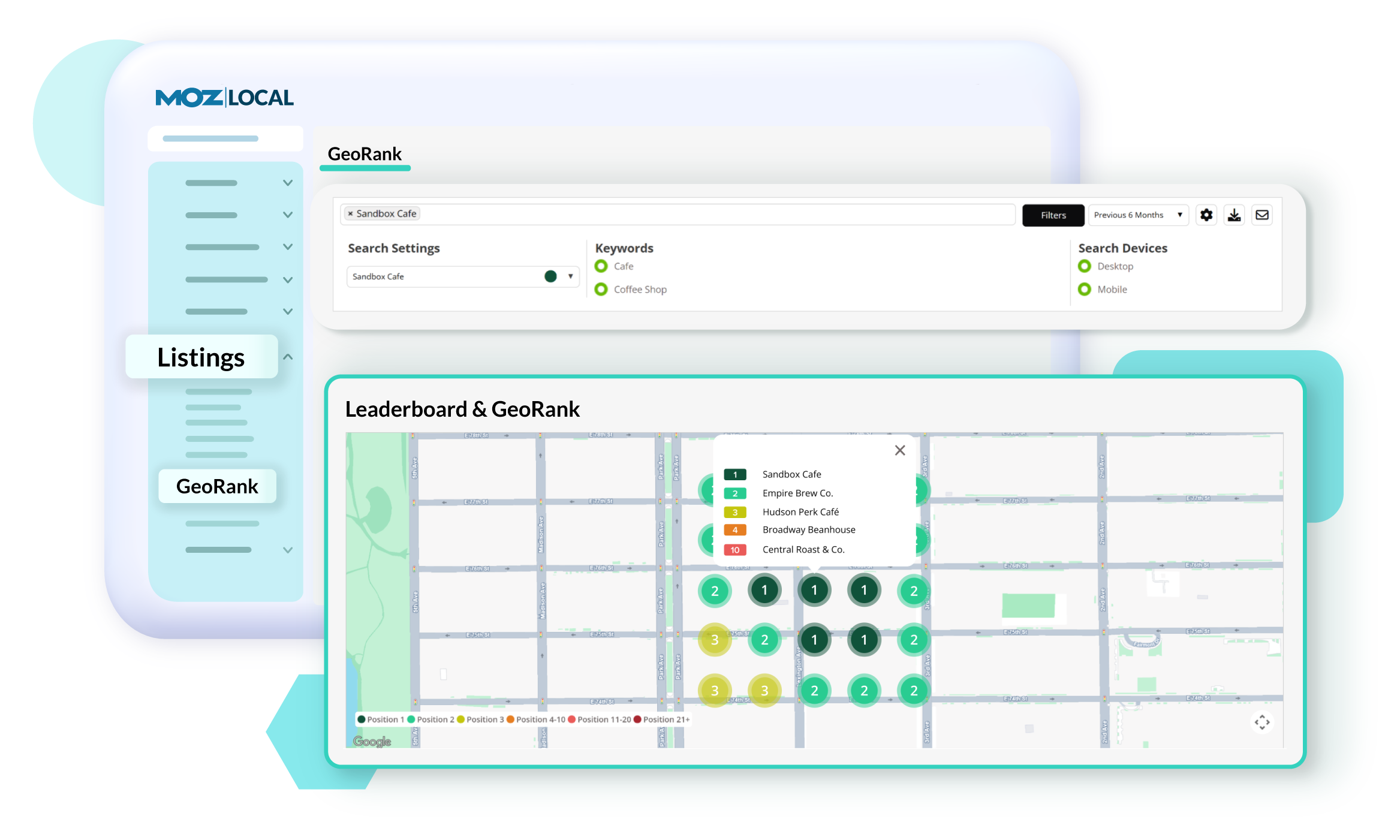
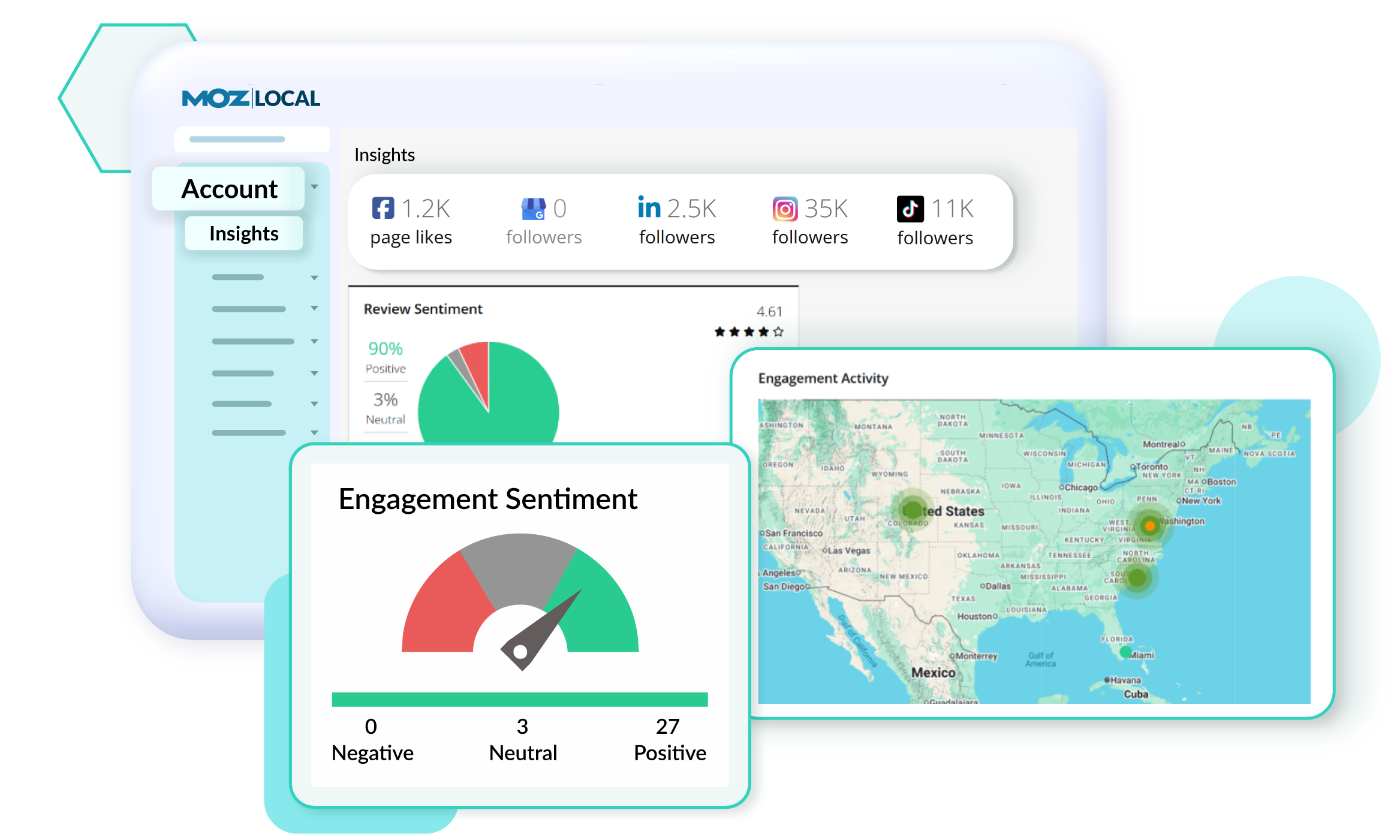
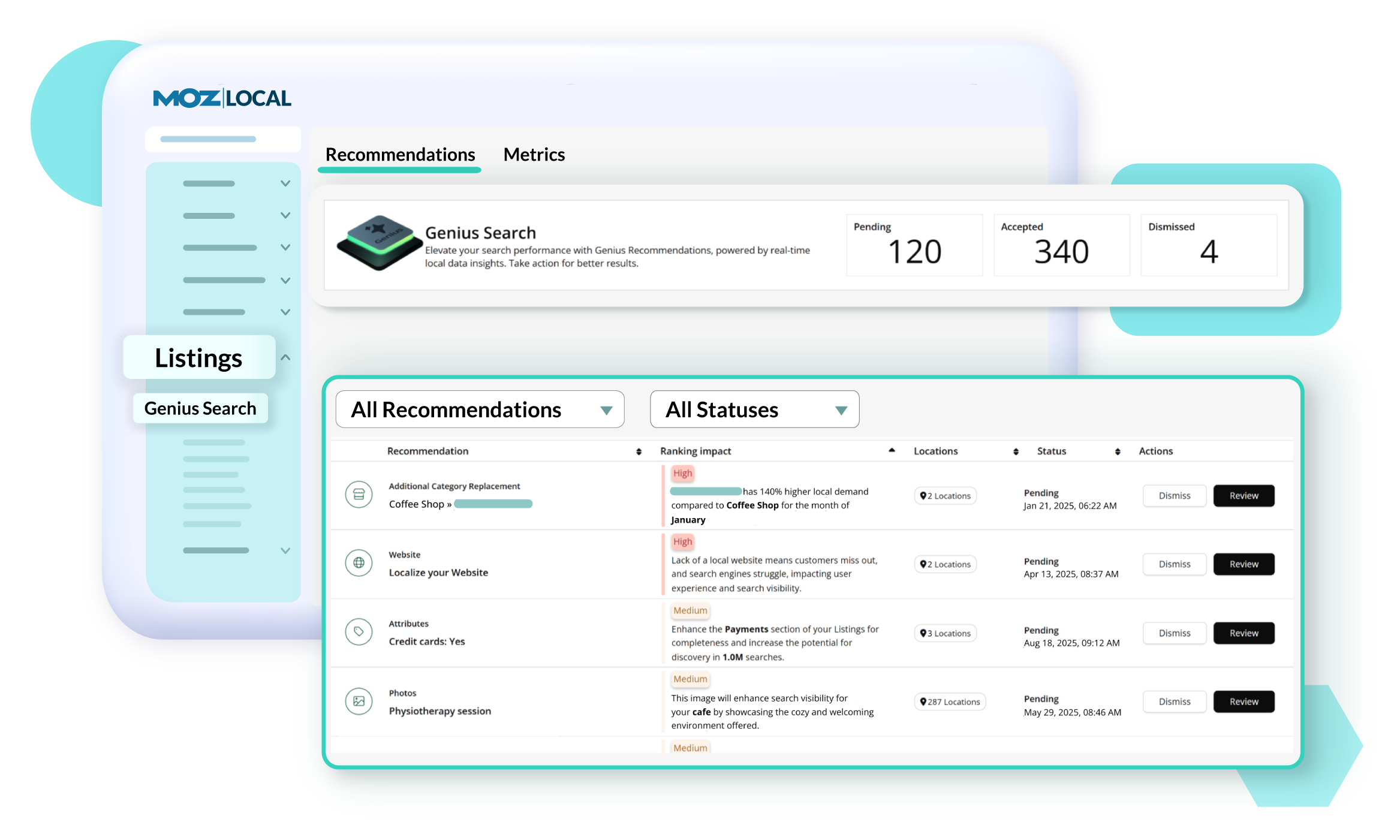
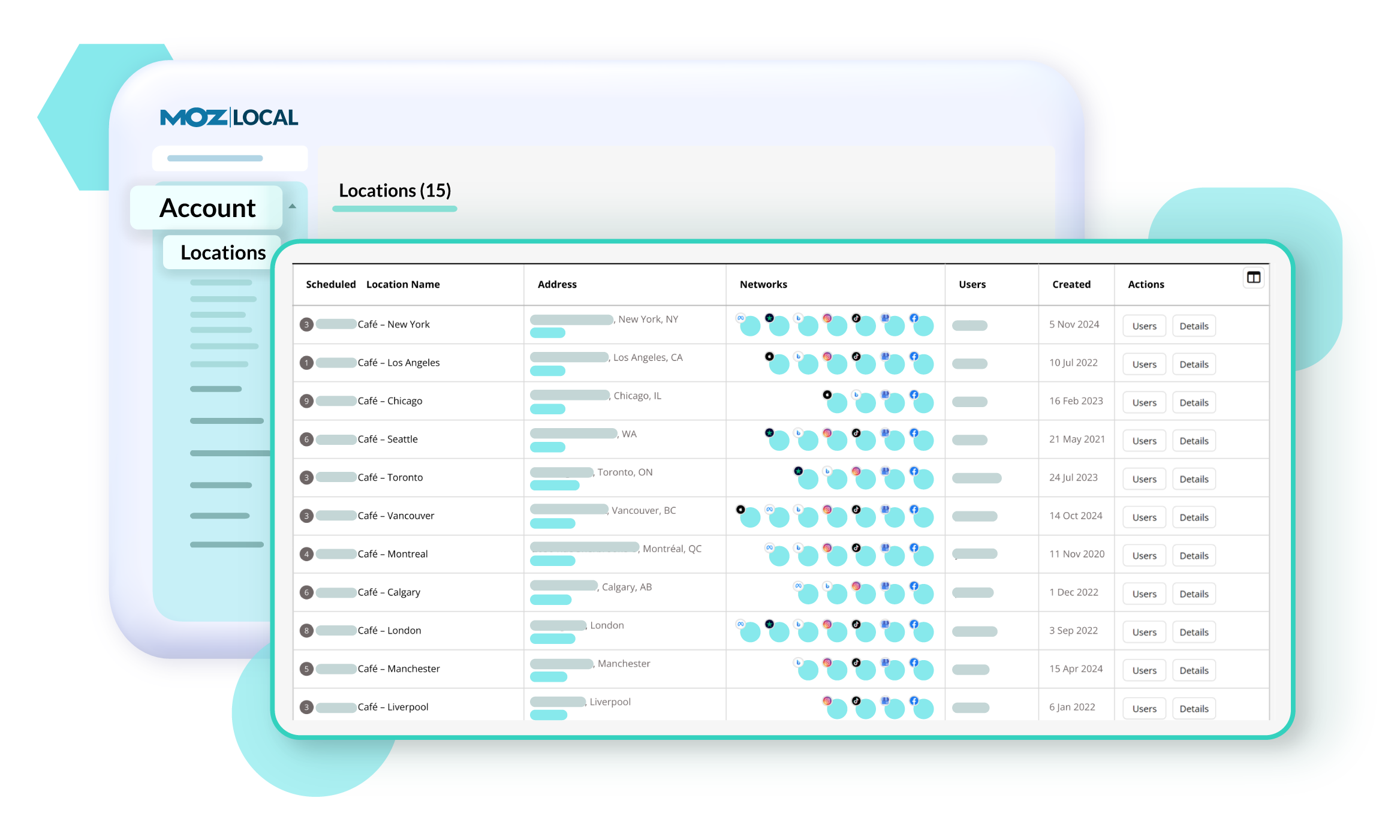
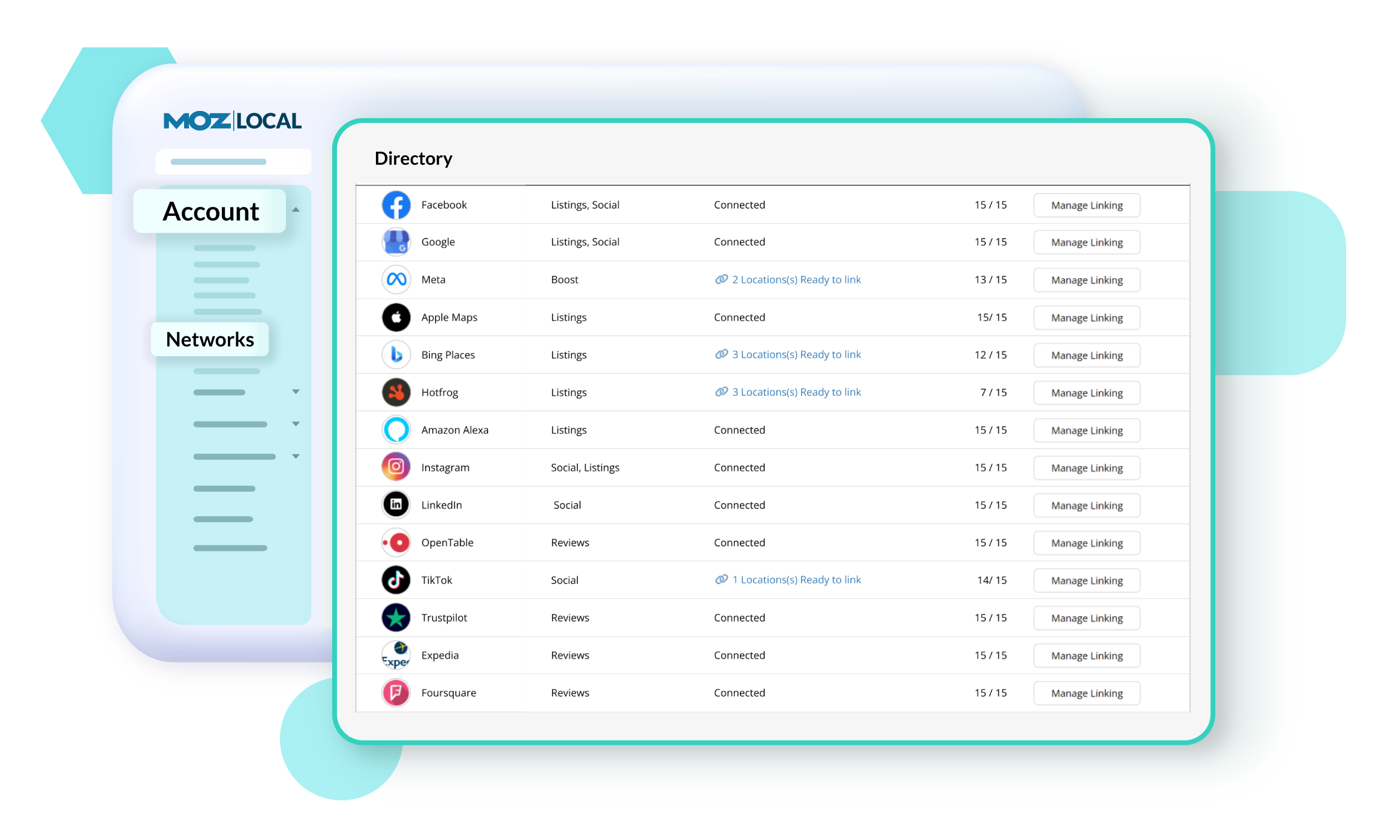
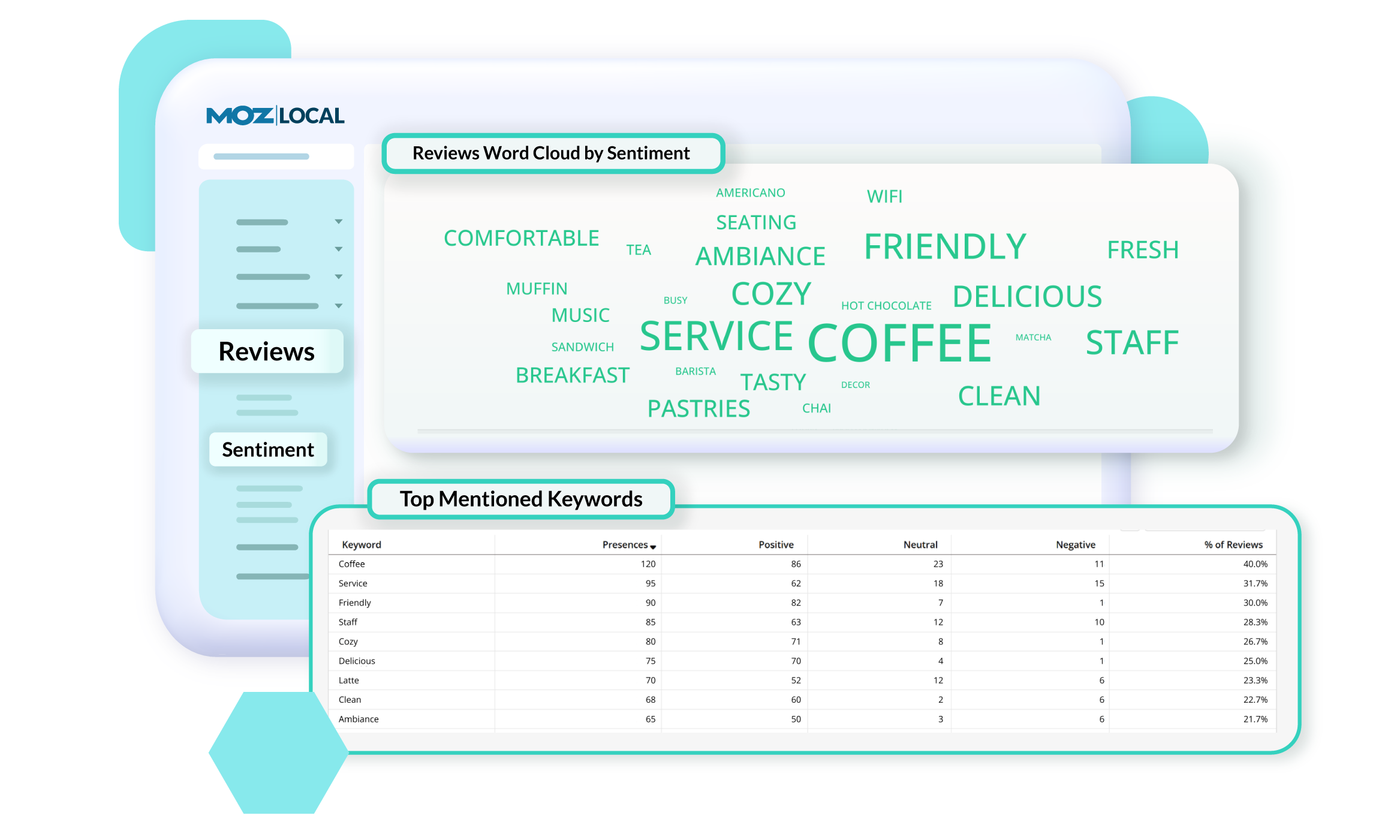
Moz Local is a Listing Management & Distribution software solution that enables users to actively manage location data to optimize local search performance. The solution also enables users to respond to reviews and analyze review sentiment on the most popular sites without having to visit them individually, delete duplicate listings, and engage with consumers to share news, offers, and updates across Google, Facebook and other directories.
$20
per month
Pricing
Google Business Profile
Moz Local
Editions & Modules
No answers on this topic
Lite
$20
per month
Preferred
$30
per month
Elite
$40
per month
Offerings
Pricing Offerings
Google Business Profile
Moz Local
Free Trial
No
No
Free/Freemium Version
No
No
Premium Consulting/Integration Services
No
No
Entry-level Setup Fee
No setup fee
No setup fee
Additional Details
—
Discounts are available for annual billing. Add-ons like Reviews AI and Listings AI are available on certain plans. A discount of up to 20% is available for annual billing.
A de minimis incentive was given to thank the reviewer for their time. The incentive was not used to bias or drive a particular response, nor was the incentive contingent on a positive endorsement. More Info
Verified User
Chose Google Business Profile
Google is free and easy to use. If you have the time and are willing to put in the work yourself, it is a better solution than paying top dollar for an automated tool.
A de minimis incentive was given to thank the reviewer for their time. The incentive was not used to bias or drive a particular response, nor was the incentive contingent on a positive endorsement. More Info
The great advantage of Google My Business is that any business that complies with the privacy and authentication policy requirements can access all the functionality tools that help promote the business website through the referral system, exchange of opinions with other users and search engine optimization (SEO).
A de minimis incentive was given to thank the reviewer for their time. The incentive was not used to bias or drive a particular response, nor was the incentive contingent on a positive endorsement. More Info
Moz Local is a great alternative as well as a compliment to Yext. The service has a smaller network but is just as powerful. The dashboard is super easy to load your location information into and allows the product to do the work by distributing the data across platforms. Issues are easily identifiable and can easily be corrected. Depending on your service level package, you also can have access to reviews and be able to monitor those as you see fit. I would strongly recommend this service to anyone who has a local business they are looking to get seen across the web. For a larger business, I'd consider a larger company with a bigger network.
A de minimis incentive was given to thank the reviewer for their time. The incentive was not used to bias or drive a particular response, nor was the incentive contingent on a positive endorsement. More Info
Google My Business offers us an alert system in our work email, where we receive notifications when there is a new comment or review of our company. This alert system helps us to be aware of each of the opinions written by each client who has received our services, in order to be able to respond to each of them in record time.
Google My Business gives me a complete visualization of the clicks, location of the searches of my company and the visits that my business file has received. This visualization allows me to control access and measure the traffic that my business listing is generating in conjunction with the Google Maps service.
The update of my company file is done in real time and immediately. I don't have to wait several minutes for my company file to update. When I make a change to my company information, the changes are shown immediately to all clients who consult that business card.
A de minimis incentive was given to thank the reviewer for their time. The incentive was not used to bias or drive a particular response, nor was the incentive contingent on a positive endorsement. More Info
A de minimis incentive was given to thank the reviewer for their time. The incentive was not used to bias or drive a particular response, nor was the incentive contingent on a positive endorsement. More Info
A de minimis incentive was given to thank the reviewer for their time. The incentive was not used to bias or drive a particular response, nor was the incentive contingent on a positive endorsement. More Info
A de minimis incentive was given to thank the reviewer for their time. The incentive was not used to bias or drive a particular response, nor was the incentive contingent on a positive endorsement. More Info
I gave the Google Business Profile's overall usability an 8 because it doesn't update the directions automatically when you put in an address if a business moves. You also have to go in and manually move the pin. This isn't always easy to do. It would be much easier if the pin updated automatically.
A de minimis incentive was given to thank the reviewer for their time. The incentive was not used to bias or drive a particular response, nor was the incentive contingent on a positive endorsement. More Info
Whether it is technical or customer support, Google My Business excels and suffers in the exact same ways that all other branches of Google do. While you'll eventually figure out the issue, the sheer magnitude of the company comes with expected hurdles, wait times, and support you'd come to expect from other large companies.
A de minimis incentive was given to thank the reviewer for their time. The incentive was not used to bias or drive a particular response, nor was the incentive contingent on a positive endorsement. More Info
Google is the most powerful SERP and has much more robust features than Bing Places. Users also statistically trust Google more than Bing and it provides much more authority in the search space. The good news is that Bing Places can be synched with Google My Business which is great and convenient for business owners. It's just another alternative for businesses and I highly recommend that all businesses have an account with both Bing Places and Google My Business for optimal performance.
A de minimis incentive was given to thank the reviewer for their time. The incentive was not used to bias or drive a particular response, nor was the incentive contingent on a positive endorsement. More Info
A de minimis incentive was given to thank the reviewer for their time. The incentive was not used to bias or drive a particular response, nor was the incentive contingent on a positive endorsement. More Info
I don't have any numerical metrics but, we have seen an influx in customers purchasing our hot hands ever since we listed them on Google Business Profile about a year and a month ago. We have since sold over 400 units since listing them as an available item.
A de minimis incentive was given to thank the reviewer for their time. The incentive was not used to bias or drive a particular response, nor was the incentive contingent on a positive endorsement. More Info
A de minimis incentive was given to thank the reviewer for their time. The incentive was not used to bias or drive a particular response, nor was the incentive contingent on a positive endorsement. More Info