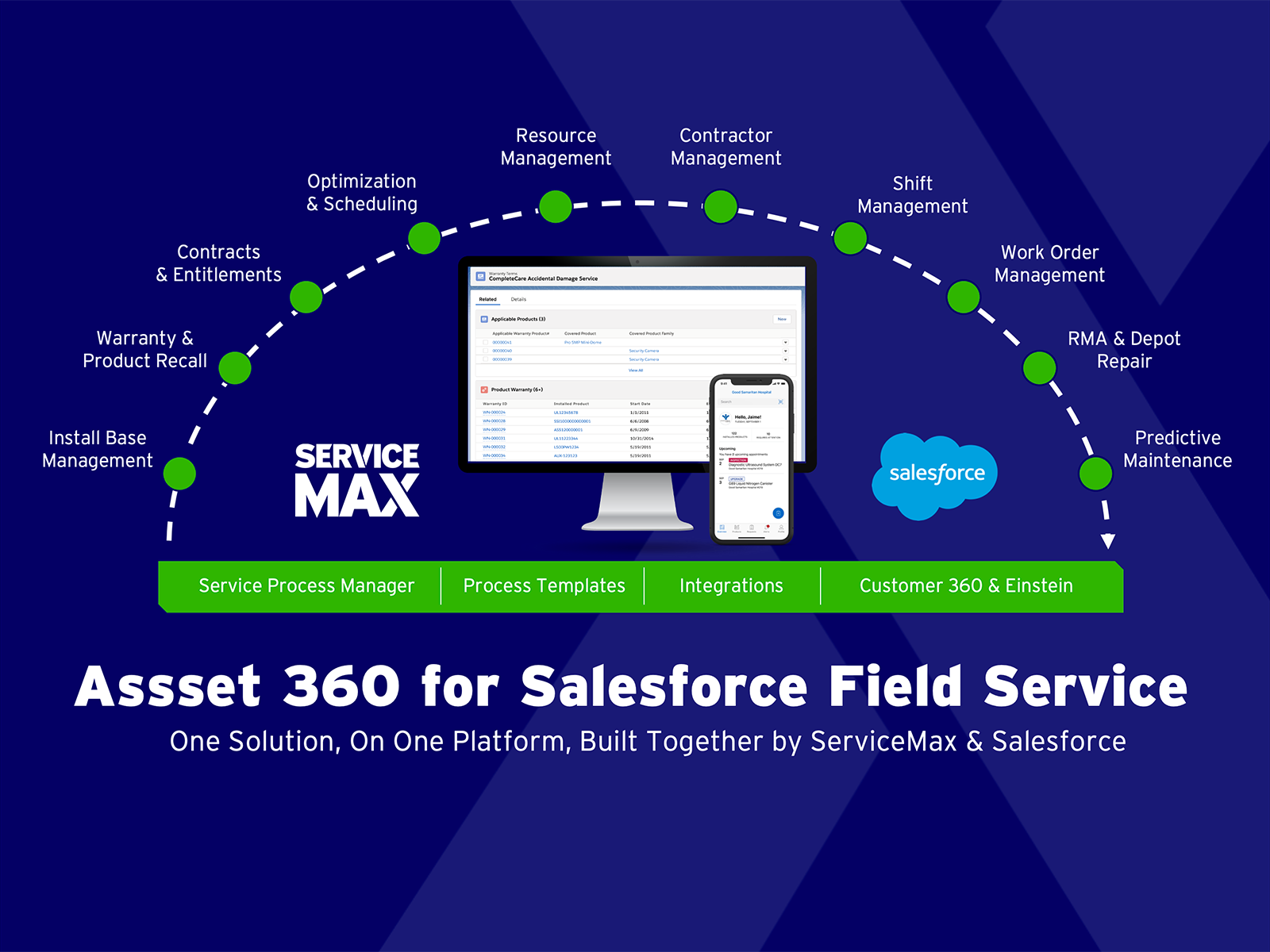
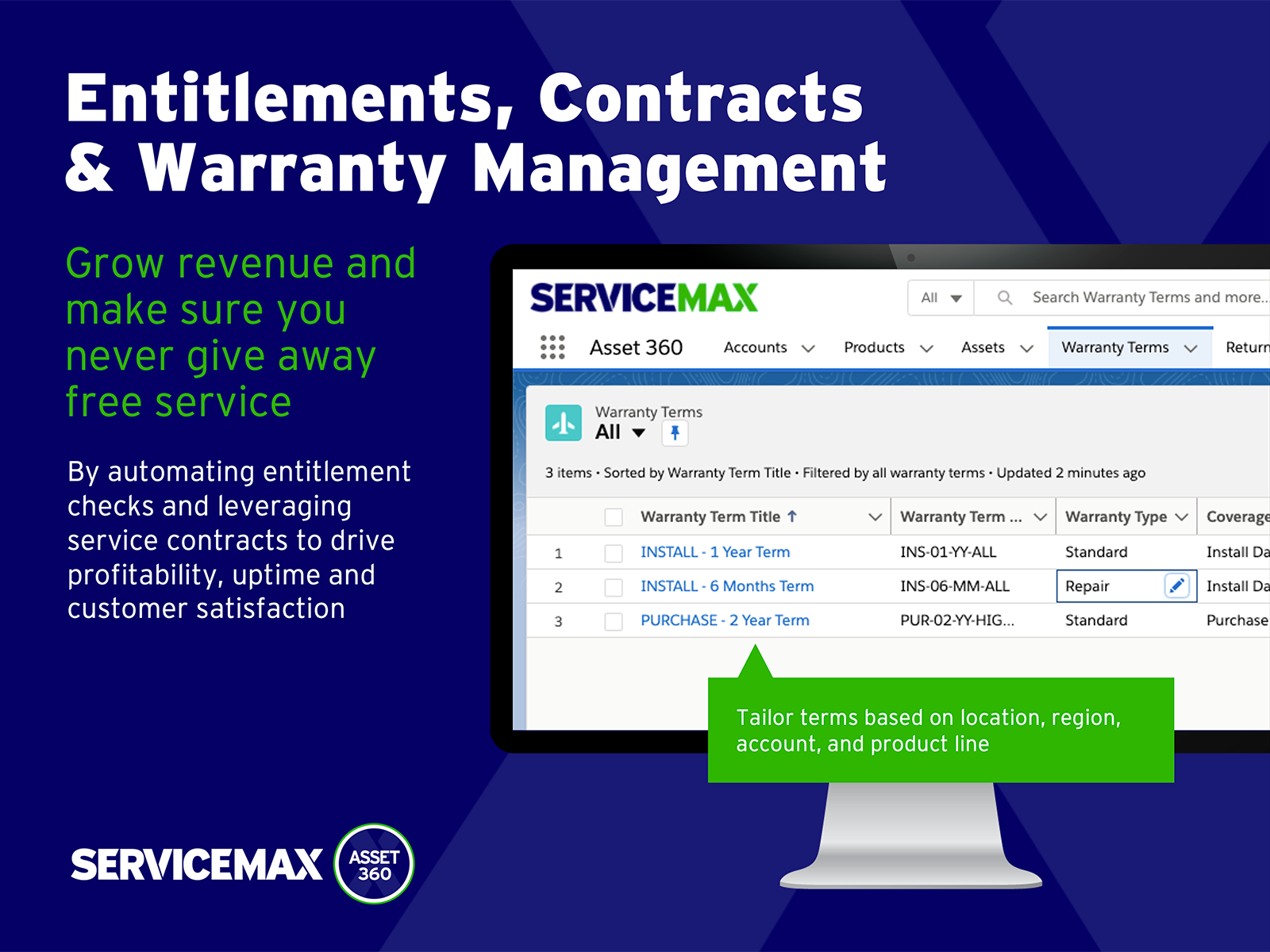
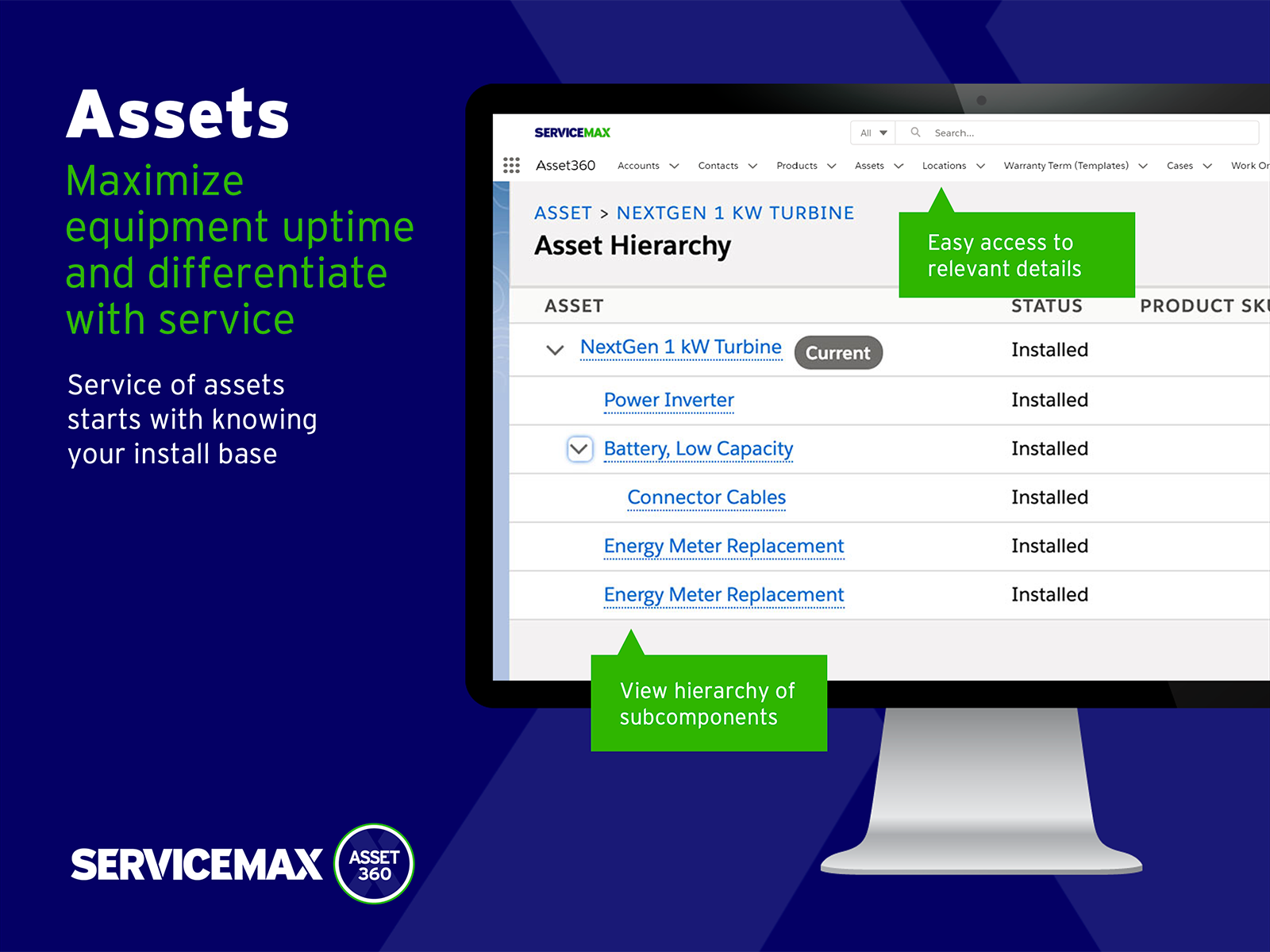
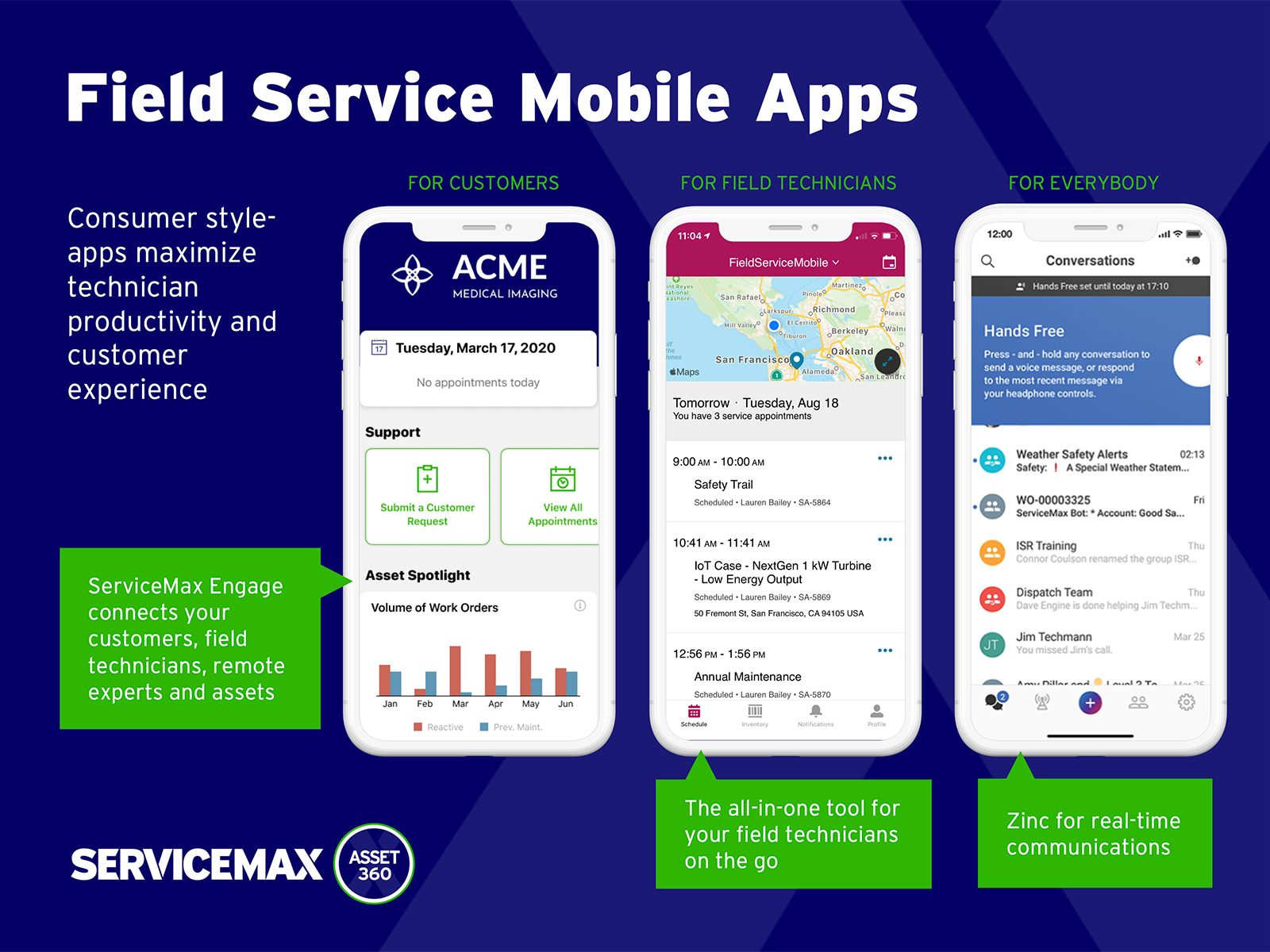
ServiceMax’s mission is to help customers with asset-centric field service management software. ServiceMax’s mobile apps and cloud-based software provide an overview of assets to field service teams. By optimizing field service operations, customers across all industries can better manage the complexities of service, support faster growth and run more profitable, outcome-centric businesses.
$100
per month
Pricing
Google Classroom
ServiceMax
Editions & Modules
Education Fundamentals
$0
per license/per month
Google Workspace for Education Standard
$3
per student/per year
Teaching and Learning Upgrade
$4
per license/per month
Google Workspace for Education Plus
$5
per student/per year
Subscription
$100.00
per month
Offerings
Pricing Offerings
Google Classroom
ServiceMax
Free Trial
Yes
Yes
Free/Freemium Version
No
Yes
Premium Consulting/Integration Services
No
Yes
Entry-level Setup Fee
No setup fee
Required
Additional Details
Education Fundamentals Version - 30-day free trial for qualifying institutions.
—
More Pricing Information
Community Pulse
Google Classroom
ServiceMax
Features
Google Classroom
ServiceMax
Learning Management
Comparison of Learning Management features of Product A and Product B
Google Classroom allows teachers to post for daily lessons and assignments. It also allows teachers to be able to communicate with students easily outside of class. Students are able to stay connected and know where to find all information and resources easily in a streamlined manner for all of their classes.
Small deployments, where you have some specific need for ServiceMax and absolutely need offline capabilities, and are willing to deal with the problems. Otherwise, you may be better off looking at the built-in Work Orders and field service module that Salesforce is now providing. Their app is direct competition for ServiceMax and integrates much better with cases and knowledge articles.
Student-teacher communication - I love using Classroom for this because my students can always go back and check what was on Classroom by looking through the stream. This way they don't have to go dig through emails to find what they're looking for.
Posting to multiple classes - I can post the same announcement or assignment to multiple classes at once without having to repeat the process or send separate emails.
Streamlining grading - when students turn work in on Classroom, it all goes to one place and then when I'm grading I can open their documents directly from Classroom or my Drive folder. This way, I'm not looking through emails and Google Doc shared files for their assignment.
Testing is particularly important in online learning, and Google Classroom falls far short of other learning management systems in this regard. Security is also a concern: while account control is reasonable for the account used with Google Classroom, the person controlling a particular account is often able to, for example, forward or download proprietary materials.
Simple design and seamless integration with Google tools and drive, but missing some key features. However, since it is limited in overall functions and ability to truly personalize / customize, it is quite user friendly and easy to set up and get going, other than sending out the code to your course or dropping students in via their gmail account. Users of Google Forms and sites will find the layout similar in design.
Since this platform is provided by Google, the technical support is better than any others, and we are not required to bother about the space constraints for adding the contents. If we have a good uninterrupted internet facility we can access Google Classroom without any delay or lag. They have app support in both Android and iPhone.
It was relatively easy to implement due to the simplicity of the platform. Even our more technology challenged teachers found it easy to get started with Google Classroom.
I haven't tested or evaluated another digital classroom website or application. I feel like Google Classroom is convenient for many reasons such as compatibility to Google docs, slides, etc. I also love the ability to link to YouTube and other sites. I don't know if there would be a site that is easier to maneuver.
ServiceMax has an offline capability, and also integrates with our Salesforce side of business. At the time, Salesforce did not have a field service application so we could not consider it, but if we could now, we would probably go with that instead. ServiceMax is also expensive. But at the time, ServiceMax was the only offering out there that integrated with Salesforce, had mobile offline capability, and could operate at the scale we needed.
ROI for ServiceMax is mostly dependent on how in depth the organization wants the software. Our ROI is expected within the second year of operation due to the complexity of integration and the initial training requirements for in-house programmers.
Inventory control ROI is expected within year three or four due to the number of technicians and creating the foundation of information to import into ServiceMax. Expectations are the front end programming will be complete and our programmers will be better acquainted with the modules and architecture to make the inventory integration smoother than the initial integration.
Our organization has been working with ServiceMax for ten months and beginning to incorporate the financials to the work orders. This process has not been as seamless as once projected and the root causes are under investigation. It appears the original fields available to track time between employees were not in depth nor segregated sufficiently for granularity.