
GroupMap vs. Mural
| Product | Rating | Most Used By | Product Summary | Starting Price |
|---|---|---|---|---|
 GroupMap | N/A | Mid-Size Companies (51-1,000 employees) | GroupMap is a real-time brainstorming, collaboration, and decision-making platform designed for facilitators, educators, and teams running workshops, retrospectives, and planning sessions. Structured facilitation, not a blank canvas Unlike open-ended whiteboard tools, GroupMap moves groups through a defined workflow: brainstorm, group, vote, prioritize, and assign actions, all within a single session. Participants contribute simultaneously, which reduces meeting time and removes… | $20 per month |
 Mural | Score7.6 out of 10 | N/A | MURAL (formerly Mural.ly) from Tactivos (DBA MURAL) in San Francisco is described by the vendor as a digital workspace and visual collaboration tool, designed for creative teams to make the process of design more efficient for distributed teams, working remotely. | $12 per month |
| GroupMap | Mural | |||||||||||||||
|---|---|---|---|---|---|---|---|---|---|---|---|---|---|---|---|---|
| Editions & Modules |
|
| ||||||||||||||
| Offerings |
| |||||||||||||||
| Entry-level Setup Fee | Optional | No setup fee | ||||||||||||||
| Additional Details | GroupMap has four tiers: Free (14-day trial, up to 10 participants per map, 1 map creator, unlimited maps) Basic ($200/year, up to 10 participants per map, 1 map creator, standard reporting) Professional ($600/year, up to 50 participants per map, 100 and 200 participant plans also available, unlimited maps and workspaces, priority support) Enterprise (custom pricing, custom participant limits, multiple facilitators, white labeling, SSO, custom domain). Billing is monthly or annual. Only map creators and facilitators need a license; participants joining a map do not need an account. | Plans are billed annually. | ||||||||||||||
| More Pricing Information | ||||||||||||||||
| GroupMap | Mural | |
|---|---|---|
| Considered Both Products | No answer on this topic | No answer on this topic |
| Key User Insights | ||
| Would buy again | ||
No answers on this topic | 100% Would buy again 21 Answers | |
| Delivers good value for the price | ||
No answers on this topic | 100% Delivers good value for the price 16 Answers | |
| Happy with the feature set | ||
No answers on this topic | 100% Happy with the feature set 21 Answers | |
| Lived up to sales and marketing promises | ||
No answers on this topic | 100% Lived up to sales and marketing promises 15 Answers | |
| Implementation went as expected | ||
No answers on this topic | 94% Implementation went as expected 15 Answers | |
| GroupMap | Mural | |
|---|---|---|
| Small Businesses |  Flock Score9.5 out of 10 |  Whimsical Score9.4 out of 10 |
| Medium-sized Companies |  Troop Messenger Score9.8 out of 10 | Whimsical Score9.4 out of 10 |
| Enterprises |  Cisco Business Edition 7000 (discontinued) Score9 out of 10 | Whimsical Score9.4 out of 10 |
| All Alternatives | View all alternatives | View all alternatives |
| GroupMap | Mural | |
|---|---|---|
| Likelihood to Recommend | - | 8.1 |
| Usability | - | 7.0 |
| Support Rating | - | 9.0 |
| GroupMap | Mural | |
|---|---|---|
| Likelihood to Recommend | No answers on this topic |
|
| Pros | No answers on this topic |
|
| Cons | No answers on this topic |
|
| Usability | No answers on this topic |
|
| Support Rating | No answers on this topic |
|
| Alternatives Considered | No answers on this topic |
|
| Return on Investment | No answers on this topic |
|
| ScreenShots | GroupMap Screenshots 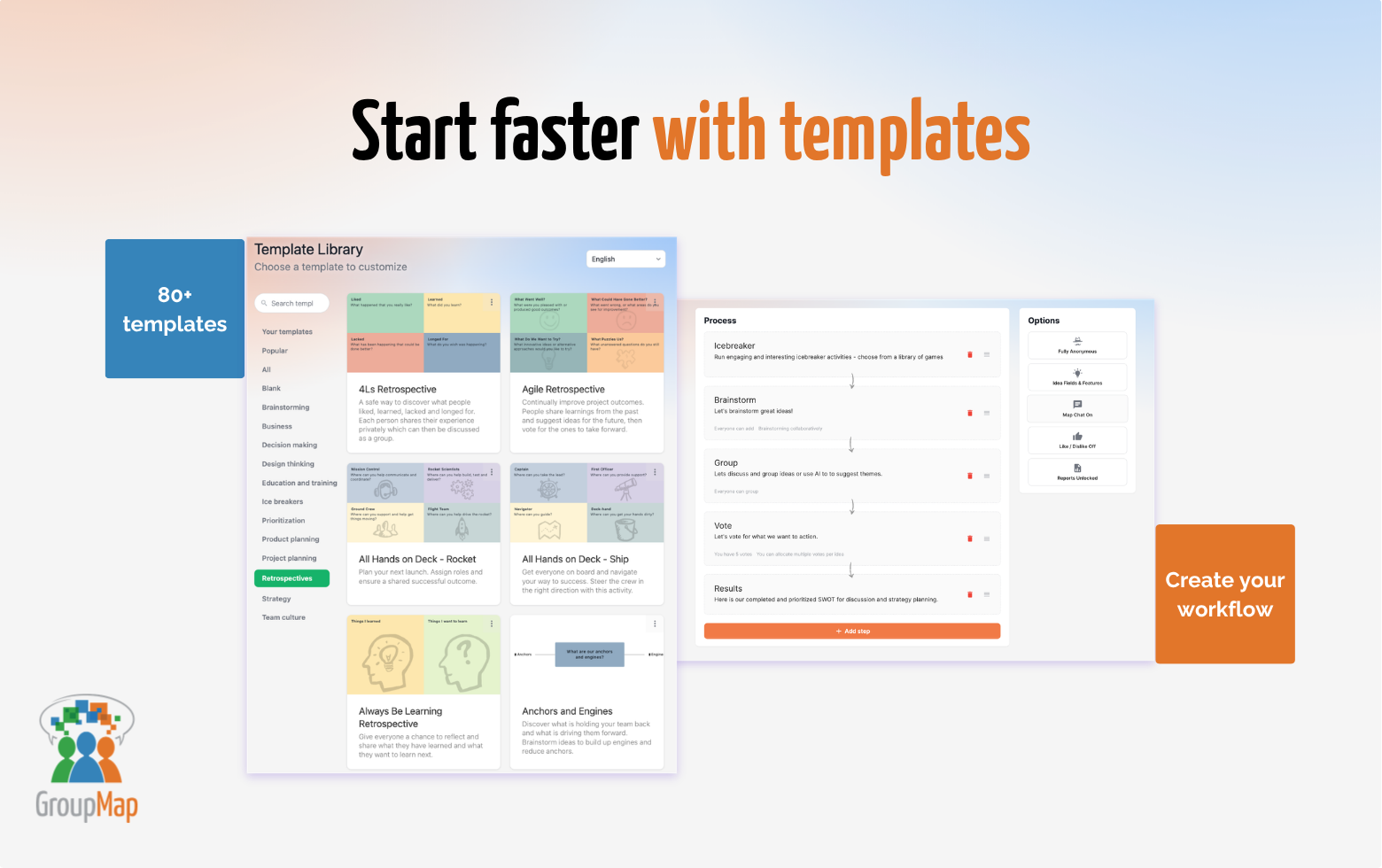 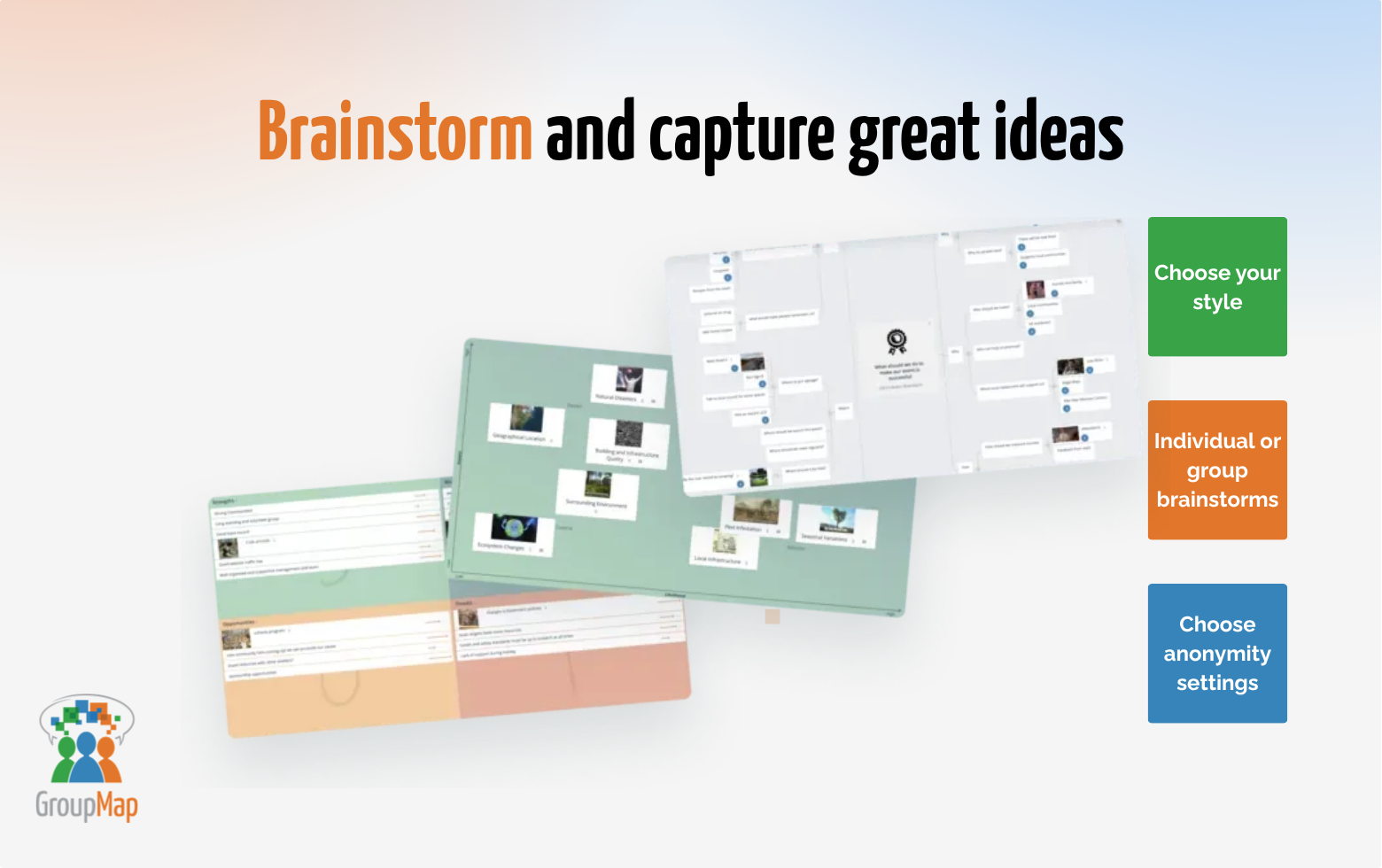 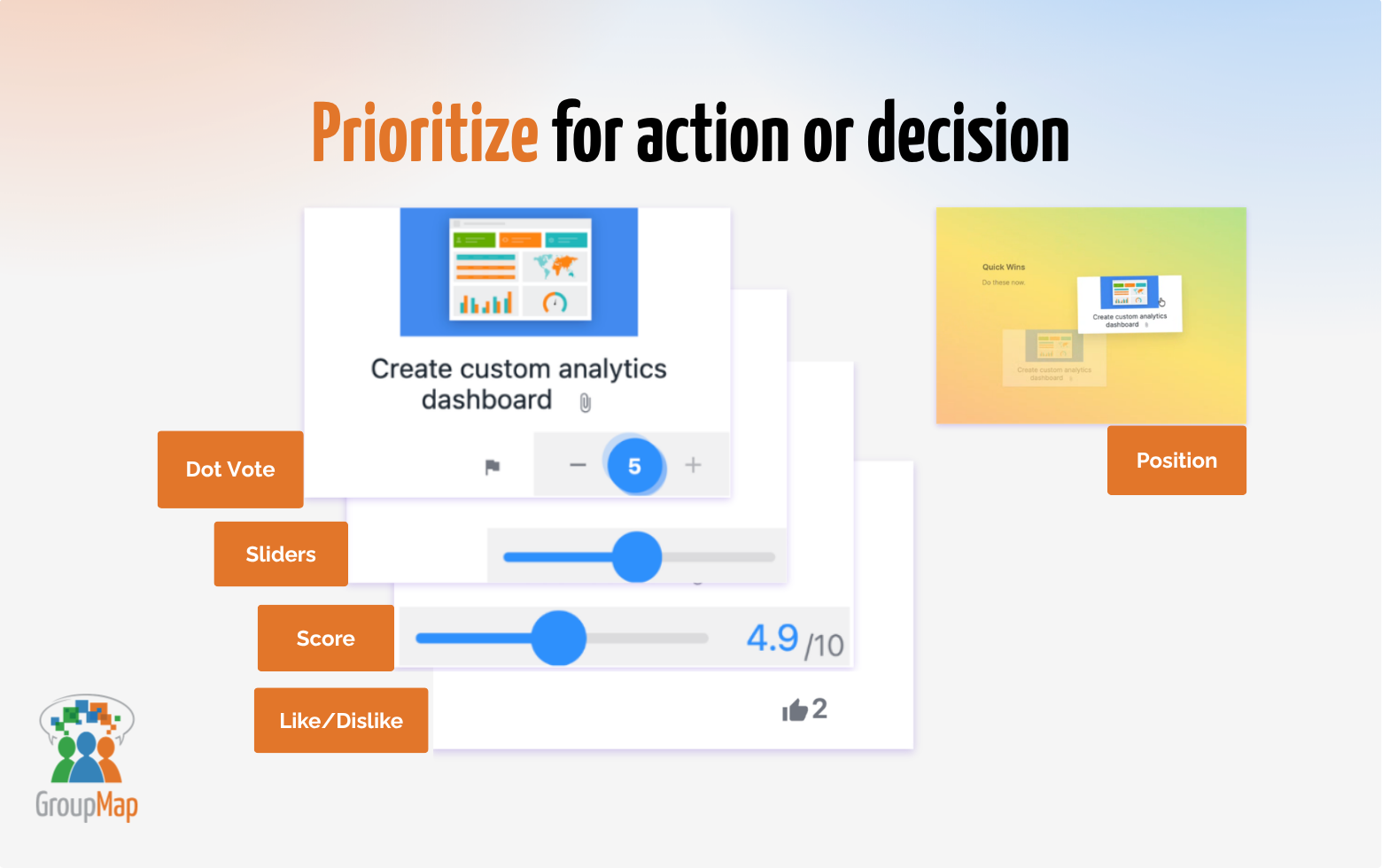   | Mural Screenshots    |


