Help Desk Migration vs. Komprise

Overview
ProductRatingMost Used ByProduct SummaryStarting Price
Help Desk Migration
Score 10.0 out of 10
Mid-Size Companies (51-1,000 employees)
Help Desk Migration is a tool used to transfer data from one platform to another securely, accurately, and with no downtime.N/A
Komprise
Score 10.0 out of 10
N/A
Komprise is the database development and management solution from the company of the same name in Campbell, California.N/A
Pricing
Help Desk MigrationKomprise
Editions & Modules
No answers on this topic
Offerings
Pricing Offerings
Help Desk MigrationKomprise
Free Trial
NoNo
Free/Freemium Version
YesNo
Premium Consulting/Integration Services
NoNo
Entry-level Setup FeeNo setup feeNo setup fee
Additional Details
More Pricing Information
Community Pulse
Help Desk MigrationKomprise
Best Alternatives
Help Desk MigrationKomprise
Small Businesses
HYCU
HYCU
Score 8.7 out of 10
DBeaver
DBeaver
Score 8.5 out of 10
Medium-sized Companies
Matillion
Matillion
Score 8.3 out of 10
DBeaver
DBeaver
Score 8.5 out of 10
Enterprises
Oracle GoldenGate
Oracle GoldenGate
Score 8.1 out of 10
DBeaver
DBeaver
Score 8.5 out of 10
All AlternativesView all alternativesView all alternatives
User Ratings
Help Desk MigrationKomprise
Likelihood to Recommend
10.0
(2 ratings)
10.0
(1 ratings)
Usability
10.0
(2 ratings)
-
(0 ratings)
User Testimonials
Help Desk MigrationKomprise
Likelihood to Recommend
Help Desk Migration
Thanks to the quick response from the support team, I was able to maintain an ongoing dialogue and get questions answered promptly throughout the project. Their responsiveness made it easy to request and implement specific changes, such as disabling comments on all migrated articles, without delaying our migration timeline.
Read full review
Komprise
As any other archiving solution, it is very well suited for environments with a large footprint of unstructured data (CIFS / NFS shares for user data) with a large amount of unused/old files and a need to keep those unused files for long term. In our scenario, due to some legal and contractual constraints we need to keep these files for 15 years. Archiving is a good choice to move the unused files to a cheaper storage tier, both on-prem or cloud.
Read full review
Pros
Help Desk Migration
  • Listening and gathering information
  • Transitioning work among their staff - we talked to 4 different people during the project, and ever single person was up to speed on the work and status
  • Reasonably priced
Read full review
Komprise
  • It gives you a good overview on user data: files age, sizes, file types, owners, etc.
  • It is very flexible on the archiving policies.
  • The data scans are really fast without affecting storage's performance.
  • It has a great alternative to STUB files, which they call 'bread crumbs' (symlinks to files).
Read full review
Cons
Help Desk Migration
  • I think the field map could be a little more entuitive with better explanations of what each field is for.
Read full review
Komprise
  • Its licensing plan, which takes into account the amount of data analyzed instead of data transferred.
Read full review
Usability
Help Desk Migration
Both their demo and full migrations are pretty easy to use
Read full review
Komprise
No answers on this topic
Alternatives Considered
Help Desk Migration
No answers on this topic
Komprise
We have used Veritas Enterprise Vault in the past, and besides its being a well-known player on the data archiving market, their tool is far more complex to implement, to manage and to keep working. Komprise is very robust and also very easy to implement, as most part of the job is done on Komprise side. The management console is delivered through a public URL as a SaaS platform. You only need to deploy a few VMs for scan/archiving/user access, which they call "Observer VMs." Komprise also doesn't uses Stub files, which is a poor implementation adopted by the competitor for file access. We had a lot of issues in the past with stub files. Komprise has implemented 'bread crumbs', which are CIFS symlinks to the files on the Observer. It is a very good implementation and it works really well.
Read full review
Return on Investment
Help Desk Migration
  • In terms of time spent, Help Desk Migration cut our time down to just a fraction of what it would have been had we migrated the articles ourselves. This saved us a tremendous amount of time, manpower, and overtime.
Read full review
Komprise
  • It allowed us to free up some space on our main storage during a time where we didn't have the budget to expand it.
  • It allows us to move unused data to a cheaper storage tier (Azure Blobs).
Read full review
ScreenShots

Help Desk Migration Screenshots

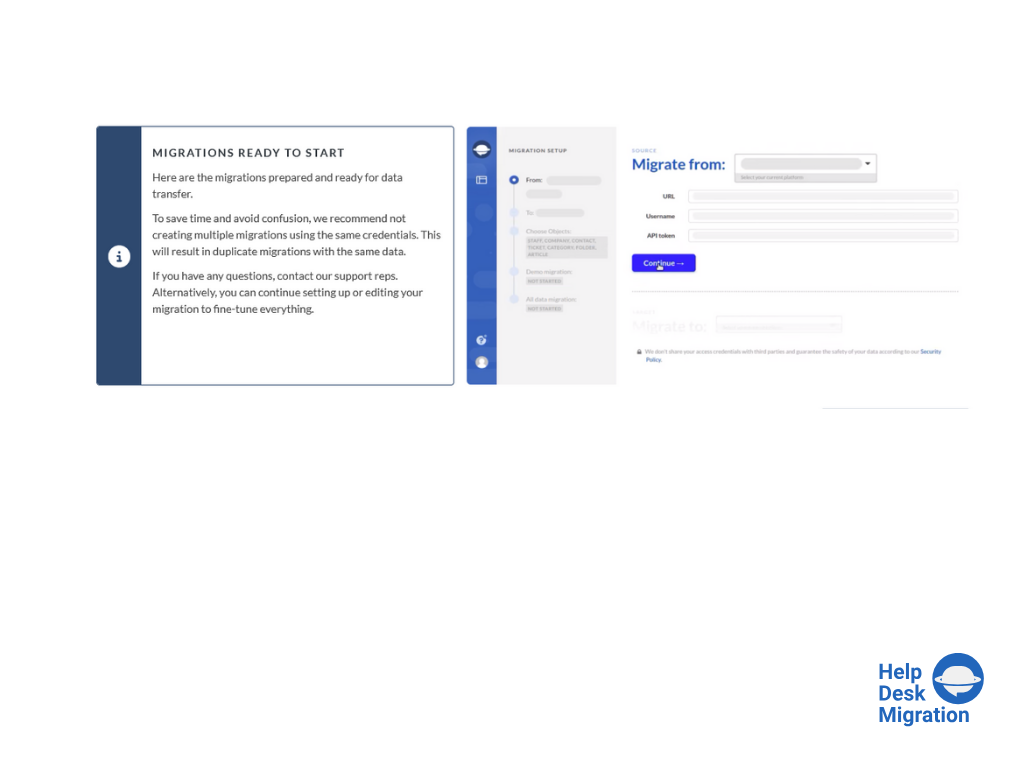
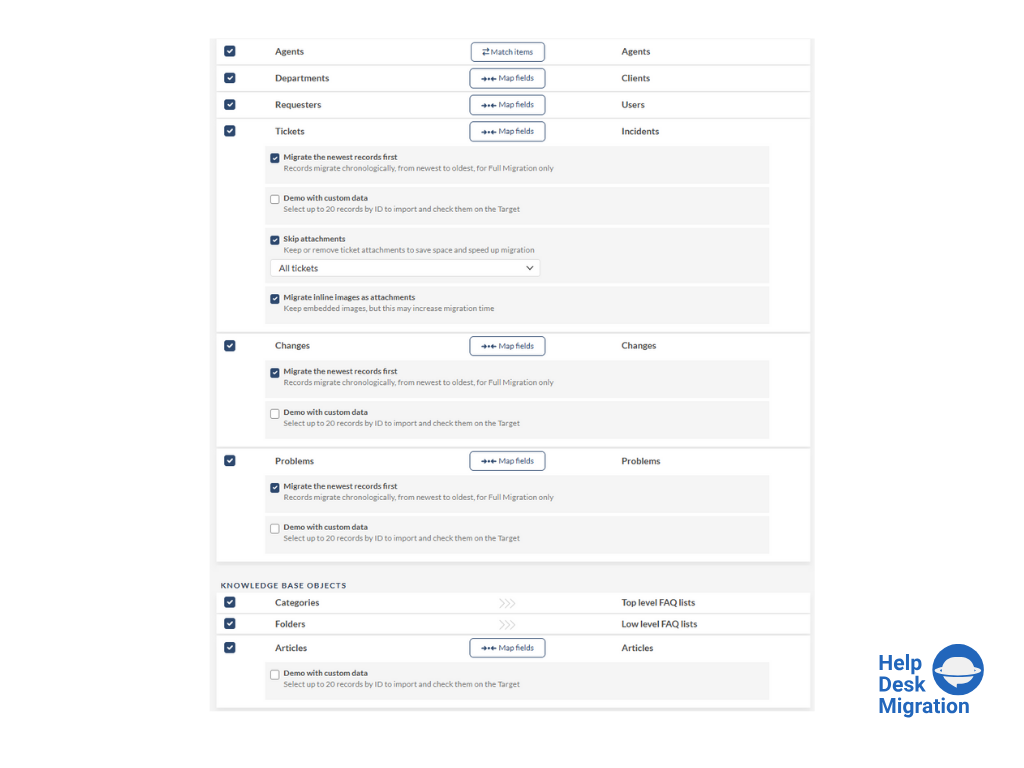
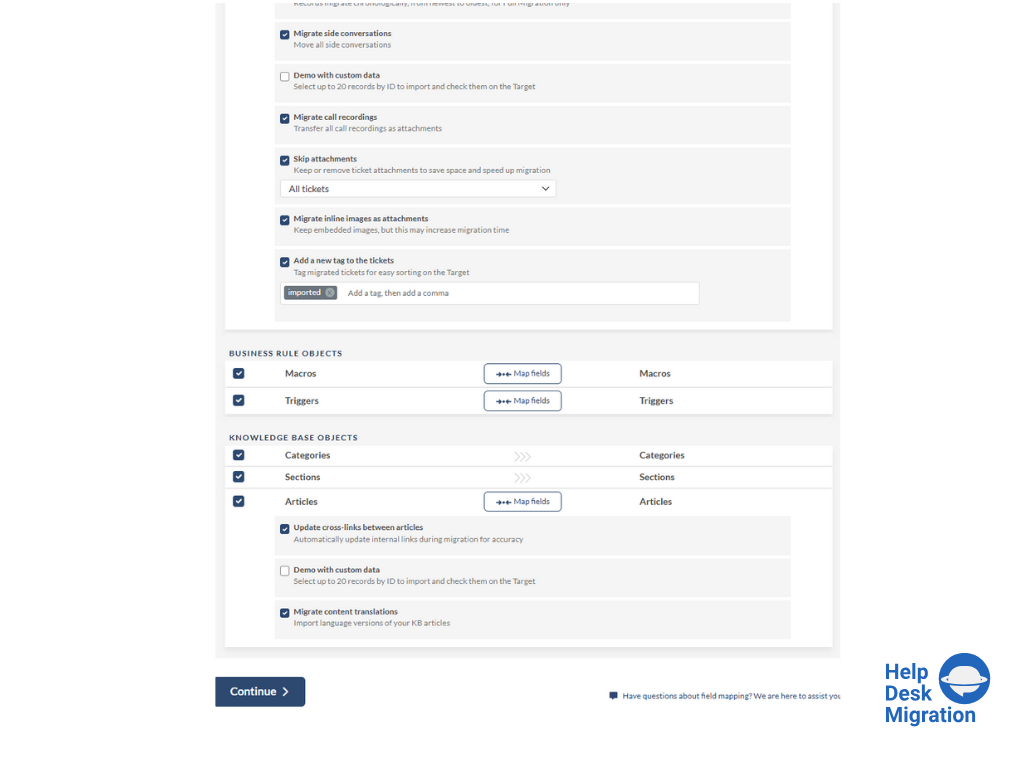
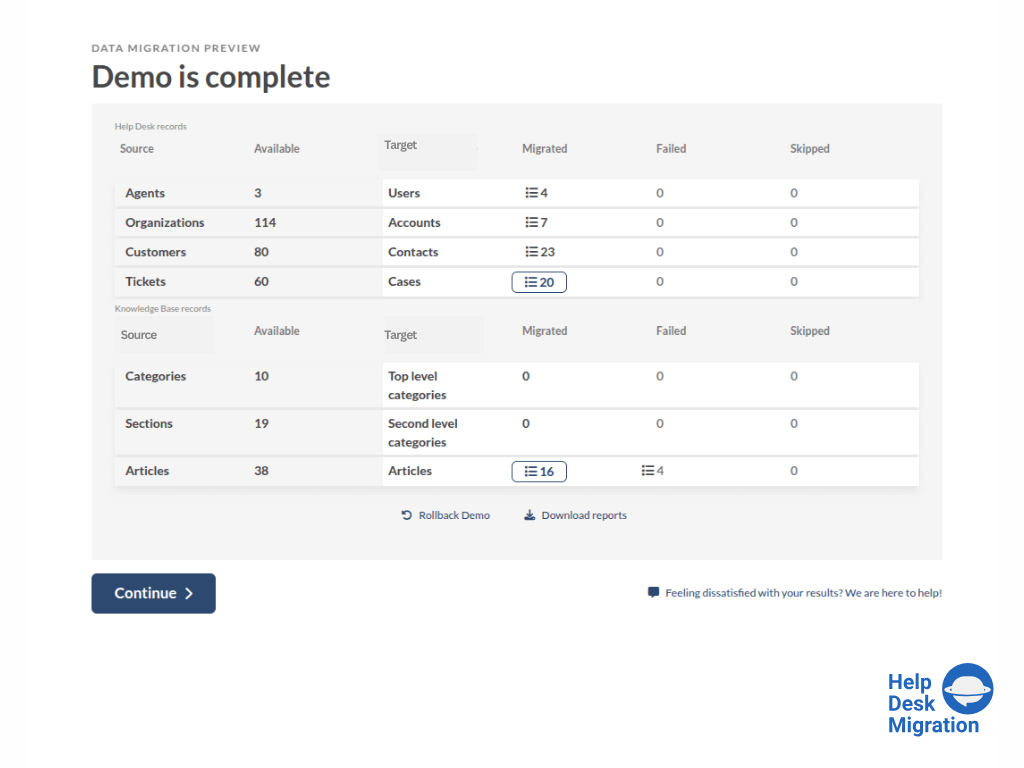
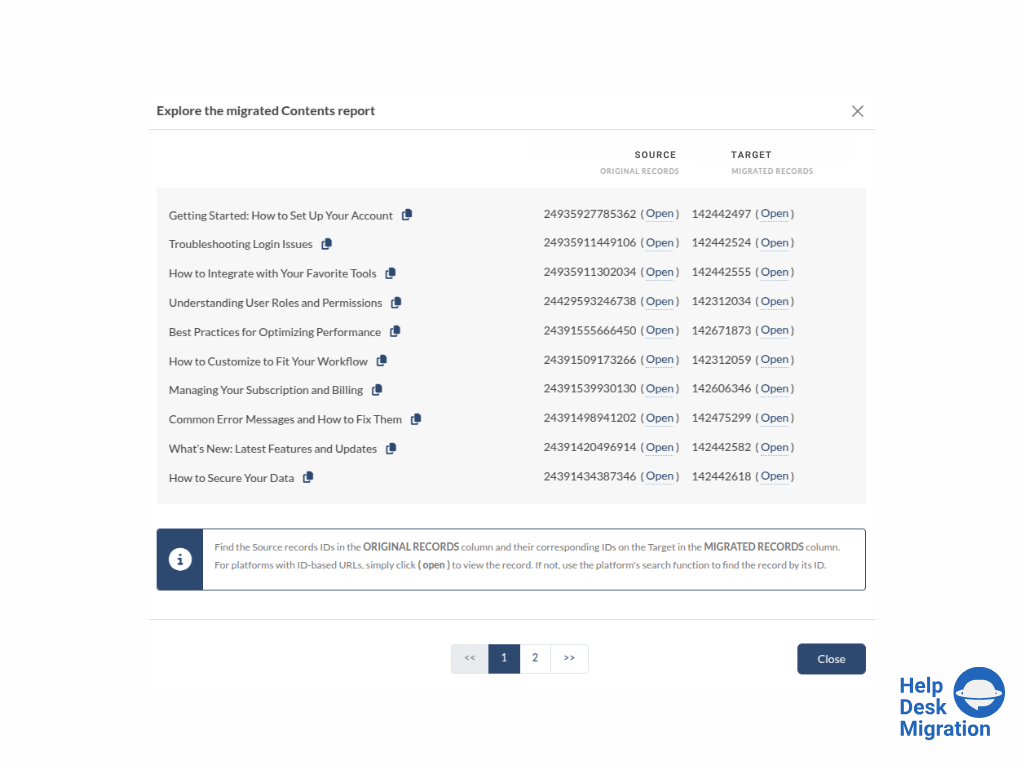
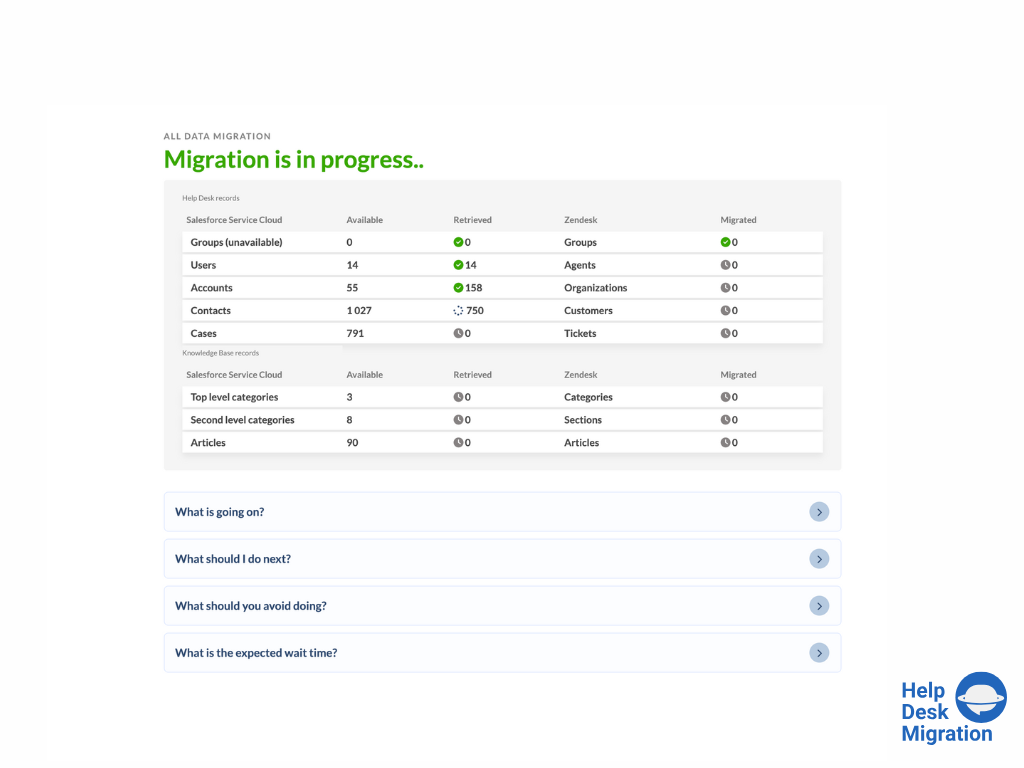
Screenshot of selecting the source and target platforms.Screenshot of mapping data for an accurate migration process.Screenshot of running the Demo Migration, which includes transferring 20 tickets and 20 articles.Screenshot of reviewing the demo migration results.Screenshot of adjusting the mapping and refining the data migration path.Screenshot of the migration progress — duration depends on the number of records being migrated.