
Helpjuice vs. Sugar Serve
| Product | Rating | Most Used By | Product Summary | Starting Price |
|---|---|---|---|---|
 Helpjuice | Score9.2 out of 10 | Enterprise companies (1,001+ employees) | Helpjuice is a web app that companies can use to keep their help pages up-to-date. Instead of answering the same question repeatedly, companies can use Helpjuice to keep track of content. This app includes analytics that enable businesses to see the content their users are searching for the most as well as content that needs improvement. The vendor says that companies that manage a support page full of FAQs and user guides can benefit from using Helpjuice. This app can be integrated… | $120 per month |
 Sugar Serve | Score9 out of 10 | N/A | SugarCRM offers Sugar Serve, a version of its CRM providing en emphasis on customer service automation, service case management, SLA management, customer self-service and includes the SugarBPM workflow tool to automate processes. | N/A |
| Helpjuice | Sugar Serve | |||||||||||||||
|---|---|---|---|---|---|---|---|---|---|---|---|---|---|---|---|---|
| Editions & Modules | No answers on this topic | No answers on this topic | ||||||||||||||
| Offerings |
| |||||||||||||||
| Entry-level Setup Fee | No setup fee | No setup fee | ||||||||||||||
| Additional Details | Every Plan Comes With A 100% Money-Back Guarantee, No Questions Asked. Starting price includes up to 4 users. | — | ||||||||||||||
| More Pricing Information | ||||||||||||||||
| Helpjuice | Sugar Serve | |
|---|---|---|
| Considered Both Products | No answer on this topic | No answer on this topic |
| Key User Insights | ||
| Would buy again | ||
86% Would buy again 6 Answers | No answers on this topic | |
| Delivers good value for the price | ||
100% Delivers good value for the price 6 Answers | No answers on this topic | |
| Happy with the feature set | ||
86% Happy with the feature set 6 Answers | No answers on this topic | |
| Lived up to sales and marketing promises | ||
80% Lived up to sales and marketing promises 4 Answers | No answers on this topic | |
| Implementation went as expected | ||
80% Implementation went as expected 4 Answers | No answers on this topic | |
| Helpjuice | Sugar Serve | ||||||||||||||||||||||
|---|---|---|---|---|---|---|---|---|---|---|---|---|---|---|---|---|---|---|---|---|---|---|---|
| Incident and problem management |
| ||||||||||||||||||||||
| Self Help Community |
| ||||||||||||||||||||||
| Multi-Channel Help |
| ||||||||||||||||||||||
| Helpjuice | Sugar Serve | |
|---|---|---|
| Small Businesses |  Help Scout Score9.3 out of 10 | Help Scout Score9.3 out of 10 |
| Medium-sized Companies |  LiveAgent Score8.8 out of 10 | LiveAgent Score8.8 out of 10 |
| Enterprises |  Front Score9.2 out of 10 | Front Score9.2 out of 10 |
| All Alternatives | View all alternatives | View all alternatives |
| Helpjuice | Sugar Serve | |
|---|---|---|
| Likelihood to Recommend | 9.4 | 9.0 |
| Usability | 9.3 | - |
| Helpjuice | Sugar Serve | |
|---|---|---|
| Likelihood to Recommend |
|
|
| Pros |
|
|
| Cons |
|
|
| Usability |
| No answers on this topic |
| Alternatives Considered |
|
|
| Return on Investment |
|
|
| ScreenShots | Helpjuice Screenshots   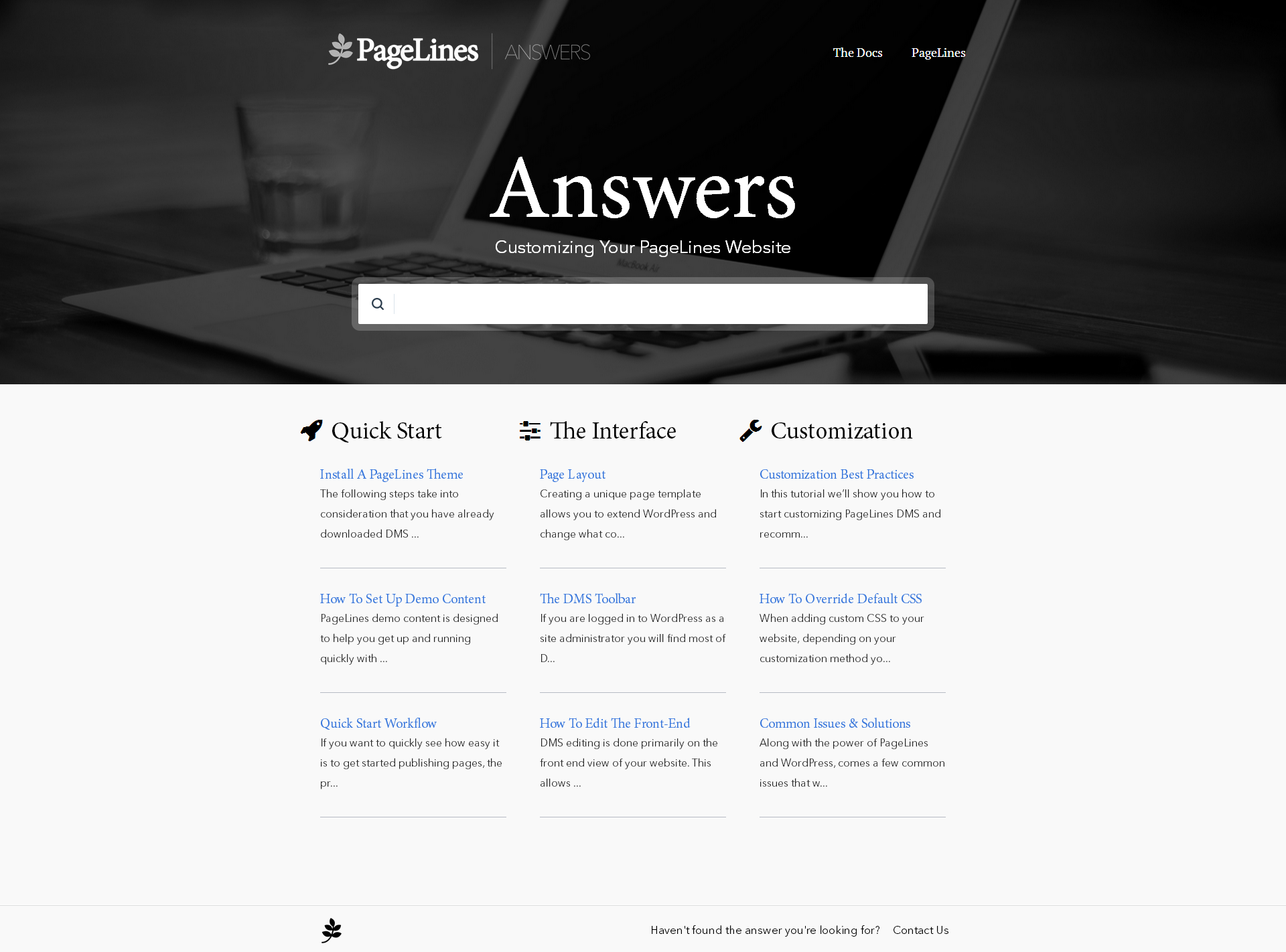 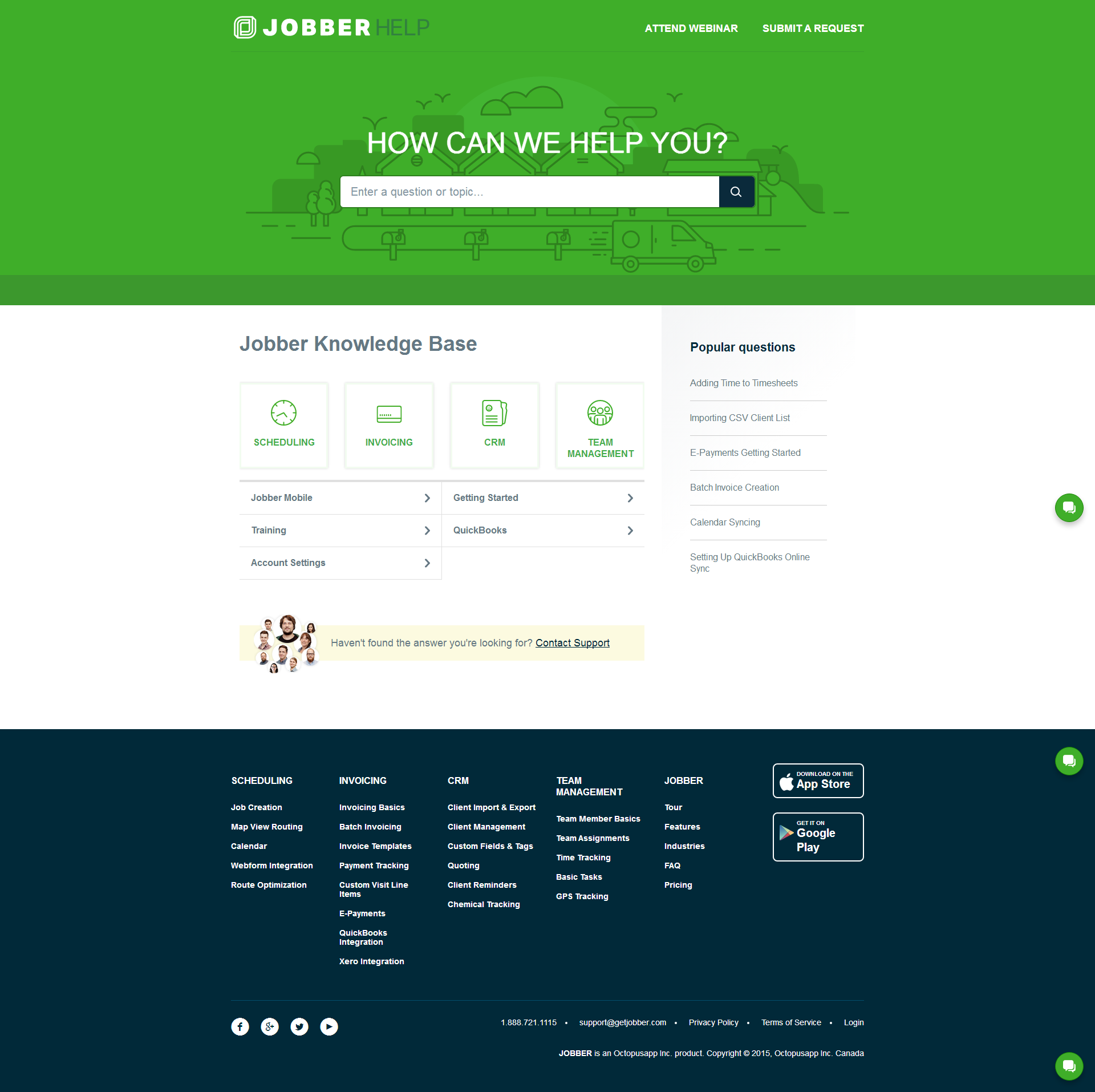  |

