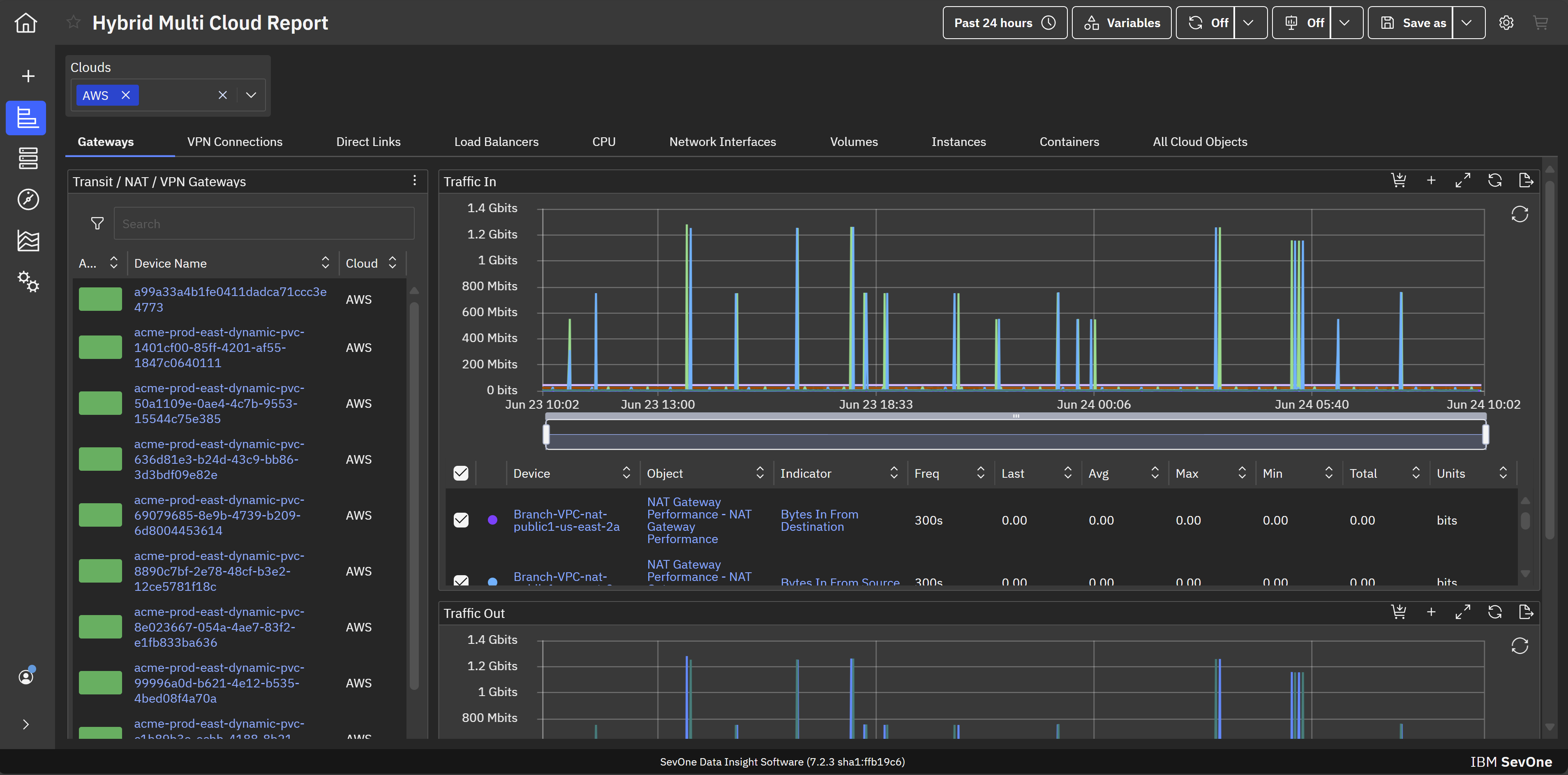
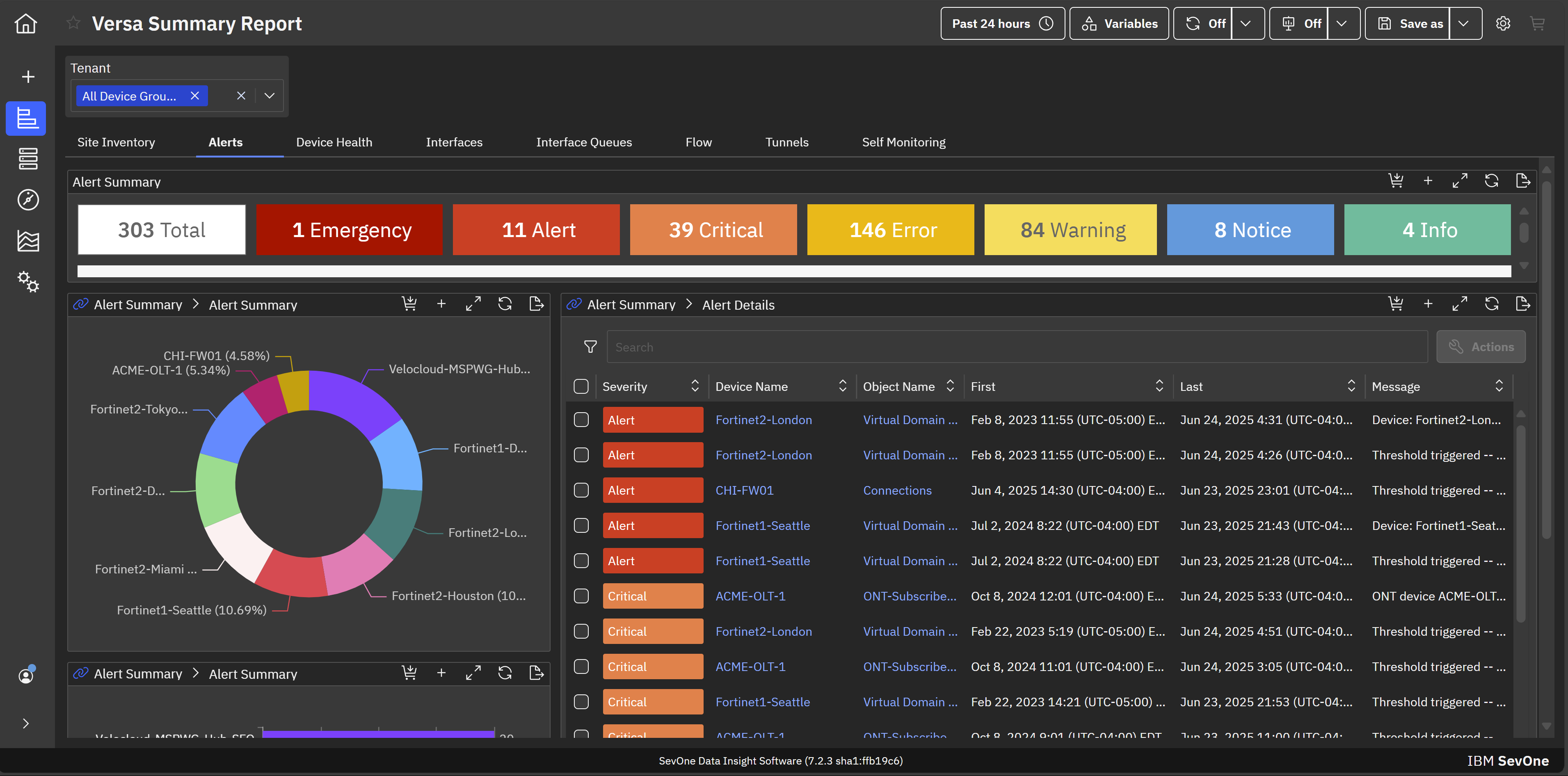
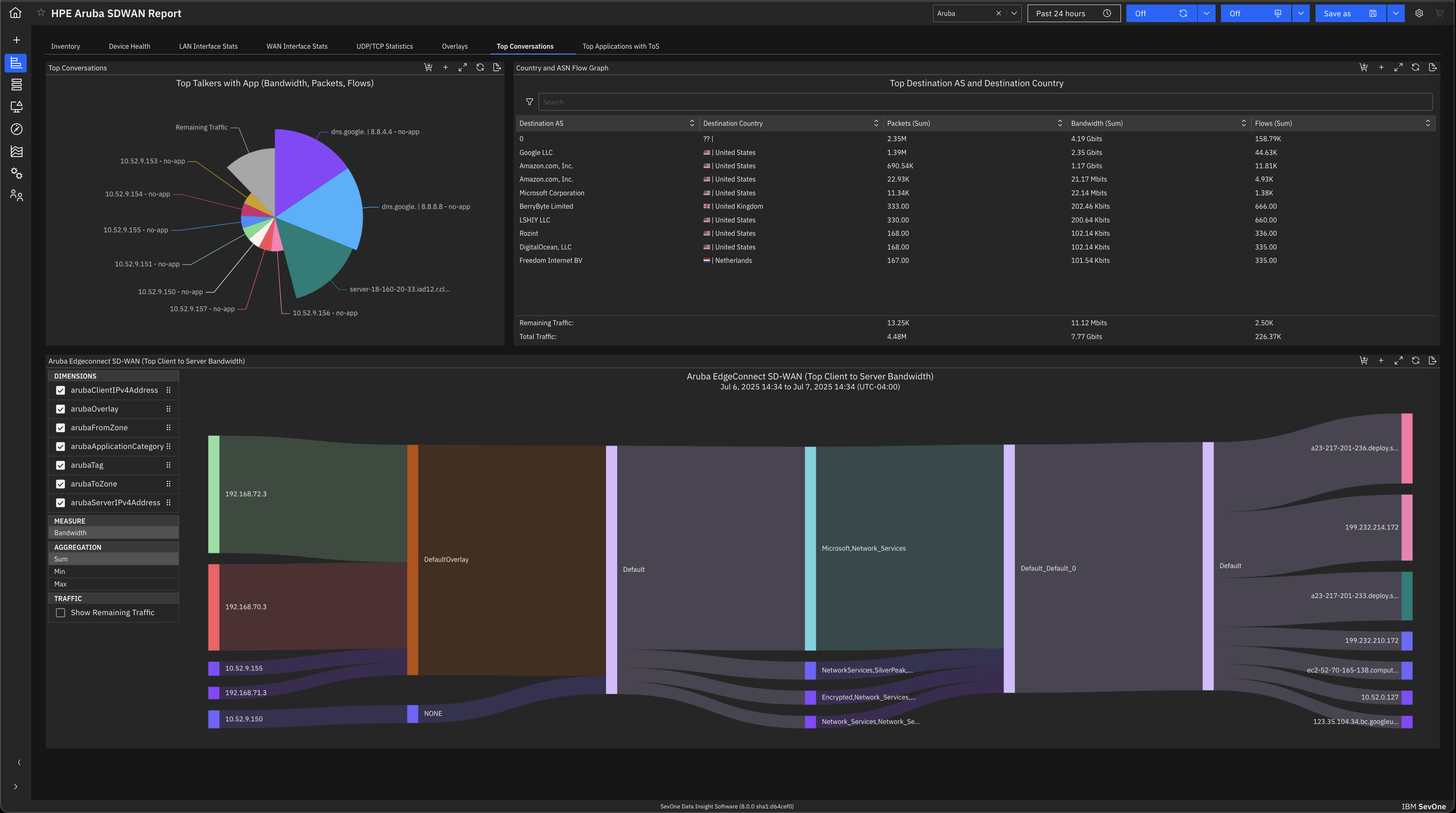
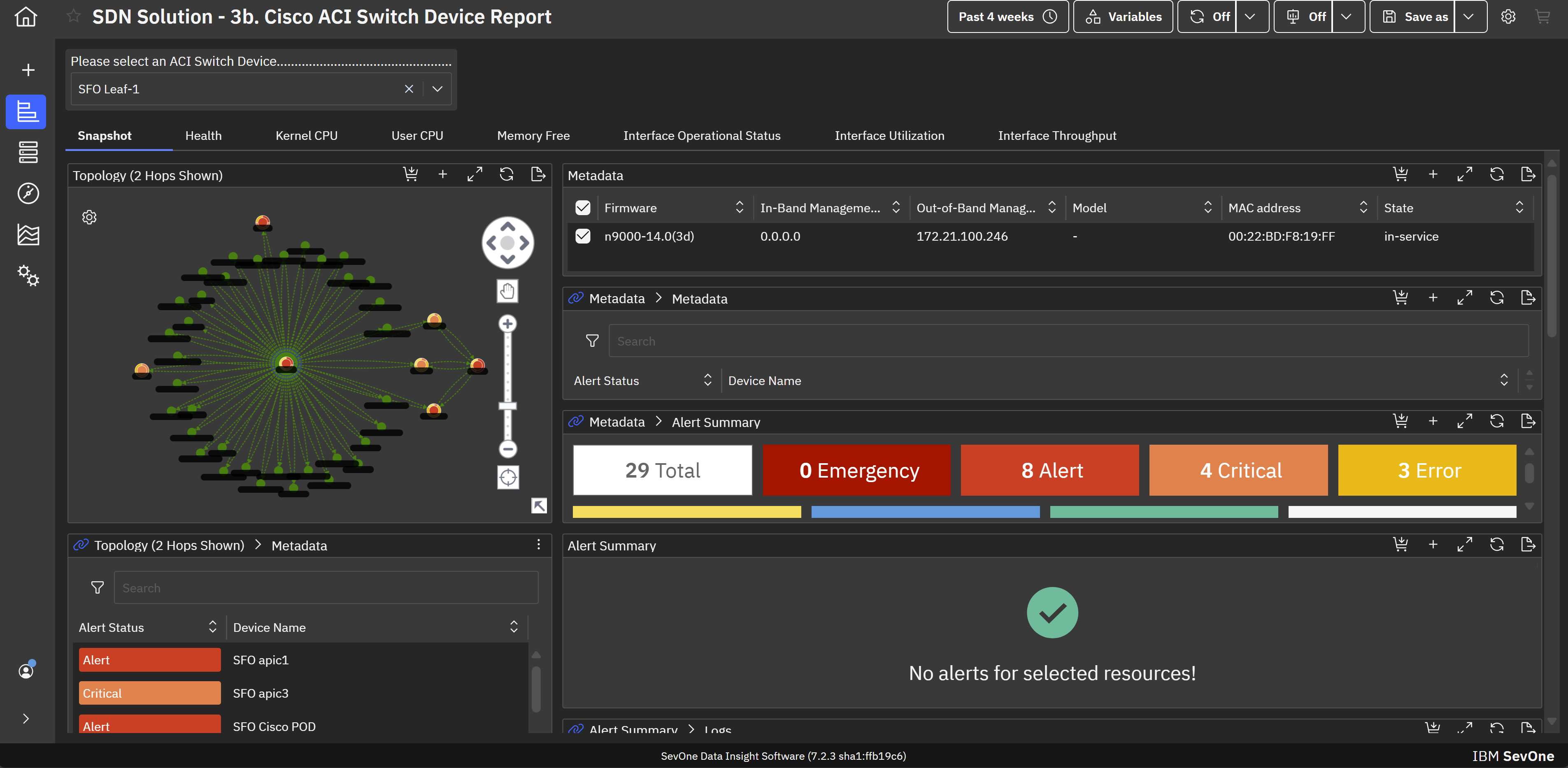
IBM SevOne’s app-centric, hybrid network observability empowers NetOps teams with ML-driven insights, enabling proactive issue prevention and resolution. With a single source of truth for network performance, it delivers visibility to optimize operations and support agility in complex, multi-cloud environments.
N/A
PathSolutions TotalView
Score 7.3 out of 10
N/A
PathSolution’s TotalView is a network performance monitoring tool. PathSolutions emphasizes the platform’s issue diagnostics and recommended remediation assistance as a key differentiator.
N/A
Pricing
IBM SevOne
PathSolutions TotalView
Editions & Modules
No answers on this topic
No answers on this topic
Offerings
Pricing Offerings
IBM SevOne
PathSolutions TotalView
Free Trial
No
No
Free/Freemium Version
No
No
Premium Consulting/Integration Services
Yes
No
Entry-level Setup Fee
No setup fee
No setup fee
Additional Details
IBM® SevOne® uses Managed Device (MD) and Managed Client Device (MCD) as pricing metrics. These can be mapped to managed devices for physical, virtualized and containerized functions in the managed environment.
—
More Pricing Information
Community Pulse
IBM SevOne
PathSolutions TotalView
Features
IBM SevOne
PathSolutions TotalView
Network Performance Monitoring
Comparison of Network Performance Monitoring features of Product A and Product B
IBM SevOne ensures deep performance and in depth monitoring and allows customization according to specific organisation or business needs. Availability of real-time alerts and unlimited customization. The software integrates freely with many third party applications and has reliable analytics and reporting systems. Ability of the software in automating routine network monitoring tasks which reduces operational costs. Software pricing is a major challenge towards smooth implementation of the software. It is expensive and not affordable to small businesses and organisations.
TotalView is well suited for an infrastructure where you are looking for a cost-effective, additive network management tool for in-depth device diagnostic information. This will not be a one-stop shop application, but it does what is advertised very well. SNMP is required for configuration and adding additional devices is quick and simple. This product also works well with Shoretel VoIP systems and allows for a full overview of connected phones along with being able to view calls on an extension/IP basis.
Documentation for the embedded help pages in NMS and more. In my opinion, these do not provide anything of any depth or maybe anything helpful at all. If anything it just seems to be a guide of what actually exists on the page. It is nicely searchable documentation though.
It is very surprising and disappointing for us to learn that it isn't until the latest version of IBM SevOne that bulk editing was introduced. I think this is such a basic and foundational feature that should have been a part of the original rollout. My team is still trying to configure the REST API.
It was disappointing for the webinar to start with a speaker who had a thick accent and simply read from slides. To me, it felt hopeless until the second speaker, who was engaging and easy to understand. It's as if this fact wasn't considered. I'm sure the first speaker lost a lot of viewers who didn't stick around to discover the 2nd speaker.
I asked three different questions during the webinar and none were answered.
If you have some complexities in your network addressing, the network diagram tool will lay everything out automatically, but it will be confusing to look at. There is a way to edit the diagram so it looks more intuitive, but it may require some time to edit everything the right way.
TotalView will count virtual interfaces such as voice dial-peers and service modules as "ports," which counts against your license count. However, there is a way to edit each device to remove these "false positives" so it doesn't suck up licenses, but it can take some time to clean those up.
IBM SevOne was selected instead of Datadog because it is perfect for large insurance networks and also connects trouble-free between the on-premise and cloud environments. Its alerts are in real-time, it offers comprehensive dashboards and it allows to gain a better grip on the network issues, thus helping to keep the downtime small and the operations well managed thanks to the good communication.
The three tools listed do different things with some similarities. For us the biggest need was data analysis, semi-automatic troubleshooting, and data gathering and topology mapping. TotalView hit the most of these in the price point we were looking for. Each tool has "extras," but we felt that the extras provided by TotalView were good enough and that the other tools didn't justify the cost.