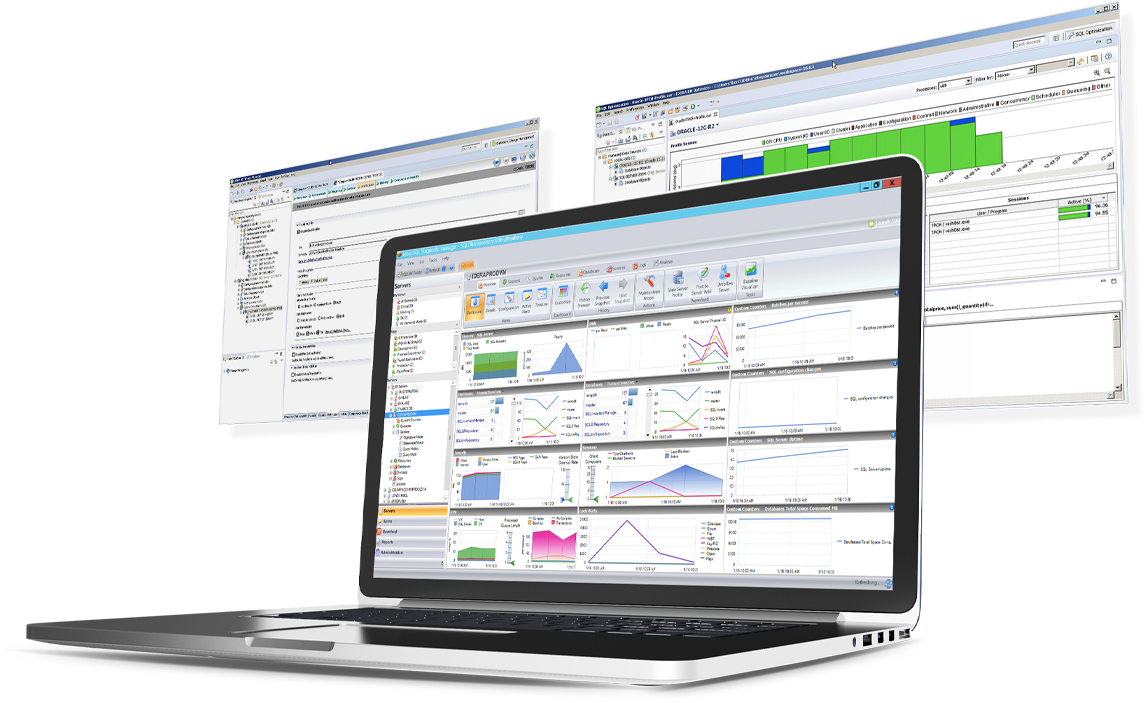
SQL Diagnostic Manager for Microsoft SQL Server helps database administrators to find and fix Microsoft SQL Server performance problems in physical, virtual, and cloud environments. Unlike its competition, it provides effective scalability, advanced SQL query analysis and optimization, prescriptive analysis with corrective SQL scripts, powerful automated alert responses, broad PowerShell integration, complete customization, and extensive support for current and legacy Microsoft SQL Server and…
$1,996
per instance with first year maintenance included
OpenText Magellan
Score9 out of 10
N/A
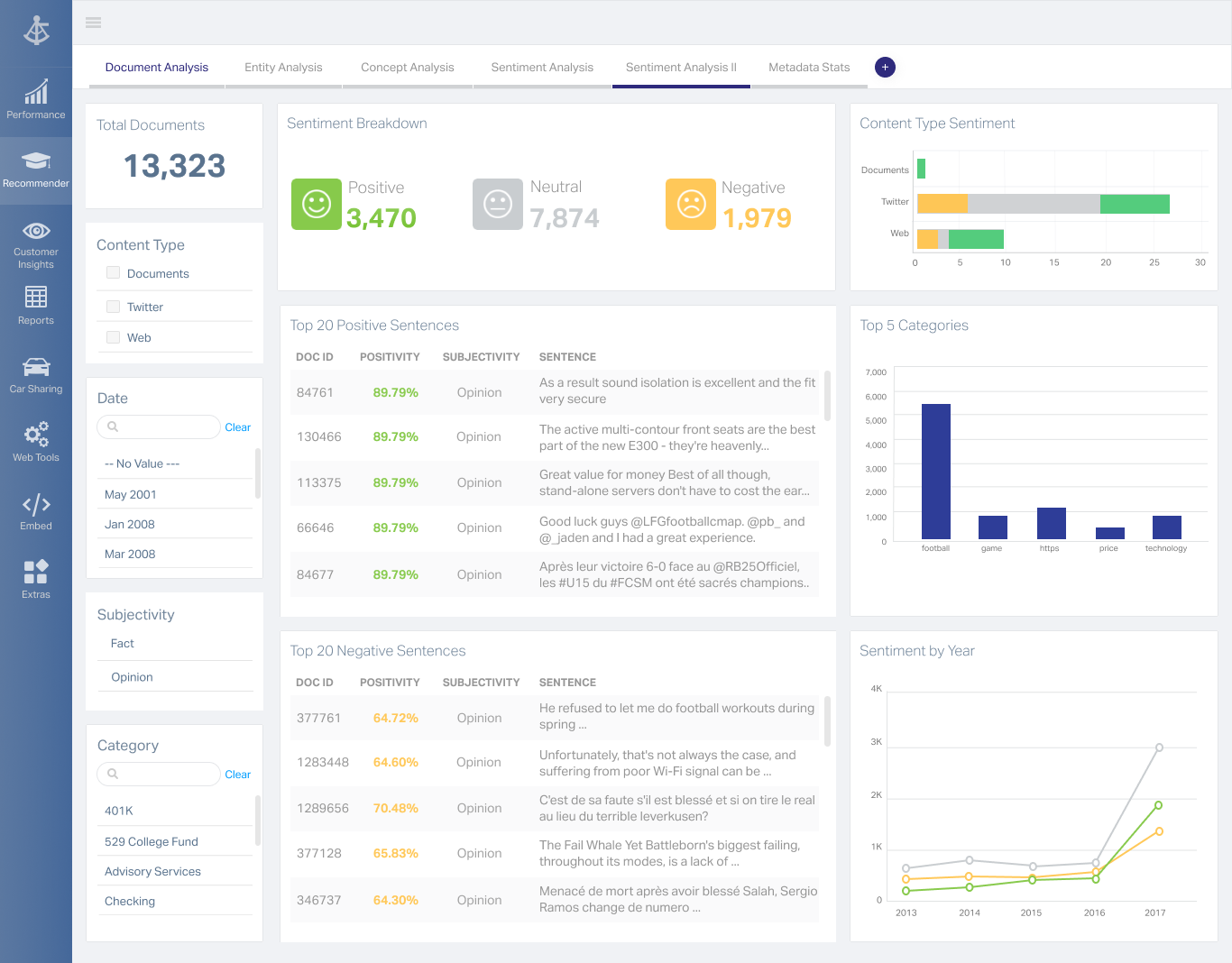
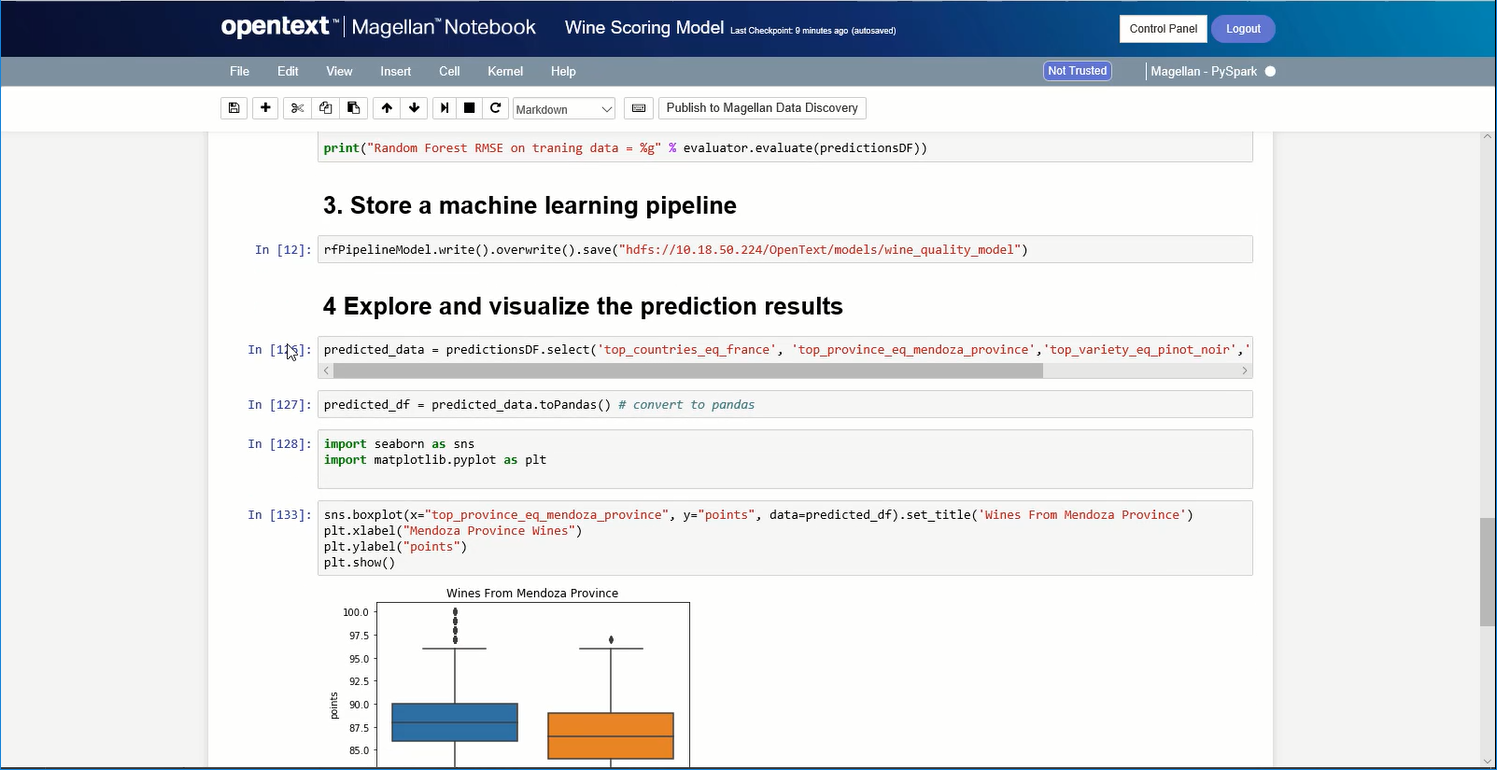
OpenText Magellan Analytics Suite leverages a comprehensive set of data analytics software to identify patterns, relationships and trends through data visualizations and interactive dashboards.
N/A
Pricing
IDERA SQL Diagnostic Manager
OpenText Magellan
Editions & Modules
Standard via eCommerce
1,996.00
per instance with first year maintenance included
No answers on this topic
Offerings
Pricing Offerings
IDERA SQL Diagnostic Manager
OpenText Magellan
Free Trial
Yes
No
Free/Freemium Version
No
No
Premium Consulting/Integration Services
No
No
Entry-level Setup Fee
No setup fee
No setup fee
Additional Details
—
—
More Pricing Information
Features
IDERA SQL Diagnostic Manager
OpenText Magellan
SQL Performance Monitoring
Comparison of SQL Performance Monitoring features of IDERA SQL Diagnostic Manager and OpenText Magellan
Feature
IDERA SQL Diagnostic Manager
8.0
7 Ratings
2% below category average
OpenText Magellan
-
Ratings
Performance dashboard
9.07 Ratings
00 Ratings
Intelligent alerting
8.07 Ratings
00 Ratings
Top SQL
9.07 Ratings
00 Ratings
Historical trend data
9.06 Ratings
00 Ratings
Virtualization support
5.06 Ratings
00 Ratings
BI Standard Reporting
Comparison of BI Standard Reporting features of IDERA SQL Diagnostic Manager and OpenText Magellan
Feature
IDERA SQL Diagnostic Manager
-
Ratings
OpenText Magellan
7.0
2 Ratings
15% below category average
Customizable dashboards
00 Ratings
7.02 Ratings
Report Formatting Templates
00 Ratings
7.01 Ratings
Ad-hoc Reporting
Comparison of Ad-hoc Reporting features of IDERA SQL Diagnostic Manager and OpenText Magellan
Feature
IDERA SQL Diagnostic Manager
-
Ratings
OpenText Magellan
8.3
3 Ratings
4% above category average
Drill-down analysis
00 Ratings
8.03 Ratings
Formatting capabilities
00 Ratings
8.03 Ratings
Integration with R or other statistical packages
00 Ratings
9.01 Ratings
Report sharing and collaboration
00 Ratings
8.02 Ratings
Report Output and Scheduling
Comparison of Report Output and Scheduling features of IDERA SQL Diagnostic Manager and OpenText Magellan
Feature
IDERA SQL Diagnostic Manager
-
Ratings
OpenText Magellan
8.3
2 Ratings
1% above category average
Publish to Web
00 Ratings
8.02 Ratings
Publish to PDF
00 Ratings
8.02 Ratings
Report Versioning
00 Ratings
9.02 Ratings
Report Delivery Scheduling
00 Ratings
8.02 Ratings
Data Discovery and Visualization
Comparison of Data Discovery and Visualization features of IDERA SQL Diagnostic Manager and OpenText Magellan
SQL Server [Business Intelligence] Manager is useful for tracking performance across SSIS, SSRS and SSA and have the data represented in dashboards. It helps improve performance and helps end users. However, several features are redundant for smaller organization that can use the tools that comes with existing Microsoft products. These features also takes time to learn and use.
A de minimis incentive was given to thank the reviewer for their time. The incentive was not used to bias or drive a particular response, nor was the incentive contingent on a positive endorsement. More Info
If you do not have a large budget and are a large organization, I would steer clear of Actuate. If you are looking to do very complex washboarding, I would not use them. Your developers have to be very skilled to work with this. Plan to bring in consultants if necessary to help your process. Adhoc reporting is weak. If your pricing is user based and you expand, this could be very expensive.
SQLdm does a good job of providing information at a high level, but also allows me to drill down to specific queries and events if needed. I don't always need to sift through tons of details to get the information I need. It also gives a very wide range of information from SQL specific metrics, to OS metrics, to VM metrics, all the way up to host server metrics.
I like how the alert and notification system can be customized. For example, if you know a certain server regularly has long-running queries, you can adjust the alert to not fire unless a query has been running for 30 minutes while the rest of the servers fire after 30 seconds. That is very helpful in not being bombarded at dinner with alerts from a server similar to, "I've been at 90% cpu for 26 milliseconds!!!!!!!...and now it's back down to 30%" Good information to know, but not something you need to literally lose sleep over.
I like how you can configure different servers to be monitored differently. For example, you can have a group of servers called DEVELOPMENT that you can turn on heavier monitoring on so you can test how changes in applications might affect the SQL environment, but in the PRODUCTION group, you may only want to enable the heavier analysis and logging when performance issues are actively being reported.
A de minimis incentive was given to thank the reviewer for their time. The incentive was not used to bias or drive a particular response, nor was the incentive contingent on a positive endorsement. More Info
A de minimis incentive was given to thank the reviewer for their time. The incentive was not used to bias or drive a particular response, nor was the incentive contingent on a positive endorsement. More Info
Windows client has some issues. When you have small time intervals for your data collection, it can cause the client to become unresponsive and require you to restart it.
It takes more time to get the web client running than it does to get the windows client running.
The visualizations have been the same for the last eight years--could use a little bit of a refresh.
A de minimis incentive was given to thank the reviewer for their time. The incentive was not used to bias or drive a particular response, nor was the incentive contingent on a positive endorsement. More Info
A de minimis incentive was given to thank the reviewer for their time. The incentive was not used to bias or drive a particular response, nor was the incentive contingent on a positive endorsement. More Info
I am no longer working for the company that was using Actuate but I believe they would continue to use it because the stitching costs would be to high. It would require a complete rewrite of the reports and the never version of Actuate (BIRT) even required an almost complete report rewrite
A de minimis incentive was given to thank the reviewer for their time. The incentive was not used to bias or drive a particular response, nor was the incentive contingent on a positive endorsement. More Info
It is quite intuitive to use. It is fit specifically for doing sentiment, emotion, and intention analysis as well as text classification and text summarization. I would have given 10 if it is fit for the purpose of doing image processing and analysis as well. There is a huge market to analyze video and image data.
A de minimis incentive was given to thank the reviewer for their time. The incentive was not used to bias or drive a particular response, nor was the incentive contingent on a positive endorsement. More Info
IDERA SQL Diagnostic Manager for SQL, Redgate SQL, and MonitorLogicMonitor are similar products to each other. We decided on IDERA SQL Diagnostic Manager for SQL because our experience with locating heavy queries has been very good and it provides real-time monitoring of all servers and databases. It also allows you to have a large volume of historical data which allows you to analyze trends in the databases.
A de minimis incentive was given to thank the reviewer for their time. The incentive was not used to bias or drive a particular response, nor was the incentive contingent on a positive endorsement. More Info
It is vastly superior to these in many ways, for complex reporting it is a much more sophisticated solution. Visualizations are very good. Javascript extensibility is very powerful, others don't support this or as well. Pentaho and MS are both OLAP oriented. Pentaho is moving more toward big data, which was not our primary focus. Others are stuck in the Crystal Reports Band metaphor.
A de minimis incentive was given to thank the reviewer for their time. The incentive was not used to bias or drive a particular response, nor was the incentive contingent on a positive endorsement. More Info
Actuate can handle 50 to 60 sub reports inside a report very well.
Dynamically creating the datasource, chart, graph, reports are the main advantages. We can do any level of drilling, and can create a performance matrix dashboard efficiently.