
IFTTT vs. TeamDynamix iPaaS
| Product | Rating | Most Used By | Product Summary | Starting Price |
|---|---|---|---|---|
 IFTTT | Score6.7 out of 10 | N/A | IFTTT is a marketing automation software solution offered by IFTTT. It is scaled for non-technical users and less complex, generally two-step connectors and API’s. | N/A |
 TeamDynamix iPaaS | Score6.9 out of 10 | N/A | TeamDynamix iPaaS is a no-code Integration Platform as a Service that combines enterprise-grade integration, no-code automation, and AI-powered agents on one governed platform. iPaaS clears the typical integration backlog and unlocks digital transformation. It features a library of pre-built connectors and a visual drag-and-drop flow builder to enable citizen developers while AI Form Builder Agents create dynamic forms in minutes. Centralized API management governs the ecosystem, and an MCP… | N/A |
| IFTTT | TeamDynamix iPaaS | |||||||||||||||
|---|---|---|---|---|---|---|---|---|---|---|---|---|---|---|---|---|
| Editions & Modules | No answers on this topic | No answers on this topic | ||||||||||||||
| Offerings |
| |||||||||||||||
| Entry-level Setup Fee | No setup fee | No setup fee | ||||||||||||||
| Additional Details | — | — | ||||||||||||||
| More Pricing Information | ||||||||||||||||
| IFTTT | TeamDynamix iPaaS | |
|---|---|---|
| Considered Both Products | No answer on this topic | No answer on this topic |
| Key User Insights | ||
| Would buy again | ||
No answers on this topic | 78% Would buy again 7 Answers | |
| Delivers good value for the price | ||
No answers on this topic | 75% Delivers good value for the price 6 Answers | |
| Happy with the feature set | ||
No answers on this topic | 78% Happy with the feature set 7 Answers | |
| Lived up to sales and marketing promises | ||
No answers on this topic | 80% Lived up to sales and marketing promises 4 Answers | |
| Implementation went as expected | ||
No answers on this topic | 100% Implementation went as expected 5 Answers | |
| IFTTT | TeamDynamix iPaaS | ||||||||||||||||||||||
|---|---|---|---|---|---|---|---|---|---|---|---|---|---|---|---|---|---|---|---|---|---|---|---|
| Cloud Data Integration |
| ||||||||||||||||||||||
| IFTTT | TeamDynamix iPaaS | |
|---|---|---|
| Small Businesses |  Make Score9.3 out of 10 | Make Score9.3 out of 10 |
| Medium-sized Companies |  IBM App Connect Score9 out of 10 | IBM App Connect Score9 out of 10 |
| Enterprises |  Workato Score9.3 out of 10 | Workato Score9.3 out of 10 |
| All Alternatives | View all alternatives | View all alternatives |
| IFTTT | TeamDynamix iPaaS | |
|---|---|---|
| Likelihood to Recommend | 8.7 | 6.1 |
| Likelihood to Renew | 10.0 | - |
| Usability | 7.0 | 5.8 |
| Support Rating | 8.0 | - |
| Implementation Rating | 10.0 | - |
| IFTTT | TeamDynamix iPaaS | |
|---|---|---|
| Likelihood to Recommend |
|
|
| Pros |
|
|
| Cons |
|
|
| Likelihood to Renew |
| No answers on this topic |
| Usability |
|
|
| Support Rating |
| No answers on this topic |
| Implementation Rating |
| No answers on this topic |
| Alternatives Considered |
|
|
| Return on Investment |
|
|
| ScreenShots | IFTTT Screenshots 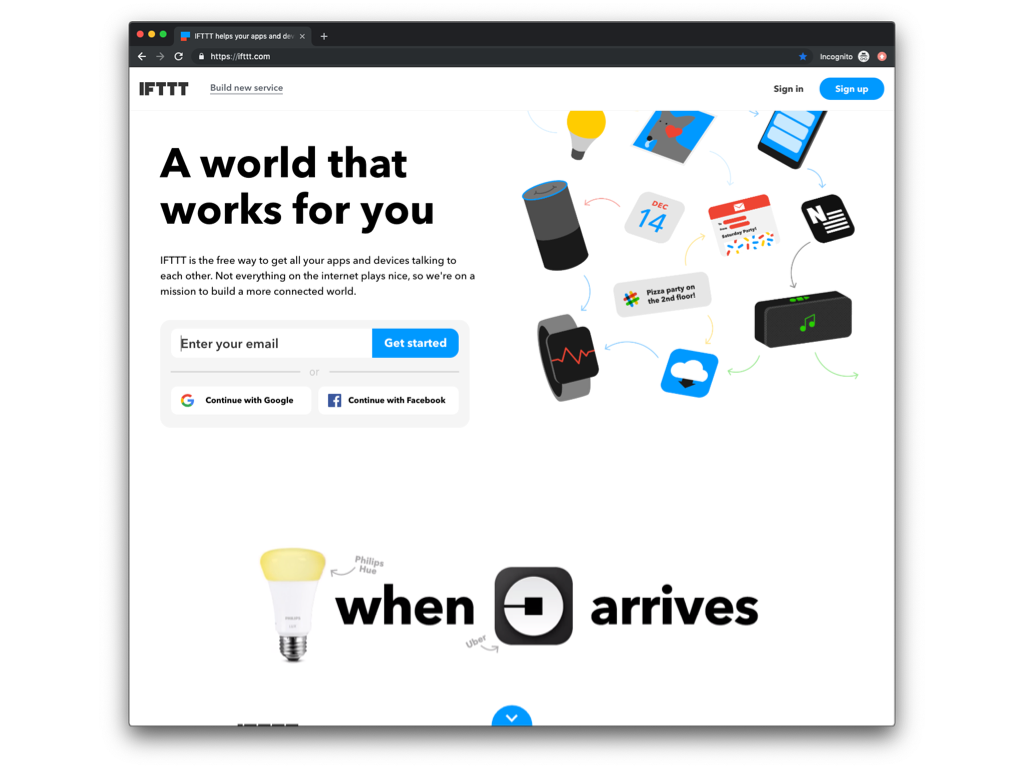  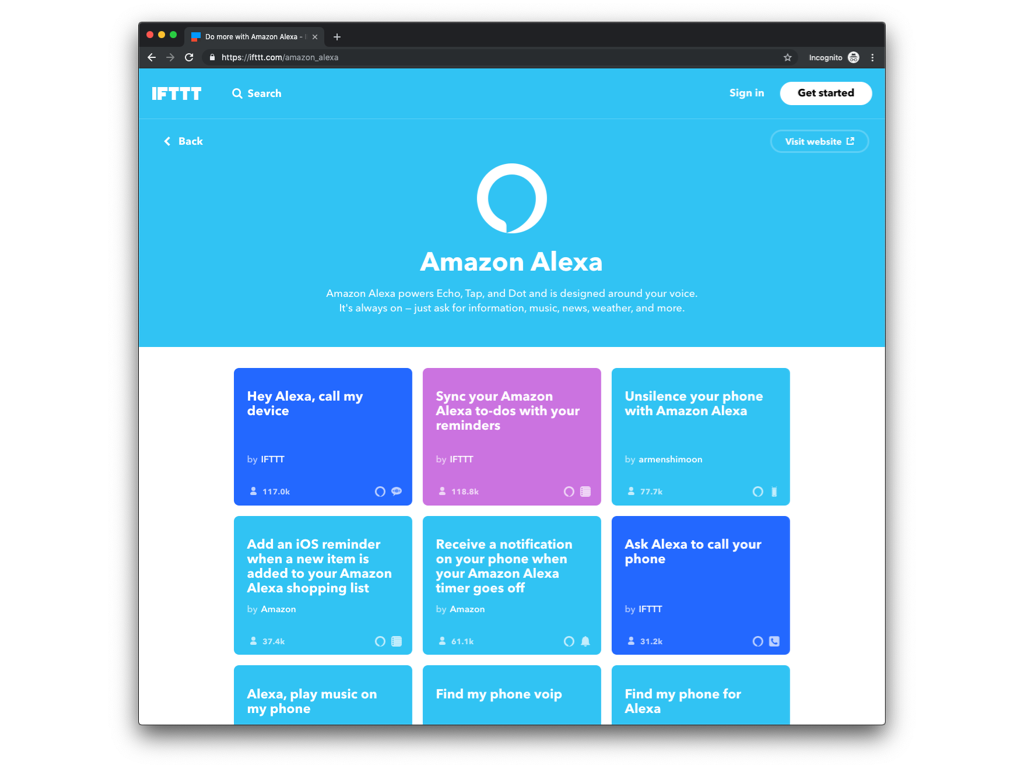 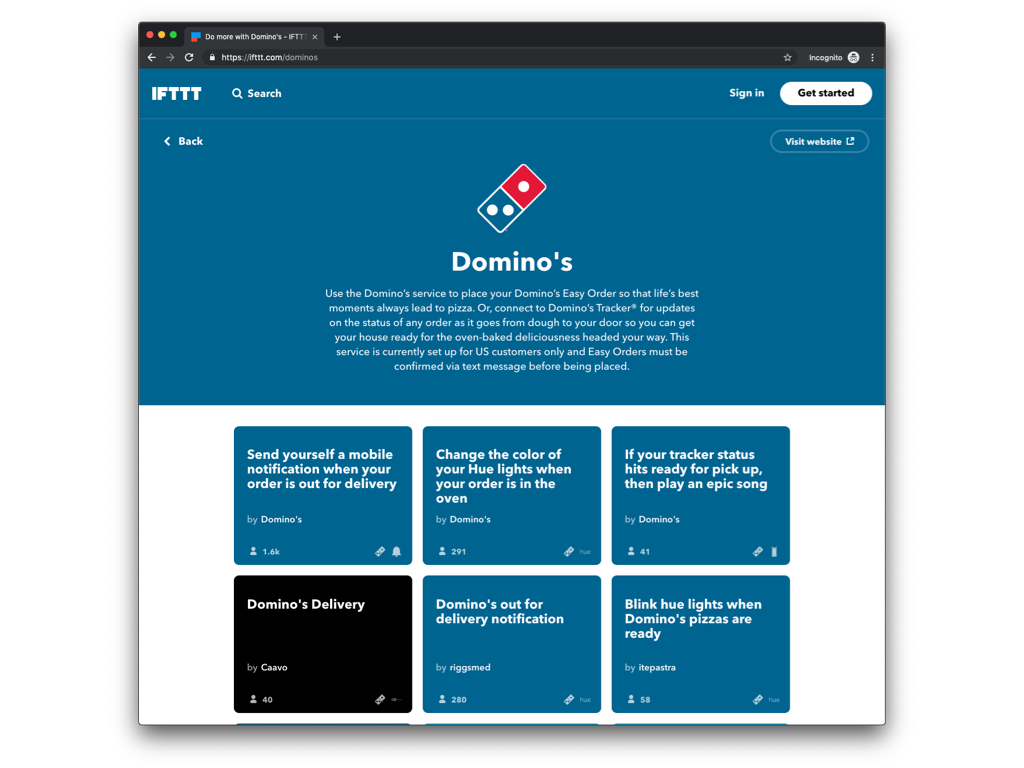 | TeamDynamix iPaaS Screenshots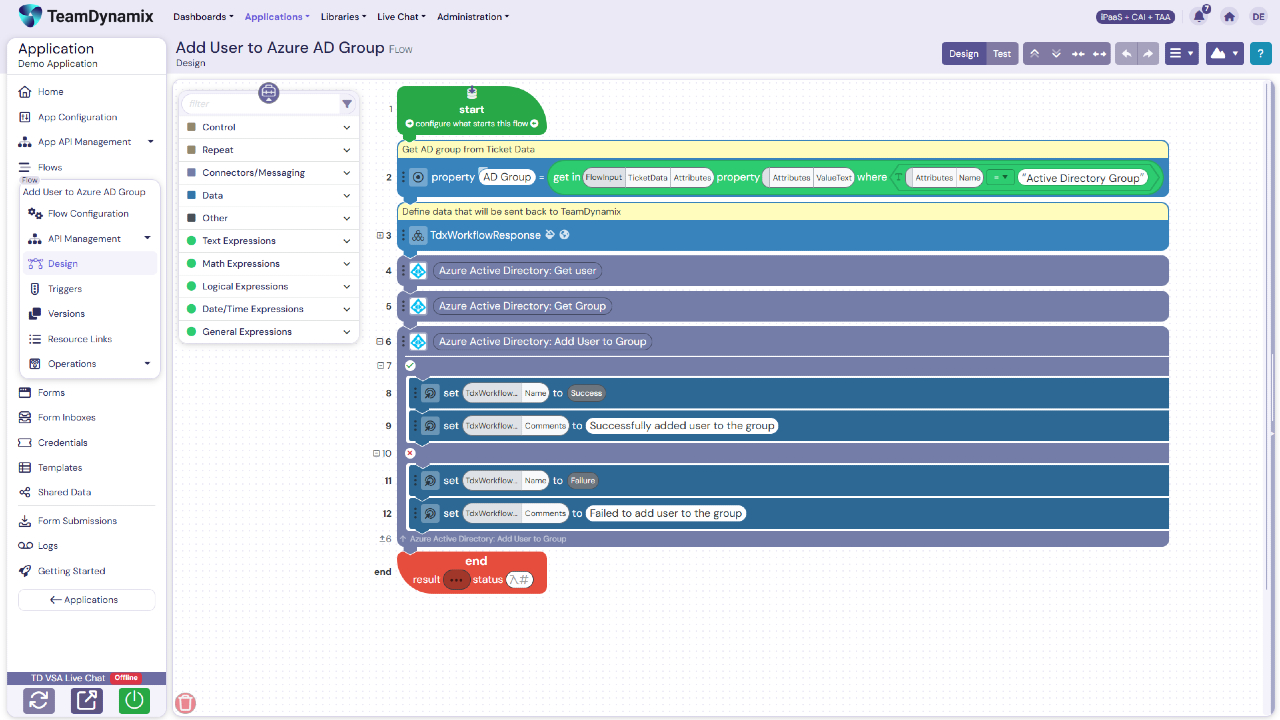 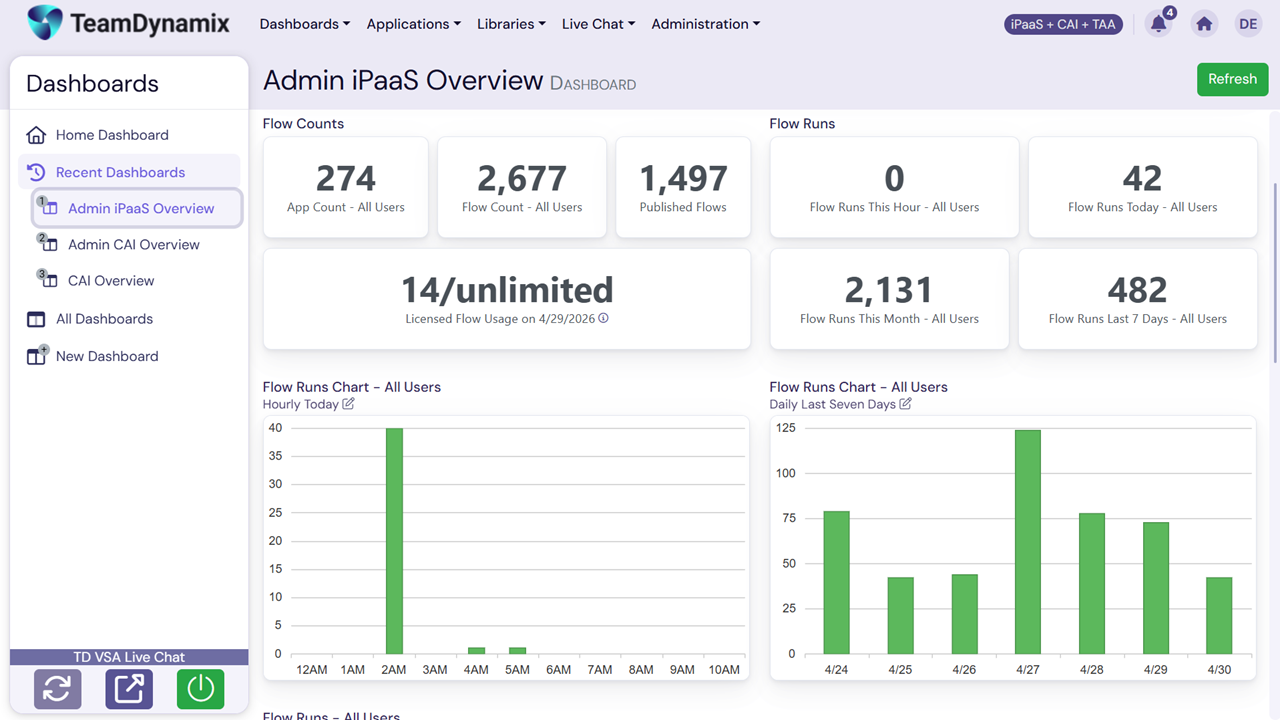  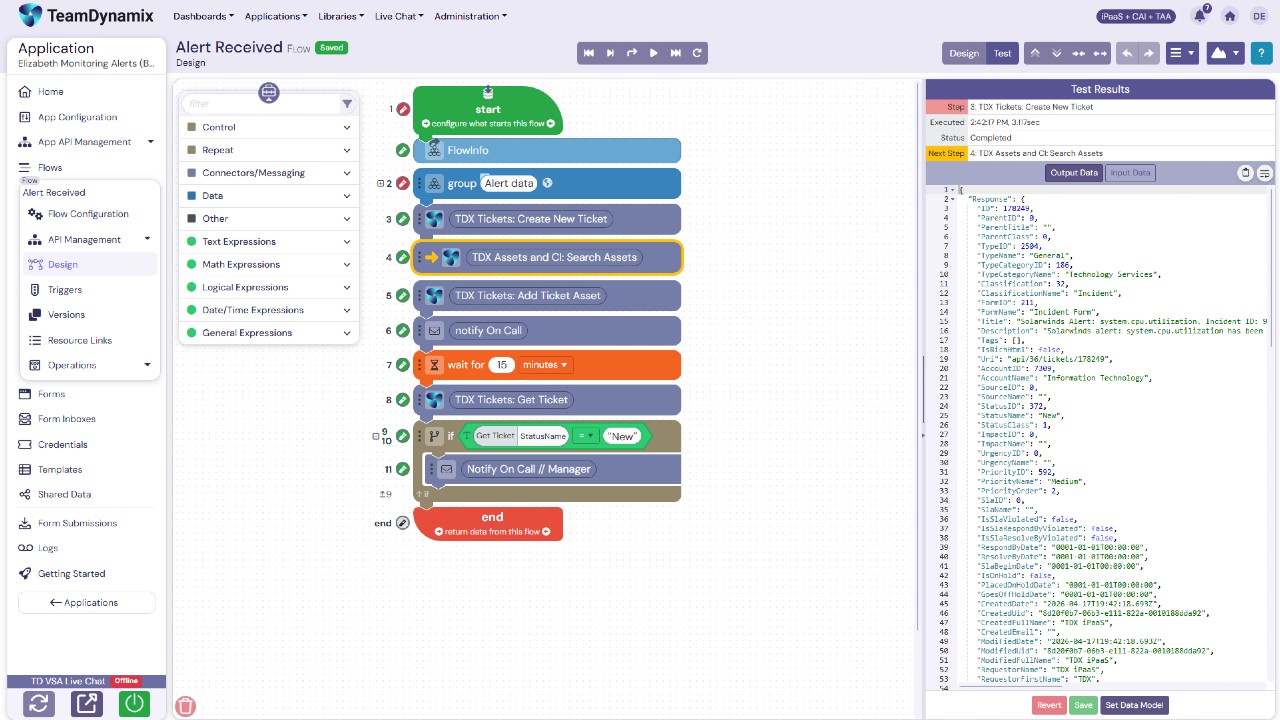 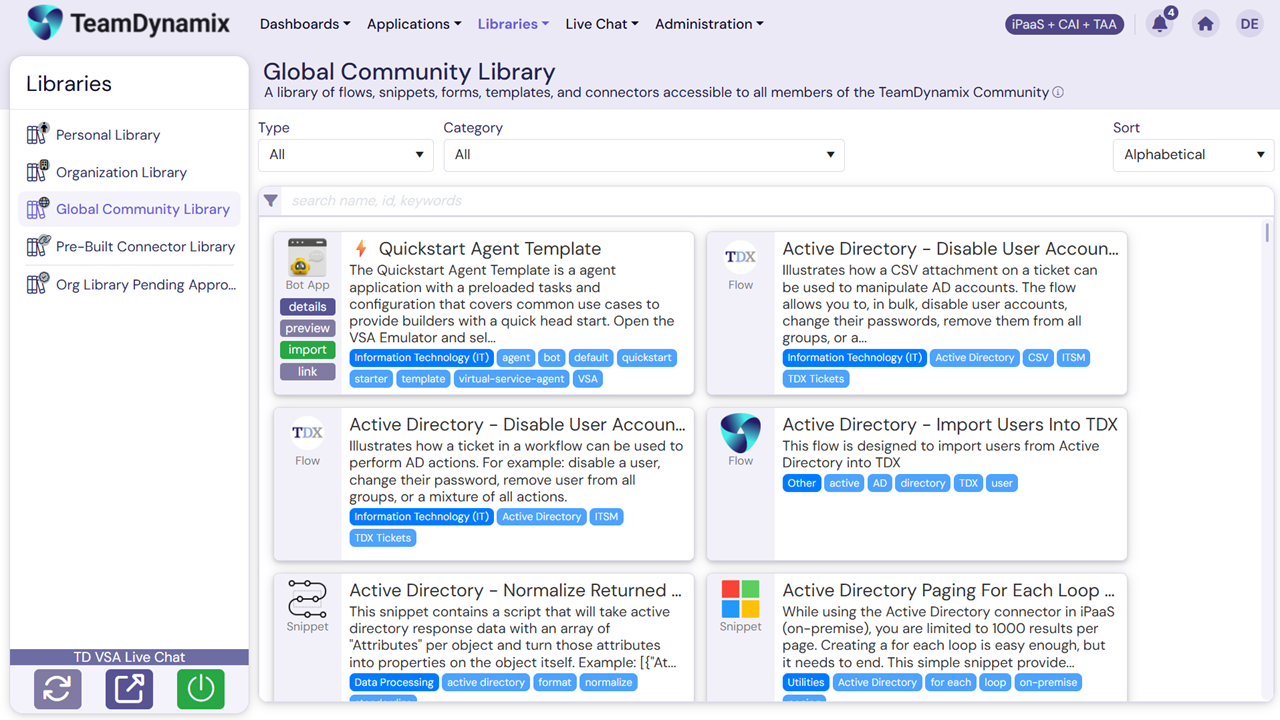 |


