Ignition is a platform for professional services that automates and optimizes proposals, client agreements, billing and payment collection to put an end to late payments, unbilled work and mundane repetitive admin.
$49
per month
OneSpan Sign
Score 9.6 out of 10
Enterprise companies (1,001+ employees)
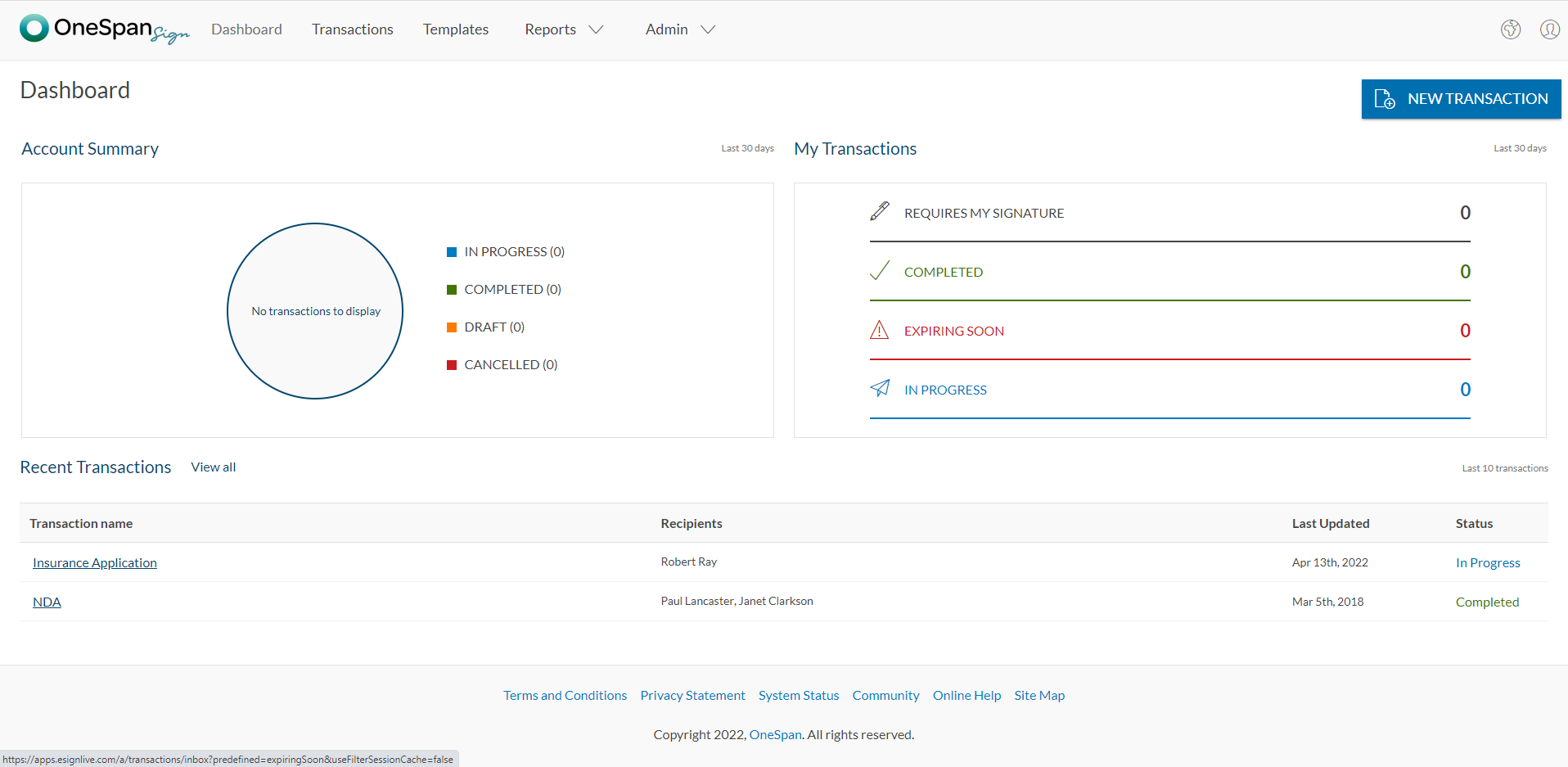
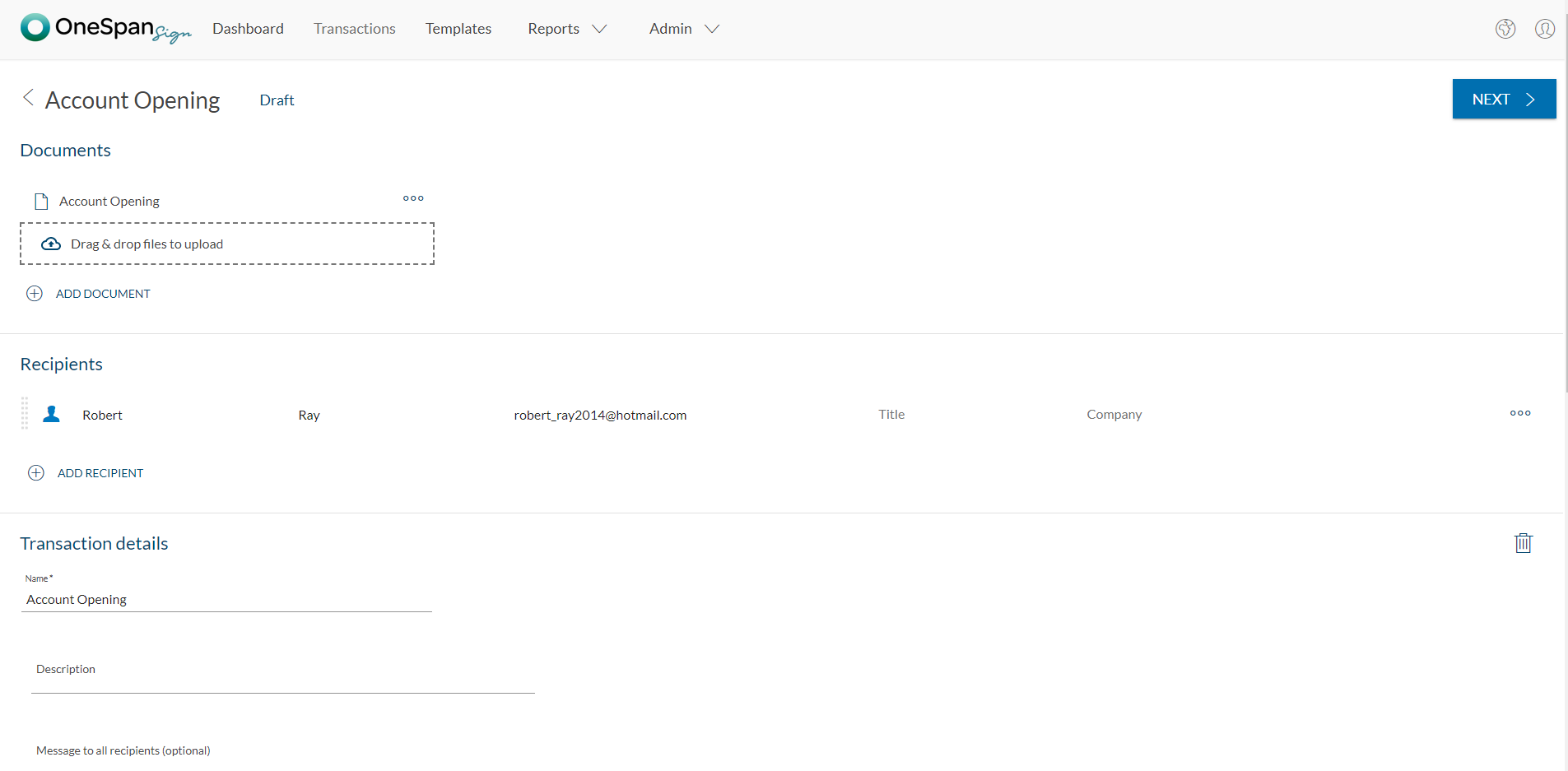
OneSpan Sign (formerly eSignLive) is an e-signature solution for secure document signing processes that enables organizations to digitize business processes and eliminate costly paper and inconvenient “wet” signatures.
$240
per year per user
Pricing
Ignition
OneSpan Sign
Editions & Modules
Solo
$49
per month
Core
$149
per month
Pro
$249
per month
Pro+
$499
per month
Free Trial
$0
Free for 30 Days
Professionnal
$20
Per User per Month
Enterprise
Call for Pricing
Enterprise
Call for pricing
Contract
Offerings
Pricing Offerings
Ignition
OneSpan Sign
Free Trial
Yes
Yes
Free/Freemium Version
No
No
Premium Consulting/Integration Services
No
Yes
Entry-level Setup Fee
No setup fee
No setup fee
Additional Details
Discount available for annual pricing.
—
More Pricing Information
Community Pulse
Ignition
OneSpan Sign
Features
Ignition
OneSpan Sign
Proposal Creation & Organization
Comparison of Proposal Creation & Organization features of Product A and Product B
Ignition
8.9
3 Ratings
13% above category average
OneSpan Sign
-
Ratings
Proposal branding
8.03 Ratings
00 Ratings
Proposal templates
9.03 Ratings
00 Ratings
Proposal content library updates
9.52 Ratings
00 Ratings
Searchable proposal database
9.03 Ratings
00 Ratings
Proposal Collaboration & Workflow
Comparison of Proposal Collaboration & Workflow features of Product A and Product B
Ignition
8.4
3 Ratings
6% above category average
OneSpan Sign
-
Ratings
Proposal collaboration & approval
8.03 Ratings
00 Ratings
User permissions/proposal editing controls
7.52 Ratings
00 Ratings
Sales proposal workflow
10.02 Ratings
00 Ratings
Proposal automation user interface
8.03 Ratings
00 Ratings
Proposal Delivery
Comparison of Proposal Delivery features of Product A and Product B
Ignition (initially called Practice Ignition) performs quite well at proposal building, contract development, tracking and invoicing, payment and collections. The only issues where I see Ignition not being a good fit is in smaller firms that require a more feature rich plan. A perfect example is a solo firm has a limited number of proposals they can activate, and would have to spend extra for additional features like multiple e-signatures.
OneSpan Sign is suited to many professional business situations. It is well used by the legal, security and compliance teams as well as many people within the financial functions. A lot of businesses have become very agile, and require a paperless environment to working. There are some companies and businesses who would prefer paper documents to be signed, which would not work as well as the paperless versions. I would use it in many different scenarios where I would prefer to have a paperless transaction
The charge back process is messy and not transparent enough. When there is a charge back, PI deducts the amount from other payments settling on the same day, and does not provide a break down of the amounts. This makes it impossible to track without getting help from support.
PI should send email alerts monthly (or at some interval determined by user) for expiring engagements.
PI should allow the client to make service selections -- we should be able to offer 2 or 3 options under a service offering, and the client chooses and sees the impact on monthly/annual pricing.
PI should allow for more than 2 templates (Business and Individual).
PI should integrate with Jet Pack Workflow to automate the creation of new jobs once a proposal is approved.
I don't see any reasons to change as their solution covers all my need for now. I could make even more integrations but that might be something that I will do down the road. I'm used to working with the interface and my data is all there as well.
The Ignition product is quite usable for the average user. The app has preloaded templates that can get even new-hires to navigate the software and set up proposals. The only area where I see the Ignition product lacking is the additional fees smaller firms may have to pay to get the full feature advantages of the product.
The product is so well designed and built that we rarely need to reach out to customer service. But we have reached out to them in case of downtime, and we have always gotten a satisfactory response. We never had to follow up, as customer service executives were very responsible.
My experience with OneSpan in the customer service has been very positive. However, since my experience with OneSpan is much more recent, most of my technical experience with OneSpan includes technical areas that were not available in other products at the time I was working with other products.