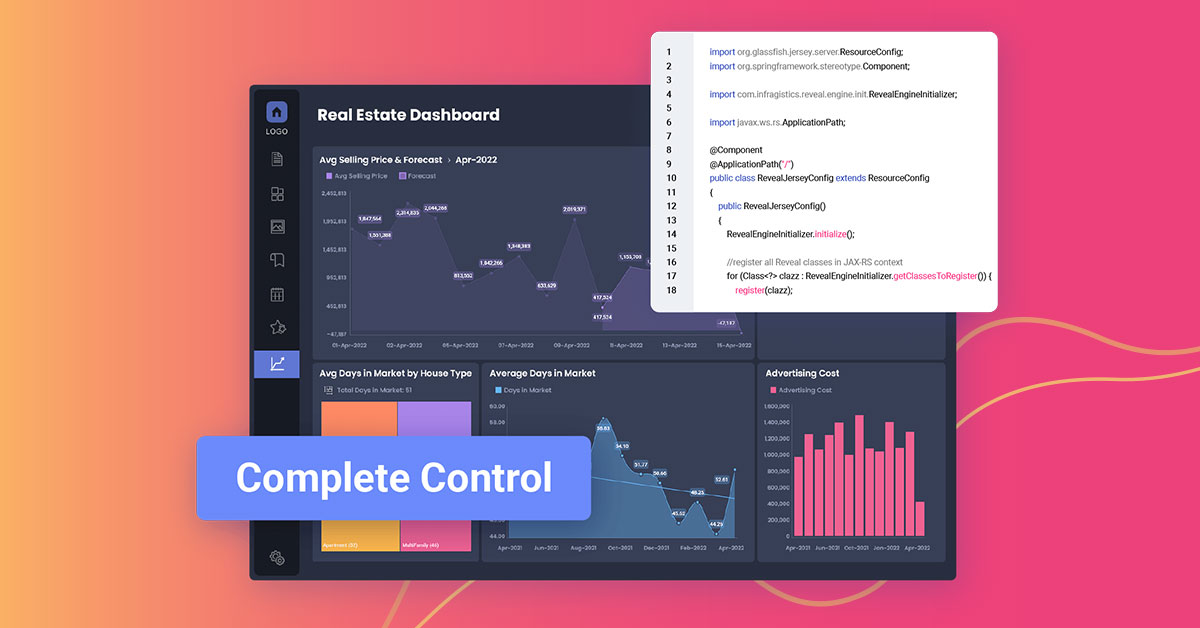
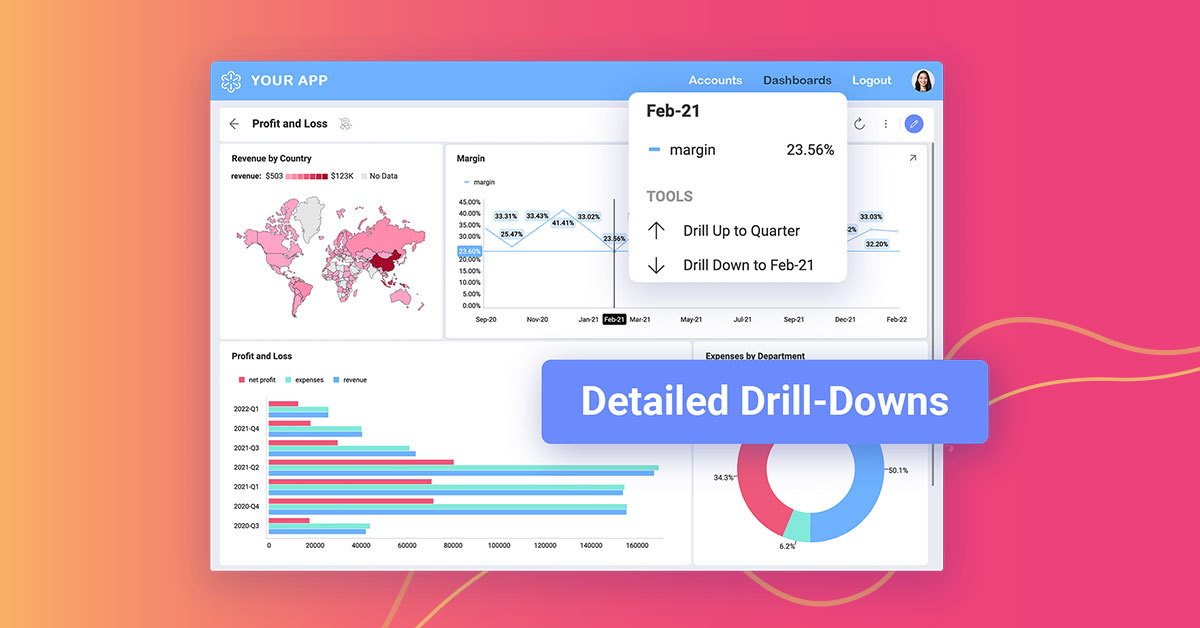
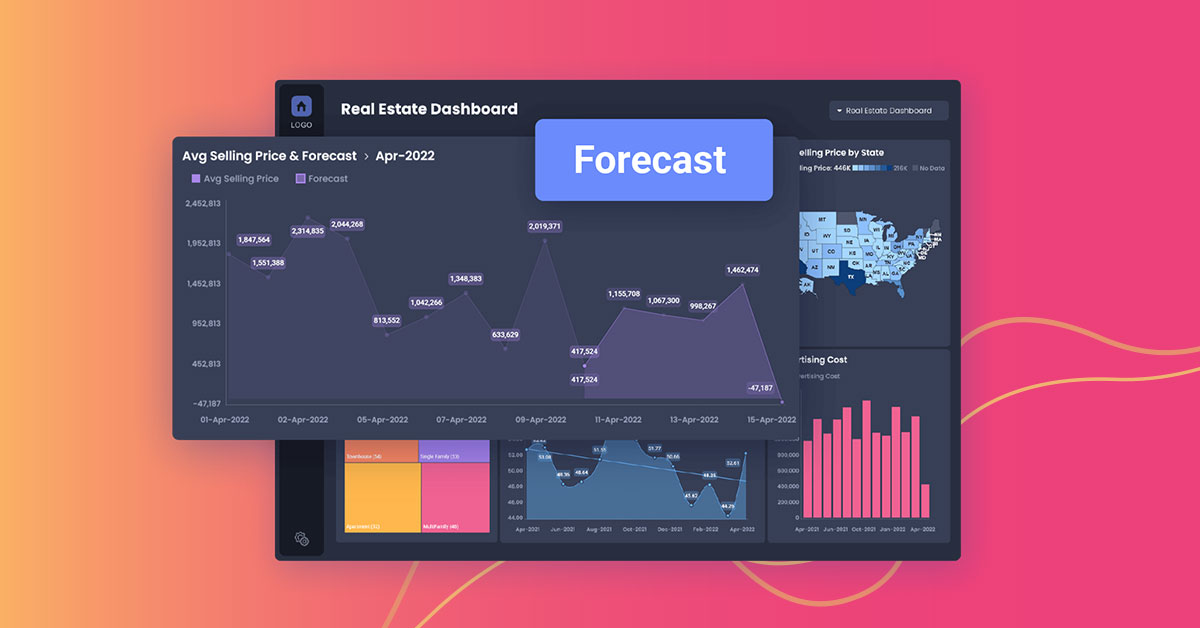
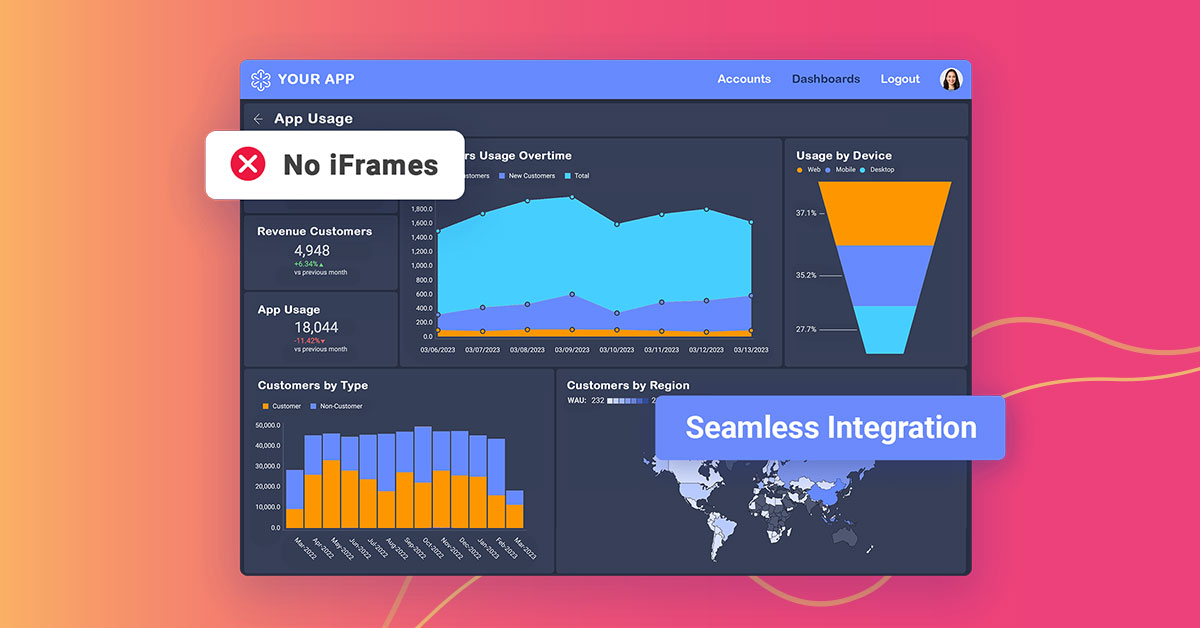
Reveal is a True SDK embedded analytics and business intelligence platform built for software teams shipping customer-facing dashboards, reporting, and AI insights inside their own applications. Unlike iFrame-based or bolt-on BI tools, Reveal embeds natively — with full control over UX, branding, and architecture, and no separate licensing or infrastructure overhead. End users get self-service analytics including drag-and-drop dashboard creation, conversational AI…
$0
SAP Analytics Cloud
Score 8.1 out of 10
N/A
The SAP Analytics Cloud solution brings together analytics and planning with integration to SAP applications and access to heterogenous data sources. As the analytics and planning solution within SAP Business Technology Platform, SAP Analytics Cloud supports trusted insights and integrated planning processes enterprise-wide to help make decisions without doubt.
$36
per month per user
Pricing
Reveal
SAP Analytics Cloud
Editions & Modules
Embedded Analytics - Contact Us!
$0.00
SAP Analytics Cloud for Business Intelligence
$36.00
per month per user
SAP Analytics Cloud for Planning
Price upon request
per month per user
Offerings
Pricing Offerings
Reveal
SAP Analytics Cloud
Free Trial
Yes
Yes
Free/Freemium Version
No
No
Premium Consulting/Integration Services
Yes
No
Entry-level Setup Fee
Optional
No setup fee
Additional Details
—
A 30-day trial with SAP Analytics Cloud is available, supporting analytics enterprise-wide. A trial can be extended up to 90 days on request.
As a company responsible for people money we have to deal with following challenges every day: Clients who want to track the status of their transfers. Licensing agencies who need to ensure professional standards are met. Internal team managers who need to track client and staff progress to ensure company progression and success. Reveal does a good job as self-service tool enabling the accountable parties to have full access to important insights 24/7. The prebuilt dashboard themes save time and investment as we don’t need to hire a dedicated data analyst. The interactive dashboards give full transparency. The ability to easily create, analyze and report keeps clients, partners and stuff on the same page.
>> Using SAC predictive analytics capabilities for inventory management in a Production line setup has helped generate Purchase Requisitions and Purchase Orders for raw or semi-finished goods without much head-banging into Demand management rules. It does it beautifully with seamless integration with HANA core MM and PP modules, along with BI integration. It has resulted in 30% greater warehouse storage capacity, thereby saving revenue from piled-up inventory and associated manpower costs. >> SAC sometimes shows latency in working out a large data set, thus giving a poor user experience compared to its competition. Also, it may occasionally show misinterpretations when embedding data from 3rd-party systems into the HANA core dataset.
Ease of Use - Reveal is super intuitive when it comes to creating dashboards. You don't need to be a data expert, which is key for me.
Sharing - The ability to share across our teams, locations, and with clients is great. We create teams for our different clients and share dashboards there that also are connected to our company dashboards.
Support and Roadmap - Reveal support has been great. They care about the needs of their customers. They have released 3 updates in the last few months, and they are adding a lot of value.
It makes it easier yo analyse order and related records easily.
We can easily maintain and track the performance of employees in organisation.
Can easily track various aspects for the growth of an organisation thus allowing real time analysis and tracking of organisation's growth and performance.
SAC supports various data sources, but improvements in the ease of connecting to and integrating with certain data repositories, especially non-SAP databases, would enhance the platform's versatility and integration capabilities.
An offline mode for SAC could be valuable for users who need to access and analyze data without an internet connection. Additionally, optimizing performance for large datasets and complex visualizations would contribute to a smoother user experience.
As a developer of the project, I feel comfortable with this tool for its peculiarities: acceptable costs, simple configuration, creation and maintenance of simple reports, fairly complete account management, also, not least, I appreciate the work done by their technical support always timely intervention and, above all, resolutive. Furthermore, as far as end users are concerned, I found a good appreciation of the proposed reports
We are planning to review the licensing as we have issues with SAC dealing with huge datasets. Analytics area is good for import models but when we have live connections in place that's when we have issue with SAC dealing with huge datasets in live be it BW or be it HANA models in the backend.
Reveal has a great usability for any level of computer user. The only major thing I see that is not exactly user friendly, is the color scheme issue I stated earlier in my review. Although, I am coming from a graphic design background, I need a platform that every team member in our office can use.
I landed on a 7 out of 10 for a few key reasons. The tool is flexible in the sense that we are using very very very (very) little off the shelf solutions and customizing to our needs. Users enjoy having the customized data actions, key variance calculations, and easy to use headcount/salary planning in the same tool. One downside is that users are hard to please when they are used to excel. SAP Analytics Cloud simply is not excel, and the flexibility of excel in a crunch is not there.
This assessment is due to the fact that I have not yet found Reveal not available for use. Apart from some problems of development crash, then fixed by the product assistance service, I have not found any particular problems or loss of time caused by the instrument.
I would rate SAP Analytics Cloud an 8 out of 10 for scalability. It offers a flexible, cloud-based architecture that supports expansion across departments and geographies. The platform adapts well to growing data volumes and user needs, making it a strong choice for organizations looking to scale analytics capabilities efficiently.
The pages load rather quickly even in the presence of several elevations in the same dashboard that insist on different data sources and with visualizations that insist on different types of graph. I can only be satisfied with these performances.
I would rate SAP Analytics Cloud’s performance an 8 out of 10. Pages generally load quickly, and reports run within a reasonable time frame, even with complex datasets. Integration with other systems is smooth and doesn’t noticeably affect performance. Overall, it’s a responsive and efficient tool for business analytics. But
Since the implementation stage, the support team has been very helpful and assisting. Even in the later stages, the tech team had quite a rapid response. In general, SAP has provided us with great customer support, let it be for a specific product of SAP or for integration of different modules.
In hindsight, it would have been easier to have someone there in person. Questions were answered, but with 11 participants, it got a bit chaotic online
None in particular, however, would be welcome if improvements were made in the personalization of the prospects and in the connection between them (perhaps being able to transfer the selections present in one prospect to another recalled by the first).
SAC is a simple solution ad it works fine when connecting it to other SAP tools. On the other hand, connecting it to third party solutions brings difficulties when there's no previous design and the objetives are not clear. It is really important to integrate Business users from the start to provide with valuable business insights
Lacks ability to generate analytics as complex as Tableau and not as easy to embed and interface with other software and databases as Looker. But a very good option for those not needing the complexities found in other products.
SAP Analytics Cloud and Power BI are both tools that help businesses understand their data, but they have some differences. SAC, made by SAP, works well if your company already uses other SAP products. It's in the cloud, easy to use, and has features for analyzing data, getting insights, and planning for the future. Power BI, made by Microsoft, can be used in the cloud or on your own computers. It fits well with Microsoft tools, is easy to use, and can do advanced data analysis. SAC has built-in planning tools, while Power BI needs extra tools for detailed planning
This evaluation is the result of the fact that I have not had the opportunity to deepen the Reveal interface with other tools and / or other software, so the evaluation that I am giving follows what I have been able to read regarding the characteristics of the product online.
Is good for use across multiple locations. It allows users to access data and reports from anywhere, regardless of their location. Can consolidate data from various sources, including different SAP systems and external sources, which facilitates cross-location analysis. SAC enables access to data and models from SAP Datasphere to create new stories. Detailed permissions can be defined for cross-departmental use.
Many manual data manipulations and exports in Excel have been replaced by the tool, providing management with improved insight into the amount of time spent at each stage of an invoice's lifetime, allowing bottlenecks to be discovered.
We now have more insight into the data, and people with little technical experience can easily build stories.