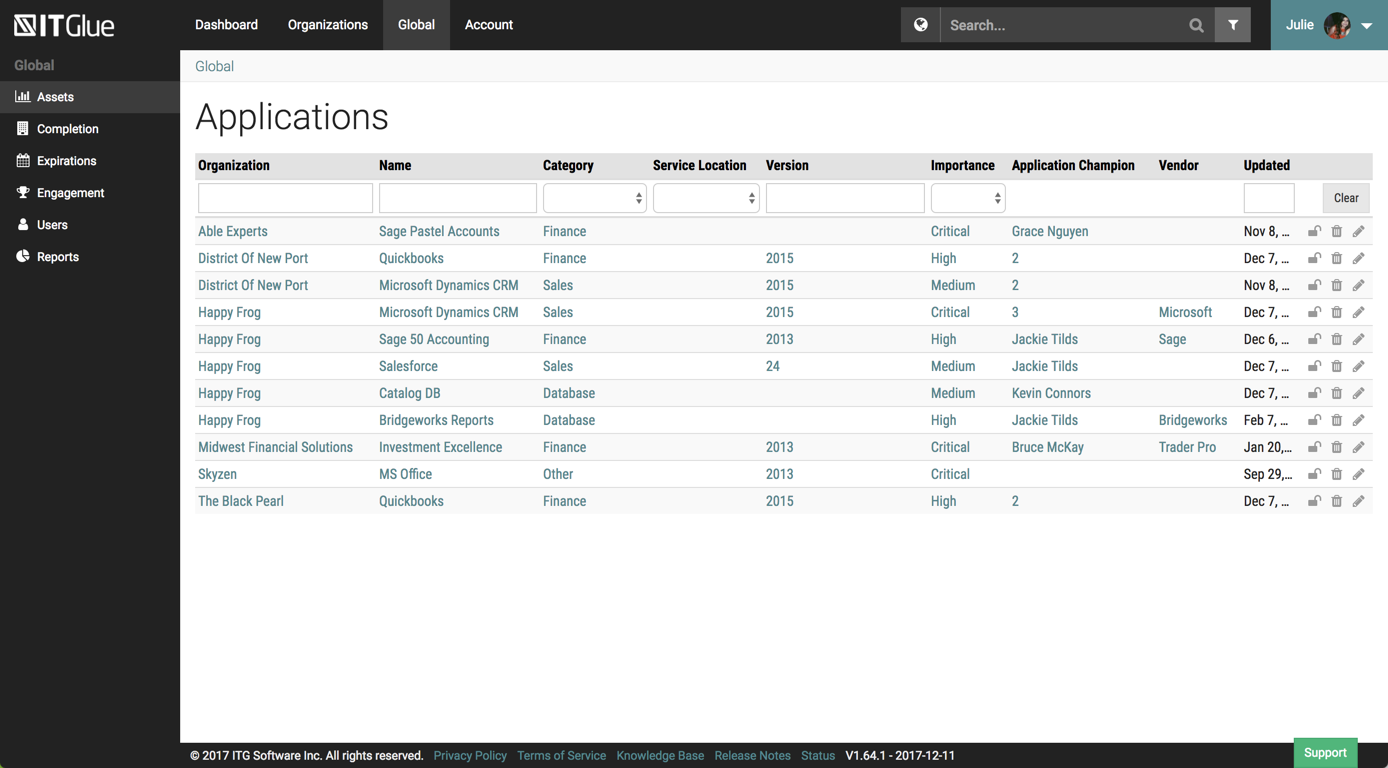
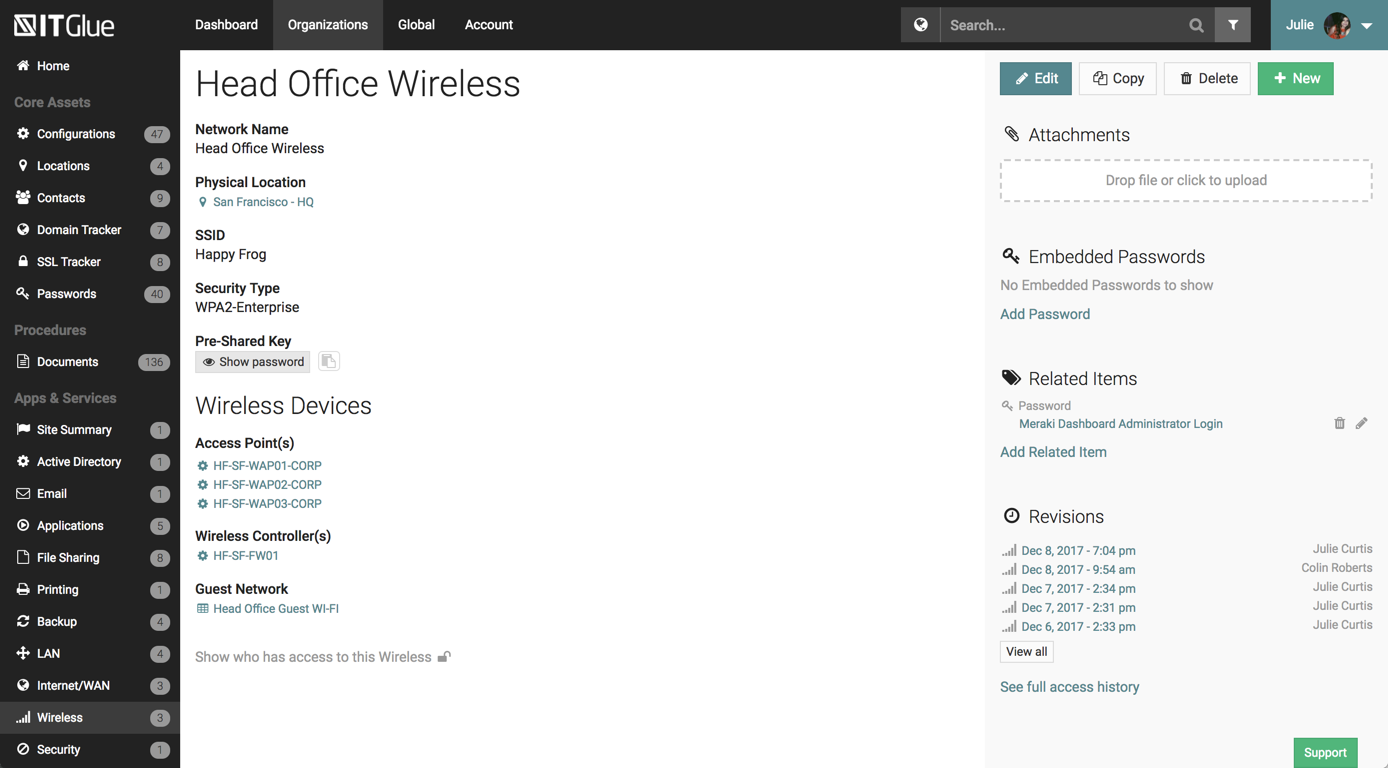
IT Glue, a Kaseya company since the December 2018 acquisition, is an information management platform that allows for efficient storage and retrieval of all the documentation an organization needs to help their MSP run better. By integrating PSA and RMM data, the vendor says they can help increase efficiency, and reduce onboarding times.
$29
per month per user (5 user minimum)
Wondershare PDFelement
Score 5.0 out of 10
N/A
PDFelement is a document management solution from Wondershare Software headquartered in China.
$79.99
per year per user
ProfitDig
Score 0.0 out of 10
N/A
N/A
N/A
Pricing
IT Glue
Wondershare PDFelement
ProfitDig
Editions & Modules
Basic
$29.00
per month per user (5 user minimum)
Select
$34.00
per month per user (5 user minimum)
Enterprise
$39.00
per month per user
PDFelement
79.99USD
per year per user
PDFelement
129.99USD
one-time fee per user
No answers on this topic
Offerings
Pricing Offerings
IT Glue
Wondershare PDFelement
ProfitDig
Free Trial
No
Yes
No
Free/Freemium Version
No
No
No
Premium Consulting/Integration Services
No
No
No
Entry-level Setup Fee
$545 one-time fee
No setup fee
No setup fee
Additional Details
—
For Individuals:
Yearly Plan: $79.99/user;
2-Year Plan: $109.99/user
Perpetual Plan(one-time): $129.99/user
For Teams:
Yearly plan starts at $109/year for 1 user
For Education:
Yearly Plan: $47.99/user;
Perpetual Plan(one-time): $99.99/user
IT Glue is better than any Wiki site we have used. Integrating the Wiki sites with our IT information is too difficult, and they will not easily show statistics from the servers we service. IT Glue will integrate easily with things like Auvik and Lion Guar,d which is why we …
We used simply OneNote before IT Glue and still keep basic info in there. [I believe] it was not great for sharing outside the company but worked very well to share securely with staff. RoboForm can be used to share info to your clients, such as passwords and configuration …
Currently, we are evaluating using Sharepoint instead of IT Glue as documents and items are searchable within the document instead of by title. We feel that by only searching by title and the type it hinders the speed at which information can be found easily.
Although it doesn't show up in the search bar here, we've also used BizDox.
While all these provide many of the same services, for us, IT Glue just works much better. We can get to the information we need from anywhere, it's well organized, and we get it quickly. But above all …
Before IT Glue, we were using office Word documents, spreadsheets, and OneNote for storing client documentation - it was a mess. Since moving to IT Glue all of our documentation is in one place, more organized and easily accessible. The initial input of information was long and …
This seemed like a cool product. You run these PowerShell scripts that you run on the client computer that updated in IT portal. It worked good at first but then it would mysteriously double the computer in IT Portal. If I don't catch it, it will triple and grow and grow. Later …
We tried Confluence but it had such a steep learning curve not only for the installer but for everyone involved. It didn't go very far and everyone got fed up with it quickly. I know confluence can do a ton of things but when you don't have dedicated people to implement you …
IT Glue is much easier and cleaner to use than Confluence. It has a lot more functionality being able to sync across other pieces of software we use, such as ConnectWise Manage and ConnectWise Automate. Alerting to our Slack channel helps in some situations as well. A lot more …
This is no joke, when demoed IT Glue at a convention, and then set a call for the rest of the team to look at it, and it was so intuitive and easy to access data, that we signed, without looking at other software.. Prior to ITGlue all data was in our RMM software.
Spiceworks is a free tool to use if you're in MSP. The community is fantastic, but it lacked in certain features. The amount of information I can put into IT Glue is leagues ahead of Spiceworks. You also have to have supplementary software to reach the wealth of information …
We used SharePoint for quite a while and then moved to IT Glue. Then IT Boost came out, and I wanted to like it but it was super flakey and had some security issues. Overall IT Glue has kind of a sucky sales department, but otherwise, it's a solid product that I would recommend …
We used Bright Gauge a long time ago. At the time, we didn't have enough process and procedure in place to truly evaluate it, so we're currently going through an evaluation of Bright Gauge again now and we'll decide what works better. I don't think we're losing IT Glue …
Couldn't choose Wikipedia but IT Glue definitely has more options for saving content. It's user friendly and is straightforward. There are several editing tools that come in handy when writing up procedural documentation and I found Wiki to be more difficult to use. You'd have …
SharePoint requires specialized training, Confluence isn't MSP-specific, and ITBoost is new and not yet proven. IT Glue's integration with the rest of our toolset was what sold it for us.
ITG was created specifically for IT providers and had the integrations that we need for our PSA tool. Confluence is an amazing platform and may end up being our next move.
We chose IT Glue particularly because it's tailored to IT documentation. As a managed IT service provider, it's perfectly in line with what we were looking for. The flexibility and tagging in particular were the kind of features we were looking for. Confluence is very good, …
PDFelement is the ideal solution for Adobe Acrobat because of its small size, clean interface, quick start, strong features, light system resource usage, and low pricing.
They are doing quite aggressive marketing, therefore it is very present everywhere. Pricing is in the range for private users. If features are improved, I probably would buy it again, otherwise think next time would try the competition (e.g., Nitro).
I used Adobe Acrobat for around 15 years in different large scale companies. But it is too expensive for single users or small enterprises and Adobe offers only yearly subscription which I personally do not like.
Adobe PDF is the alternative for me but much more expensive. It has more features but I don’t need them. For a small business PDFelement's affordability makes it a cost effective option.
I didn't try or buy other programs, but did a good bit of research on them. I went with PDFelement because of the lower pricing, and because of the rich features I learned it had.
I also appreciated the great customer service I received from reps in the community forums, which …
PDFelement has among the several options available in the market, a productivity solution with relevant acquisition costs associated with the benefits offered. Among the functions available in the application, other companies have the same function with lower performance and …
I haven't used any other product besides PDFelement. I found a product that I love and I'm sticking with it. I will say that I went with PDFelement based on reviews and based on the features that this product supplies vs. the others. I trust the company behind PDFelement (been …
IT Glue is well suited to any size managed service provider that requires a secure central knowledge base. IT Glue also integrates well with N-Central to automatically populate the configurations tab with all the relevant Workstation, Printer, and Server information making client on-boarding a breeze.
PDFelement Pro is well suited for all of our needs and our clients' needs. I bought the Windows version and liked it so much that I purchased the Mac version at the discount that I was offered at checkout. It performs well and is easy to learn and use. Companies could save so much money by using PDFelement instead of Adobe Acrobat Standard/Pro
Flexible Assets are custom questions or forms that you get to create to keep the kind of documentation that *you* want. Our team has done this, and have developed a comprehensive system in our documentation that is better than anything we've ever had.
Tagging. This feature is so helpful when interlinking related items in the documentation system. IT Glue makes it so easy to tag other configurations, including printers, firewalls, phones, etc.
Public sharing of knowledge base articles. Often our clients need to know how to do something. We can add pictures, step-by-step walkthroughs that save us and them a ton of time.
iFrame embedding. There's some flexibility to the web pages that have been helpful for putting other things, such as Cognito Forms in.
So far we have enjoyed the functionality of ITG with one exception:
The search feature is severely lacking. We have thousands of articles in this knowledge base but the search window is about 1" wide and only shows the first few words of each article. Within our system, those first few words are often the same "SYSTEMS: How-To...". If we are searching for a system, we will have no alternative but to manually try to find this document by browsing through folders within ITG.
Unfortunately ITG has not responded to a flurry of enhancement requests around this feature, that go back quite a while.
The functionality that would make this a killer app for us would be a dedicated search page that displayed results like a Google search page.
Ability to export all client documentation if the client moves to another provider.
I wish there was a lighter program for just reviewing a document and then to transition seamlessly to an editing mode. It takes a few seconds longer to load than Preview on my Mac, and based on that frustration, I use Preview to view documents.
Overall IT Glue meets every need that we need it to. IT is easy to use and convenient and we have not had very many issues with it since the inception. I would easily recommend it to anyone who needs this software.
The interface is excellent and very easy to use. As long as the text you input into the system can be easily read, you will have no problem finding it with all the different categories offered. Sometimes, the slider on the right can blend in with dark backgrounds, making it hard to see.
Other than a few access outages, ITGlue is always up and available to us. Their ability to export Playbook, that contain our customers data, and securely send those over to them is amazing and are produced pretty fast. We have IT Glue linked with several other services and software and we have not found that it slows anything down.
There is a lot of learning. Although some of the functions you can probably pick up relatively quickly, some of them, including compressing the size or using a different language, remains a myth to me.
No problems with support when needed it. Their answers on how to handle DR/BC situations when ITG is down are not stellar. They don't seem to get the business risks of their suggestions to just give the xls backup to engineers (aka give all passwords of ALL clients to engineers in an unencrypted flat-file where it is easy to copy, print, etc.)
Recently I have had a problem with introducing another laptop to the same license. I wrote an email to the Support Team of Wondershare Software and they successfully fixed the issue in less than 24 hours. Very unusual and impressive.
Currently, we are evaluating using Sharepoint instead of IT Glue as documents and items are searchable within the document instead of by title. We feel that by only searching by title and the type it hinders the speed at which information can be found easily.
I haven't used any other product besides PDFelement. I found a product that I love and I'm sticking with it. I will say that I went with PDFelement based on reviews and based on the features that this product supplies vs. the others. I trust the company behind PDFelement (been using Wondershare Ultimate Video Converter for years), so I trusted the name
We've had a number of false starts on getting all of our clients' assets documented. The culture shift just has not happened yet and there is a general lack of trust in the data.
It's nice to not have to go hunting for information about client assets anymore. We can be much more productive this way.