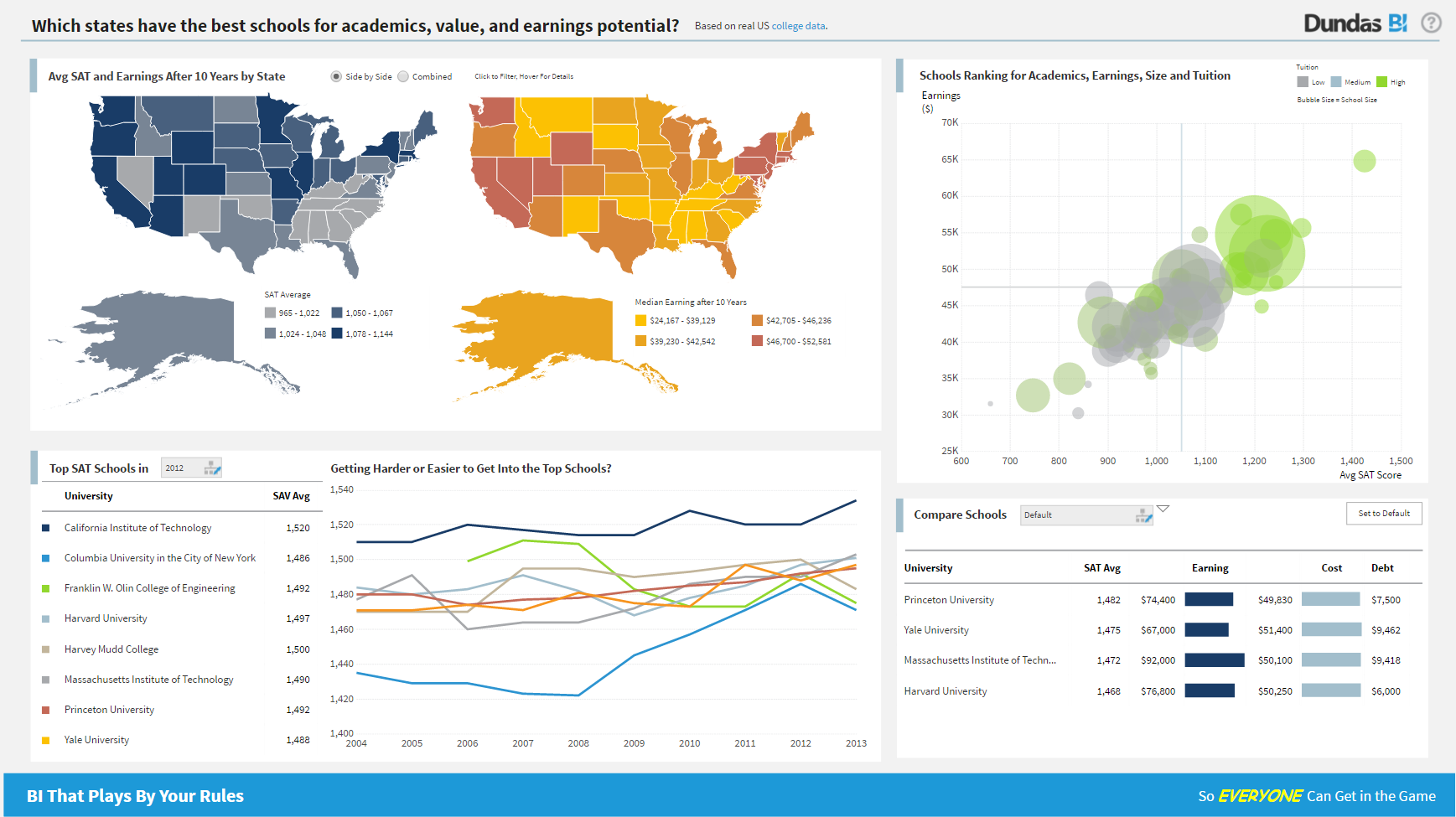
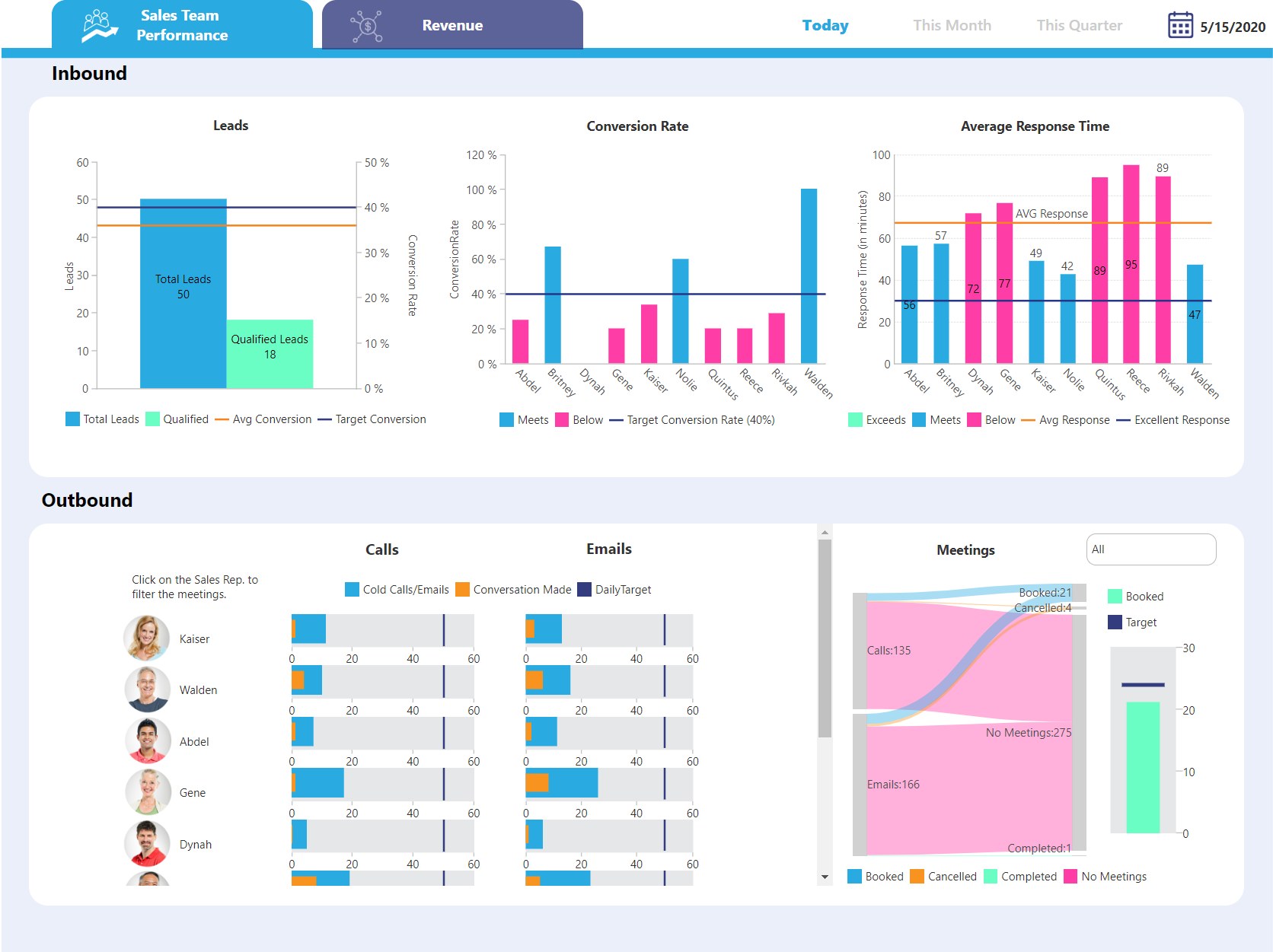
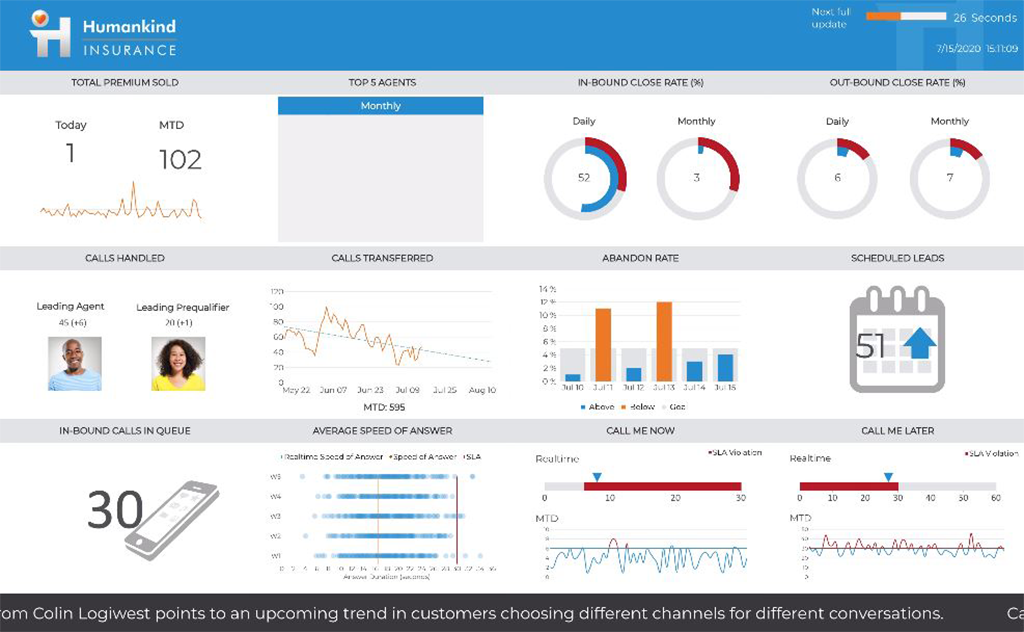
Logi Symphony is a business intelligence and data visualization software that includes customizable dashboards, reporting, and visual data analytics. It can be integrated into users’ existing business applications and its visualization and reporting tools can be customized.
N/A
SAP BusinessObjects Business Intelligence
Score 7.0 out of 10
N/A
The SAP® BusinessObjects™ Business Intelligence Platform provides users with ad hoc queries, reporting, data visualizations, and analysis tools. Its integrated, unified infrastructure aims to offer scalability from one-to-many tools and interfaces on-premise, in the cloud, or as a hybrid approach.
N/A
Pricing
Logi Symphony
SAP BusinessObjects Business Intelligence
Editions & Modules
No answers on this topic
No answers on this topic
Offerings
Pricing Offerings
Logi Symphony
SAP BusinessObjects Business Intelligence
Free Trial
Yes
No
Free/Freemium Version
No
No
Premium Consulting/Integration Services
Yes
No
Entry-level Setup Fee
No setup fee
No setup fee
Additional Details
—
—
More Pricing Information
Community Pulse
Logi Symphony
SAP BusinessObjects Business Intelligence
Features
Logi Symphony
SAP BusinessObjects Business Intelligence
BI Standard Reporting
Comparison of BI Standard Reporting features of Product A and Product B
Logi Symphony
8.4
51 Ratings
3% above category average
SAP BusinessObjects Business Intelligence
7.8
56 Ratings
5% below category average
Pixel Perfect reports
8.443 Ratings
8.550 Ratings
Customizable dashboards
8.651 Ratings
6.752 Ratings
Report Formatting Templates
8.139 Ratings
8.151 Ratings
Ad-hoc Reporting
Comparison of Ad-hoc Reporting features of Product A and Product B
Logi Symphony
8.1
51 Ratings
1% above category average
SAP BusinessObjects Business Intelligence
7.1
53 Ratings
12% below category average
Drill-down analysis
7.951 Ratings
6.452 Ratings
Formatting capabilities
8.250 Ratings
6.551 Ratings
Integration with R or other statistical packages
7.633 Ratings
8.235 Ratings
Report sharing and collaboration
8.645 Ratings
7.352 Ratings
Report Output and Scheduling
Comparison of Report Output and Scheduling features of Product A and Product B
Logi Symphony
7.9
49 Ratings
4% below category average
SAP BusinessObjects Business Intelligence
7.8
53 Ratings
5% below category average
Publish to Web
8.442 Ratings
8.344 Ratings
Publish to PDF
7.845 Ratings
8.251 Ratings
Report Versioning
7.838 Ratings
7.646 Ratings
Report Delivery Scheduling
8.337 Ratings
8.052 Ratings
Delivery to Remote Servers
7.23 Ratings
6.931 Ratings
Data Discovery and Visualization
Comparison of Data Discovery and Visualization features of Product A and Product B
For all the scenarios I have so far worked on or I am currently working on, Dundas BI has proved to be more than adequate and apt to handle all of those. It is a very easy-to-use tool with quick shortcuts enabling you to prepare ad-hoc reports or dashboards in a matter of minutes.
As mentioned earlier reporting was a big headache for us and the tools we used didn't support large data sets and visualization Performing analytics with such data sets was cumbersome and later post using this SAP BusinessObjects Business Intelligence we were able to correlate different data sets and prepare the dashboard pretty easier which were helpful and easier to understand.
Project organization from Development to Production, you get a production and development license but I think the best way to do it is with DEV and Prod project in the Production box. Use the development box for testing updates and really crazy things. With the Dev and Prod projects on the same box, you just publish from Dev to Prod and you are done. Users only have access to the Prod projects so no one can mess up what you are working on.
Security - If you have a hierarchy (subsidiaries, divisions, department, teams) and you want each group to see only their data, then Security hierarchies are for you!
Dependent filters! What's this you ask? Here is an example of how it can be used, in your company you have departments and who works for what department is in your database. You make a dashboard that has a department filter (only show these departments), a managers filter, and employee filter. Not every manager or employee is in multiple departments usually only one. With dependent filters you can say that the manager and employee filter are dependent on what is selected in the departments filter so when you go to filter them they only show the managers or employees that are part of that department, and you can even it do so employees are not only dependent on department but on manager as well. Then it gets even better as it can be done in reverse as well so when you select a manager then go to the department it only shows the departments he works for (there are better situations where this is more useful).
It is scriptable! From calculate columns, null replacements, button actions, load actions, hover over events there a way to do what you want.
They are constantly improving and listens to your suggestions.
This software is easy to initially learn, and very powerful in producing reusable reports.
It is much faster than my company's internal manual queries. The ability to build off of a saved query and share queries to other users is a great positive.
My favorite part is that you can run queries in the background and it does not interfere with your current work or slow your computer down.
Not too many cons for how we use the application. It really is easy and powerful. Very powerful.
Licensing is one thing that could be looked into. It is simple, but a little confusing. For example, if I get a license today, but a new release comes out tomorrow, it seems that the license doesn't work with the new release. Maybe that is by design, but it would be nice to clearly understand.
The installation can be very complex and time-consuming, it requires a lot of planning and foresight as to what role the software will play in the organization.
The software has a relatively large learning curve that takes dedicated users months to get comfortable with, the UI is a bit intimidating for new users.
SAP could organize their help better, it can be difficult to find dependable solutions to issues via their website and support channels.
The institution has decided to move in a different direction, and will be using MSBI for reporting. I have been very happy with the Business Objects suite of tools, and will continue to use them heavily until we make the transition.
We are still in the implementation phase, but so far we are finding it to be easy to use and learn. The eLearning courses that they have made available for free, as well as User Forums and other training videos have made even difficult concepts easier to understand.
From a server and client side perspective. the Business Intelligence Platform provides a foundation for all aspects of content development, distribution, analysis, collaboration and self service. Ease of use from targeted content delivery through controlled accessibility. Content exporting in the format of the users choice. Scheduling for internal or external delivery. Public and private folders for secure content access when requied. Web based for viewing on the users device of choice without the need to download additional applications.
Overall, the tool (Web Intelligence 4.2) is fast and solid. One issue is a dependability on JAVA for a full feature report creation/edit capabilities (as opposed to limited HTML option). Second, planned end of JAVA support by major browsers (Chrome is already not supporting JAVA applet).
We have bi-weekly calls with our Success Manager, as well as access to support as needed. Any question that I have had, multiple people have been willing and able to jump on a call to talk me through it, or send an email with the solution
SAP has released various versions of SAP BO BI. starting from 3.1 and going to 4.0,4.1,4.2 and latest being 4.3. SAP provides support to these new versions. As new versions keep on coming, support for the very old software goes out of scope from SAP. it is when the different organization plans to get their BO content migrated from a lower version to a newer version. The newer version had definitely added functionality and features which ease the work of users.
Hire specialists and experienced staff. Mix some beginners so that everyone is not a leader but a learner too. Plan well; architect well; break down implementation in small steps and move towards larger steps. Create a centralized and authorized SAP Business Objects implementation team.
Per dollar spent, it offers the widest range of features of the tools that we evaluated. It offers lots of options for how to configure your environment, though they are not always intuitive to figure out. Having an ETL layer was a must have for us, as well as the ability to host to secure HIPAA compliance. It is not a replacement for ad hoc reporting, but does a great job of creating parameterized reports and dashboards that look great.
We selected SAP BusinessObjects Business Intelligence (BI) based on price. It can stack up against others in terms of price and honestly, that's about it. Salesforce Commerce does a hell of a better job at handling it. However, in the space of Business Intelligence, SAP can do more, and that's why at the end we went with it
SAP BusinessObjects Business Intelligence (BI) Platform supports SOA Service Oriented Architecture. You can start/restart/enable/disable all the servers. You can seamless do load balancing and clustering. It supports all leading application and web server. Supports LDAP SSO integration. People who can work on excel with training they can work on SAP Business Objects Web Intelligence, dashboard, Lumira, Information design tool product suite. Tool is very user friendly and easy to learn and implement
By generating and distributing reports in a timely manner, we were able to save millions of dollars for the company which otherwise would not have been visible.
Almost realtime dashboard, saved the company a huge amount by showing the outages and kept the company from buying a tool to do just that.
It showed the customers who were not paying the bills and were missing in the system due to some loophole. This was visible by doing reporting on the theft usage of electricity.