
LogMeIn Miradore vs. ManageEngine Endpoint Central
| Product | Rating | Most Used By | Product Summary | Starting Price |
|---|---|---|---|---|
 LogMeIn Miradore | Score9.4 out of 10 | Small Businesses (1-50 employees) | LogMeIn Miradore is a cloud-based Mobile Device Management (MDM) and Unified Endpoint Management (UEM) platform designed for IT managers and Managed Service Providers (MSPs) at small and mid-size businesses. The platform enables the management, security, and automation of Android, iOS, iPadOS, macOS, and Windows devices from a single console — with no training required and deployment possible in minutes. Key Capabilities Automation &… | $0 for up to 50 devices |
 ManageEngine Endpoint Central | Score9 out of 10 | N/A | Desktop Central from ManageEngine is a client desktop management with patching, remote control, and configuration. | $795 per year per user |
| LogMeIn Miradore | ManageEngine Endpoint Central | |||||||||||||||
|---|---|---|---|---|---|---|---|---|---|---|---|---|---|---|---|---|
| Editions & Modules |
| No answers on this topic | ||||||||||||||
| Offerings |
| |||||||||||||||
| Entry-level Setup Fee | No setup fee | No setup fee | ||||||||||||||
| Additional Details | Miradore offers the following plans: FREE For staying up-to-date with a device fleet and securing up to 50 devices. PREMIUM For full control over devices and automated device management across multiple platforms. PREMIUM+ Everything in Premium, PLUS integrations to streamline device workflows, and natively integrated remote support. For MSPs looking for an MDM/UEM solution, Miradore can be used to manage multiple client sites from one portal. A discount is available for annual billing. | — | ||||||||||||||
| More Pricing Information | ||||||||||||||||
| LogMeIn Miradore | ManageEngine Endpoint Central | |
|---|---|---|
| Considered Both Products | No answer on this topic | No answer on this topic |
| Key User Insights | ||
| Would buy again | ||
No answers on this topic | 98% Would buy again 193 Answers | |
| Delivers good value for the price | ||
No answers on this topic | 99% Delivers good value for the price 182 Answers | |
| Happy with the feature set | ||
No answers on this topic | 97% Happy with the feature set 192 Answers | |
| Lived up to sales and marketing promises | ||
No answers on this topic | 95% Lived up to sales and marketing promises 144 Answers | |
| Implementation went as expected | ||
No answers on this topic | 98% Implementation went as expected 163 Answers | |
| LogMeIn Miradore | ManageEngine Endpoint Central | |
|---|---|---|
| Small Businesses |  Apple Business Essentials Score8.2 out of 10 |  Avast CloudCare Score10 out of 10 |
| Medium-sized Companies |  Cisco Meraki SM Score9.6 out of 10 |  Action1 Score9.4 out of 10 |
| Enterprises |  Jamf Pro Score8.7 out of 10 |  IBM MaaS360 Score8 out of 10 |
| All Alternatives | View all alternatives | View all alternatives |
| LogMeIn Miradore | ManageEngine Endpoint Central | |
|---|---|---|
| Likelihood to Recommend | 9.1 | 9.0 |
| Likelihood to Renew | - | 9.4 |
| Usability | - | 9.0 |
| Support Rating | 7.0 | 7.1 |
| Implementation Rating | - | 7.8 |
| Contract Terms and Pricing Model | - | 1.8 |
| Professional Services | - | 1.8 |
| Vendor post-sale | - | 1.8 |
| Vendor pre-sale | - | 1.8 |
| LogMeIn Miradore | ManageEngine Endpoint Central | |
|---|---|---|
| Likelihood to Recommend |
|
|
| Pros |
|
|
| Cons |
|
|
| Likelihood to Renew | No answers on this topic |
|
| Usability | No answers on this topic |
|
| Support Rating |
|
|
| Implementation Rating | No answers on this topic |
|
| Alternatives Considered |
|
|
| Return on Investment |
|
|
| ScreenShots | LogMeIn Miradore Screenshots      | ManageEngine Endpoint Central Screenshots 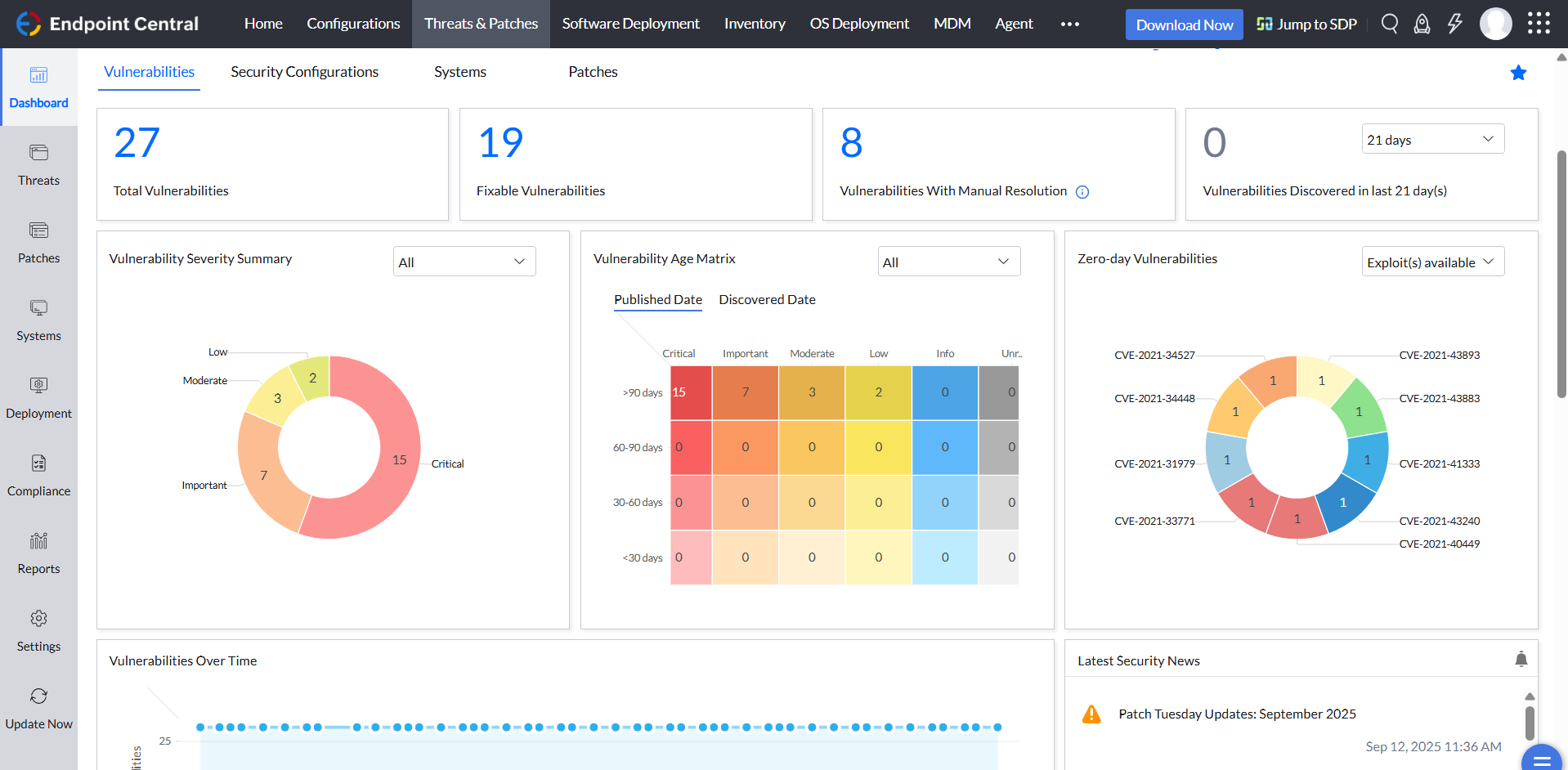   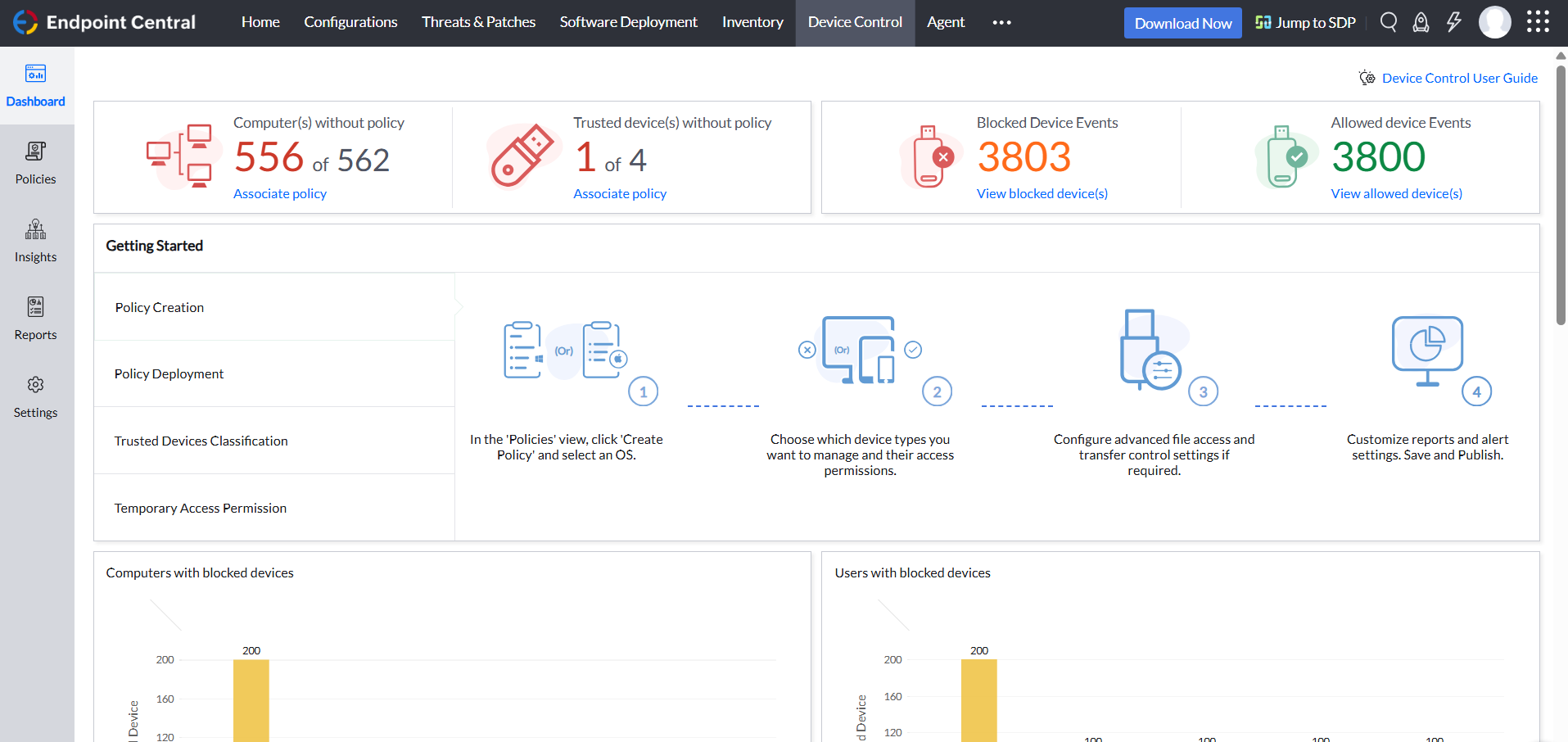 |


