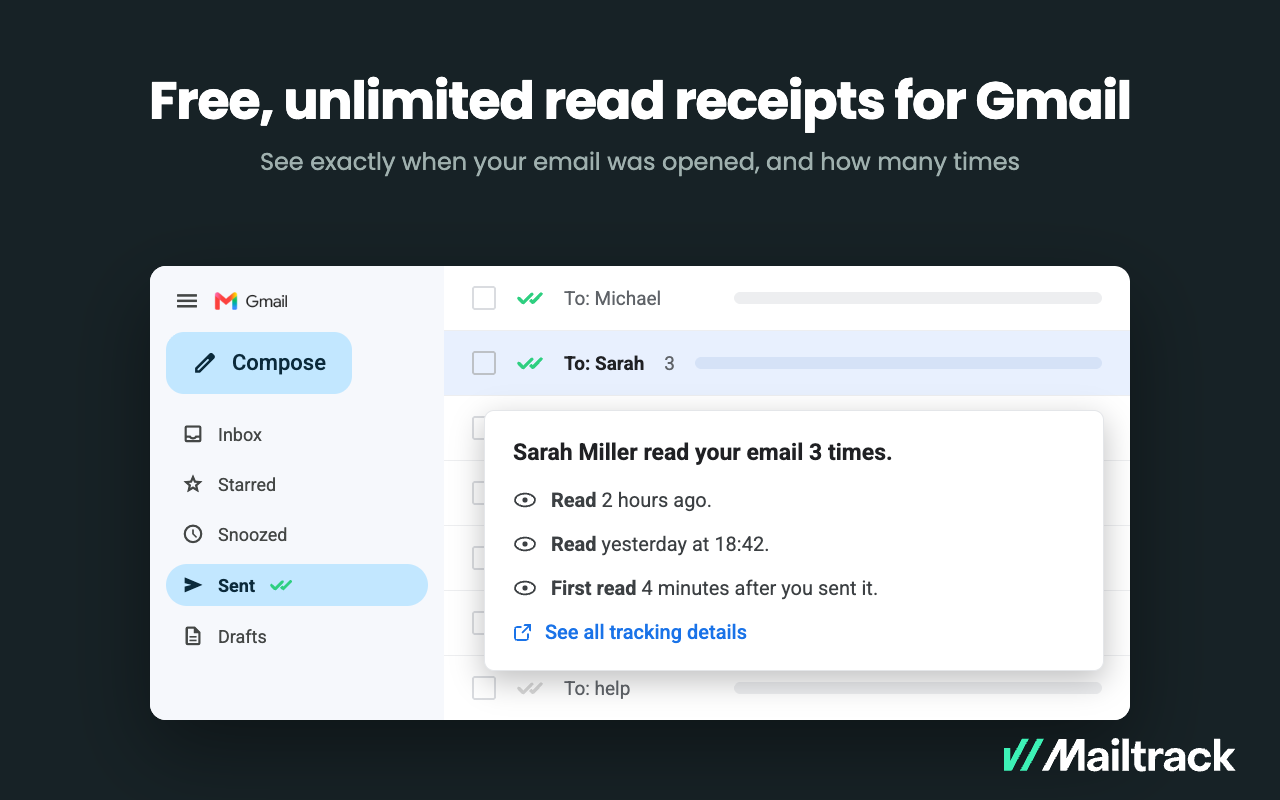
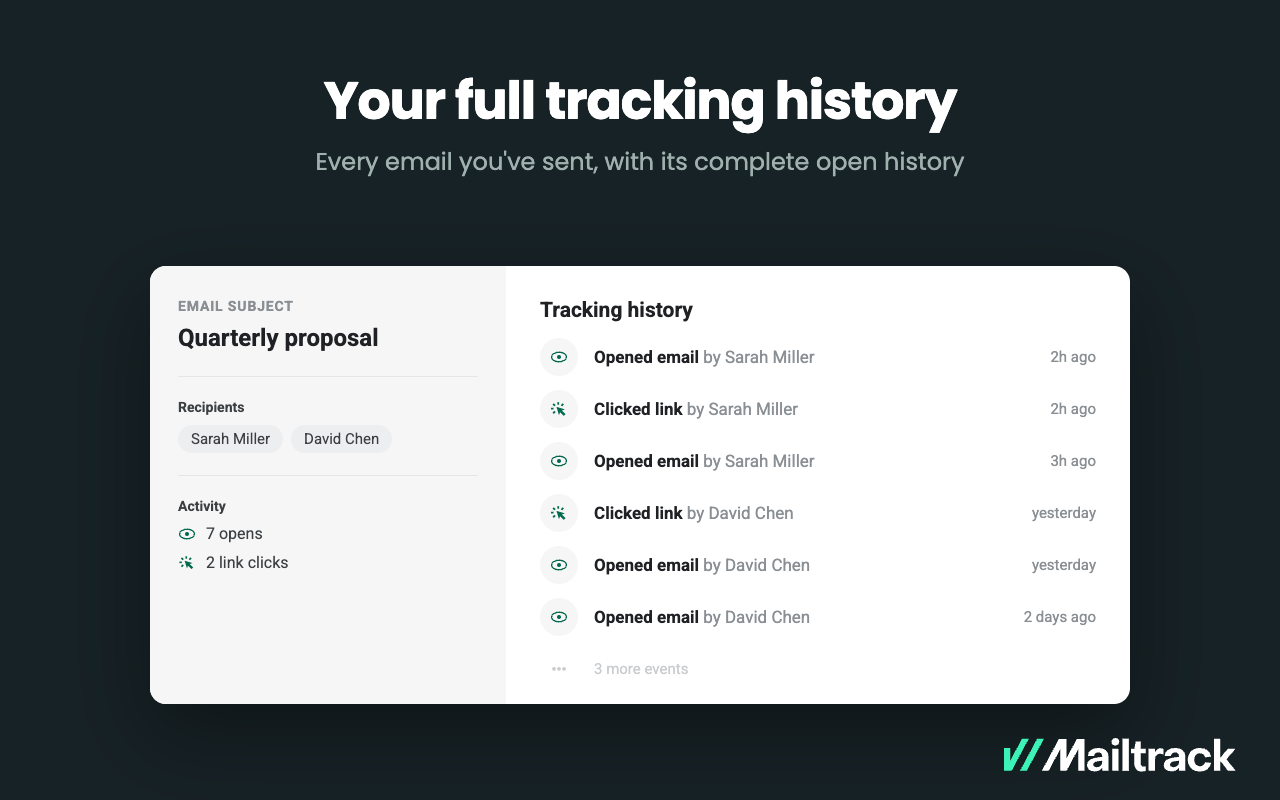
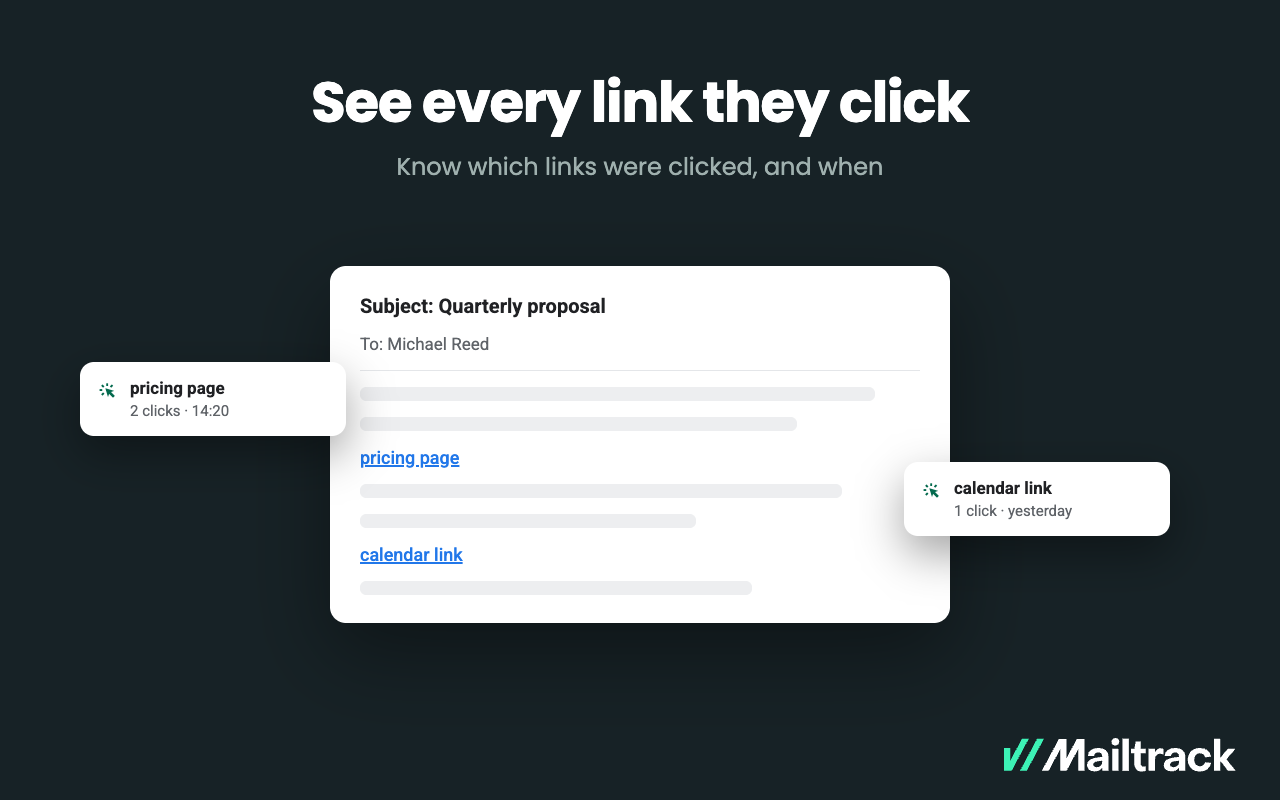
Mailtrack vs. Missive

Overview
ProductRatingMost Used ByProduct SummaryStarting Price
Mailtrack
Score 9.5 out of 10
N/A
Mailtrack is a free email tracker for Gmail, boasting over 1,5 million active users. The vendor states users will Ffollow up with more accuracy, find out the moment emails have been read, track the…N/A
Missive
Score 10.0 out of 10
N/A
Missive is an app for collaborative email and threaded group chat used by teams, from the small company of the same name in Quebec.
$18
per month per user
Pricing
MailtrackMissive
Editions & Modules
No answers on this topic
Starter
$18
per month per user
Productive
$30
per month per user
Business
$45
per month per user
Offerings
Pricing Offerings
MailtrackMissive
Free Trial
NoNo
Free/Freemium Version
YesYes
Premium Consulting/Integration Services
NoNo
Entry-level Setup FeeNo setup feeNo setup fee
Additional Details20% discount for annual pricing.
More Pricing Information
Community Pulse
MailtrackMissive
Features
MailtrackMissive
Project Management
Comparison of Project Management features of Product A and Product B
Mailtrack
-
Ratings
Missive
8.5
1 Ratings
9% above category average
Task Management00 Ratings10.01 Ratings
Scheduling00 Ratings8.01 Ratings
Mobile Access00 Ratings10.01 Ratings
Search00 Ratings6.01 Ratings
Communication
Comparison of Communication features of Product A and Product B
Mailtrack
-
Ratings
Missive
10.0
1 Ratings
22% above category average
Chat00 Ratings10.01 Ratings
Notifications00 Ratings10.01 Ratings
Discussions00 Ratings10.01 Ratings
Integrates with Gmail and Google Hangouts00 Ratings10.01 Ratings
File Sharing & Management
Comparison of File Sharing & Management features of Product A and Product B
Mailtrack
-
Ratings
Missive
10.0
1 Ratings
22% above category average
Versioning00 Ratings10.01 Ratings
Video files00 Ratings10.01 Ratings
Audio files00 Ratings10.01 Ratings
Document collaboration00 Ratings10.01 Ratings
Access control00 Ratings10.01 Ratings
Advanced security features00 Ratings10.01 Ratings
Integrates with Google Drive00 Ratings10.01 Ratings
Device sync00 Ratings10.01 Ratings
Best Alternatives
MailtrackMissive
Small Businesses
Salesflare
Salesflare
Score 10.0 out of 10
Stackby
Stackby
Score 9.0 out of 10
Medium-sized Companies
HubSpot Sales Hub
HubSpot Sales Hub
Score 8.8 out of 10
Troop Messenger
Troop Messenger
Score 9.8 out of 10
Enterprises
Groove by Clari
Groove by Clari
Score 7.1 out of 10
HCL Connections
HCL Connections
Score 9.0 out of 10
All AlternativesView all alternativesView all alternatives
User Ratings
MailtrackMissive
Likelihood to Recommend
9.4
(50 ratings)
10.0
(1 ratings)
Usability
8.7
(40 ratings)
-
(0 ratings)
Support Rating
7.1
(42 ratings)
-
(0 ratings)
User Testimonials
MailtrackMissive
Likelihood to Recommend
Mailtrack
Mailtrack is great for tracking emails if you do not want to pay for larger more complicated tools that do the same thing. If you already love your system but just want to add some convenient read tracking, that's exactly what this is for. If you have a system that doesn't work well, I would take the time to evaluate alternatives that also include read tracking (Salesforce for example). This also applies if you're trying to use this for large outbound sales emails - there are a lot of applications that have email tracking built in (Outreach.io is a great example) so it may just be worth switching your whole system.
Read full review
Missive
It fills the gap between large commercial softwares for large companies, and for small companies. Most email hosts are just basic until you start bringing in video calls, chat, etc. Missive has that and more, and I think is the #1 email choice for small companies.
Read full review
Pros
Mailtrack
  • Immediately you will be notified once any user accesses the email. There is no delay. We have crossed checked and it works awesome.
  • The Mailtrack extension is easy to use. Setting up an account and getting started is smooth and fast.
  • Free version includes unlimited email tracking, this is fab.
Read full review
Missive
  • Collaborative emails/drafts.
  • Media sharing is streamlined.
  • Highly flexible to external software/services.
Read full review
Cons
Mailtrack
  • Some of the settings can be confusing at first.
  • Some alerts are on by default and can be annoying at times.
  • Good to know if the email was deleted.
  • It would be great to know how much time recipients spent on each email.
Read full review
Missive
  • Search functionality needs some work.
Read full review
Usability
Mailtrack
I would rate Mailtrack's overall usability as a ten out of ten. The reasons for this are actually quite simple. For now, only I have been using Mailtrack. However, looking at the rather easy to use characteristics Mailtrack has to offer, I would not hesitate to recommend it to the rest of my colleagues.
Read full review
Missive
No answers on this topic
Support Rating
Mailtrack
I didn't really need to use the customer support but the fact that they proactively make the installation process so easy by providing step by step instructions with videos and everything is kind of pro-active customer support that is needed. Good for them because at the end of the day, it's everyone's dream to use a product that they don't need support for.
Read full review
Missive
No answers on this topic
Alternatives Considered
Mailtrack
There's a free tier. Obviously, there are other things to love, like notifications about your email being read, the fact that if an email hasn't been responded to in some time it gets bumped up. The fact that if other people have Mailtrack you will actually get notified who read your email. But the fact that there is a free tier is HUGE.
Read full review
Missive
I can only compare to free services or to Outlook. I cannot go back to Outlook... Truly. Outlook hits all the right marks for a business, and Missive exceeds those marks and sets new standards. I joined a company that had already chosen Missive. I not only was able to pick it up intuitively, but I felt proficient at it within a couple of weeks and already felt my workflow and communication skyrocket.
Read full review
Return on Investment
Mailtrack
  • I'm currently using the free version so my investment was time spent downloading the browser extension. I would say it's worth the investment because I can make more value through each email by finding the right time to send replies or know when is the exact time I should follow up.
  • Knowing when an email is read multiple times helps me know the importance of the content in my email.
  • The paid version allows Mailtrack to tell you which recipient read the email if there was more than 1.
Read full review
Missive
  • Overall efficiency in our communication has probably tripled. We can draw a collaborative conclusion, in-office or remote, desktop or remote, within minutes assuming we are all available.
  • We realize we are still "under-utilizing" this app. It can be a powerhouse if mastered.
Read full review
ScreenShots

Mailtrack Screenshots

Screenshot of Know when your emails were opened, and how many times.