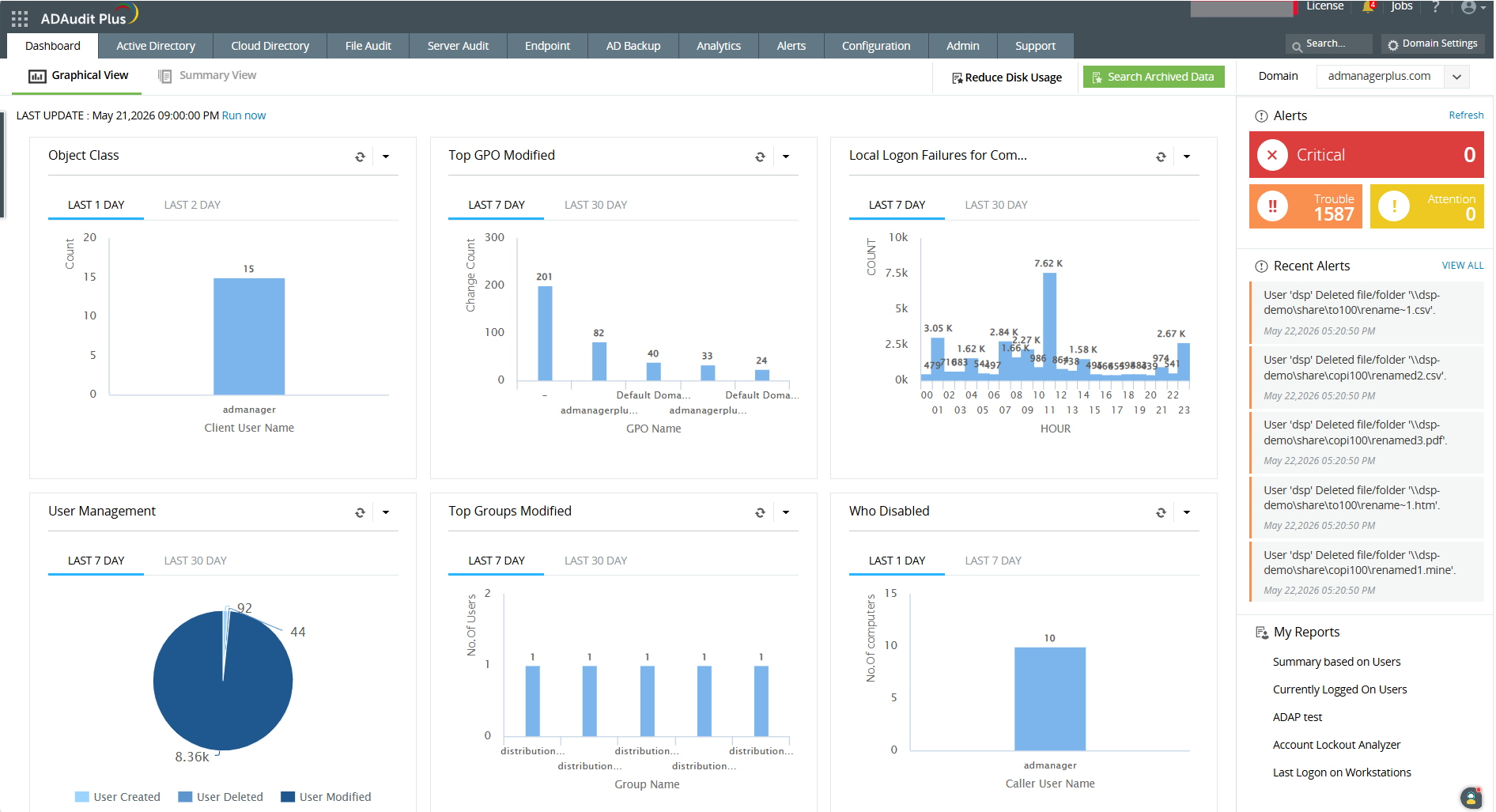
ADAudit Plus offers real-time monitoring,
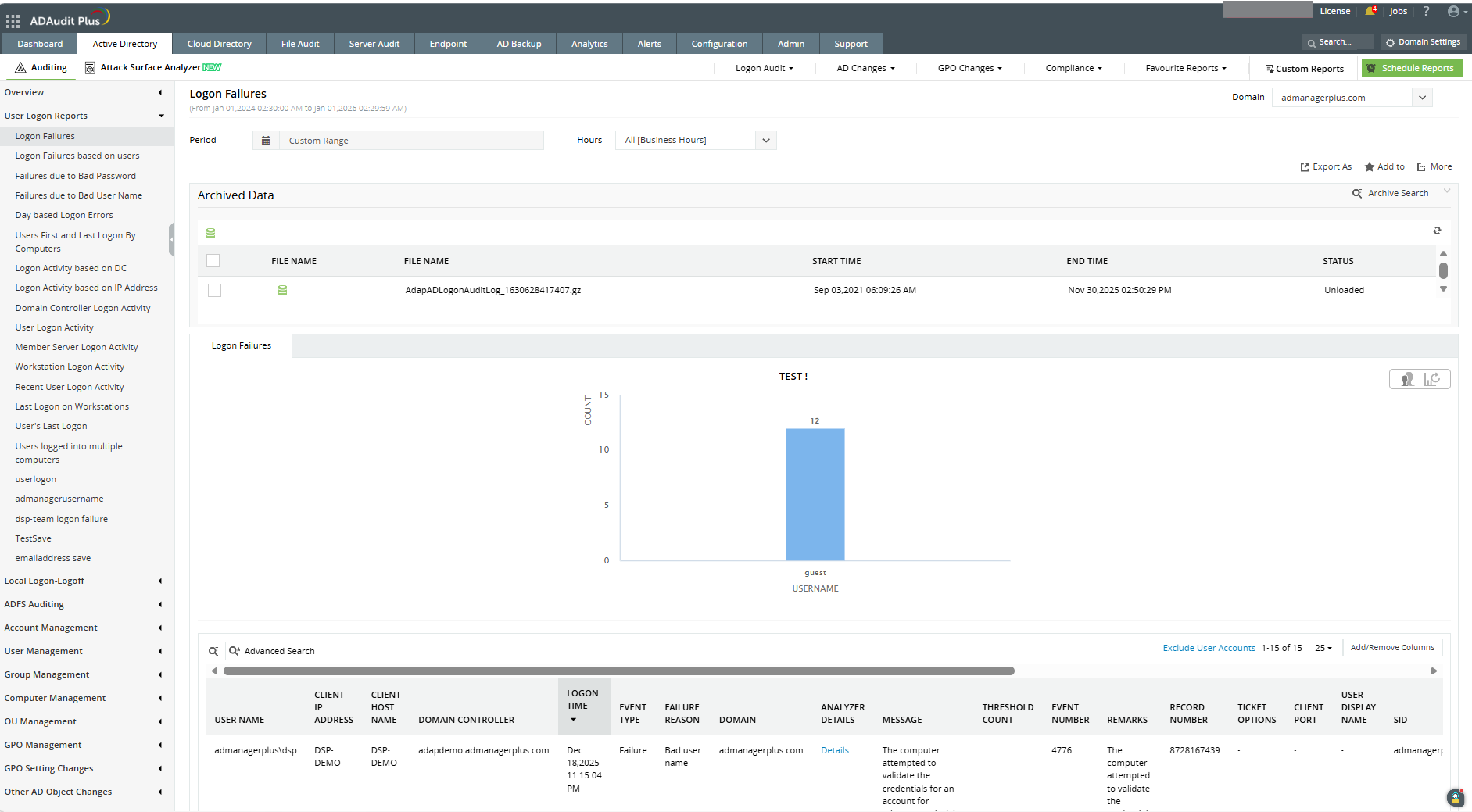
user and entity behaviour analytics, and change audit reports that helps users keep AD and IT infrastructure secure and compliant. Track all changes to Windows AD objects including users, groups,
computers, GPOs, and OUs. Achieve hybrid AD monitoring with a single, correlated view of all
the activities happening across both on-premises AD and Azure AD. Monitor every user's logon and logoff activity, including…
$595
per year based on 2 Domain Controllers
N-able N-sight RMM
Score7.4 out of 10
N/A
SolarWinds Remote Monitoring & Management (RMM) is a cloud-based system monitoring offering for Managed Service Providers. It provides a full monitoring and management suite, including automation and threat detection capabilities, and can integrate with other SolarWinds products.
N/A
Pricing
ManageEngine ADAudit Plus
N-able N-sight RMM
Editions & Modules
Standard
$595
per year Both licensed based on number of Domain Controllers, Azure AD tenants, file servers, Windows member servers, and Workstations.
Professional
$945
per year Both licensed based on number of Domain Controllers, Azure AD tenants, file servers, Windows member servers, and Workstations.
No answers on this topic
Offerings
Pricing Offerings
ManageEngine ADAudit Plus
N-able N-sight RMM
Free Trial
Yes
Yes
Free/Freemium Version
Yes
No
Premium Consulting/Integration Services
No
No
Entry-level Setup Fee
Optional
No setup fee
Additional Details
ADAudit Plus is licensed based on number of Domain Controllers (not per-user). Add-ons are available for Windows File Servers, NAS File Servers, Azure AD tenants, Windows Servers, Workstations, AD Backup and Recovery, and File Analysis. For more than 20 domain controllers, ManageEngine directs customers to contact sales for a personalized quote.
Pricing is dependent on the number of domain controllers and starts at $595/year for the Standard edition, and $945/year for the Professional edition.
I would recommend ADAuditPlus (and/or Log360) to any org that is trying to achieve PCI DSS Compliance and is struggling with some of the monitoring and reporting aspects, provided that the org is prepared to spend a little time and effort in truly understanding the requirements and is prepared to document requirements and match them to the ADAuditPlus product features.
A de minimis incentive was given to thank the reviewer for their time. The incentive was not used to bias or drive a particular response, nor was the incentive contingent on a positive endorsement. More Info
It's great for the basics of device management for Windows PCs, I wouldn't recommend it for Mac other than asset management. The patch management and monitoring templates are helpful for the day-to-day, and the "Take Control" feature for remote assistance allows us to provide fast service to clients - we often are on a machine within 5 minutes of receiving a ticket.
A de minimis incentive was given to thank the reviewer for their time. The incentive was not used to bias or drive a particular response, nor was the incentive contingent on a positive endorsement. More Info
ManageEngine ADAudit Plus changes for user and group management can be looked up in builtin reports
You can build your own reports based on almost every logic you can think of
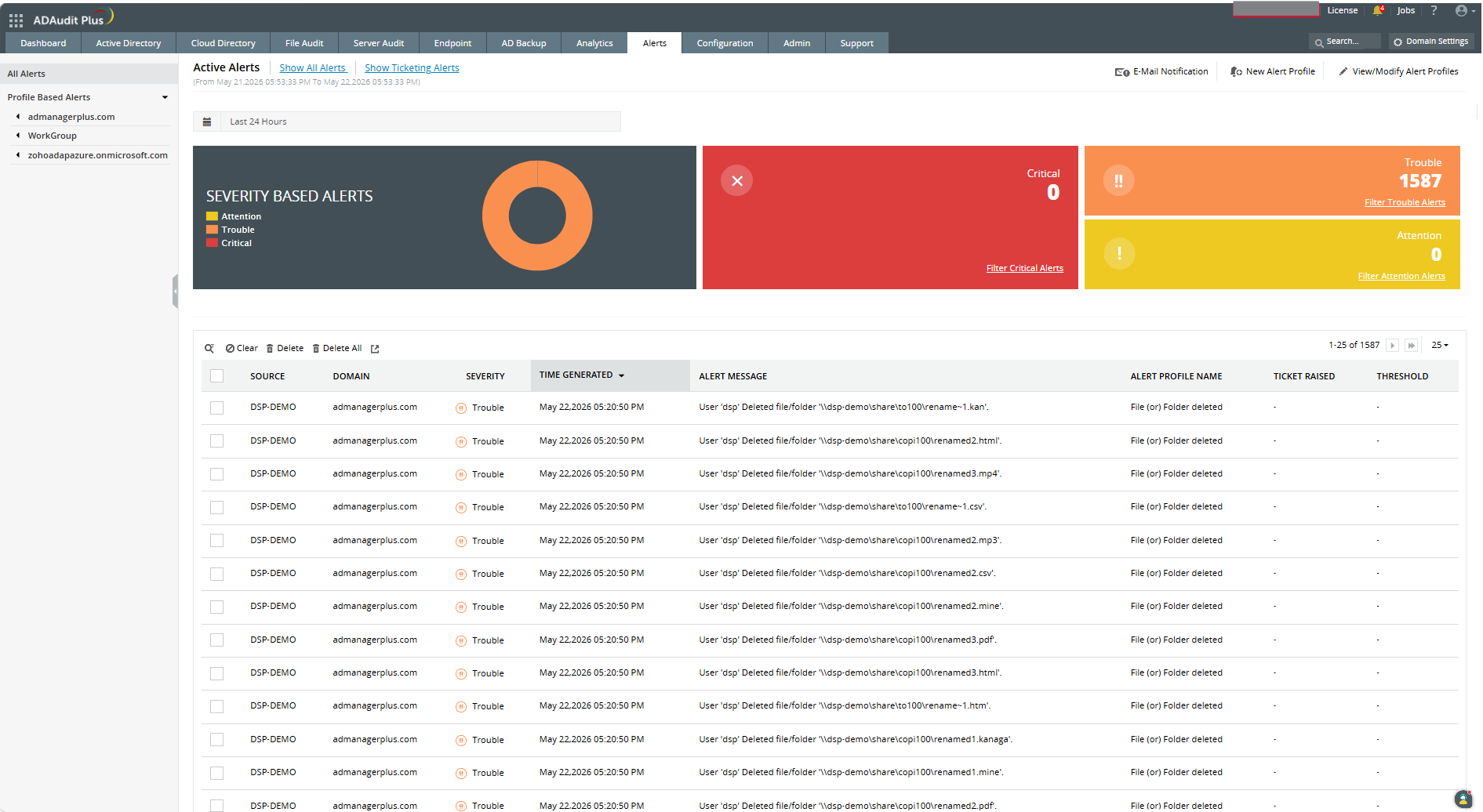
You have the ability to create alerts based on logic and filters and sendout custom alerts to email, SMS or other means.
First you need to understand the basics of the software, after that the software itself is very helpfull in configuring specific items.
I really love the support that ManageEngine is giving the customer, for all questions I use the chat on their website. This is for me the best remote support I ever saw, and I saw a lot in my 20 years of experience in IT.
A de minimis incentive was given to thank the reviewer for their time. The incentive was not used to bias or drive a particular response, nor was the incentive contingent on a positive endorsement. More Info
It provides fantastic remote access capabilities. The Take Control tool gives us a robust platform that is capable of remote controlling almost any endpoint we need to and the chat, file transfer, and screen recording tools are all exceptionally useful.
SolarWinds RMM is particularly useful as a single pane of glass solution that allows us to monitor and manage thousands of endpoints across dozens of different clients. It does a solid job of allowing us to sort, organize, and filter based off of who and what we want to see at any given time.
Due to its client based nature, the platform excels at in-depth monitoring of services, event logs, and the functionality of systems with custom script checks.
A de minimis incentive was given to thank the reviewer for their time. The incentive was not used to bias or drive a particular response, nor was the incentive contingent on a positive endorsement. More Info
It's based on Java engine that is slow -- reports are often difficult to build (we are going to upgrade the machine it's running on to see if this is the issue)
Keeping this software up to date is a pain; there should be a better "update" function
The naming and navigation are terrible -- it's never clear which feature you're looking for and where it's hidden in the menus
Adding machines is not as easy as it should be; occasionally there are IP conflicts that are nearly impossible to resolve
A de minimis incentive was given to thank the reviewer for their time. The incentive was not used to bias or drive a particular response, nor was the incentive contingent on a positive endorsement. More Info
A de minimis incentive was given to thank the reviewer for their time. The incentive was not used to bias or drive a particular response, nor was the incentive contingent on a positive endorsement. More Info
It works great for everything we need and use. Any issues in the software are pretty easy to resolve with tech support. And they are very responsive to resolving issues. Even ones where a fix/patch are required. At present, the software does everything we need it to for compliance, audit, and account review.
A de minimis incentive was given to thank the reviewer for their time. The incentive was not used to bias or drive a particular response, nor was the incentive contingent on a positive endorsement. More Info
ADAudit with its cloud and on prem install option allows any organization to get in on AD report management. Whether you need to report internally only for for external audit controls its a great tool with flexibility to handle most any user or group report capability. Since this also includes m365 integration it enables IT pros to administer usage, license, cost control and permission access to most anything in Microsoft's portfolio. Its a great tool all around for AD integrated access needs.
A de minimis incentive was given to thank the reviewer for their time. The incentive was not used to bias or drive a particular response, nor was the incentive contingent on a positive endorsement. More Info
The interface is easy to navigate. Setting up policies is straight forward. The antivirus and web filter are simple and exceptions are easy to make. Upgrading the agent is made simple and creating scripts is made fool proof. (Well, almost)
A de minimis incentive was given to thank the reviewer for their time. The incentive was not used to bias or drive a particular response, nor was the incentive contingent on a positive endorsement. More Info
A de minimis incentive was given to thank the reviewer for their time. The incentive was not used to bias or drive a particular response, nor was the incentive contingent on a positive endorsement. More Info
A de minimis incentive was given to thank the reviewer for their time. The incentive was not used to bias or drive a particular response, nor was the incentive contingent on a positive endorsement. More Info
I'd give their support a 10 if it weren't for the fact that sometimes, the support team (I believe they are overseas) can take a little bit to respond, but not too long. I may submit a ticket in the morning and won't hear about it until later in the afternoon. However, my tickets were not "urgent," so that may have been the reason for the delay. Other than that, support is great, and the ManageEngine account team has visited us in the past. It's always nice to see your product representatives take a white-glove approach like that.
A de minimis incentive was given to thank the reviewer for their time. The incentive was not used to bias or drive a particular response, nor was the incentive contingent on a positive endorsement. More Info
The ease of use, full functionality, reliability and excellent support.[N-able RMM (formerly Solarwinds RMM)] gives users a full suite of tools with a single installable file. Unlike standard tools, you don't have to install several different executables to be able to have fully protected end points.
A de minimis incentive was given to thank the reviewer for their time. The incentive was not used to bias or drive a particular response, nor was the incentive contingent on a positive endorsement. More Info
A de minimis incentive was given to thank the reviewer for their time. The incentive was not used to bias or drive a particular response, nor was the incentive contingent on a positive endorsement. More Info
The remote setup team helped when i needed it and setup weas very straight forward and easy. The advanced setup for an external db and customizations for our latest version AD environment went pretty easy once they found documentation on customization.
A de minimis incentive was given to thank the reviewer for their time. The incentive was not used to bias or drive a particular response, nor was the incentive contingent on a positive endorsement. More Info
In terms of features, ADAudit Plus offers a comprehensive set of features for monitoring and auditing Active Directory, including real-time alerts, detailed reports, and user behavior analytics. The platform also offers support for multiple platforms, including Windows, UNIX, and Linux, as well as integration with other ManageEngine tools.
A de minimis incentive was given to thank the reviewer for their time. The incentive was not used to bias or drive a particular response, nor was the incentive contingent on a positive endorsement. More Info
Ultimately, we chose to stay with N-able N-sight due to their competitive pricing and billing system that we integrated into our accounting. The other competitors do offer better-made modules/new technology, but we were not ready to make this big move because of the cost. In the future, perhaps, we will still consider NinjaOne.
A de minimis incentive was given to thank the reviewer for their time. The incentive was not used to bias or drive a particular response, nor was the incentive contingent on a positive endorsement. More Info
A de minimis incentive was given to thank the reviewer for their time. The incentive was not used to bias or drive a particular response, nor was the incentive contingent on a positive endorsement. More Info
I like the ability to customize reports and provided great visibility to AD and some servers.
It helped greatly with customer support issues when we used ADAudit with the hundreds of customer accounts used for SSON to the LOB application server to users over Citrix.
It saved time on some issues with accounts and Group Policy changes that affected customer experience.
The ROI is immediate for us. The advanced alerting alone makes this product an ace in our bag. The confidence you have in your network is wonderful.
Another big ROI we get from the advanced alerting is the peace of mind that our engineers feel. We are a 24/7 shop, so being on-call goes from being hectic to extremely manageable.
The only negative I can honestly say is when the time comes to patch the product. Micro-patches are easy enough, but jumping versions can be a bit taxing.
A de minimis incentive was given to thank the reviewer for their time. The incentive was not used to bias or drive a particular response, nor was the incentive contingent on a positive endorsement. More Info