For enterprises, Microsoft 365 Copilot (or just Microsoft Copilot) is a generative AI operating as an intelligent virtual assistant for work. Through a chat interface, business users can use it to solve a variety of complex tasks.
$31.50
per month per user
Sembly.AI
Score9 out of 10
N/A
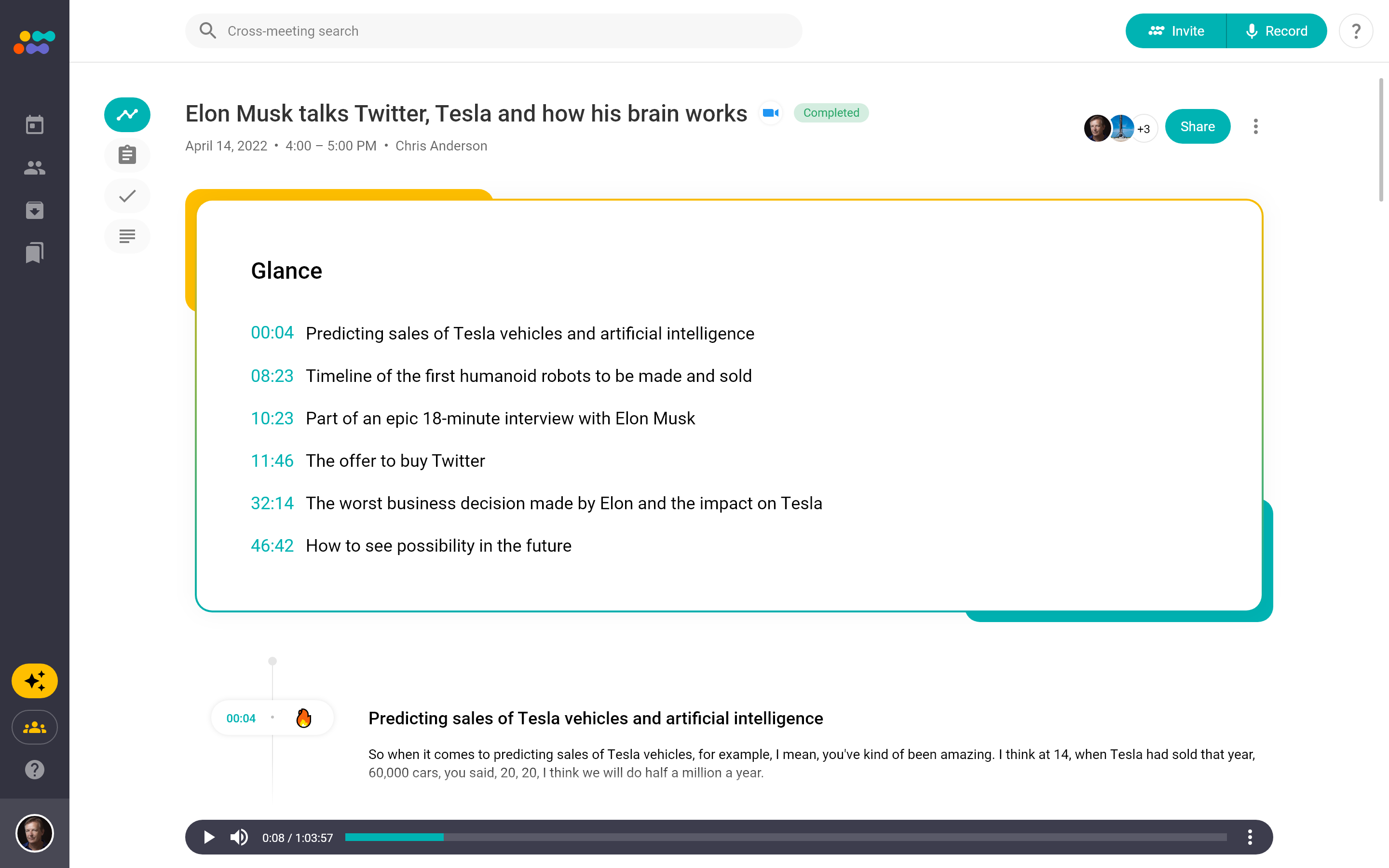
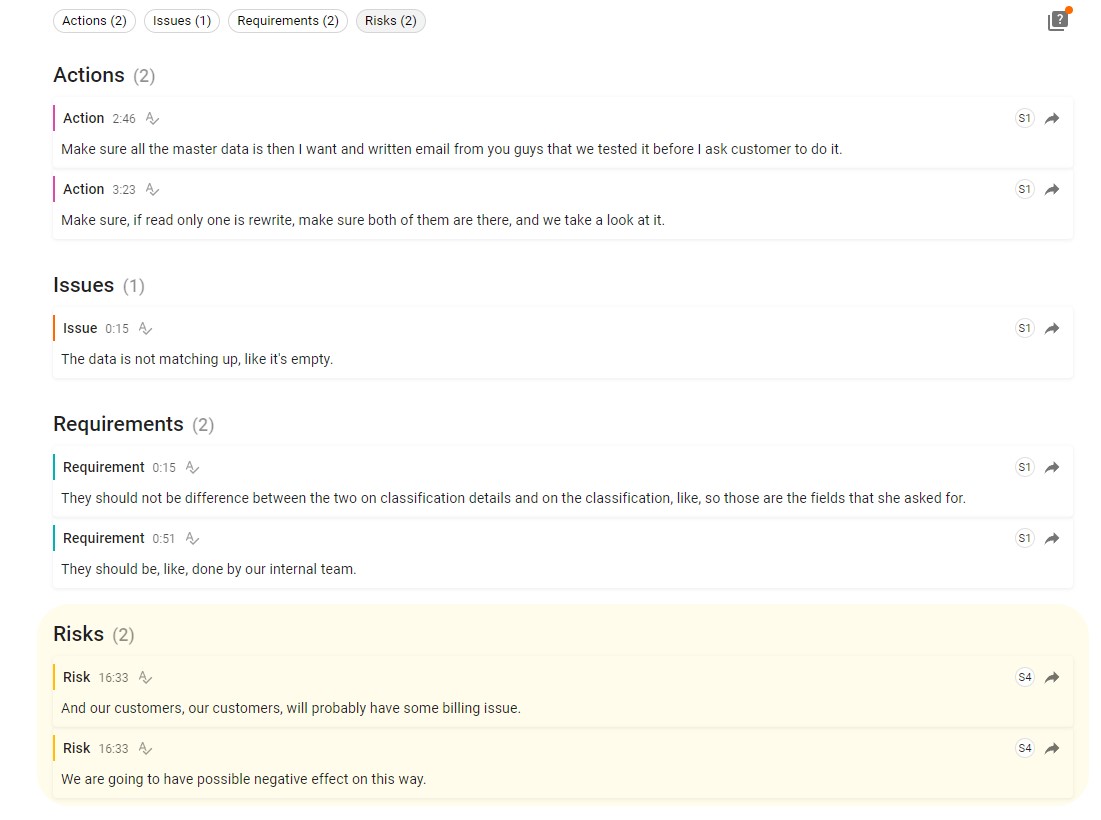
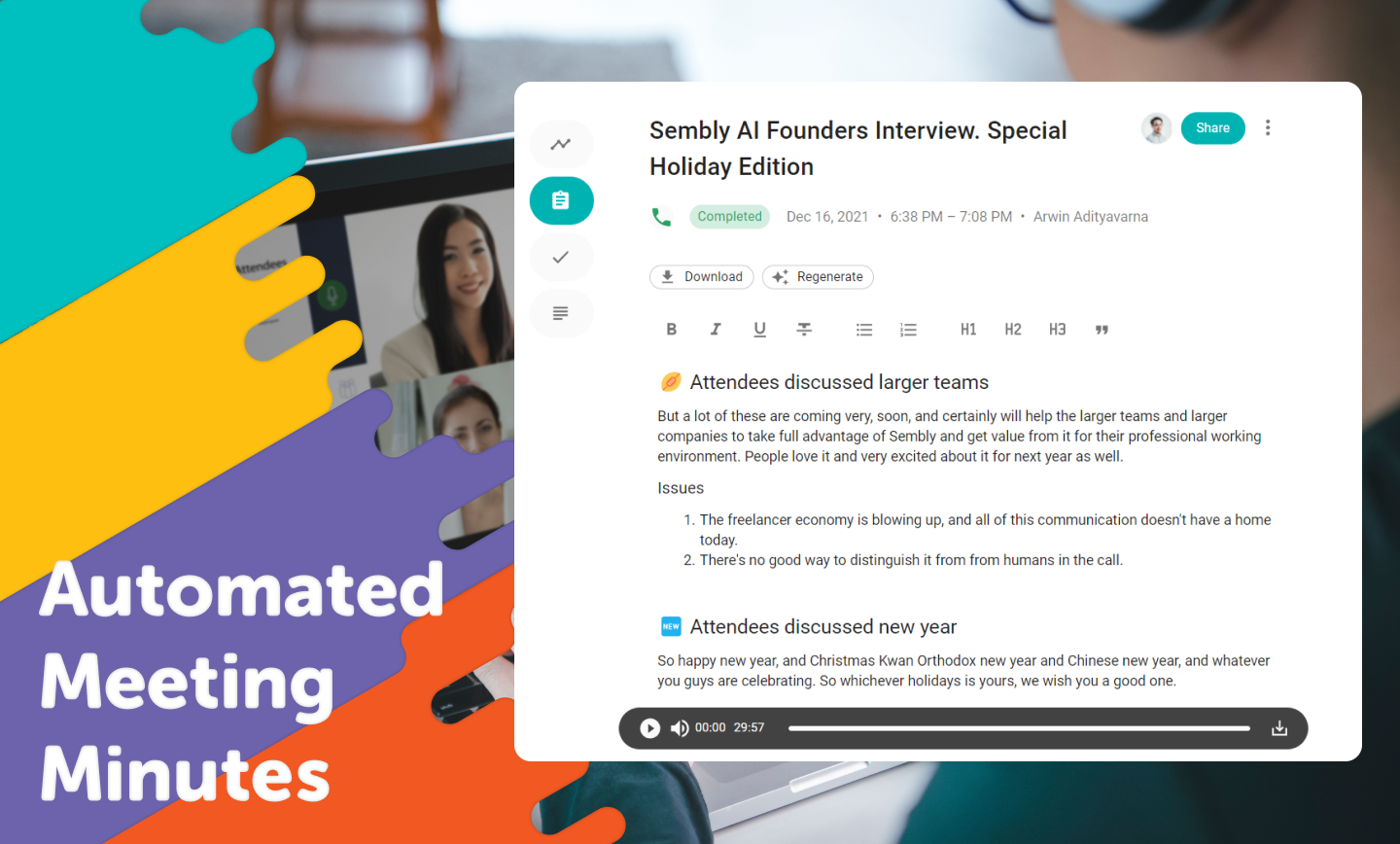
Sembly (formerly Powow) is a SaaS platform from the company of the same name in New York City, that helps to make meetings more effective by using proprietary AI algorithms to transcribe and analyze meetings, transforming them into actionable insights.
$0
per month per user
Pricing
Microsoft 365 Copilot
Sembly.AI
Editions & Modules
Microsoft Copilot
$31.50
per month per user
Sembly Personal
$0
per month per user
Sembly Professional
$10
per month per user
Sembly Team
$20
per month per user
Offerings
Pricing Offerings
Microsoft 365 Copilot
Sembly.AI
Free Trial
No
Yes
Free/Freemium Version
Yes
Yes
Premium Consulting/Integration Services
No
Yes
Entry-level Setup Fee
No setup fee
Optional
Additional Details
Pricing shown is based on an annual commitment. Discount available for annual payment.
I highly recommend its usage in Teams meetings to prepare a session transcript, meeting minutes, next steps and recognize speech by person. Also within the meeting recording, there is separation between the people talking at the time. The Copilot image creation is very accurate and useful to customize my PowerPoint presentations and other documents
A de minimis incentive was given to thank the reviewer for their time. The incentive was not used to bias or drive a particular response, nor was the incentive contingent on a positive endorsement. More Info
Powow is well suited for meetings, multi-meetings, and having everyone in the team involved. It simplifies the process of decision-making and any process within our business that needs multiple people working at the same time. It allows people to focus on the meeting instead of taking notes as Powow uses audio transcription to create summaries about everything said. It also allows getting relevant insights and analytics that are really helpful for the business. In my own case, being a fashion and design store requires hand on meetings and work that can't be done thru the internet. Also, for very important meetings or information, you can't really rely on the transcripts as they are not perfect. Even though Powow is relatively new, it has mainly positive aspects.
A de minimis incentive was given to thank the reviewer for their time. The incentive was not used to bias or drive a particular response, nor was the incentive contingent on a positive endorsement. More Info
A de minimis incentive was given to thank the reviewer for their time. The incentive was not used to bias or drive a particular response, nor was the incentive contingent on a positive endorsement. TR verified that a representative sample of customers was invited. More Info
A de minimis incentive was given to thank the reviewer for their time. The incentive was not used to bias or drive a particular response, nor was the incentive contingent on a positive endorsement. More Info
The quality of image generation in Microsoft Copilot could be improved. Compared to other AI platforms, Copilot's images often fall short in quality and frequently contain typos.
When generating agents and chatbots, Microsoft Copilot currently doesn't appear to support file download functionality.
The email reply function is useful, but the responses can sometimes be overly elaborate. It would be helpful to have more options for adjusting the tone.
A de minimis incentive was given to thank the reviewer for their time. The incentive was not used to bias or drive a particular response, nor was the incentive contingent on a positive endorsement. More Info
A de minimis incentive was given to thank the reviewer for their time. The incentive was not used to bias or drive a particular response, nor was the incentive contingent on a positive endorsement. More Info
A de minimis incentive was given to thank the reviewer for their time. The incentive was not used to bias or drive a particular response, nor was the incentive contingent on a positive endorsement. More Info
I give this rating because of the utilization I do with the product and the level security it provides which is very good. In our organization it is best suited as we have all other Microsoft tools with us. The offering made by Microsoft is great, I gave 9 out of 10 as sometimes it hallucinates as well.
A de minimis incentive was given to thank the reviewer for their time. The incentive was not used to bias or drive a particular response, nor was the incentive contingent on a positive endorsement. TR verified that a representative sample of customers was invited. More Info
We needed a tool where secure data was not submitted to servers to process as we have some health care related data to keep private. We also needed to be able to test this tool without committing first to see if it is a fit and Microsoft provided this easily to us.
Even though all of the mentioned platforms are helpful for meetings and teamwork, Powow is so much better. First, it allows multi-meetings, facilitating the job of the managers and heads of every team to be involved in all the work done. Also, it has audio transcripts that avoid the need for note-taking, making people pay full attention to the meeting. Provides as well insights and analysis related to the business and meeting content that are really helpful for the business. The AI component to extract patterns and sentiments across multiple meetings is a huge tool for managers and heads of teams to identify key issues and mitigate risks.
A de minimis incentive was given to thank the reviewer for their time. The incentive was not used to bias or drive a particular response, nor was the incentive contingent on a positive endorsement. More Info
A de minimis incentive was given to thank the reviewer for their time. The incentive was not used to bias or drive a particular response, nor was the incentive contingent on a positive endorsement. More Info
A de minimis incentive was given to thank the reviewer for their time. The incentive was not used to bias or drive a particular response, nor was the incentive contingent on a positive endorsement. More Info