Microsoft Defender for Cloud Apps (formerly Microsoft Cloud App Security) is a multimode cloud access security broker.
N/A
Teams Manager
Score8 out of 10
Mid-Size Companies (51-1,000 employees)
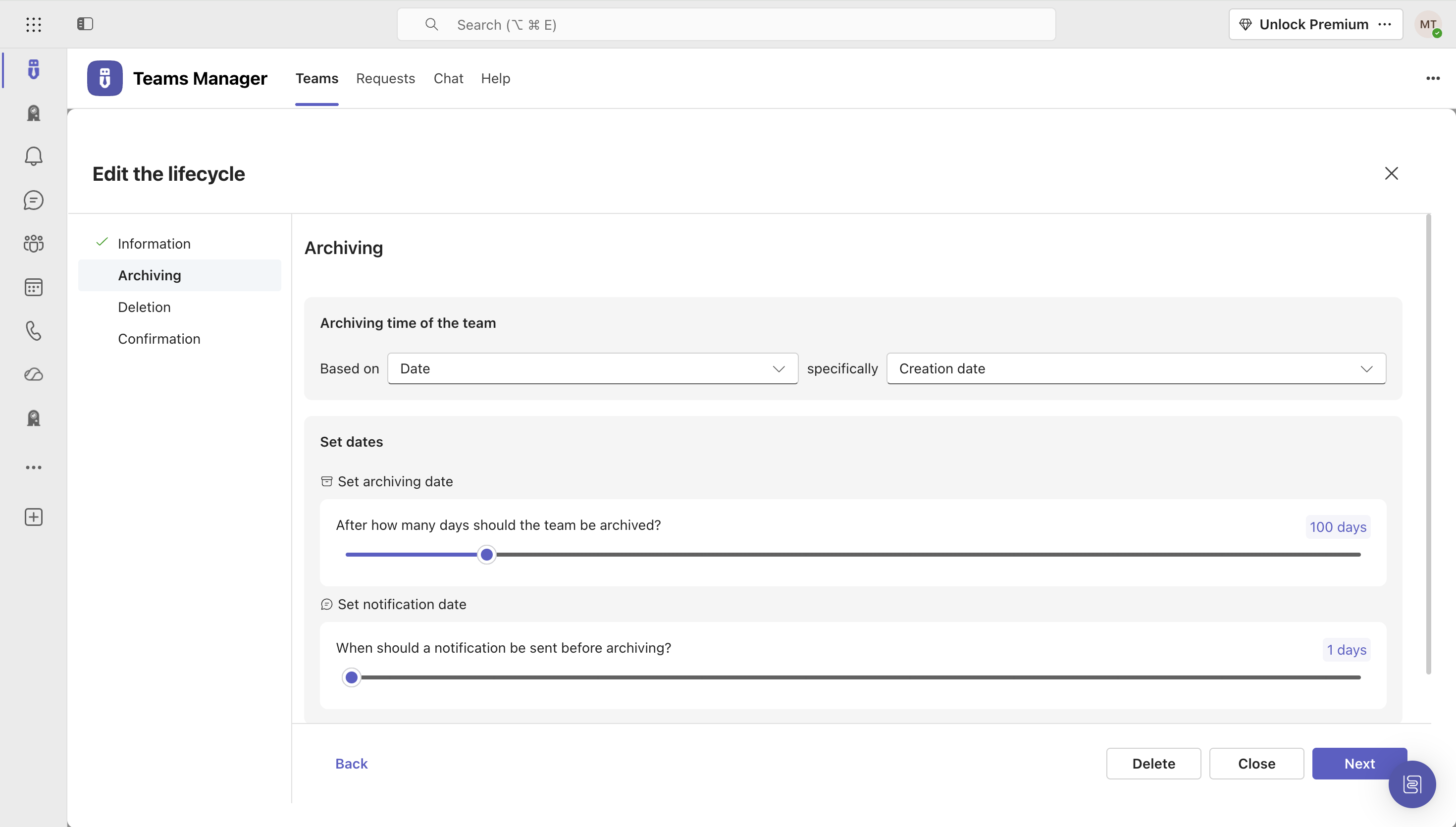
IT administrators can keep control of their Microsoft 365 environment with Teams Manager. Teams Manager is used to prevent the uncontrolled creation of Teams and Groups and automate governance processes. Key Features: • Governance Dashboard and Reports – provides an overview of the M365 environment (inactive or ownerless teams, teams with guests etc.) • Provisioning of new teams & SharePoint sites – with channels,…
$1.60
per year
Pricing
Microsoft Defender for Cloud Apps
Teams Manager
Editions & Modules
No answers on this topic
Extra Large (4,000+ users)
$1.60
per year per user
Small (up to 249 users)
1,599
per year per installation
Medium (up to 999 users)
4,049
per year per installation
Large (up to 4000 users)
6,499
per year per installation
Offerings
Pricing Offerings
Microsoft Defender for Cloud Apps
Teams Manager
Free Trial
No
Yes
Free/Freemium Version
No
No
Premium Consulting/Integration Services
No
Yes
Entry-level Setup Fee
No setup fee
Optional
Additional Details
—
Prices are starting prices. Not listed here are the different support and service packages.
Microsoft Defender for Cloud Apps is well suited when working with other Microsoft Applications. For example, if you are working with Microsoft Office 365 it works very well when implementing CASB features. It works when implementing monitoring or blocks on Sanctioned applications however customizing the message to users is not that great.
A de minimis incentive was given to thank the reviewer for their time. The incentive was not used to bias or drive a particular response, nor was the incentive contingent on a positive endorsement. More Info
It's well suited if you or your organization performs tasks incorporating other Microsoft programs such as OneNote or Planner. Teams Manager allows for easy management of that software usage; if you do not use any of those, I'm not sure if there is much advantage in using it to manage workflow.
A de minimis incentive was given to thank the reviewer for their time. The incentive was not used to bias or drive a particular response, nor was the incentive contingent on a positive endorsement. More Info
The integration to Microsoft Entra ID is seamless, which allows Conditional Access to redirect the session to Microsoft Defender for Cloud App for it to take actions (Block or Monitor).
Tracker users' activity is very good when troubleshooting or running an investigate.
Detecting risky users through tight integration with Microsoft Entra ID is a very good feature.
Detecting mass downloads and blocking the download of files from non-manage company devices is a very good feature as well.
A de minimis incentive was given to thank the reviewer for their time. The incentive was not used to bias or drive a particular response, nor was the incentive contingent on a positive endorsement. More Info
A de minimis incentive was given to thank the reviewer for their time. The incentive was not used to bias or drive a particular response, nor was the incentive contingent on a positive endorsement. More Info
It takes some time to scan and apply the policies when there is some sensitive information.
After it applies the policies, it works, but there is a delay.
It doesn't provide any way to scan Microsoft Teams when an external exchange of images is happening. You can always do the filtering on the documents during the chat, but if there is an image, then some kind of OCR capability is required to detect it. At present, there is no way [Microsoft Cloud App Security] can go and detect those kinds of images and alert us
A de minimis incentive was given to thank the reviewer for their time. The incentive was not used to bias or drive a particular response, nor was the incentive contingent on a positive endorsement. More Info
user interface can be enhanced to seperate the color coding for different channels
It would be great to receive notifications in Outlook for Shifts and be able to approve/deny requests and schedule changes there while it's synced with the Outlook calendar.
A de minimis incentive was given to thank the reviewer for their time. The incentive was not used to bias or drive a particular response, nor was the incentive contingent on a positive endorsement. More Info
The interface is pretty simple and easy to use; however, you will need to do a lot of investigative research on your own to get comfortable with it. Originally, many of the Microsoft security tools had their own seperate consoles. Overtime, they have blended into one interface which is the ideal state. In some cases it is clear Microsoft had to pick which console a certain feature or setting was going to reside in and this leads to some confusion. For example, DLP is managed through Defender for Cloud Apps but you will also need to jump into Purview. For things like reverse proxy on your M365 tenant, you will need to go into Azure and setup conditional access rules. Not a big problem and I can understand why the settings are located where they are but for someone just starting out with Defender for Cloud Apps, it will take some time to figure out.
A de minimis incentive was given to thank the reviewer for their time. The incentive was not used to bias or drive a particular response, nor was the incentive contingent on a positive endorsement. More Info
It is a well-designed and polished application on Teams. Most of its issues stem from Teams UI and UX, which could be improved further. However, if you can fit the team manager to your needs, it can become a very powerful tool to manage data flow.
A de minimis incentive was given to thank the reviewer for their time. The incentive was not used to bias or drive a particular response, nor was the incentive contingent on a positive endorsement. More Info
I have not utilized actual support but the Sales and Product teams have been super helpful in moving our implementation forward and showing us the best practices.
A de minimis incentive was given to thank the reviewer for their time. The incentive was not used to bias or drive a particular response, nor was the incentive contingent on a positive endorsement. More Info
More flexible and more features with easy integration with cloud services like Microsoft Azure and other cloud services. Overall both gives similar features but we prefer Microsoft cloud app security due to its high threat detection rate. mostly we have been able to stop the threat in very very less time.
A de minimis incentive was given to thank the reviewer for their time. The incentive was not used to bias or drive a particular response, nor was the incentive contingent on a positive endorsement. More Info
We still use it for our one-off situations, but mostly stick to Teams as it is much more user-friendly and allows better sharing capabilities through virtual meetings. Skype is not as easily customized, so it's a no-brainer to use Microsoft Teams and Team Manager for all of our instant messaging and virtual meeting needs.
A de minimis incentive was given to thank the reviewer for their time. The incentive was not used to bias or drive a particular response, nor was the incentive contingent on a positive endorsement. More Info
Cloud App Security saves us thousands of dollars finding and rectifying apps security issues
Identity Security Posture helps the organization identity stay in shape, saving thousands of dollars on security consultations
The cost of suffering a breach cannot be quantified, CAS helps minimize the chances of the attackers succeeding, with excellent historical logging for most operations
A de minimis incentive was given to thank the reviewer for their time. The incentive was not used to bias or drive a particular response, nor was the incentive contingent on a positive endorsement. More Info
A de minimis incentive was given to thank the reviewer for their time. The incentive was not used to bias or drive a particular response, nor was the incentive contingent on a positive endorsement. More Info